
Descargar la aplicación


Servicios al cliente
Sobre nosotros
Copyright © 2025 Desertcart Holdings Limited
Descargar la aplicación
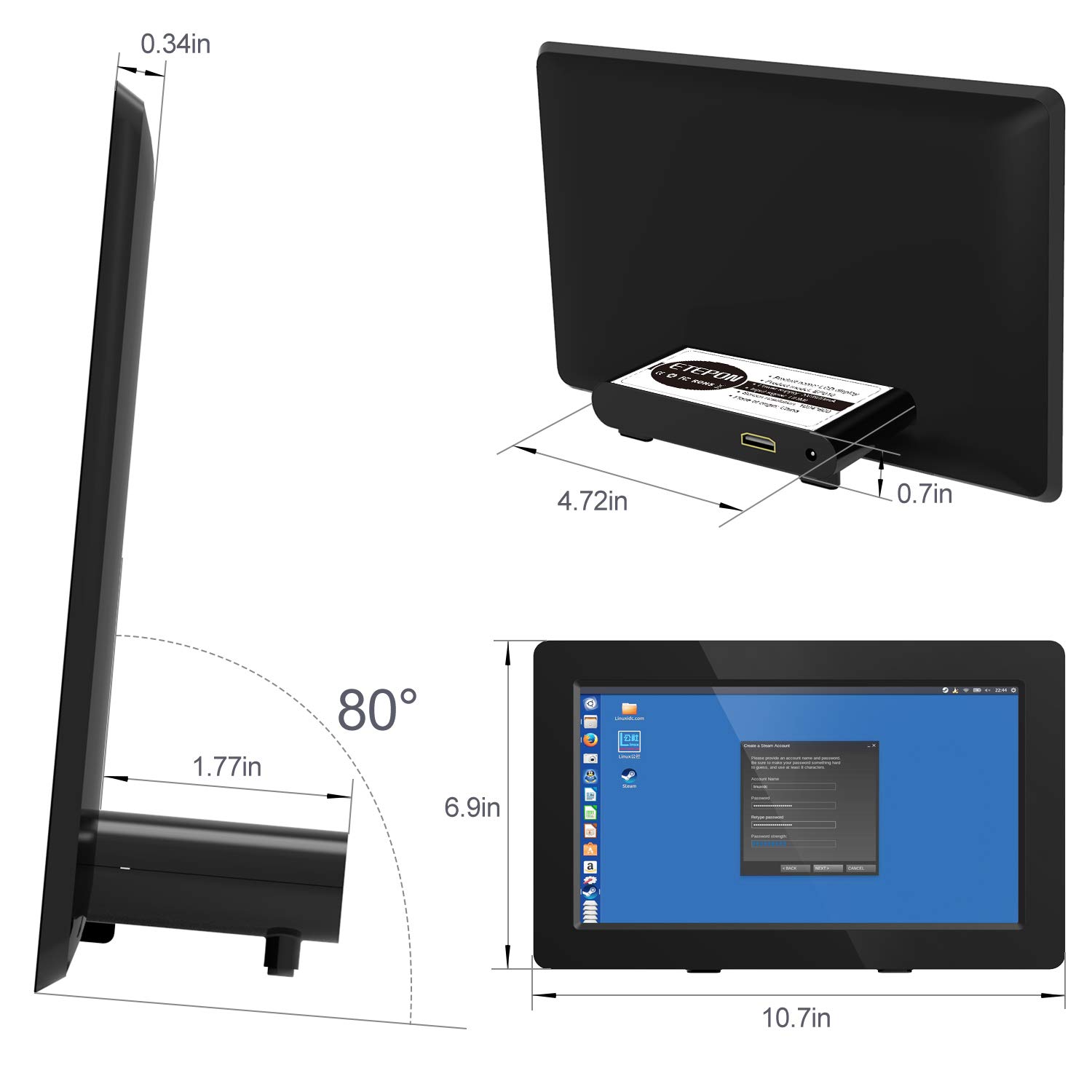
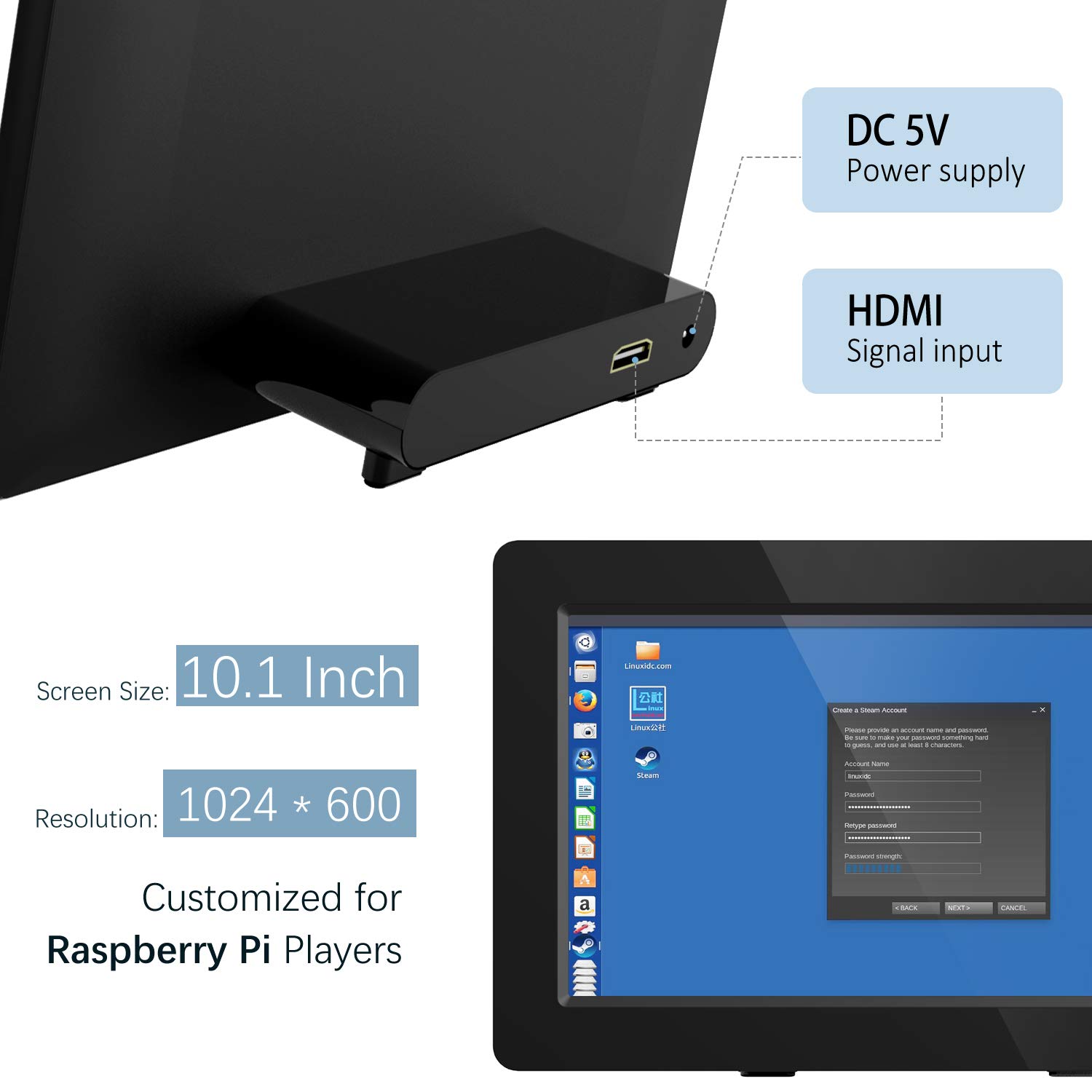

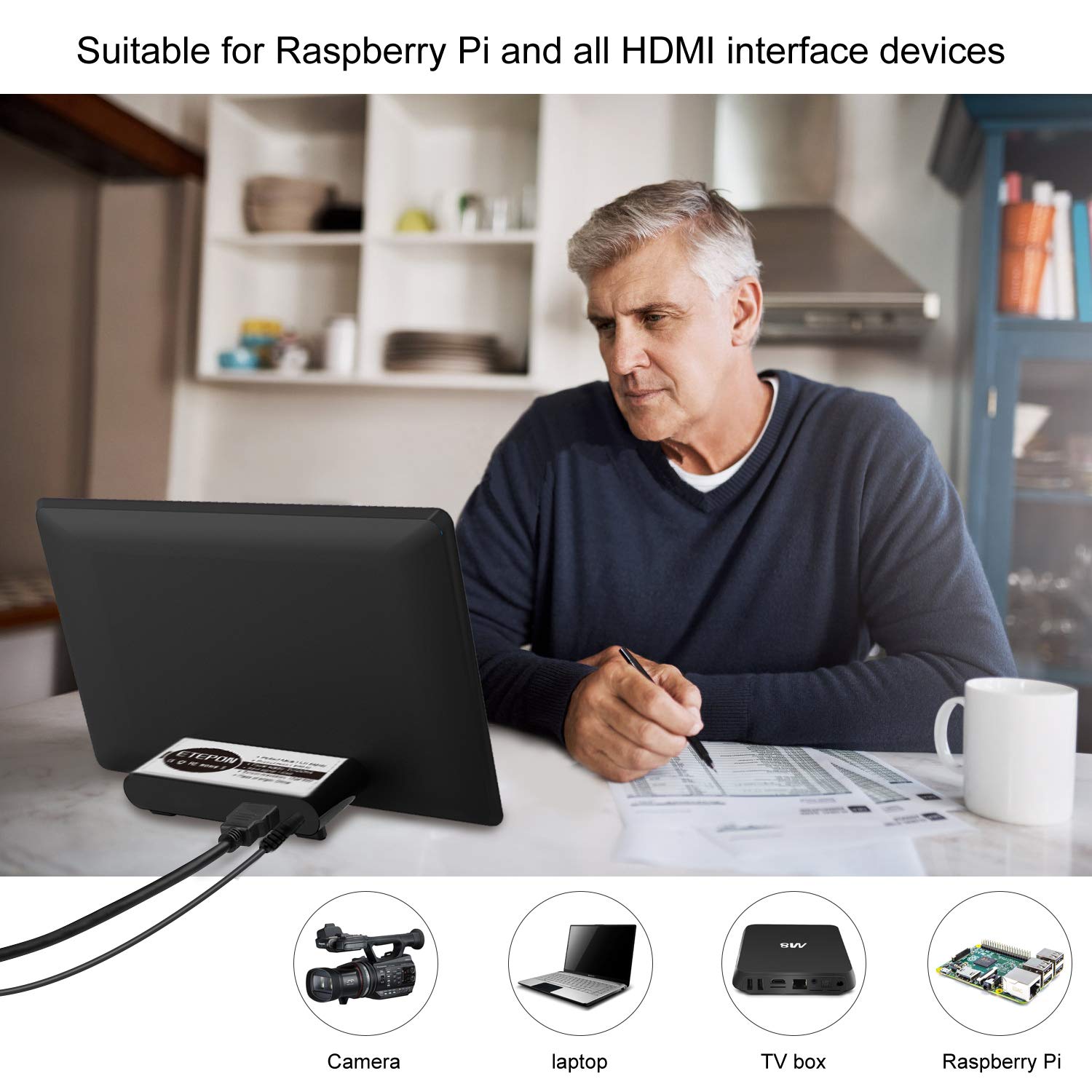
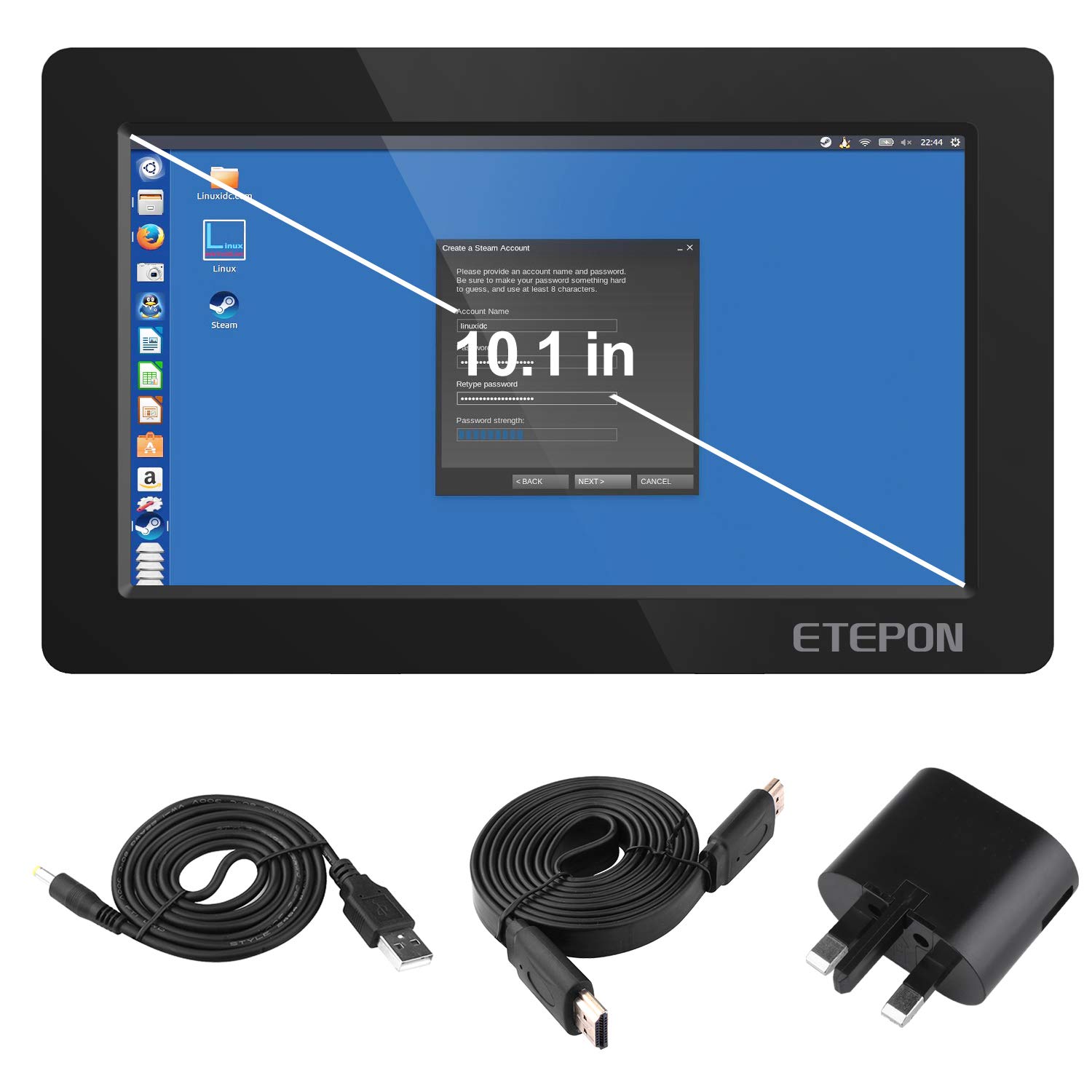
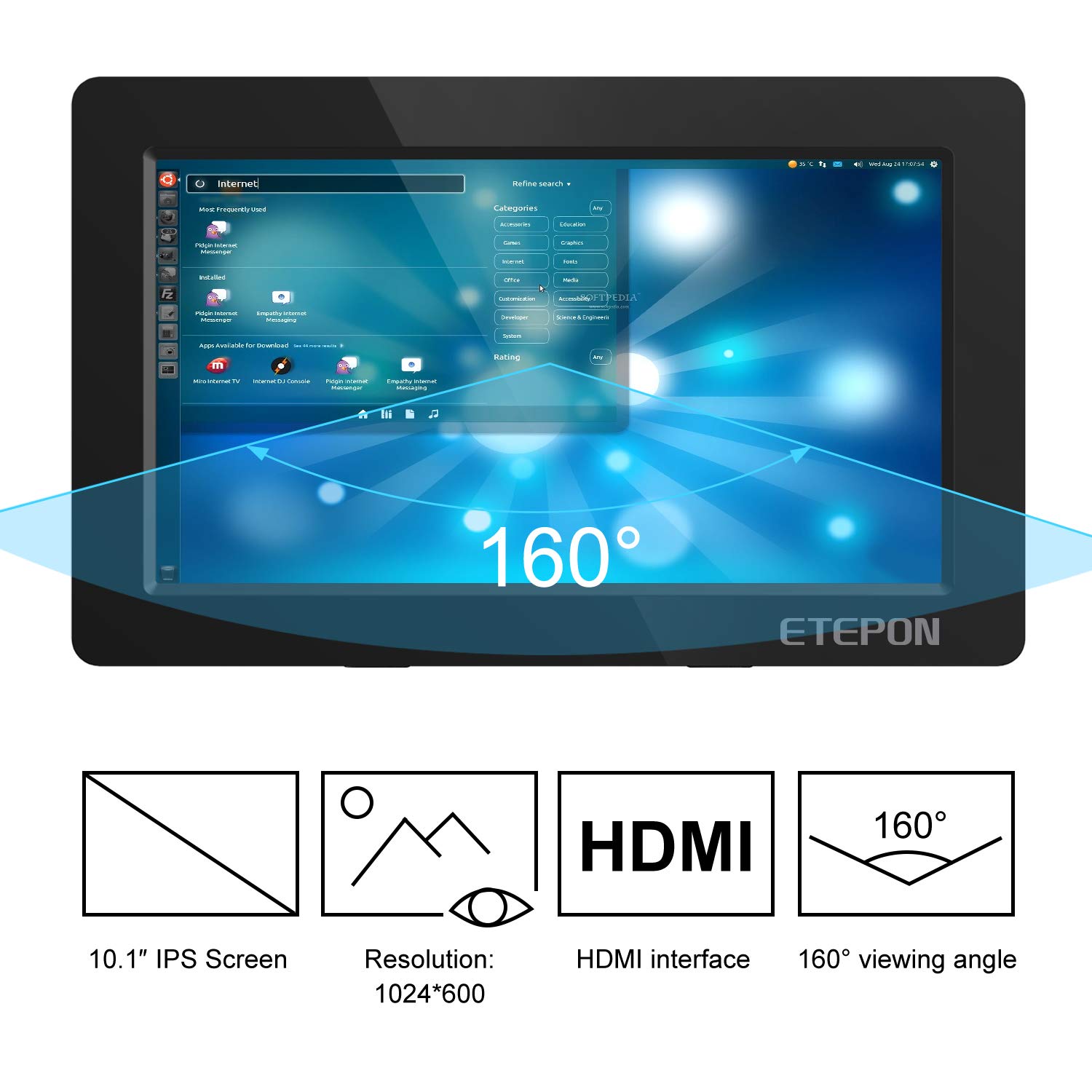
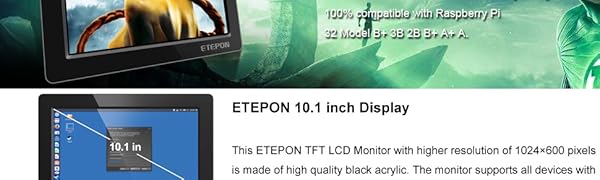
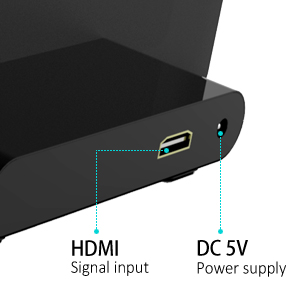
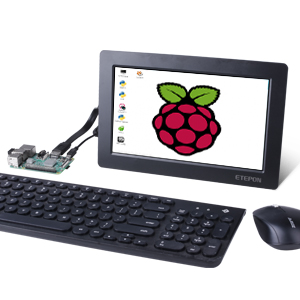
ETEPON Raspberry Pi Screen 10.1 Inch HDMI Monitor TFT Display 1042 x 600 for Raspberry Pi 3 2 Model B+ 3B 2B B+ A+ A EP010 (blue) : desertcart.co.uk: Computers & Accessories Review: Excellent value monitor - Been using this for a while now. This is great as a second screen for my PC - you're not going to get amazing quality at this price but this is very good value. Youtube looks good on it, a little washed out in colour but fine for Youtube and emulator gaming. Very happy with it. Edit - moved from 4 to 5 stars as I thought you couldn't fix the slightly washed out appearance. I found that I can change the brightness/contrast etc through AMD radeon software (not sure if Nvidia offer this feature - I have a Vega 64 graphics card, maybe Nvidia have the same feature not 100% sure). Display looks great now. This little monitor is amazing value as a 2nd display Review: Not good not bad, just ok. - A ten inch usb powered (from a laptop, tablet or similar), for under £50? Too good to be true? Yes and no. The screen has a very soft image, with no brightness or contrast settings. You can change the settings through the second screen settings through windows though. The screen can only be realistically viewed straight on. Try and move to one side and the screen acts similar to an old crt monitor. So in summary, does the job, but there better options out there.

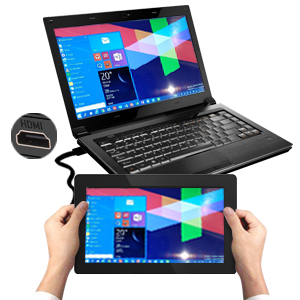
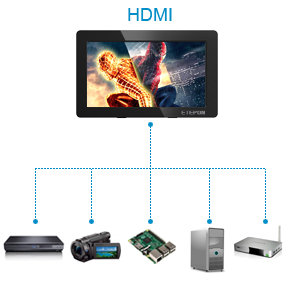
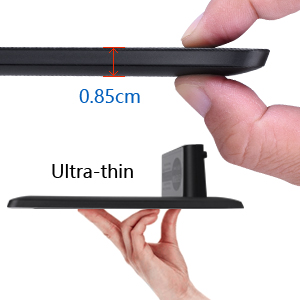

| ASIN | B07KT2T2ZG |
| Are Batteries Included | No |
| Brand | ETEPON |
| Colour | blue |
| Customer Reviews | 3.7 3.7 out of 5 stars (28) |
| Date First Available | 23 Nov. 2018 |
| Guaranteed software updates until | unknown |
| Item Weight | 750 g |
| Manufacturer reference | EP010-UK-FBA |
| Number of HDMI Ports | 1 |
| Product Dimensions | 30.23 x 20.32 x 7.62 cm; 750 g |
| Screen Resolution | 1042 x 600 |
| Standing screen display size | 10.1 Inches |
C**T
Excellent value monitor
Been using this for a while now. This is great as a second screen for my PC - you're not going to get amazing quality at this price but this is very good value. Youtube looks good on it, a little washed out in colour but fine for Youtube and emulator gaming. Very happy with it. Edit - moved from 4 to 5 stars as I thought you couldn't fix the slightly washed out appearance. I found that I can change the brightness/contrast etc through AMD radeon software (not sure if Nvidia offer this feature - I have a Vega 64 graphics card, maybe Nvidia have the same feature not 100% sure). Display looks great now. This little monitor is amazing value as a 2nd display
S**D
Not good not bad, just ok.
A ten inch usb powered (from a laptop, tablet or similar), for under £50? Too good to be true? Yes and no. The screen has a very soft image, with no brightness or contrast settings. You can change the settings through the second screen settings through windows though. The screen can only be realistically viewed straight on. Try and move to one side and the screen acts similar to an old crt monitor. So in summary, does the job, but there better options out there.
J**Y
Ok for the price but no audio output/audio out or buit in brightness control
This product seems ok for the price but I do wish it had buit in speakers and or even better audio out though, I also think it should have at least had built in brightness control personally, I do hope they make 720p/1080p versions at some point with those features. I tried to use it for Samsung Dex with an Amazon basics USB C to HDMI adaptor and it worked but txt etc is too small or not very clear due to resolution, it was ok but not the best for watching video on that setup, since that didnt turn out quite how I had hoped I decided to try my PS Vita TV on it that would not have been too bad for gaming every so often but as I said above you can not adjust the brightness (it hurts my eyes at the brightness its at tho I have sensitive eyes so I dont know if that would bother other people or not? and it has no type of sound output nor buit in speakers so I have not decided what I will actually end up using it for yet though I might see if it would be possible to use for a Raspberry Pi project I want to do, it depends how the power and hdmi ports are connected to the screen and if they have flexible wires between them or not as I"m wanting to make a Raspberry Pi mini linux netbook/laptop and have not decided if I want it to be 10" or "7 yet.
P**R
Terrible viewing angles, no power button, short power cable, But two stars for the nice HDMI cable
So the screen itself is ok although the viewing angles are awful they supply you with the smallest power cord it's not even 30cm long which really limits the place you can place the screen. I have had to place mine on top of my pc tower and due to the terrible viewing Angel's I've had to place it onto of cellotape and have the monitor screen diagonally facing down with only blutac to support it. Also there is no power button so get used to a bright blue screen unless you can unplug it whenever you stop using it. The best part about this is it comes with a really nice flat HDMI cable which is like 3 times longer than the power cord (logic).
N**N
Very Disappointing!
I bought this Etepon 10 inch screen to use with my Raspberry Pi 4. I thought the display would be crisp and sharp in all supported resolutions. How disappointingly wrong was I! I have tried multiple supported resolutions and nearly all resulted in a washed out display. Please see attached image. The image shows the standard 1024x600 60Hz mode and was setup using the manufacturer recommended settings. I had too remove the setting "max_usb_current=1" from there config file as this shut the display output down completely. The only mode that even comes close too acceptable is 800x600. At this point and unless the seller comes up with some magic remedy, I would not recommend this display for the Raspberry Pi. Br
D**D
Perfect for a Pi
Great little screen for my Raspberry Pi. Very good picture and comes complete with a HDMI cable. Not quite plug and play on the Pi but with a basic knowledge of the command line, all you have to do is copy and paste a new config file. Well made but light weight - ideal if you need a desktop gui for your Pi.
M**S
Loss of clarity when used in console mode.
This monitor looked ideal in both price and size but unfortunately when used with a raspberry pi as a console screen the font became too difficult to read. I had to opt for a larger monitor and a higher resolution to overcome this problem.
S**N
800x480
I opened this up to have a look at the circuit board and found printed on it the resolution 800x480. So they are over stating what this is capable of. You can set it to higher resolutions but the font looks blurred.
Trustpilot
Hace 1 mes
Hace 2 días