
Descargar la aplicación


Servicios al cliente
Sobre nosotros
Copyright © 2025 Desertcart Holdings Limited
Descargar la aplicación

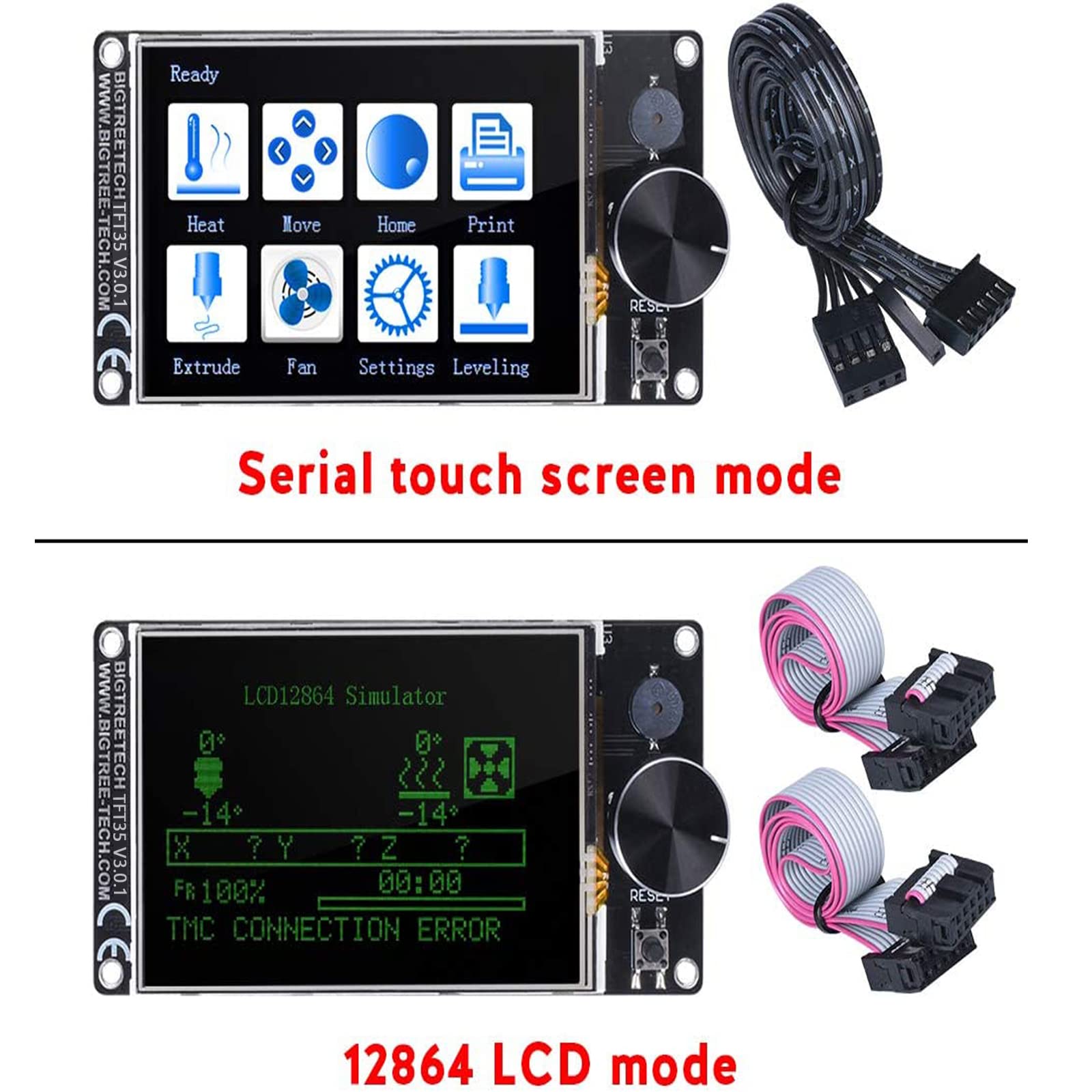
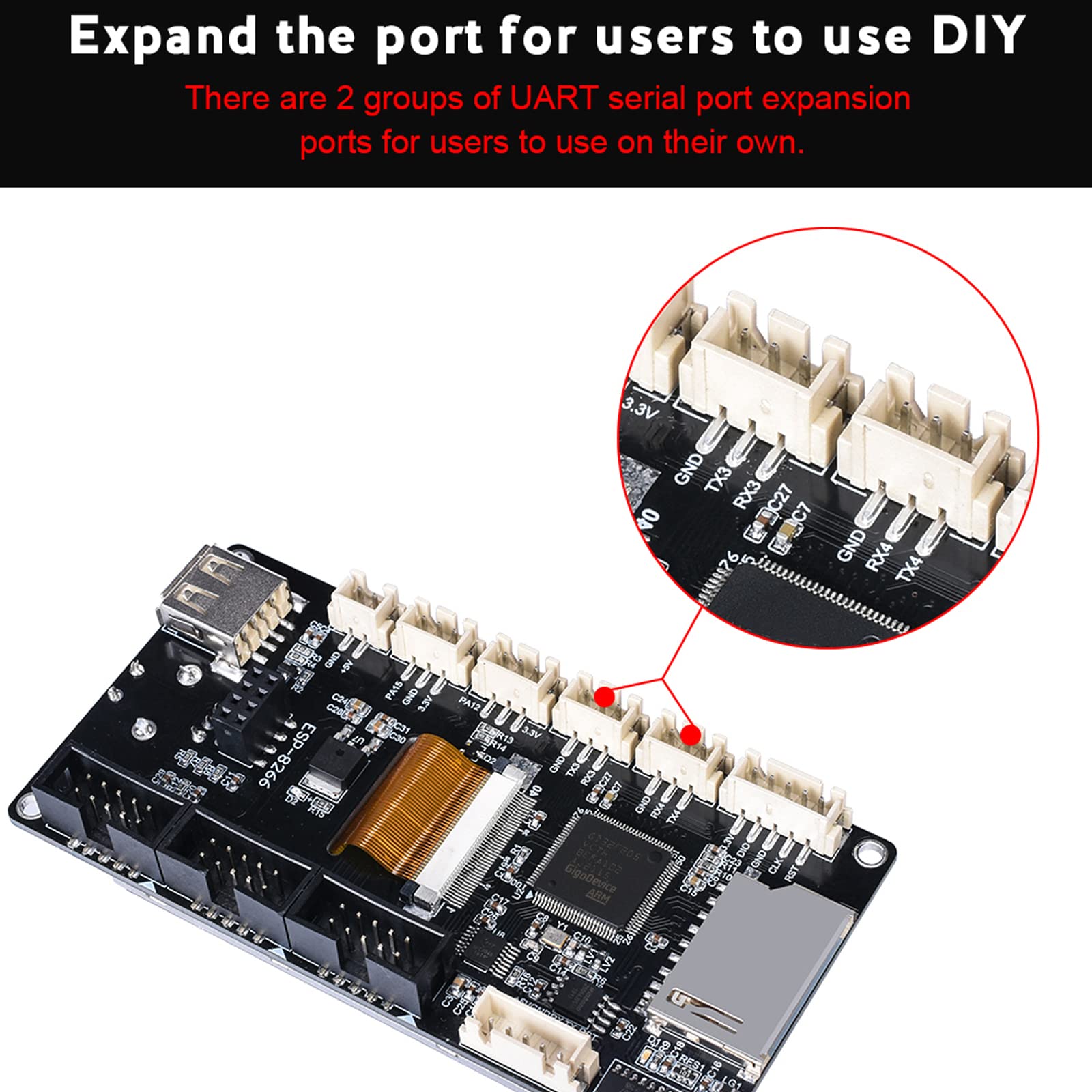
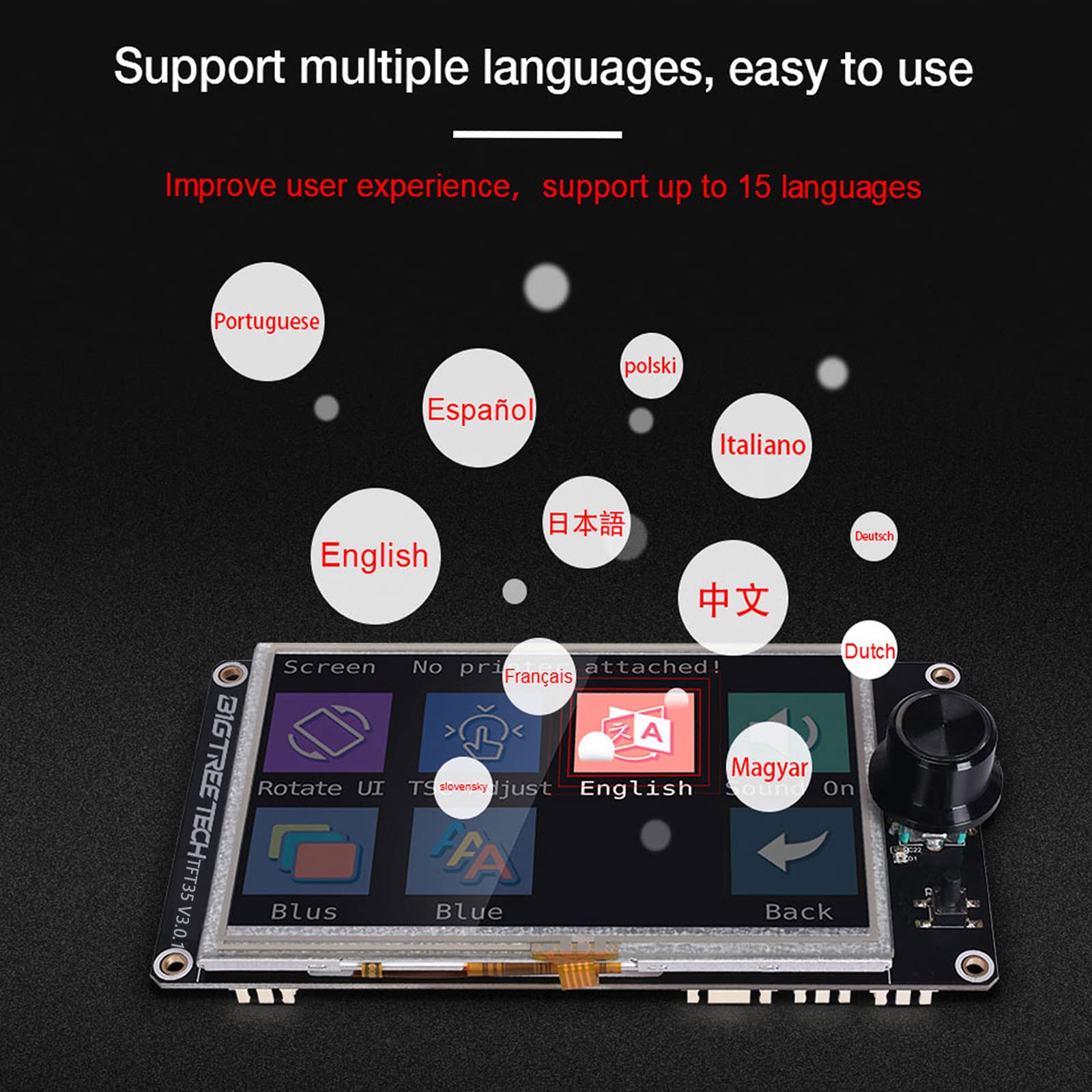
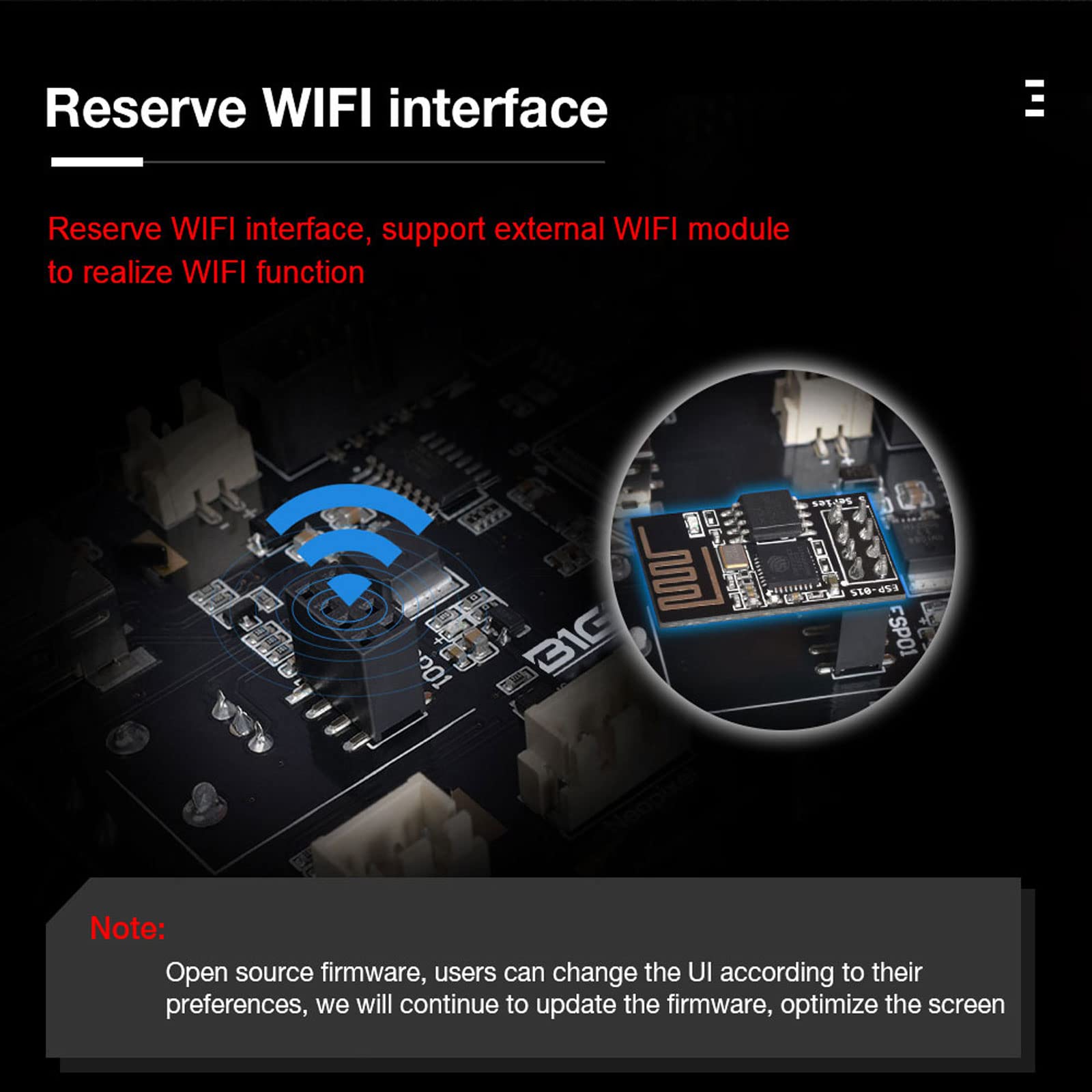
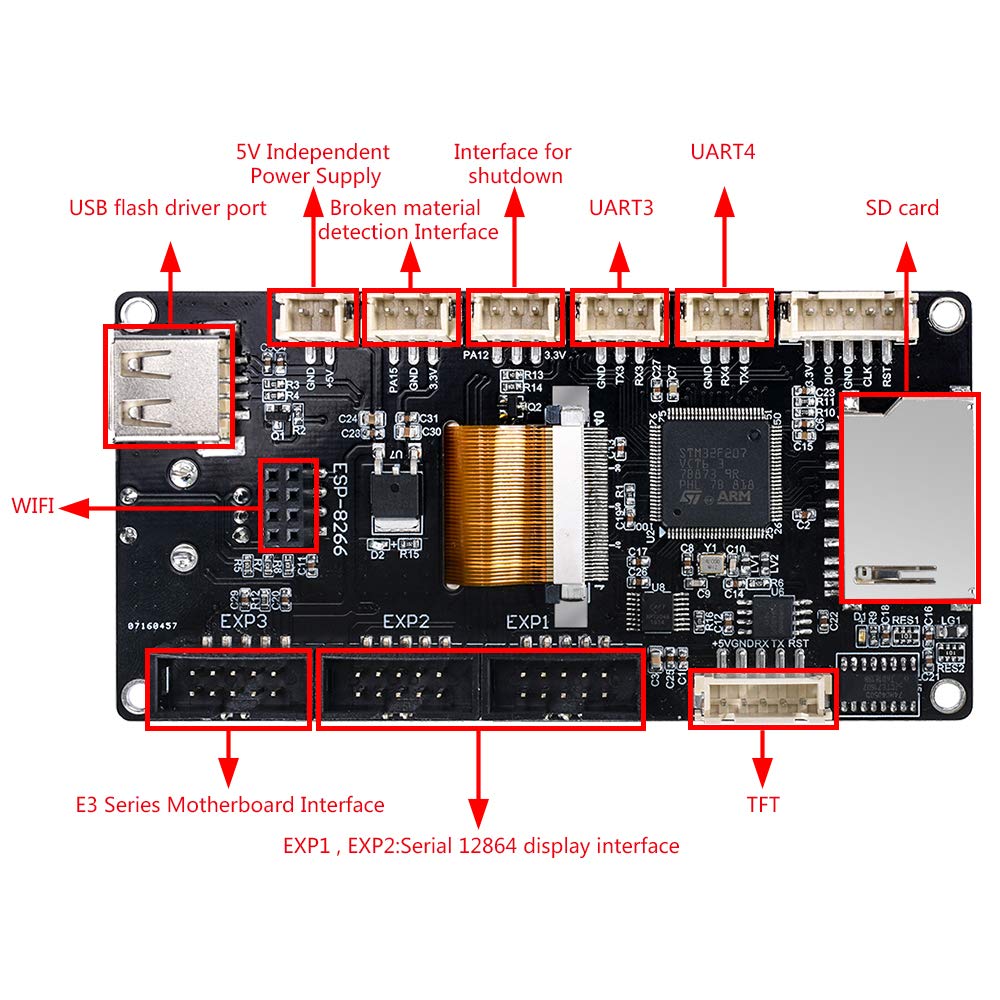
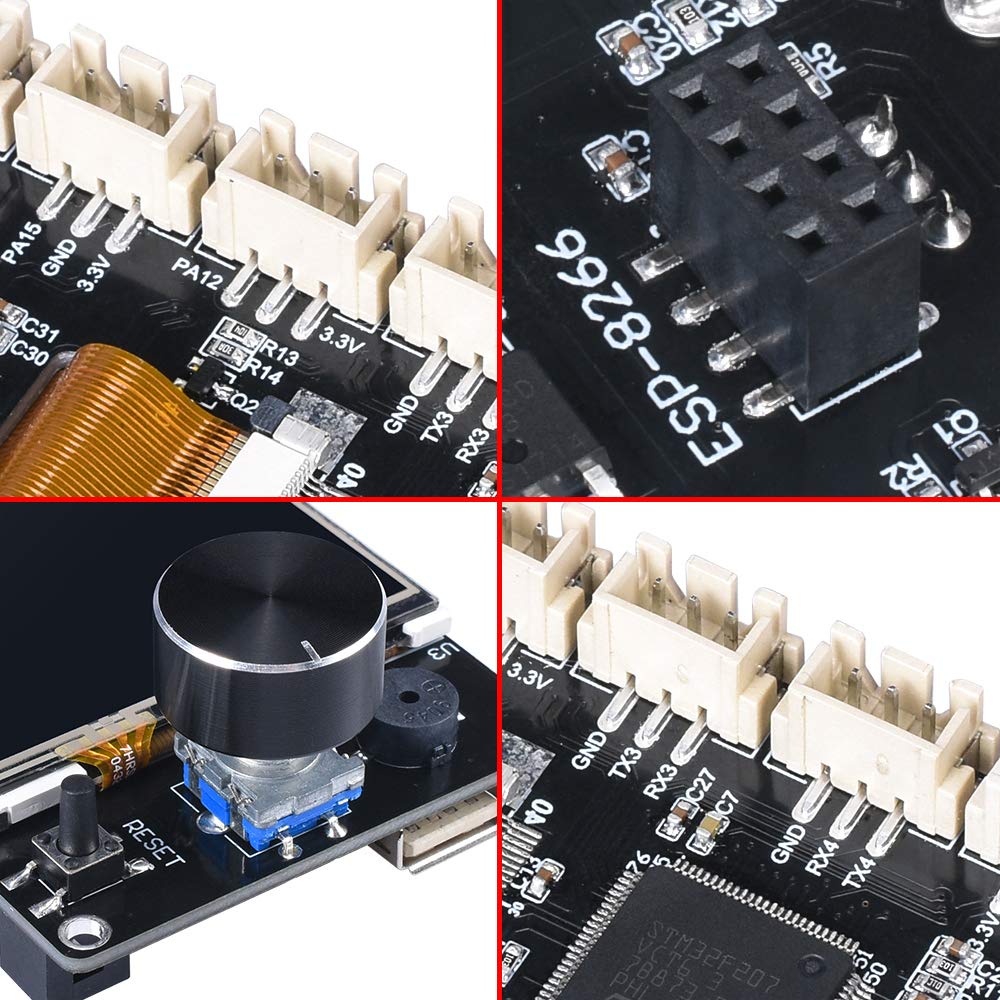
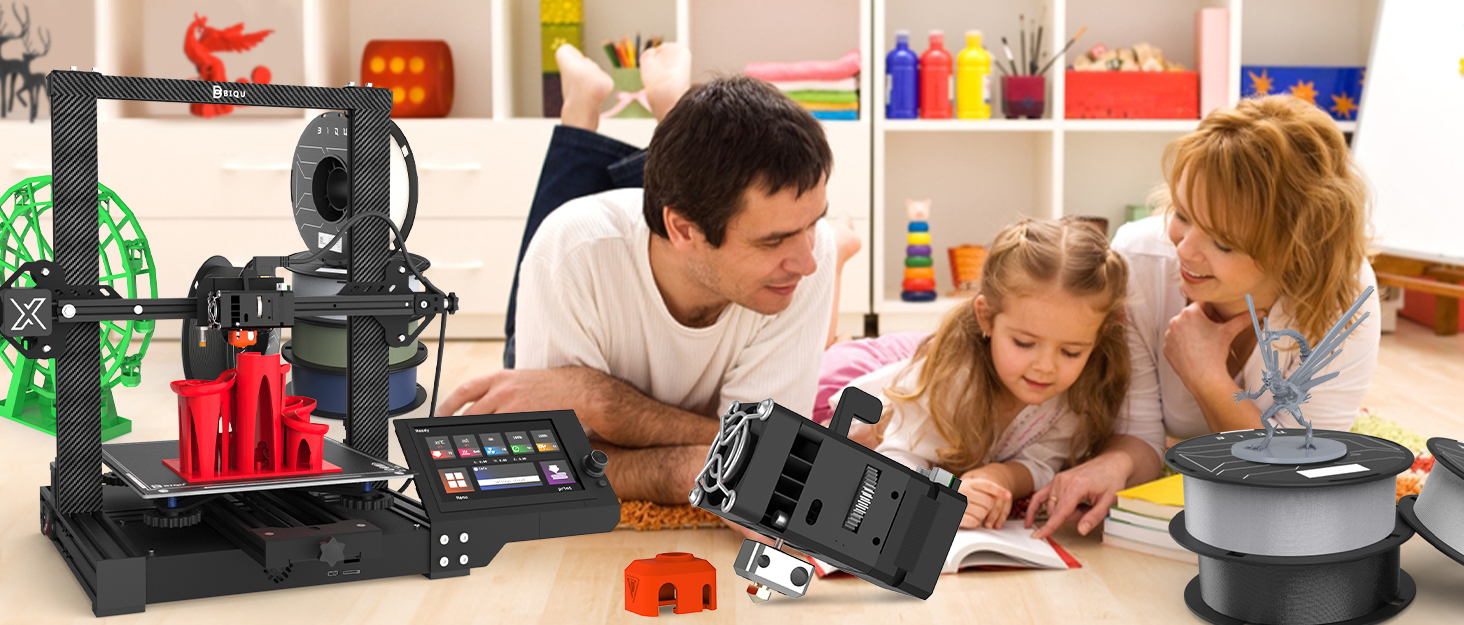
🚀 Upgrade your 3D printing game with BIGTREETECH’s smartest touch screen yet!
The BIGTREETECH TFT35 V3.0.1 is a high-performance 3.5-inch touch screen controller featuring a 120MHz 32-bit ARM Cortex-M3 microprocessor. It supports dual working modes—UART serial touch screen and classic 12864 LCD—making it compatible with popular SKR and E3 series 3D printer boards. With reserved extension ports for filament detection, auto shutdown, and WiFi connectivity, plus easy SD card firmware updates, it’s designed to enhance and future-proof your 3D printing setup.










| ASIN | B07W1PB11F |
| Best Sellers Rank | #284,510 in Industrial & Scientific ( See Top 100 in Industrial & Scientific ) #4,506 in 3D Printer Accessories |
| Date First Available | July 31, 2019 |
| Display Type | Touch Screen |
| Item Weight | 4.8 ounces |
| Item model number | EE0310117120190731 |
| Manufacturer | BIQU |
| Operating Temperature | 28 Degrees Celsius |
| Product Dimensions | 4.33 x 2.28 x 2.28 inches |
| UPC | 791300548353 |
J**B
Works great once you get the firmware right
At first I hit a little snag while setting up the firmware, as I purchased this in combo with an SKR 1.3 board to upgrade my sidewinder x-1 to 32 bit. Editing a fresh clone of Marlin firmware and following along with a couple youtube videos searching "skr 1.3 and tft 35 3.0" for some reason didn't mention that in order to be able to use TFT control in addition to USB/Octoprint you need to set two serial ports in marlin 2.0 configuration, namely #define SERIAL_PORT -1 and #define SERIAL_PORT_2 0 in Configuration.h. If you have issues communicating with the printer in marlin set your baud rate #define BAUDRATE 115200 and change it in the TFT's settings menu to match. The serial port config may vary for different boards. Hopefully this helps people who are having some trouble! As far as functionality goes, this is a great solution for quick control of your machine. Mostly use the touch mode for operations like heating up the extruder, changing filament, but don't ever print from sd card on it since I use octoprint so idk how well that part works. Being able to switch to classic marlin mode by holding the button down is great as you can still have all the extra menu options like TMC stepper settiings, ABL, babystepping, etc. BigTreeTech open sourced the screen's firmware and is pretty great about constantly updating, adding new features and making it look better. They just added encoder control to the touch screen mode which is a much welcomed change! The only other issue I encountered was stuttering coming from the encoder wheel that would constantly change my feedrate on the marlin info screen. I have read that it can happen if the TFT 35 board is screwed into the 3d printer chassis. But I was able to fix it by commenting out //#define ULTIPANEL_FEEDMULTIPLY in Configuration_adv.h to disable this function completely. Though after I grounded the mainboard and everything else better to the chassis I haven't noticed any more glitchiness, tho it can just be a coincidence. I love this screen so much I already ordered another to use in my Taz 5 SKR 1.4 Turbo with TMC 2209 and TFT35 v3.0 32 bit mainboard upgrade :)
B**D
High quality. Fairly easy to install
Amazing display. Bright and readable. Fairly easy to configure if you follow the guide in the Github. It has worked flawlessly so far with my SKR mini e3 v2 control board.
J**.
Good display, firmware actively developed
The docs, schema, and code is ok. Board is very well made. Touch sensor layer floats above screen slightly like old school TFTs and requires firmer touch though. Reminds me of an old Compaq ipaq PDA screen as far as feel. The rotary encoder may seem redundant but you'll want it in Marlin (emulator) mode. Touch mode features were lacking but now development on GitHub is picking up. I think the architecture of the firmware is cumbersome when coding for it, but workable. They've published themes and you can make your own. Updatable by sd card and that part is super easy. Tons of expandability and the TFT serial cable does NOT share a pin with the SD slot. I keep reading this, maybe it's another version, but the v3 is fine. Piezo is loud enough but not obnoxiously so. Encoder is quality. I'd buy another. If you haven't used one before, here's the scoop... It talks to the mainboard by serial, basically its an ARM device with peripherals. By looking at the pinouts you'll see the encoder and such are directly connected to your mainboard over the cables but the module's processor handles touch events, updating, etc. There's a neat config file system for making common changes and no recompiling is needed to update visual stuff. Binaries are released on GitHub too.
N**.
Filament runout sensor will not work."kinda"
Its a good screen but there is no support for this product online when it comes to troubleshooting the filament runout sensor failing. Honestly wish I looked more into this before getting it. In short the Screen and the CPU will not and cannot communicate to each other if the filament runout sensor is triggered. Currently tying to learn how to edit and compile the screen firmware to allow for the filament sensor to work, with litte to no documentation. AFTER MANY HOUR.. Almost every YouTube on this screen is very outdated take your time once you find the documentation git hub. Very simple config ini file is needed to be on the sd card with the firmware. You can change the ini config file with visual basic. Will not work with octo print? And the runout sensor only works with the marlin mode or the touch screen mode not both.
D**.
Easy to use works like a charm
Was extremely easy to setup on BTT Pi v1.2 you only have to delete # at beginning of code. Then plug in. Boom instant klipper touchscreen. It's very bright and easy to read screen with fast response visuals. The edges of the screen are a bit finicky if you have large fingers I recommend a stylus. Otherwise very good screen with multiple connection methods. Love bigtreetech
C**N
Fa bene il suo mestiere, ma con il pennino è meglio! Il display è luminoso e la risoluzione grafica mi piace, ma essendo piccolo con klipper è meglio usare il pennino per non "premere il tasto sbagliato"
J**9
un peu petit pour le tactile, ou des tout petit doigts ;)
Trustpilot
Hace 4 días
Hace 1 día