We remain fully operational. Our teams are working around the clock to ensure your deliveries continue safely.

Descargar la aplicación


Servicios al cliente
Sobre nosotros
Copyright © 2025 Desertcart Holdings Limited
Descargar la aplicación
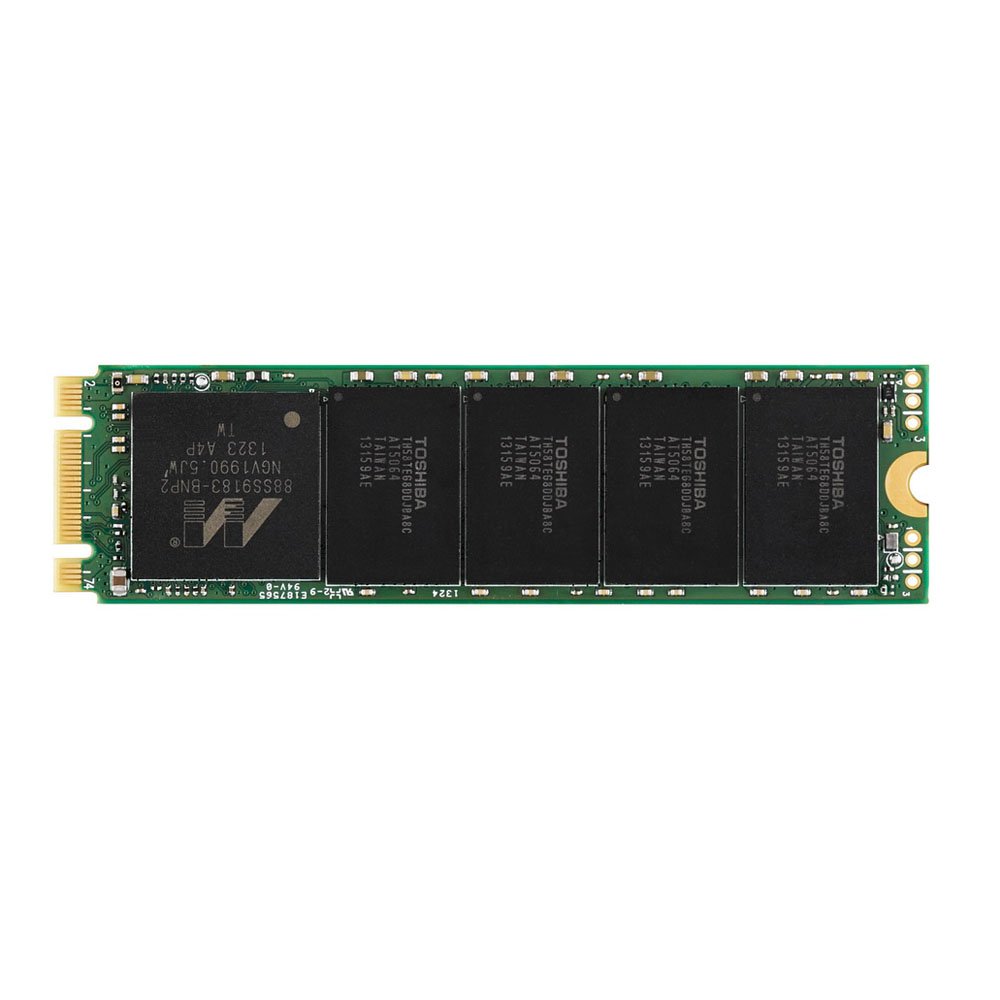
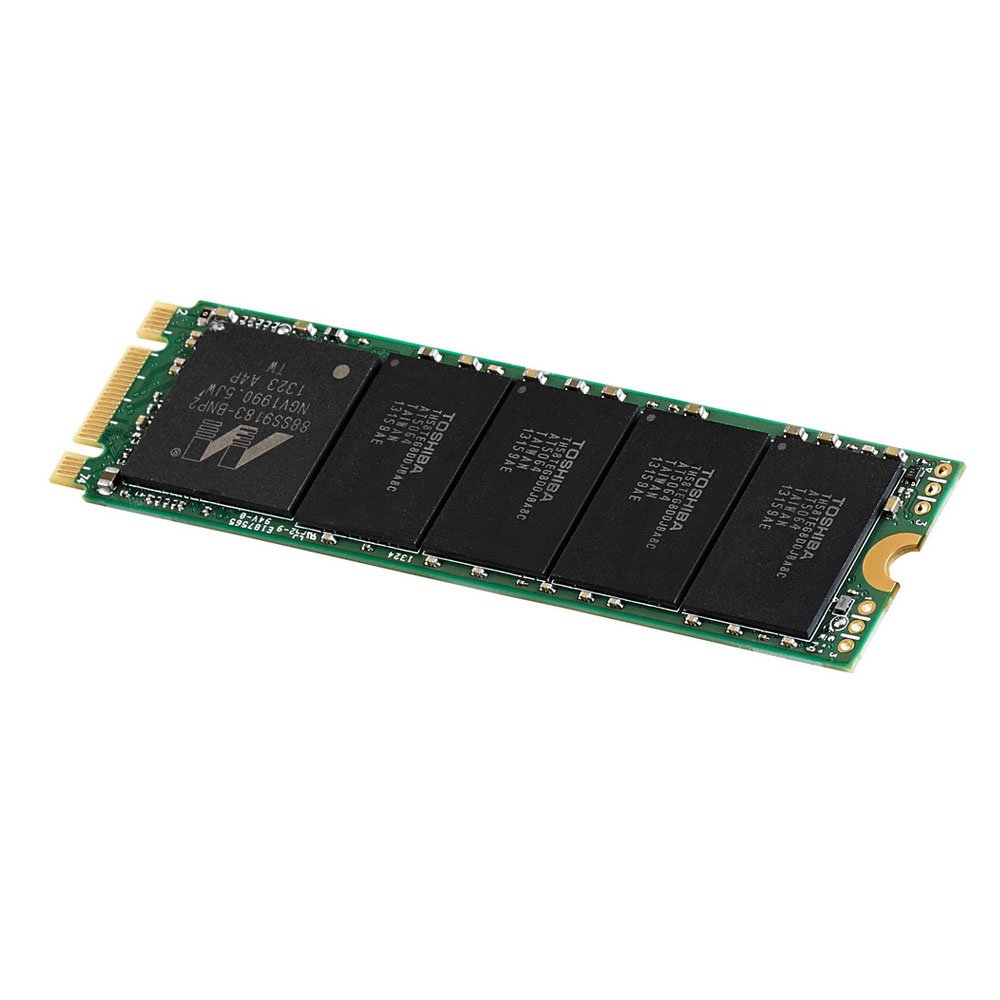
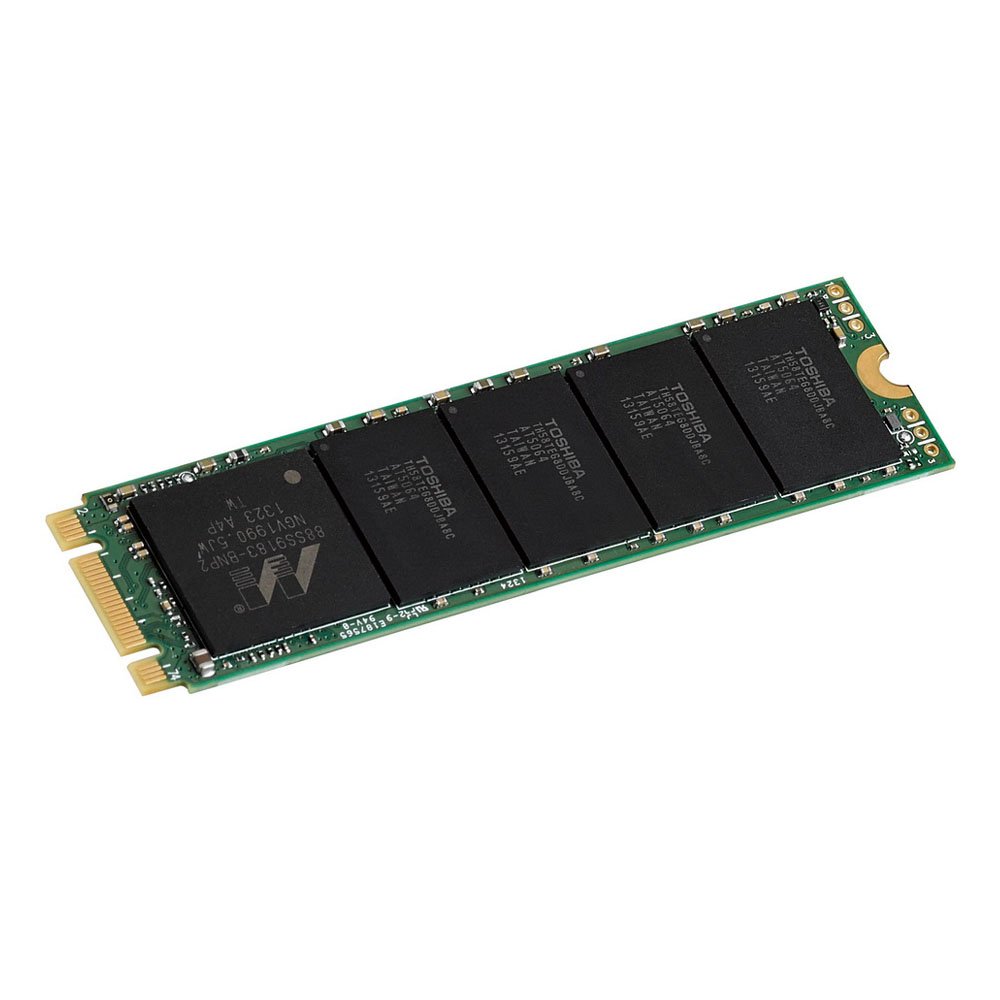
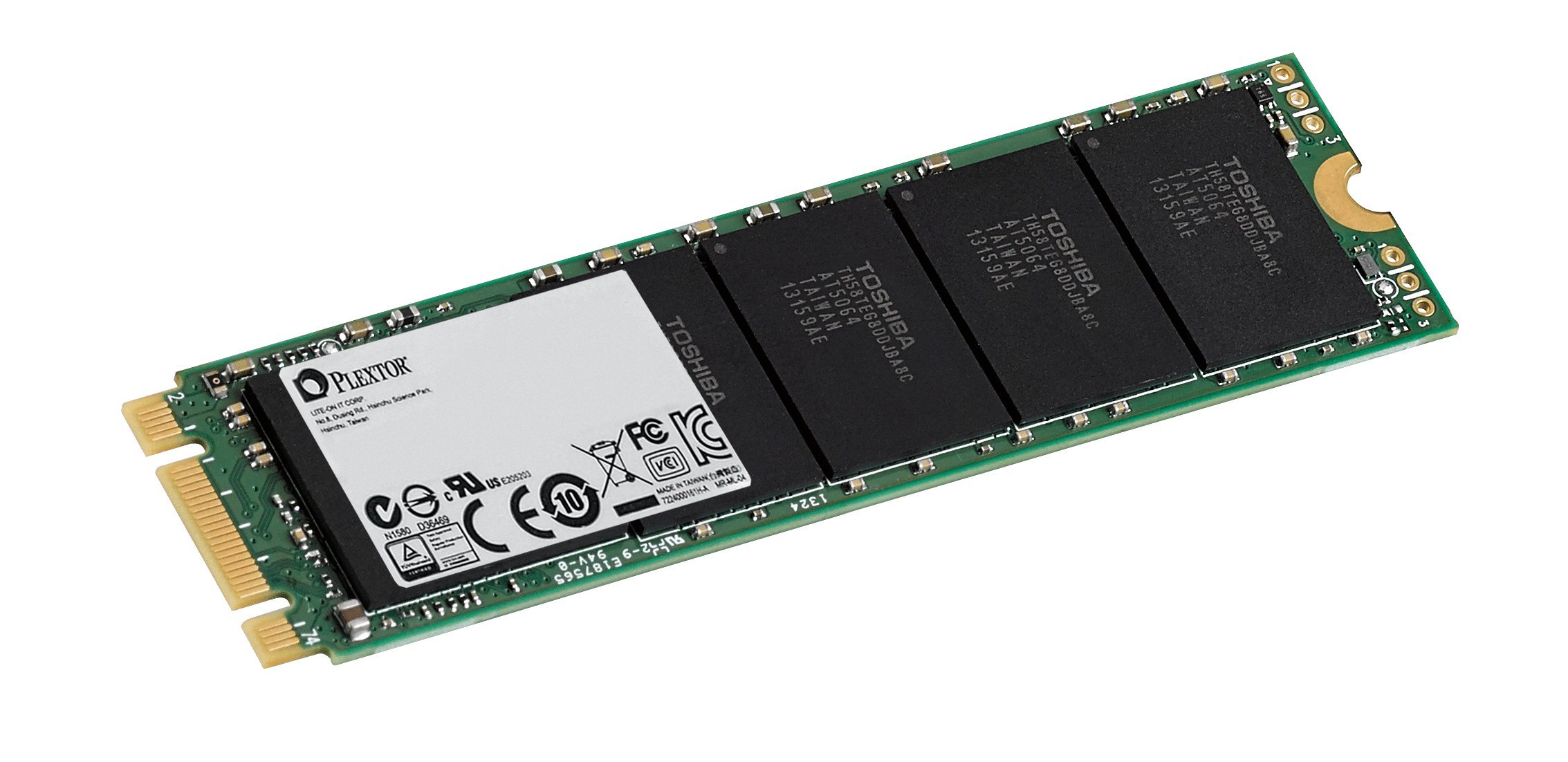
🚀 Elevate Your Storage Game!
The Plextor M6e Series 128GB M.2 PCIe Internal Solid State Drive delivers exceptional performance with sequential read speeds of up to 770 MB/s and write speeds of 335 MB/s. Designed for reliability, it features a 5-year warranty and is built with high-quality components, making it an ideal choice for professionals seeking speed and efficiency in their computing tasks.
K**K
Slightly More Expensive, But Worth It
I wanted to install Windows 10 Technical Preview and Mac OSX Yosemite on my PC, but I didn't want to partition my 3 SSD Raid 0 array where my main Windows 8.1 OS is. I decided that I would try out my motherboard's (ASUS Hero Z97) open M.2 slot. Unfortunately, my computer doesn't take advantage of the even faster PCIe x4 M.2 drives from Samsung. The Plextor M6e is your only choice if you have have an Asus board with the M.2 PCIe x2 slot. Reads are fantastic across all of these drives, 770MB/s blows away anything Sata. Write speeds vary quite a bit with the smallest drive having a mere 335MB/s, the 256GB version's read is comparable to a newer SATA SSDs on the market, and the 512 GB version has significantly writes than anyhting in your average computer. If you're like me you're probably not going to be doing much writing to this drive. I'm just using it to hold my other operating systems. Speaking of which, the UEFI installation of Windows 10 POST and booted in 10 seconds (measured by recording and checking timecode).10 seconds FLAT from pressing the power button to the login screen. Amazing.The only downside for me was that the drive's PCB is green. Luckily, plastidip is non-conductive. I taped off the connections, sprayed a few light coats, and waited for it to dry before installing. Overall, I'm very pleased with this SSD.
C**O
Great performer but has its drawbacks
Purchased September 12, 2014 for a new x99/ 5930k build.--Easy to install - Slip in the slot and 1 screw to hold it.--Great performance (not the 770 MB/s the quote,closer to 500 like any other good ssd)--Responsive - Quick boots, instant installs--Full five-year Plextor warrantyIssue--Reliability - Today is Nov 28th and the drive failed about 60min ago. About 10 weeks? Machine was stable with a plat power supply, a nice ups preventing any power spikes, Well ventilated and not abused with lots of little Writes (cache,defrag,etc All that was moved to a different drive).Just surfing and BOOM black screen. Upon reboot No drive identified. Open the case reseat. No change. drain the capacitors,reset the bios no change. no matter what i do right now I can not see this drive.I have ordered another small drive to test in the case the board is the issue Otherwise I will be using that great full five-year Plextor warranty.I have owned pany plextor products over the years and have always been very happy with the company But I would be lying if I didn't say this is disappointing. All the installs and patching I have done over the past few weeks I have to do all over again.I will update after my testing with other storage.
R**L
Put this in my ASUS Maximus VII Hero system. ...
Put this in my ASUS Maximus VII Hero system. The speeds were comparable to(but less than) my 6xSSD Raid 0 occupying all of the board's Intel SATA ports. Installing Plextor's drive utility shot those speeds into space, as it now uses 16GB of my 32GB DDR3 RAM as a cache, and windows sees data in the cache as written to the drive before it is actually written.The only way I know of to get higher performance out of a single drive on this motherboard is with an expensive PCI Express 2.0 x4 SSD, and to run that PCI slot @ x4, the M.2 slot must be disabled. I have also played with the idea of purchasing a PCI Express 2.0 x2 SSD or M.2 Adapter card with another of these Plextor drives plugged into it and run the two in Raid 0. However, this is very expensive considering the prices of newer and much faster NVMe SSDs.
R**K
Perfect upgrade for a Dell XPS 13 (2016)
I bought this in order to upgrade the SSD on my Dell XPS 13 (which I bought in Feb. 2016). I chose this one because it was the only PCIe M.2. SSD with this particular pin pattern (which is the same as the stock XPS 13 SSD), but upon inspection, I think the other pin pattern would have worked fine. (Note for those also looking to upgrade their XPS 13: DO NOT CONFUSE THIS WITH SATA; This is PCIe, which is what you need). Needless to say, it has worked flawlessly. The only model of XPS 13 selling a 512 gb SSD is over $2k, so considering the price, you can save quite a bit upgrading the SSD yourself.For those looking to upgrade their XPS 13, there are some youtube videos online you can check out, telling you how to remove the bottom cover (you will need a Torx T-5 driver, so buy that ahead of time if you don't have it). I also recommend this guide on Reddit telling you how to perform a clean install of Windows: [...]
R**Y
Insanely fast boot times.
Extremely fast interface if you have the M.2 socket or an M.2 PCIe Expansion card.I have an onboard M.2 socket so I simply connected it to the board and set this SSD up as my primary boot drive. Boot times a incredibly fast. When I first installed windows my boot time from pressing the power button to loading of the desktop was less than 10 seconds. Yes you read that correctly. Currently it takes my computer 18 seconds to boot, not including after I log in. (I manually log in since I authenticate to a windows domain) Once I log in, my programs load almost instantaneous. I will never go back to spinners (Mechanical Hard drives) to use as a boot device. It's PCIe or nothing it's even faster than SATA III which tends to top out at about 6 Gigabytes per second whereas the PCIe can run at up to 32GB per second. I still use SATA III drives to store my programs etc. but my OS and critical programs are on my PCIe drive. In this case the Plextor M6e.I highly recommend this SSD.
S**T
Card installed fine into my ASUS Z97-A M.2 slot, but Intel Rapid Storage manager did not see this PCIe SSD
I am only going to ding this one star since the jury is out why I was not successful in my application. I was wanting to use this with an ASUS Z97-A motherboard as an Intel Smart Response Technology cache. So despite the Intel assurances that a PCIe attached SSD would work (http://www.intel.com/content/dam/www/public/us/en/documents/technology-briefs/smart-response-technology-brief.pdf), SRT would not see the SSD. I am not sure if this had to do with a BIOS feature of the Plextor making it bootable vs. others that did not.I gave up on using the PCIe 10 Gbps Plextor SSD and broke down and got a Samsung SATA SSD and it was immediately seen.
Trustpilot
Hace 2 semanas
Hace 1 mes