
Descargar la aplicación


Servicios al cliente
Sobre nosotros
Copyright © 2025 Desertcart Holdings Limited
Descargar la aplicación


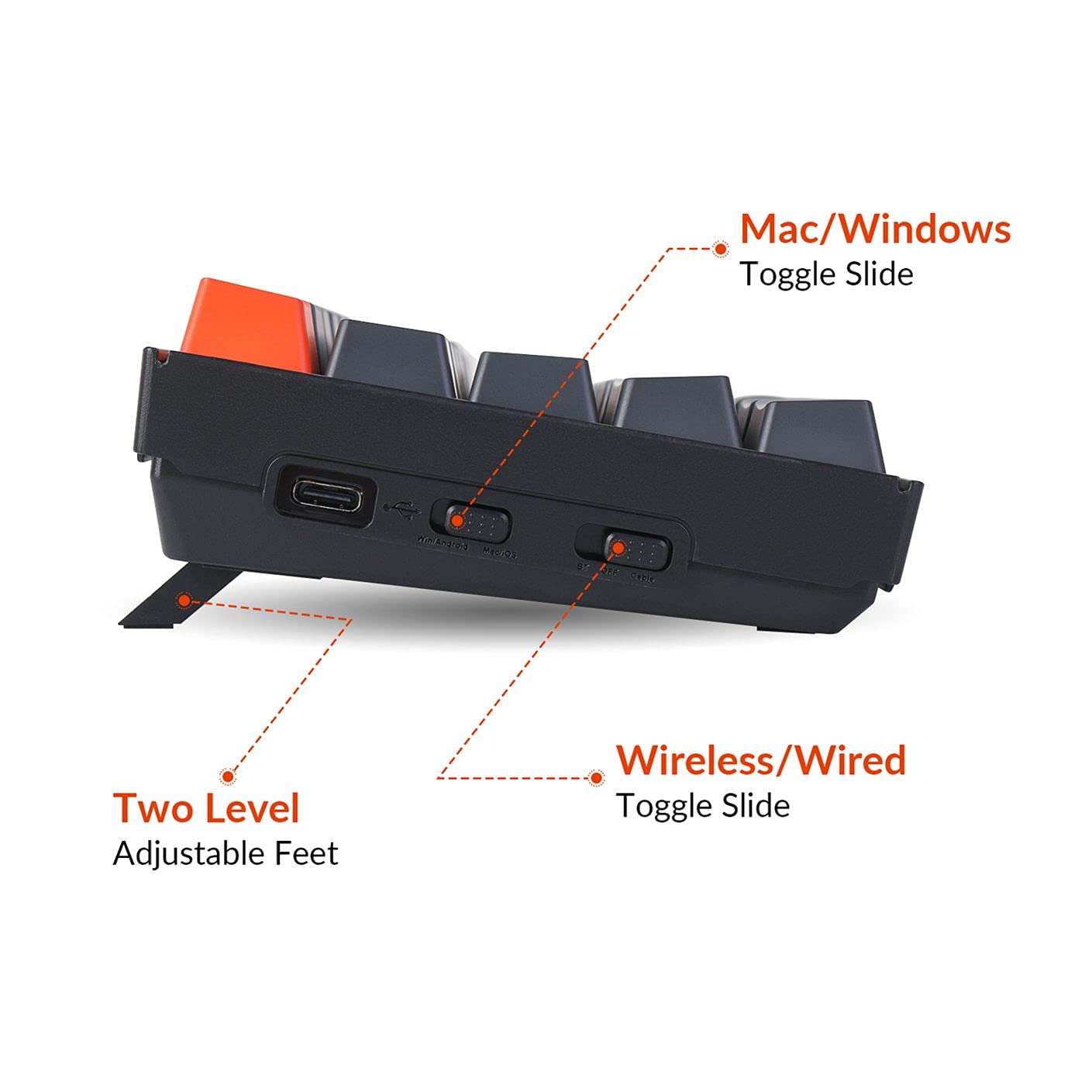

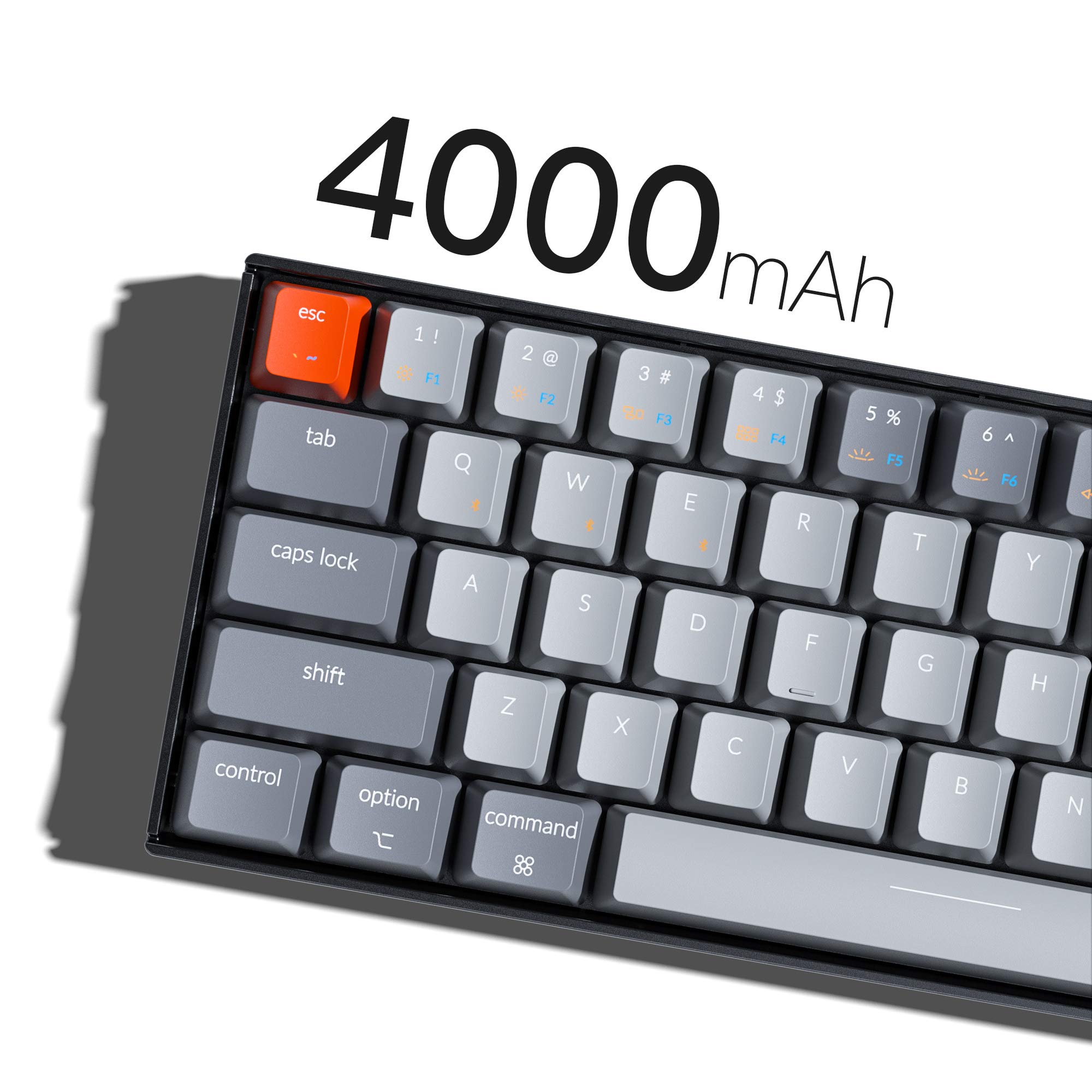
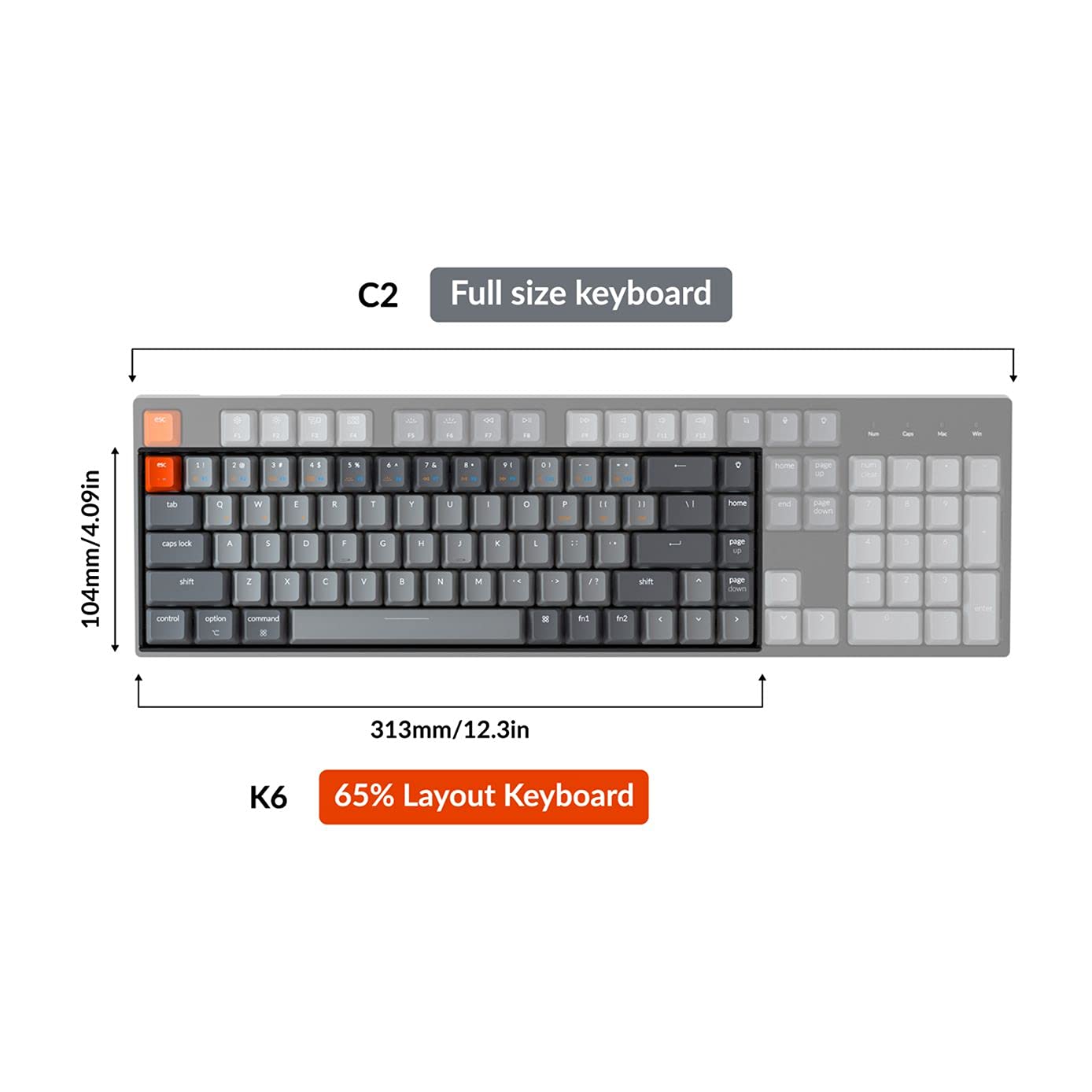
⌨️ Light up your productivity, wire-free and worry-free! 💡
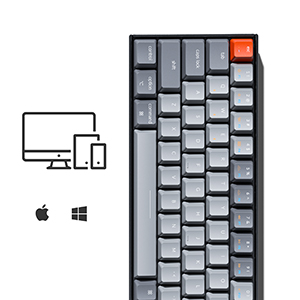
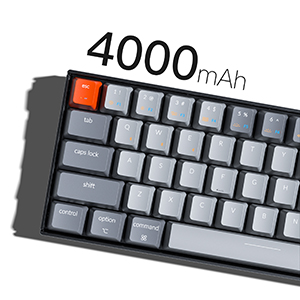
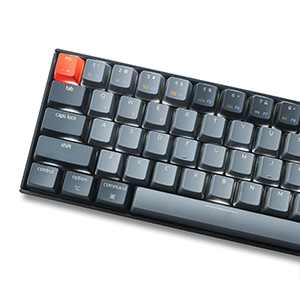
The Keychron K6 is a sleek, compact 65% mechanical keyboard featuring Bluetooth wireless connectivity, vibrant RGB backlighting, and cross-platform compatibility with Mac and PC. Powered by a rechargeable lithium polymer battery, it offers a clutter-free, customizable typing experience designed for modern professionals seeking both style and efficiency.


| Brand | Keychron |
| Package Dimensions | 38.86 x 13.46 x 5.33 cm; 862 g |
| Batteries | 1 Lithium Polymer batteries required. (included) |
| Item model number | K6-O2 |
| Computer Memory Type | DDR3 SDRAM |
| Wireless Type | Bluetooth |
| Operating System | Mac |
| Are Batteries Included | Yes |
| Lithium Battery Energy Content | 3.8 Watt Hours |
| Lithium Battery Packaging | Batteries contained in equipment |
| Lithium Battery Weight | 0.8 Grams |
| Number Of Lithium Ion Cells | 1 |
| Item Weight | 862 g |
| Guaranteed software updates until | unknown |
R**L
¡Todos me comentan que que padre teclado!
Me encantó la experiencia de un teclado mecánico, las luces, el sonido del tecleo, la apariencia, todo.
J**2
Pretty good keyboard.
I love the look of the keyboard, it's small, attractive, and professional. I like that you can swap it between multiple pc's easily, and that it comes with different key's if you're setting it up for Windows/Linux/Android or an Apple os.I really don't like the dedicated light key, the lighting style is something you set up when you first buy a keyboard than you don't have to bother with it ever again. On the keyboard the inclusion of a dedicated lighting button means a more useful key has been stuck under a function key instead of getting a dedicated key. The lost key in this case is the Delete key. I keep trying to press the delete key, in the spot it's placed in most other 84 key boards, and hitting the light key. Then I have to stop typing to click back through the light functions till the black light is fixed.Using the software Keychron suggests in the included instructions every key can be rebound except the light effect key, so the delete key is lost forever on this board. It's been killing my workflow, but it doesn't ruin this keyboard enough for me to move on.The design decision to have a dedicated light key, a setting you will want to use once then never touch again, over an essential key like delete is so incredibly foolish. The box describes the keyboard as "A tactile mechanical keyboard for peak productivity." It's close to peak productivity but falls short cause the the the dedicated lighting key.Edit: I've been using the keyboard for a while now. The dedicated lighting key is is very annoying, I often hit it when going for the home or backspace key and end up messing up the lighting. I then have to click my way through all the lighting profiles to get back to the static backlight. Who even uses a lighting profile other than just stay on? It's annoying.Edit 2: one year and three months after buying the keyboard. The battery isn't lasting a full day anymore. I charge it at night and in the past the charge may have last two to three days. Now It seems like after about four hours off the charger the battery is dead. That may be due to how much I've used the keyboard, on average 9-12 hours most days. It may not be designed for such constant use. The rubber feet on the bottom of they board have fallen off as well. Other than that they keyboard has held up fine, all the keys still work and feel just as they did when new.
L**T
2 Year Review as daily keyboard - still going strong!
I purchased this in 2021 and having used it DAILY for the past 2 years, this keyboard was worth every penny - and still going strong. I was skeptical about mechanical keyboards but I’ve been won over. I use this keyboard for office use and gaming for nearly 5+ hours everyday and not a single hiccup. The 68 key was a transition but once you knew the hot keys, it became muscle memory. It’s paired via Bluetooth to my PC and I charge it once every 1-2 weeks, depending on which backlight setting I use. I’ve used it sparingly with my Mac and there’s no issue there. Well worth the purchase. Probably will buy another one should this one fail.
M**R
4 stars
Although the sub-categories are all 5 stars, the overall rating is at 4.0 stars. This is due to the fact that BlueTooth connectivity has completely died. I am unable to connect it via BlueTooth to any of my products (main driver: 2020 M1 Macbook Air, 2017 Macbook Pro, 2018 iPad Pro 11inch, or iPhone 12). Have talked to customer support but due to it being out of its warranty there is no available fix for the specific device. I have had the product for close to 2.5 years and really enjoy the mechanical keyboard. I both the K4 and K6 and both are quality products (aside from the K6 BlueTooth breaking). I enjoy the tactile feedback that a physical mechanical keyboard offers and the versatility (between Linux, MacOS, and Windows) is something that I was specifically seeking and Keychron has delivered. I would recommend this product with a caveat, be careful of how it does after a few years (longevity may not sustain much longer).
A**X
Awesome Keyboard For The Price
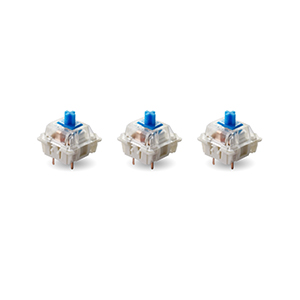
I was looking for a keyboard with mechanical keys, a customizable backlit, wireless and wired connectivity, and both Mac/PC support for a decent price. BOY DOES THIS DELIVER!!! I choose blue switches and I absolutely love them. They are clicky and make a satisfying sound when pressed. It’s battery is decent, the materials feel high quality, and wired/wireless modes work as advertised. The key caps can even be swapped out between Mac and PC! All for $70! Not bad at all! Highly satisfied and highly recommend!
Trustpilot
Hace 2 meses
Hace 2 semanas