
Descargar la aplicación


Servicios al cliente
Sobre nosotros
Copyright © 2025 Desertcart Holdings Limited
Descargar la aplicación

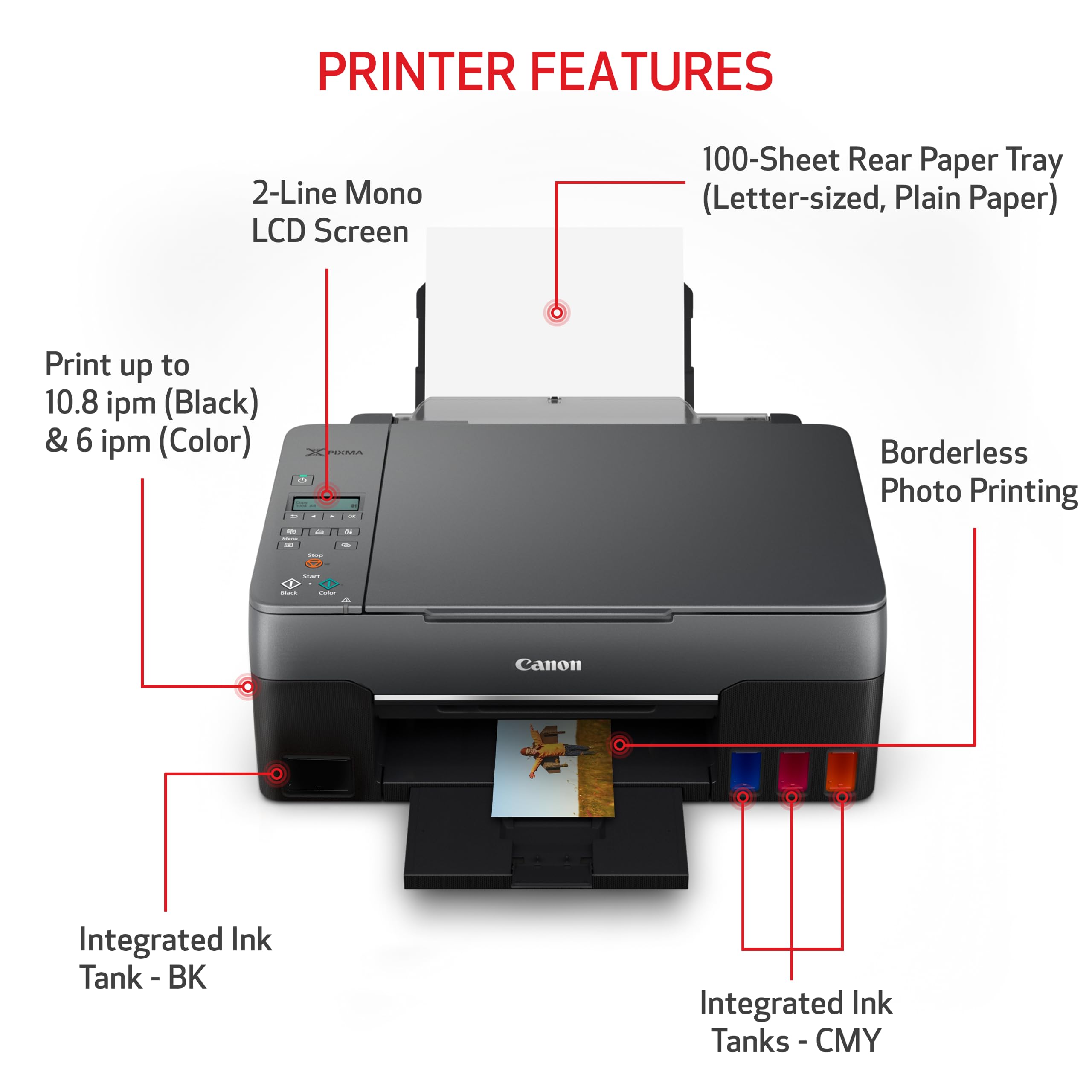

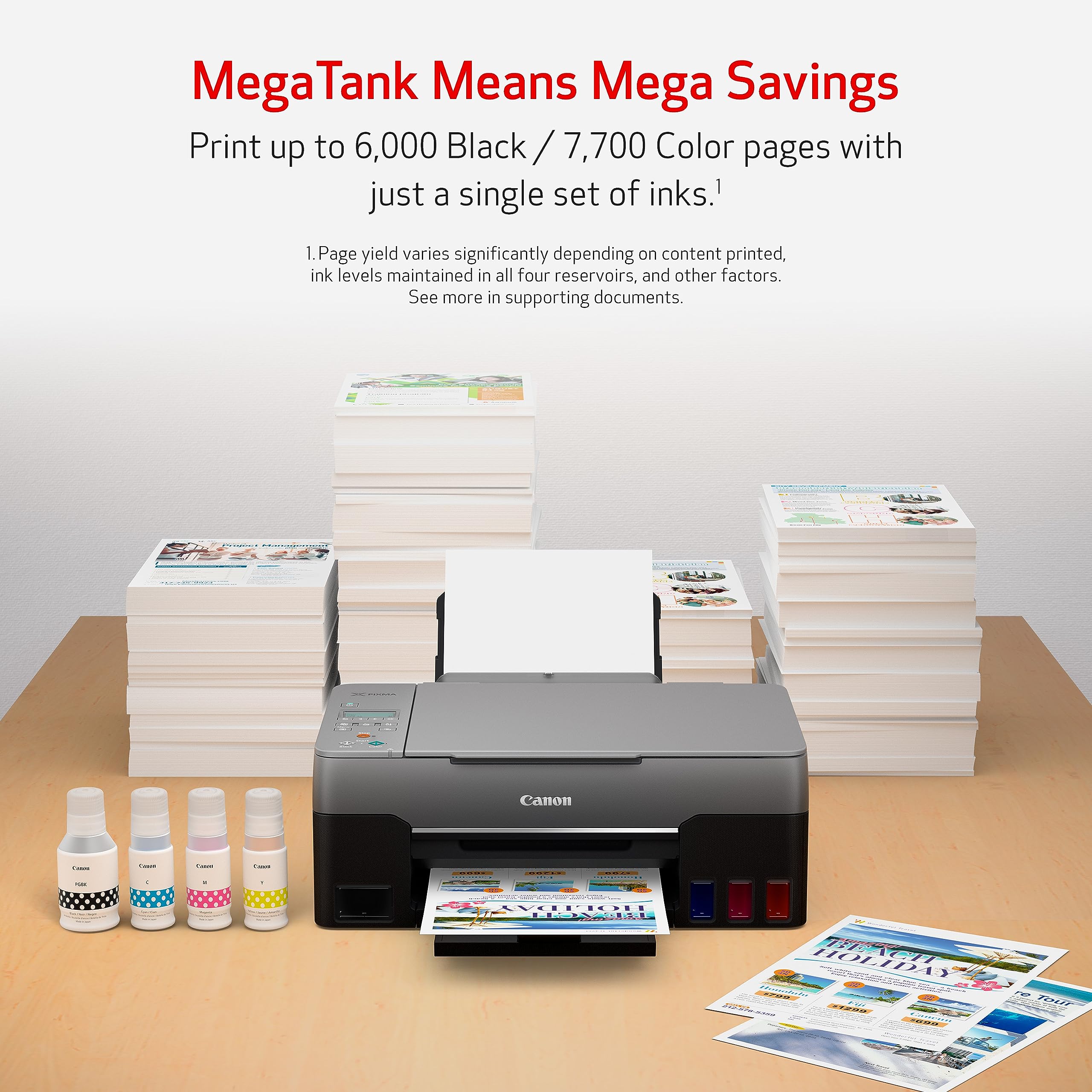

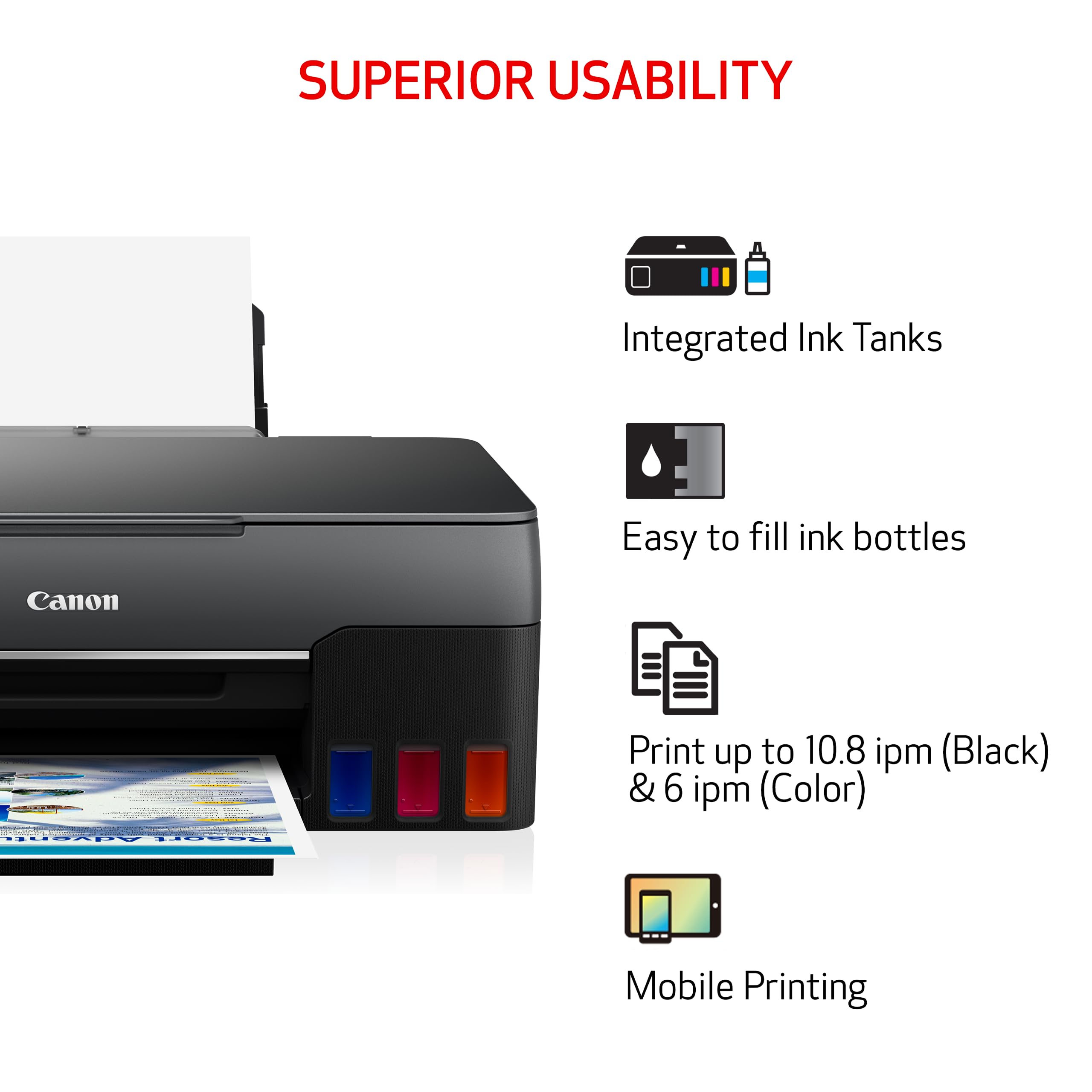

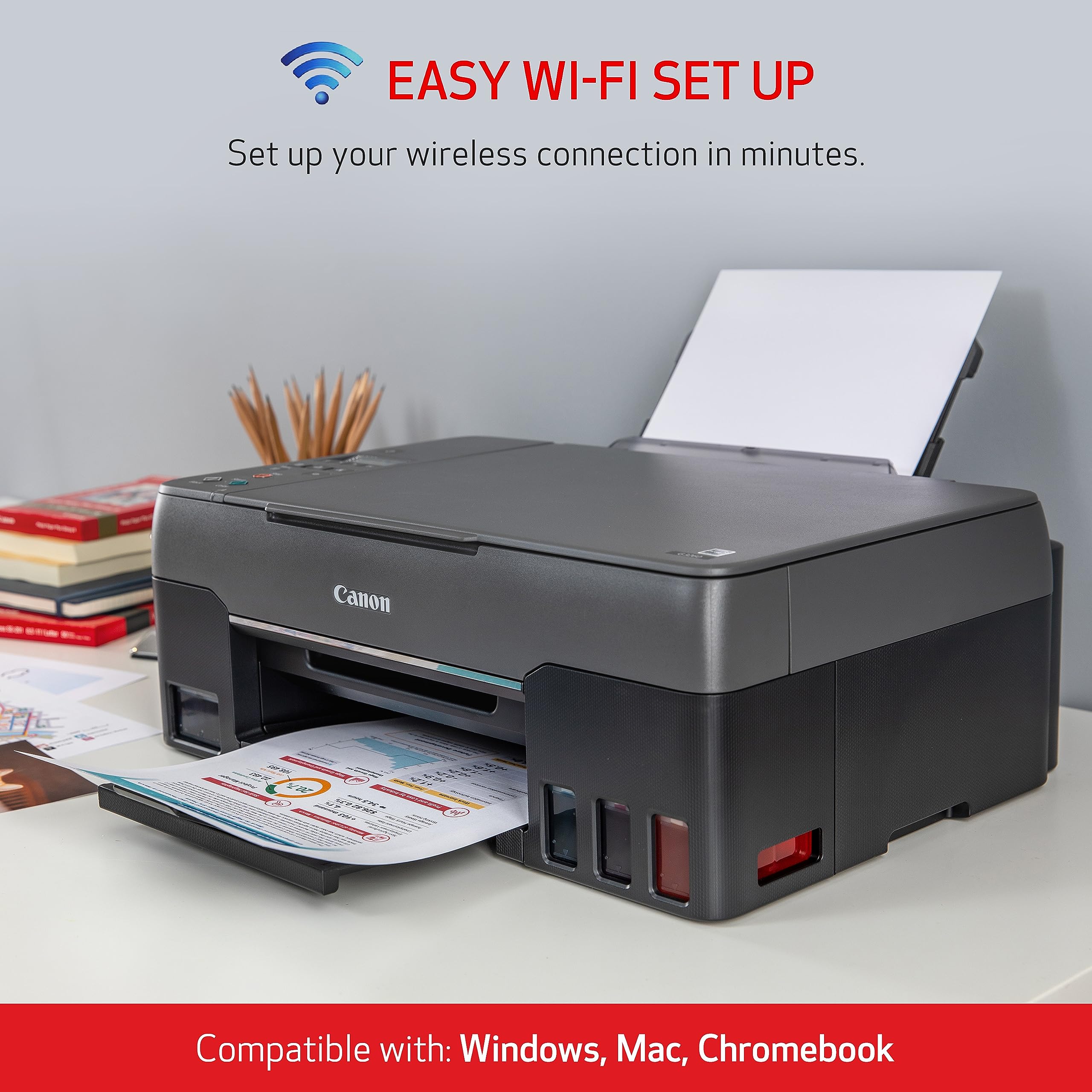
🖨️ Print smarter, save bigger, and stay effortlessly connected!
The Canon PIXMA G3260 Wireless MegaTank All-In-One Printer redefines productivity with its high-yield refillable ink tanks capable of printing up to 6,000 black and 7,700 color pages per set. Featuring a hybrid ink system for sharp text and vibrant borderless photos, it supports wireless and mobile printing, plus Alexa integration for smart ink management. Ideal for professionals seeking cost-effective, versatile printing, copying, and scanning with bonus ink bottles included to keep you printing longer.

| ASIN | B08P3ZKLPH |
| Additional Printer functions | All In One |
| Best Sellers Rank | #434,751 in Office Products ( See Top 100 in Office Products ) #259 in Ink Tank Printers |
| Color Depth | 24 bpp |
| Compatible Devices | Smartphones |
| Control Method | App |
| Controller Type | iOS |
| Customer Reviews | 4.1 4.1 out of 5 stars (3,517) |
| Date First Available | December 2, 2020 |
| Dual-sided printing | No |
| Duplex | No |
| Hardware Interface | Ethernet |
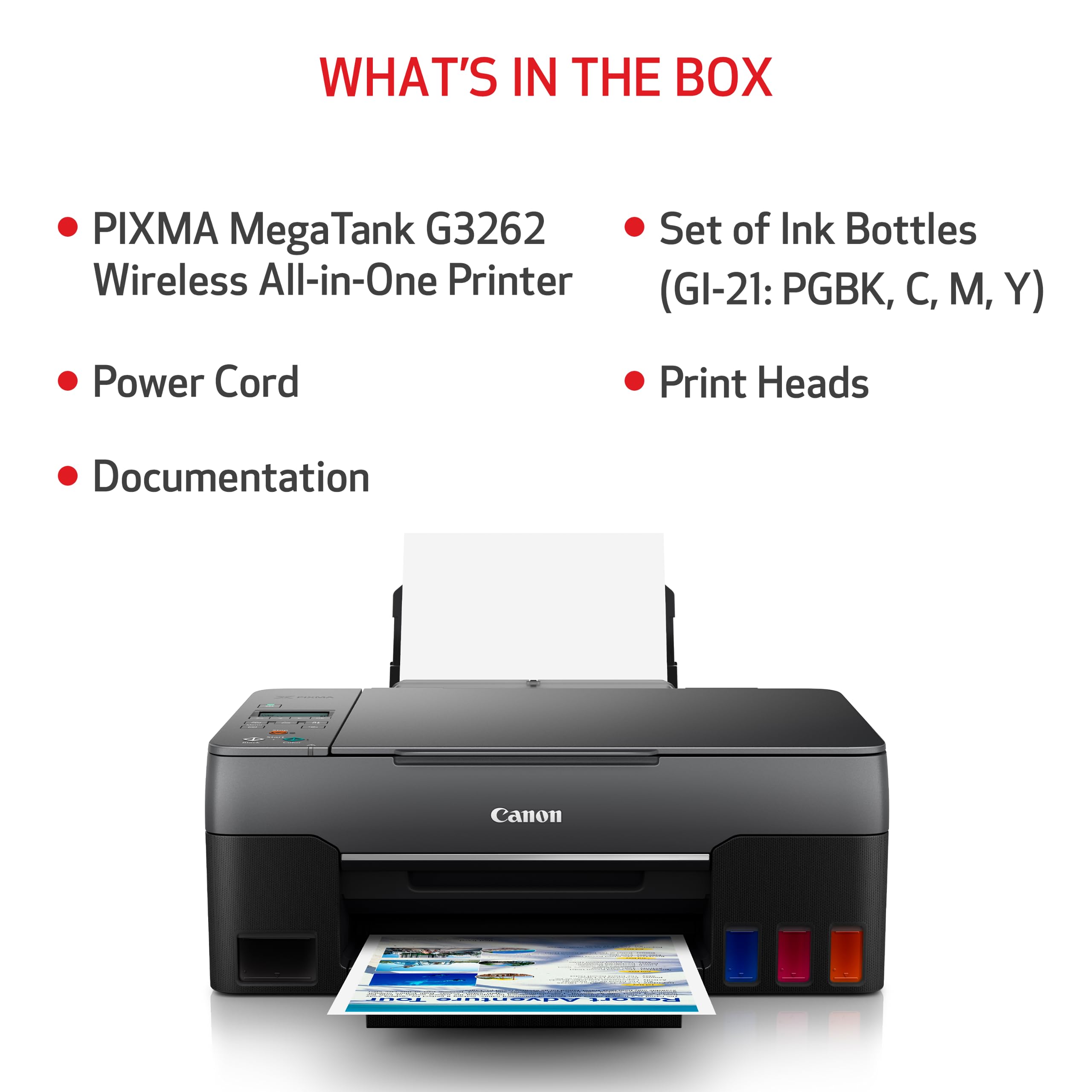
| Included Components | PIXMA MegaTank G3260 Wireless All-in-One Printer, Set of Ink Bottles (PGBK, C, M, Y), 2 Bonus Black Ink Bottles, Documentation, Power Cord |
| Ink Color | Color |
| Item Dimensions LxWxH | 9.1 x 9.1 x 9.1 inches |
| Item Weight | 14.1 pounds |
| Item model number | 4468C002 |
| Manufacturer | Canon USA |
| Max Copy Speed (Black & White) | 15 ppm |
| Max Input Sheet Capacity | 400 |
| Max copy resolution black-white | 600 dpi |
| Max copy resolution color | 600 dpi |
| Maximum Black and White Print Resolution | 1200 dpi |
| Maximum Color Print Resolution | 600 Dots Per Inch |
| Maximum Media Size | 8.5 x 14 inch |
| Memory Storage Capacity | 64 MB |
| Model Series | PIXMA |
| Number of Trays | 4 |
| Operating System | Windows 10, Windows 7, Windows 8.1, macOS 10.12 Sierra, macOS 10.13 High Sierra, macOS 10.14 Mojave |
| Power Consumption | 639.7 Watts |
| Print media | Glossy photo paper |
| Printer Ink Type | Inkjet |
| Processor Count | 1 |
| Product Dimensions | 9.1"D x 9.1"W x 9.1"H |
| Scanner Type | Flatbed |
| Series Number | 4468 |
| Sheet Size | 3.5” x 3.5” (Square), 4” x 6”, 5” x 5” (Square), 5” x 7”, 7” x 10”, 8” x 10”, Letter (8.5” x 11”), Legal (8.5” x 14”), U.S. #10 Envelopes, Card Size (91 mm x 55 mm), Custom size (width 2.1–8.5 in, length 3.5–47.2 in) |
| Smart Home Compatibility | Smart Home Compatible |
| Supported Media Sizes | Legal (8.5 x 14 inches), Letter (8.5 x 11 inches) |
| UPC | 013803330618 |
| Warranty Type | Full Warranty |
T**'
Just Awful :(
I always read reviews before making a purchase, and this printer was no exception. It had decent reviews, and I'm aware that there are always people who give one star and share their sad story about how the big prong of the plug wouldn't fit into the wall outlet, or something equally ridiculous. Rarely is it truly as awful as they make it sound, and their comments often belie user error. Thus, it is with reluctance that I rate this printer on the low end. (I've only selected five stars for visibility.) Actually, it's otherwise a nice machine if it would only work properly. One thing I don't like about the design is that the display is lacking. It has very minimal instructions if you are trying to perform functions through it, and there is no backlight, so you'd better find a flashlight if you have it in a cabinet like I do. I like the large tanks. (HP was "nickel and diming" me to death with their ink cartridge subscription.) But large ink tanks don't do me any good if it doesn't print well enough to read. I often give public presentations, so trying to read the blurry print while I'm addressing an audience is not a good look. In the end, when I purchase a printer, it's so that I can have a reasonably clean printout, regardless of whether it's text or a picture. This printer worked quite well for the first year. I don't print very often, so when I need something printed, I can safely say that I haven't overused the device. It should work pretty much perfectly, right? I'm still working on the beginning of my first ink tankful, and haven't yet printed a whole ream of paper in all the time I've had it. Lately, the text printouts have been "jittered" and blurry. Not everywhere. Just as the page comes out, there are straight lines that are jagged, and lines of text that blur. I've run through the maintenance routines. ALL the maintenance routines. To no avail. Alas, my next efforts will be to go online, try to talk with a company operative, and then when I finally get someone on the phone, I'm sure that they will have a script that they will insist we go through that repeats everything I've already done. Then what? Do I still have a warranty? No. What big deal do I have to go through and what is it going to cost me in time and money? I really don't want to go down this road. I just feel like dropping it in the dumpster and finding out how good a brother printer is. Anyway. I've attached pictures. The first one is what the black and white SHOULD look like. The second one is what I'm ACTUALLY getting. (Hey. At least the scanner works great!) [NOTE: Amazon placed the pictures in the order opposite to my submission and description.] The next two are for color and pictures. It's all garbage. Well, at least you can see why I would have rated it two stars. I'm bothering to write this up, not out of a desire to "get back" at a company that I feel has ripped me off (which I do). Rather, I'm looking out for your interest. Please don't make this a waste of time for me and a waste of money for you. Take the time to read a few of the two-star reviews. I have personally related to most of them. Seriously. Move on.
A**R
life spans matter. and spare parts lists too. real p/n# too.
I got this printer new, , G3260 this is like my 15th printer in 28 years. I serviced commercial printers for years too. (retired, me as PC tech) Must say best printer I've ever seen for sure this price point ! No more cartridge hostage games. wow, refreshing. ,<<< no words can say how great this is... ever... The only bad reviews are folks that do no understand wifi.(it's okay, it is wifi not you.) if you are that person use the USB port. (works in seconds.)<< zero magic. wifi is RADIO and as such fails for vast reasons to fail. (I can fix any wifi made but most folks fail here) WiFi has vast ways to fail, even not knowing your credentials. (too far from router, or it is malfing or lots more ,full stop x) Pro1: The online PDF manual (saved) is 430pages long. Nice ! Job there. (with error codes explained) Cost per page, (unbeatable) The 4 tank ink site is $22, my last printer (Horse Pucky?) is $100 + and lies about ink low when not. (and not authentic lie) I see MOSTLY PRO's and very few con's, but I only need to print not do magic or other odd things. Con#1 But there is no Canon parts list on line and a new head is not seen.(you must call canon service of a new head if needed) PRO's copy or scan , no computer connected, wow, finally. USB always works not wanting to fix your bad wifi router, endless that. I have a box in the attic with 100 USB cables back to 1998, no need to buy more me, and sold at Wal---MART.){be green recycle cables not trash them) NO ETHERNET OPTION (CON#2) (sad really as it always works PnP plug in play) (the spec is clear) 6000 pages, 30k pages, life span on head. Buy extra ink pads (cleaning pad ports/dumps) and clean often, 1per week? (this are sold !) Big PRO, prints black if color side is dead. and came with 3 TANKS of BLACK new, wow, nice. Big pro 2: has top panel black button to scan in black, wow, nice feature that. now a big hint to others, remove your other printers (dead) software first, or it may conflict with new printer software. I use revoUninstall app. (best of the best that) not spam this is a fact. Lay lame only after proving FiFi fails for this printer, and not your router, or channel in the hood jamming issues.(google wifi failures, and learn) Do not allow the PC , to sleep/hibernate it or the USB port (page312 RTM) or scanning can fail.(via PC)<< windows power settings. No spare parts lists is CON#1, a proactive person or small business would like some spares so down time is not 2 weeks in the mail. So buy 2 printers? sure.
W**.
Good Printer, Dreadful Instructions
I'm a few prints into this Canon Pixma G3260. The prints are fine--much improved, actually, once I set the Windows OS Printers (in Settings) to Business Documents. For print quality this printer deserves a solid four and a half stars. The drawback, however, are the instructions. They are horrid. It's as though they were developed by two opposing, feuding teams. First, there are written instructions that came with the unit. They cover unpacking the printer and pouring in the ink. That's the end of that tutelage. Then the instructions call for us to go to the web site and follow more instructions. The opening instructions cover the unpacking and ink pouring. These instructions are very well presented. It's all down hill from there. At this point I have no idea what the buttons on the printer are for. There is no real intro to the printer. In all fairness, I am NOT computer savvy. A geek would have this up and running in minutes, but I need to have my hand held throughout the entire process. I tried setting up the wireless connection. THAT did NOT want to happen. I gave up. I decided to hook the printer directly to my computer. The cable needed does NOT come with the printer. I used my old one from my dead Pixma. It worked. By stumbling around I discovered that a portion of the setup happens in the Windows OS (in Setting). I did not know that. In the old days, that info was probably skipped over by the setup CD. Eventually I was able to generate a print. I print stock charts. I dread having to do something else and face the trauma of figuring out how to do it. It is my solemn belief that whichever printer company develops instructions for every level of user shall be king of the printer industry.
J**N
Es perfecto por lo que la necesito. Tengo una pequeña empresa y me ayuda con todos mis proyectos. Aun me falta probar una variedad más grande de papel y ver como le va con el tiempo. Es muy muy facil de instalar al contrario de lo que dice algunas revistas. Vivo en México y la instale en menos de 10 minutos.
Trustpilot
Hace 1 mes
Hace 2 semanas