We remain fully operational. Our teams are working around the clock to ensure your deliveries continue safely.

Descargar la aplicación


Servicios al cliente
Sobre nosotros
Copyright © 2025 Desertcart Holdings Limited
Descargar la aplicación
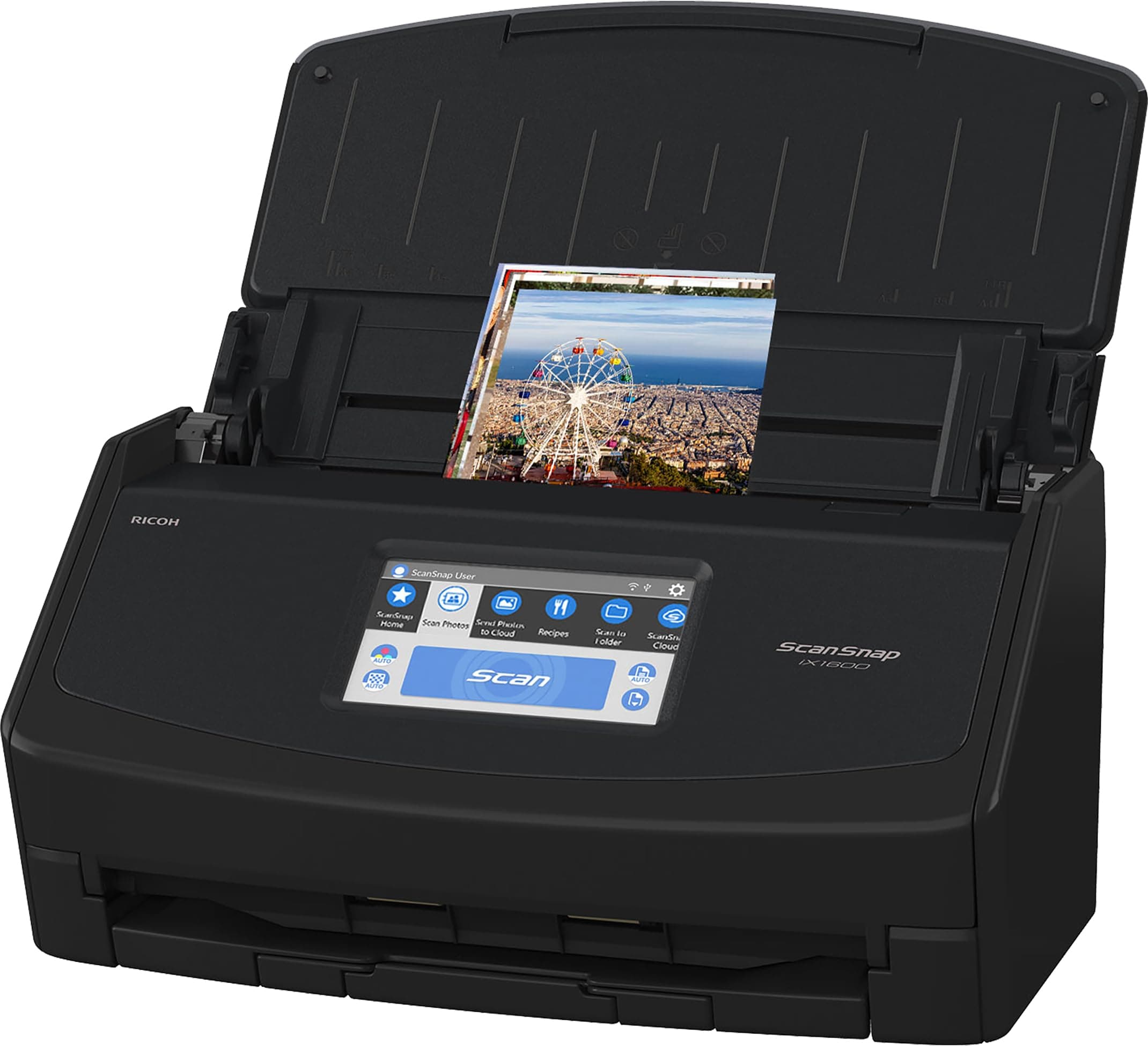
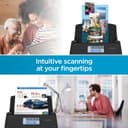
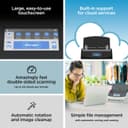

Buy anything from 5,000+ international stores. One checkout price. No surprise fees. Join 2M+ shoppers on Desertcart.
Desertcart purchases this item on your behalf and handles shipping, customs, and support to Uruguay.
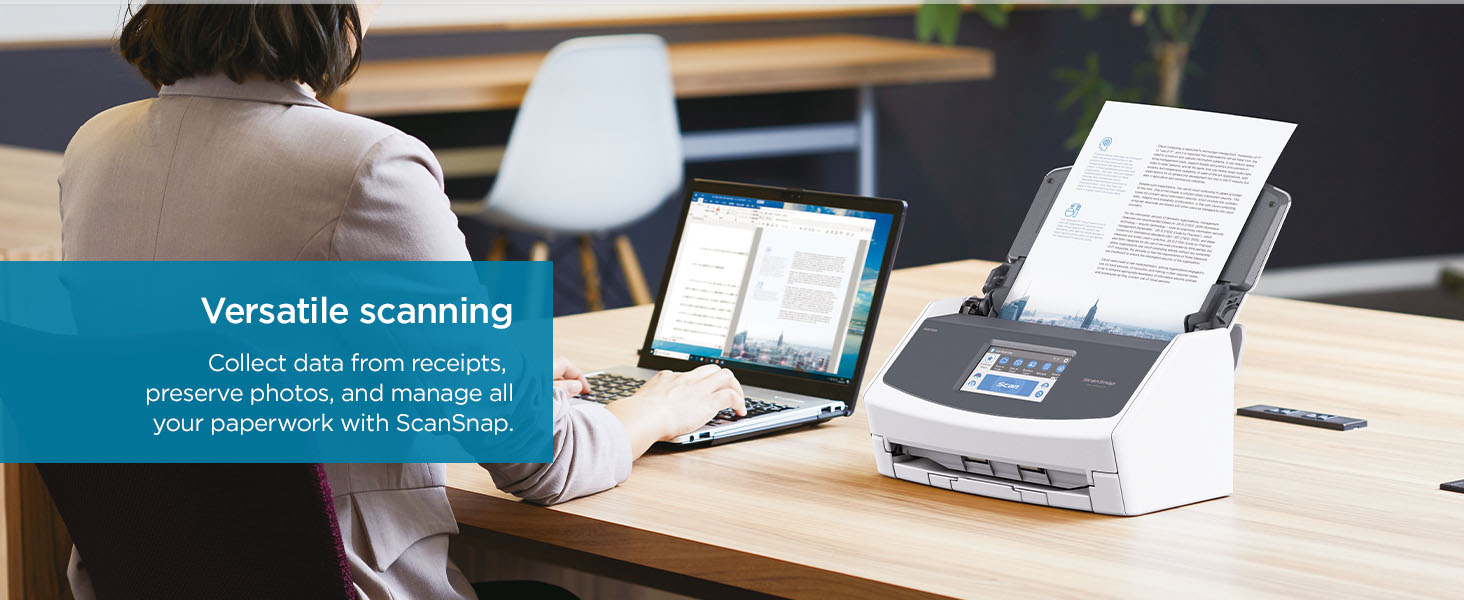
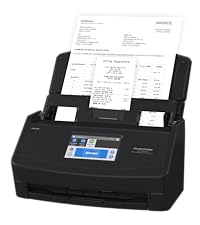
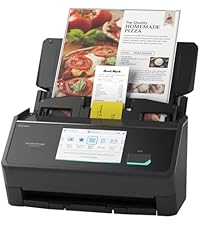
🚀 Scan smarter, faster, and wirelessly—because your documents deserve the VIP treatment.
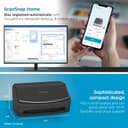
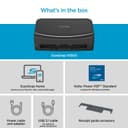
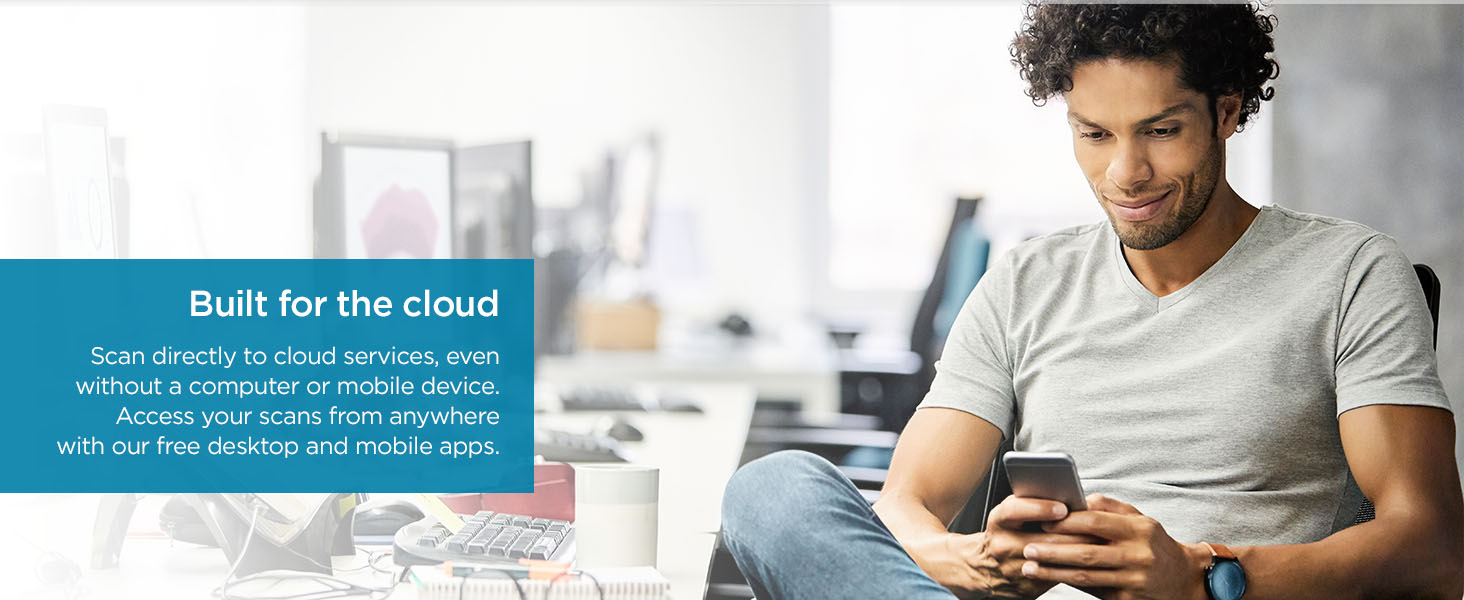
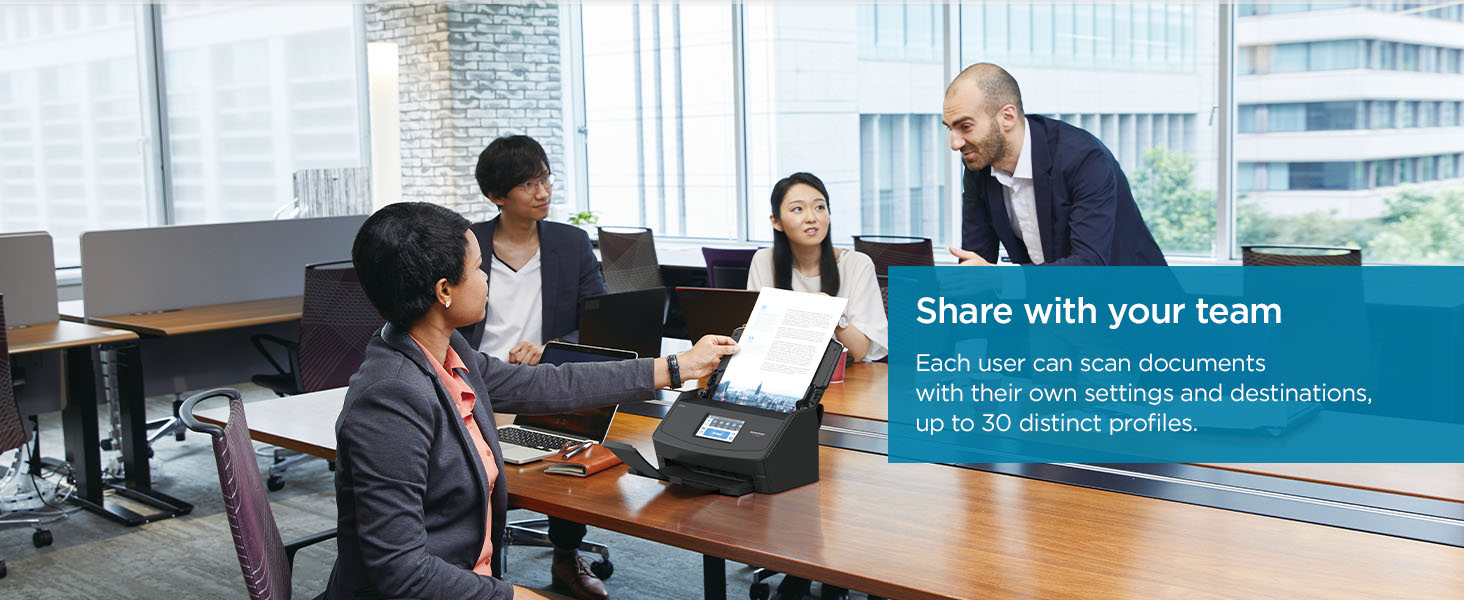
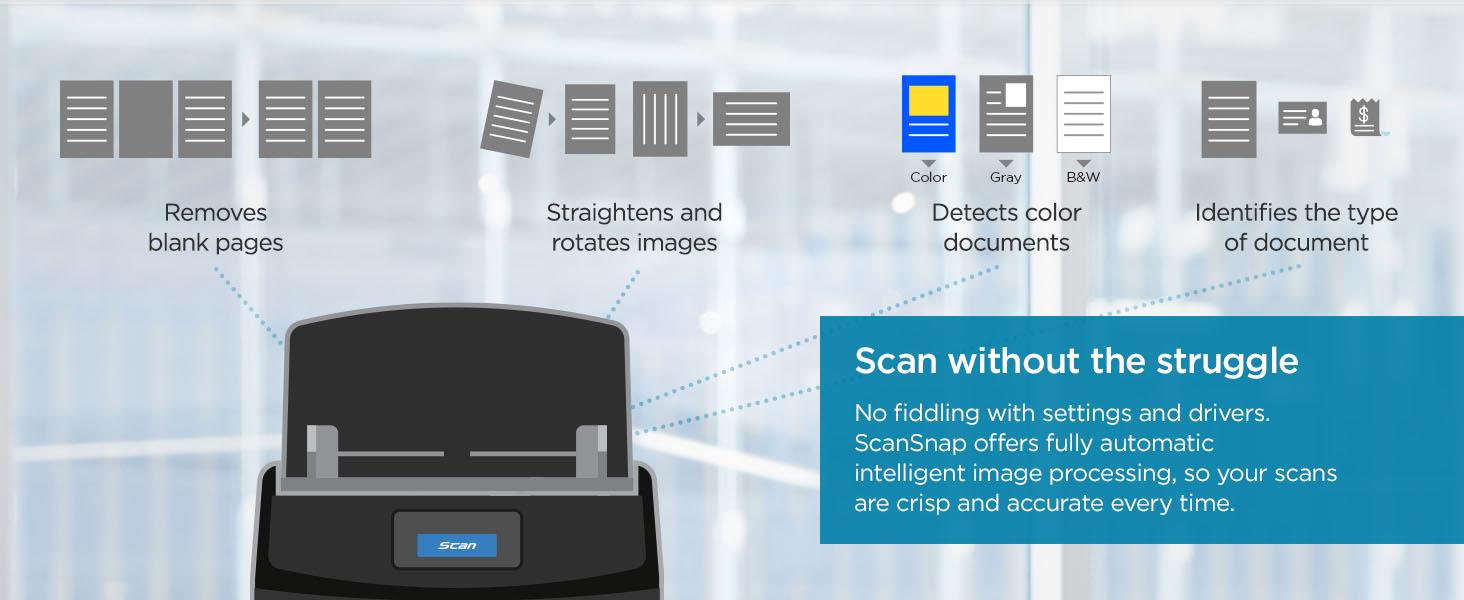
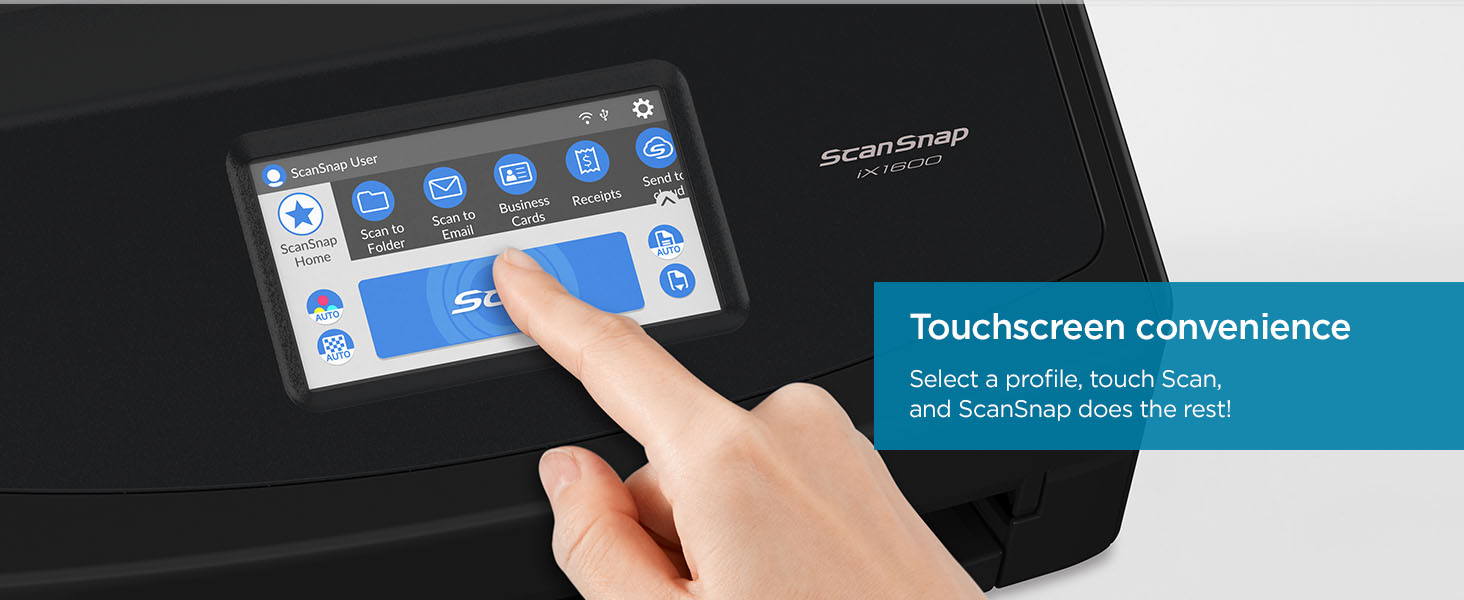
The ScanSnap iX1600 is a top-tier wireless and USB document scanner featuring a vibrant 7-inch touchscreen, ultra-fast 40 ppm duplex scanning, and seamless cloud integration. Designed for busy professionals and small teams, it supports up to 30 customizable scan profiles and handles diverse media types with ease, all while maintaining a compact footprint and energy-efficient 17-watt power consumption.







| ASIN | B08PH5Q51P |
| Best Sellers Rank | #1,683 in Office Products ( See Top 100 in Office Products ) #2 in Document Scanners |
| Brand | ScanSnap |
| Connection Type | USB, Wi-Fi |
| Customer Reviews | 4.6 4.6 out of 5 stars (3,082) |
| Item Dimensions D x W x H | 6.3"D x 11.5"W x 6"H |
| Item Type Name | Scanner |
| Item Weight | 7.5 Pounds |
| Light Source Type | LED |
| Manufacturer | PFU Limited |
| Media Type | Business Card, Post Card, Receipt |
| Minimum System Requirements | Windows 11 / 10 (352-bit / 64-bit) and macOS Catalina 10.15 or later |
| Model Name | ScanSnap iX1600 |
| Optical Sensor Technology | CIS |
| Paper Size | Up to 8.5"x14" |
| Resolution | 600 |
| Scanner Type | Document, Receipt |
| Standard Sheet Capacity | 50 |
| UPC | 097564309731 |
| Unit Count | 1.0 Count |
| Warranty Description | 1-Year Depot warranty |
| Wattage | 17 watts |
N**E
Amazing, Worth the $400
Amazing - totally worth it as a dedicated scanner. Design is well thought out and smart! Puts other scanners to shame. Super fast (~ 40 pages per min), flawless, duplex, simplex, auto-crops, right sizes images, OCR, can modify pages after scanning (rotate, delete pages). Plus you can make short work of your piles of photos from the 80s!! (Scan to your phone) — use manual mode for that. Also you can say goodbye to paper! (Scan in all your mail as it arrives then throw away or shred). Use the ScanSnap local app but also has cloud scanning and email scanning. Don’t even consider the lower tier scan snaps — the $400 is worth it. And buy the special Fujitsu drum cleaner.
L**B
Could not be happier! Amazing machine!
I was really surprised at all the high praise this machine got, so I ordered it. No disappointment here! It was up and running so fast and easily connected via Bluetooth! Amazingly excellent instructions! Incredibly intuitive! Works like a charm! I haven't been this happy with a new electronic device for 30 years! Both mechanically and electronically, works the way it should! Scans receipts, documents and photos equally well. Color quality of photos way better than my previous scanner. When done, it folds up into a tiny footprint on your desk. Wow! WOW! WOW!!!
B**H
Game changer for scanner on the go. Very professional equipment.
My job requires me to scan documents from wherever I am. The reason I bought this was because it is the first one I have found that scans professionally - TO MY PHONE. I used to have to carry a laptop with me. I love now being able to travel with less equipment. It’s a little tricky setting up as it has its own WiFi and there are moments I am not sure if I am doing it correctly, but all I can say is hang in there because it is worth it. The quality of the scans are superb and I love that it is so fast. When I scan ID, it will do both sides at the same time. My clients love it because they get their documents right away. The only thing I do notice is that after very little use, sometimes I go to scan and get a message that reads “glass is dirty” and that will prevent any scanning from occurring until it’s clean. I keep it in a case designed for this scanner between use so not sure how it is so sensitive. But now I just make sure I always have the proper cleaner sheet in hand.
J**N
Amazing scanner
I bought a Fujitsu Scansnap S510 in 2007, and that wonderful scanner served me well for about 17 years, yes ladies and gentlemen ! Of course I need to be honest, there was a bit of a hiccup a few years after buying it, they stopped releasing new versions of the software and I suddenly couldn't use my scanner anymore when I upgraded my Windows (to version 8, 9, or 10, I don't remember). I found a solution though, I bought a piece of software that can use every scanner in the world, so I was able to continue using my Scansnap S510 for many years. Like I said, 17 years of loyal services in total ! And the scan quality was absolutely perfect for me, even nowadays. To my big surprise it finally died now, in April 2024. There are little rubber things designed to pull the paper, they ended up being melted somehow. I guess rubber is not eternal after all. I imagine I could have attempted to replace these parts, but I did not want to bother and just bought the new iX1600. New Scansnap, same experience. I am still absolutely delighted. The software improved a lot I would say, I prefer it over the 2007 version. The scanner is otherwise still the same great scanner it always was. It is fast, the quality of the scans is amazing, the software is easy and intuitive. It eats and sorts piles of papers quickly without causing trouble or jamming, it is an absolute pleasure to scan with this device. It has amazing extra bells and whistles, like wireless connection, usability from a mobile device, upload scans to the cloud etc. Not really necessary in my opinion, I scan on my PC and the folder is already synchronized with my Cloud solution, but the options are there and they work well. Hopefully it will also last another 17 years ! ;-)
C**J
Very Excellent sheet scanner
Recently, I replaced my 2009 SnapScan when I moved to a silicon Mac. Seems that the old software & machine were not compatable with the new Macs. Yes, there was 3rd party software available; but the scanner was 15 years old with OEM parts. It scanned well over 150,000 sheets. The ix1600 is very comparable to the old i1500 model. The ix1600 is much faster. The ScanSnap scanners are very good, reliable, and good value for money. So far the software does work but has a different presentation and flow than the older scanner software. The software works differently from the i1500. The new stuff is much fancier and is taking some time to reconcile. A few pointers as best I have learned so far ....... 1- the software stores everything in "its" library. I have a system (over the years) where document are placed. After moving the scans to the right place, having to clean up the ScanSnap homepage is an extra chore to do. yes, small potatoes but extra. 2- the old scanner allowed "one sheet per file", so the feeder could be loaded up with a mash of items. The new software seems to only allow one file per feeder load. So, either scan one sheet at a time or pluck pages out of a 50 sheet scan? 3- the software seems to be built for a large volume invoice processing or high traffic client office, which is different from the old software. As I recall, the old software seemed to allow more "manual" control and options. 4- the business card scan does not extract data from the scan for automatic input into a database ..... as best I can tell. So, scanning business cards is like scanning photos. 5- the software has a different feel. No doubt, I will get the hang of it.
O**R
Es mi primer escáner de esta marca, eh usado otros de la misma marca pero ya modelos pasados, pero su versatilidad en su programa para escanear en muy sencillo de aprender, anteriormente escaneaba con mi impresora, gran cambio con este equipo, ahorras mucho tiempo.
J**R
Ordered from Amazon AU - came with US power plug.... ??
B**N
I recently purchased the ScanSnap iX1600 Wireless scanner from Amazon, and I couldn't be more pleased with my purchase. This scanner has exceeded all of my expectations and has truly simplified my document management process. Firstly, the setup was a breeze. I appreciate how user-friendly the installation process was, allowing me to start scanning within minutes of unboxing the device. The wireless functionality is incredibly convenient, eliminating the need for cumbersome cords and allowing me to place the scanner anywhere in my workspace. The scanning quality is exceptional. Whether I'm scanning documents, receipts, or photos, the ScanSnap iX1600 consistently delivers sharp, clear images with accurate color reproduction. I've been particularly impressed by its ability to automatically detect and correct skewed documents, ensuring that every scan is perfect. One feature that sets this scanner apart is its intuitive software interface. The ScanSnap Home software is incredibly easy to navigate, allowing me to quickly organize, edit, and share my scanned documents with just a few clicks. The OCR (optical character recognition) functionality is also top-notch, accurately converting scanned documents into editable text files. Another standout feature is the scanner's speed. With its rapid scanning capabilities, I can breeze through stacks of documents in no time, significantly increasing my productivity. Whether I'm scanning single-sided or double-sided documents, the ScanSnap iX1600 handles them with ease. Overall, I couldn't be happier with my purchase of the ScanSnap iX1600 Wireless scanner. It's reliable, efficient, and packed with features that streamline my workflow. If you're in the market for a high-quality scanner that delivers outstanding performance, I highly recommend the ScanSnap iX1600.
J**E
The real deal! I was going to buy the ix1500 then I noticed they released this new model. I was skeptic all about how much faster it was but it really was! Even with over wifi. Really good buy.
O**.
Simplemente lo mejor! Al mejor precio.
Trustpilot
Hace 2 meses
Hace 1 mes