We remain fully operational. Our teams are working around the clock to ensure your deliveries continue safely.

Descargar la aplicación


Servicios al cliente
Sobre nosotros
Copyright © 2025 Desertcart Holdings Limited
Descargar la aplicación

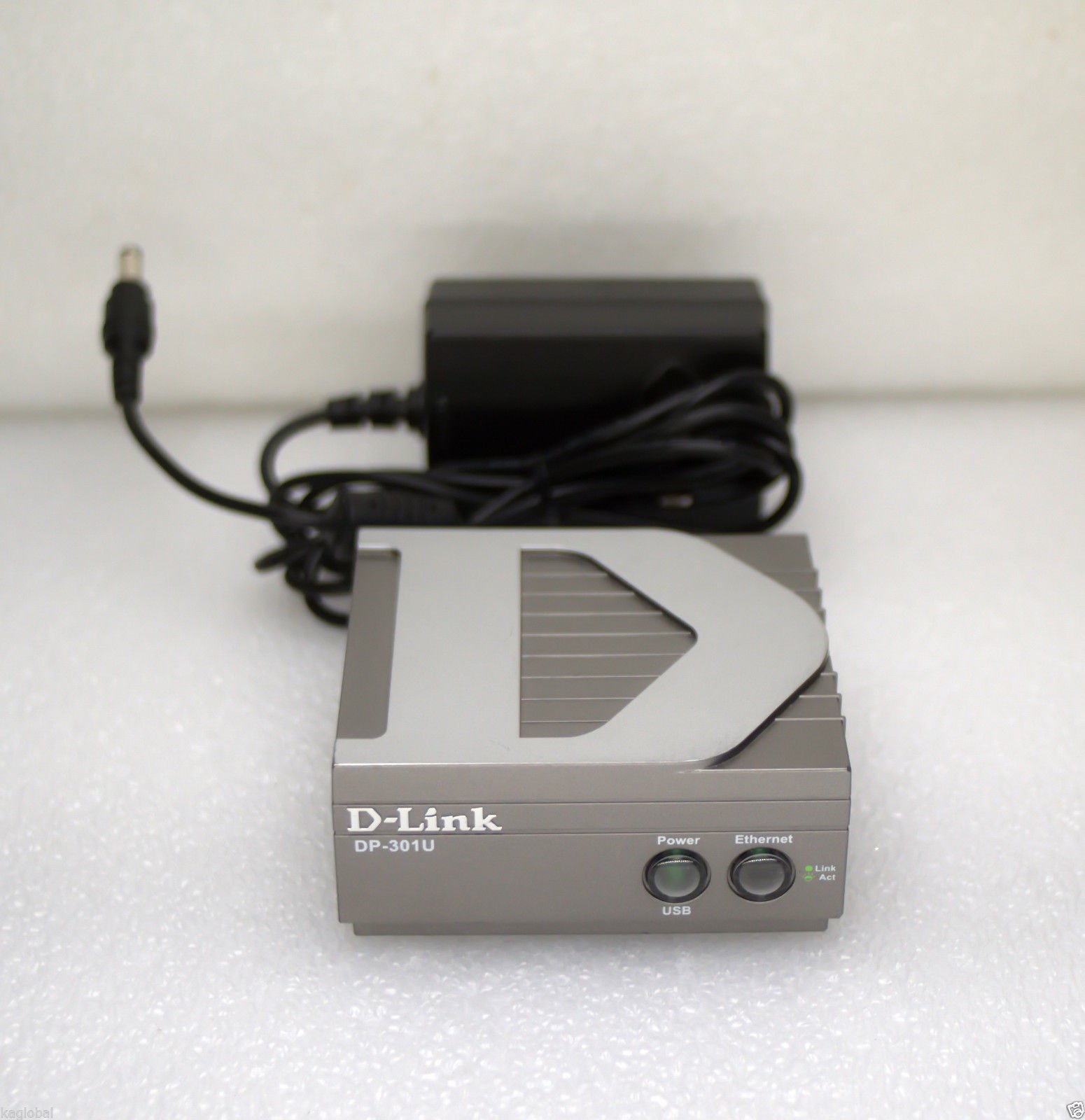

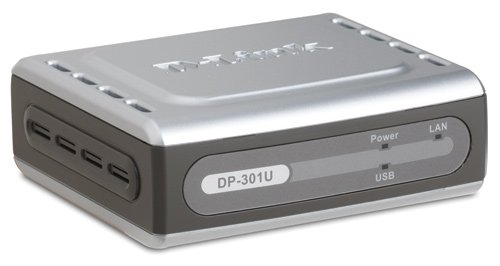


🖨️ Unlock your printer’s full potential—network printing made sleek and simple!
The D-Link DP-301U is a compact, versatile print server that connects a USB printer to your Ethernet network, enabling seamless sharing across multiple devices. Supporting 10/100 Fast Ethernet and major network protocols, it offers easy web-based or Windows configuration. Ideal for small offices and home setups, it reduces hardware clutter and energy costs by eliminating the need for dedicated print PCs.
| ASIN | B00009KH5P |
| Best Sellers Rank | #72 in Computer Networking Print Servers |
| Customer Reviews | 3.7 3.7 out of 5 stars (19) |
| Date First Available | July 7, 2004 |
| Is Discontinued By Manufacturer | No |
| Item Weight | 1 pounds |
| Item model number | DP-301U |
| Language | English |
| Manufacturer | D-Link Systems, Inc. |
| National Stock Number | 7025-01-559-1912 |
| Product Dimensions | 3.19 x 3.54 x 1.57 inches |
M**Y
Know how to set up a print server before buying this print server.
A good little print server. The bad thing is the setup doesn't work. I had to go out and root around on the internet to find out how to set it up in Windows 8.1. Once I got pass that it works OK except that it pauses at the end of the last page to be printed for about 2-3 minutes then finishes. Still it was cheaper than having two printers.
B**L
Works great. Easy setup. Know your printer before you buy!
The DP-301U works great. Setup is easy. If you know a little networking and know a little about printers and print servers it helps. Network setup is a breeze. You don't need the set up disk, just follow the Quick Installation Guide. If you want the extras, then load the disk. I used the DP301U to connect a Brother MFC-7220 fax/copy/printer to the network. I configured the DP301U. Loaded the Brother driver on a server. Configured the port to be TCP/IP type and gave the DP301U's IP address. It works perfectly. Some folks complain about compatibility. If you check the compatibility list and check to see whether your printer is a PCL/PJL, or a GDI type printer, you won't have problems and wont turn into a hater. As with many non-HP print servers, the DP301U is not GDI compatible. If you have an HP GDI printer, you need to get one of HP's GDI print servers. If your printer is not on the compatibility list, there's still a good chance your printer will work as long as it's not a GDI type. Don't hate the DP301U if you don't know anything about GDI, or you didn't do your homework when it comes to the type of printer you have. Check the compatibility list on D-Link's web site.
D**N
Didn't Work
I have lots of experience with computers and networking, but could not get this print server to work. Tech support finally told me it wasn't compatible with my printer. I finally got my printer networked by installing the driver on my Windows Home Server (WHS) and connecting the printer, via USB, to it. I had read that it's best not to install software and drivers on the WHS, which is why I ordered this print server. Then, I figured that since WHS is based on Server 2003, it shouldn't hurt anything. No problems after 2 + months. Another option is to connect your printer to a computer, share it, and leave that computer on when you may be printing. A lot cheaper, more reliable, and fewer headaches.
T**A
works as advertised for Windows and Unix
Got this yesterday and plugged it in. After reconfiguring for a different fixed IP address, everything worked fine. I've got this plugged into a multi-function printer the HP LaserJet 3015, and it works fine. Of course you don't get the fax and scan interfaces (you need to use a direct usb / parallel connection for that). I can print from both Windows and Solaris (UNIX).
C**S
Does not correctly work as a target
If you are planning to use this to target USB Generic text devices (like CHIT printers/etc.) then do not waste your time and effort on this print server; installation routines are not easily adapted, server level support for sharing a printer on this device are hit and miss, and it's handling of non-standard (GENERIC/TXT) printers is very poor.
A**J
Good enough for most, except HP, printers
The unit was relatively easy to easy to install for me. I am technically competent to a fair extent. I was disappointed that it could not connect with a 3 year old model, HP Officejet AIO printer. HP seems to insist that I use HP's own product, Jetdirect unit costing twice as much! :(
R**K
Works with my Brother Multi-function printer
I ordered this item to try it out and it works as advertised. Works with my Brother Multi-function printer. I just had to download the correct printer driver. Setup took a little bit but now that it's set up, it works fine.
P**R
Not compatible
The above listed item does not work with multi-function print-scan-copy-fax devices. So I returned it for credit. This was not known to me when I ordered it.
Trustpilot
Hace 1 semana
Hace 2 meses