
🌬️ Elevate your airflow game—smart, sleek, and speed-savvy!
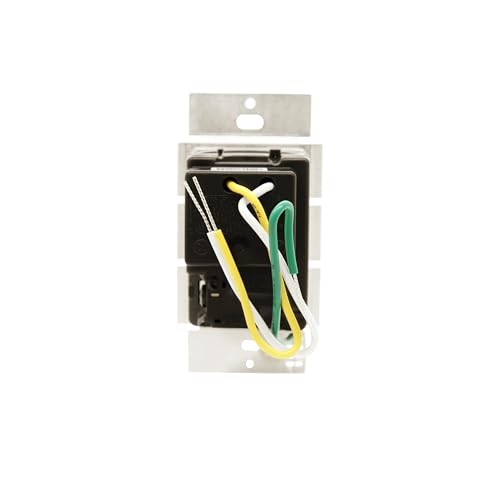
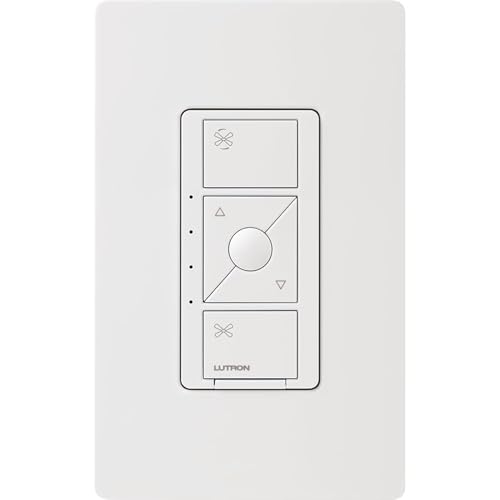
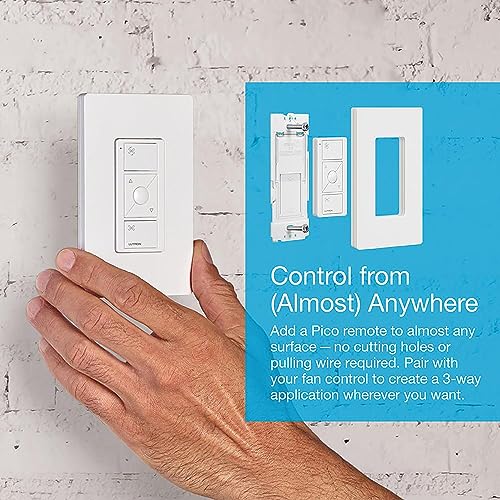
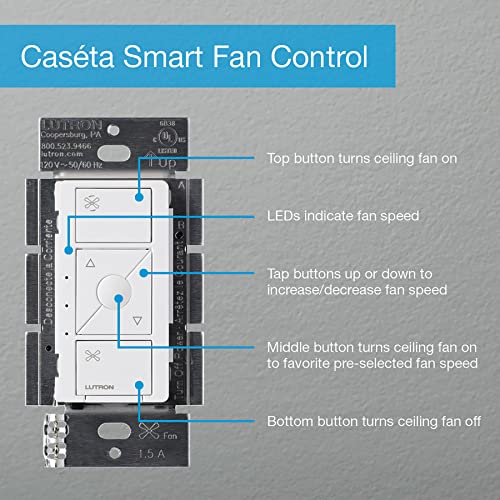
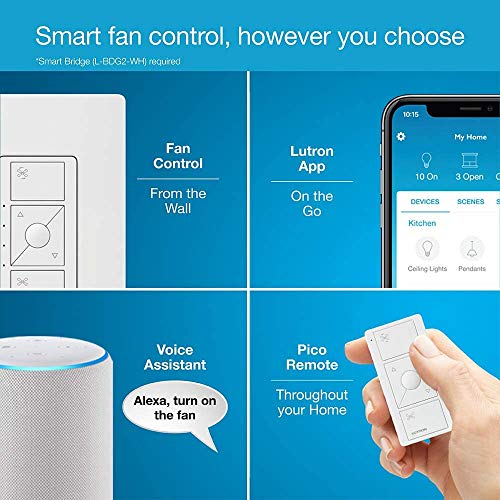
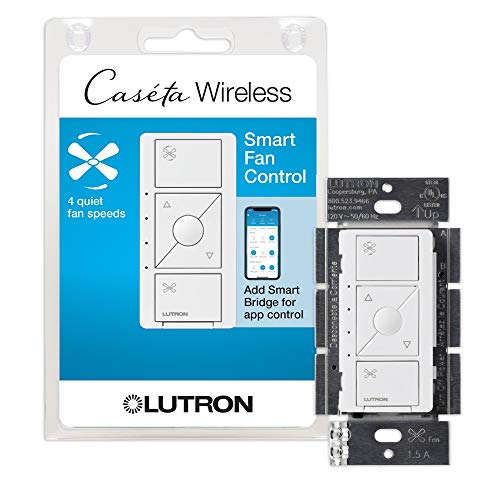
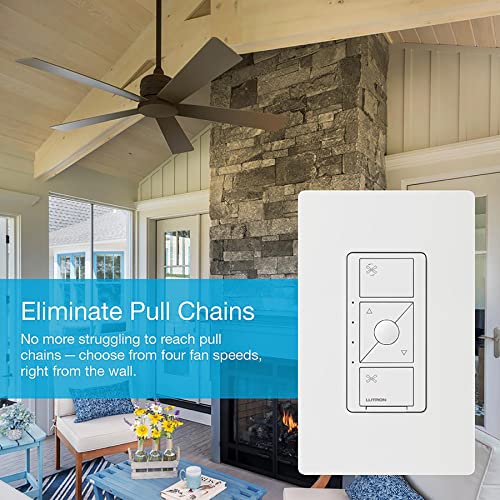
The Lutron PD-FSQN-WH Caseta Smart Fan Speed Control Switch replaces traditional pull chains with seamless wall, app, or voice control. Supporting up to 1.5A single-pole fans, it offers 4 speed settings plus off, integrates with major smart home platforms via the Caseta Smart Hub, and enables wireless 3-way control with the Fan Pico remote. Designed for easy installation, it transforms your ceiling fan into a modern comfort hub.
| ASIN | B07N1GXM38 |
| Item model number | PD-FSQN-WH |
| Manufacturer | Lutron |
| Product Dimensions | 5.72 x 8.59 x 11.43 cm; 149.69 g |
T**Y
Prior to these Caseta Fan switches the only way to control a Fan with Caseta was to use the On/Off Switch which worked but didn't give you speed control This Caseta Fan switch gives you three speed control of your fan, Low, Medium and High. The fan control switch works great with the Lutron App and Alexa Voice control however it is not currently supported by Alarm.com. I was disappointed to find this out after I had upgraded my Fan On/Off switches to the new Fan Control Speed Switches. For some strange reason Alarm.com recognizes the Lutron Caseta On/Off switches and Caseta Dimmers but not the fan switch which is disappointing. One can always hope they will integrate the Caseta fan switch with a future update but who knows. Overall this Caseta Fan switch works great and is a big improvement over the Standard Caseta On/Off Switch. If you're using the Caseta App exclusively or Alexa voice control you'll be fine ... if you're integrating this switch with another platform such as Alarm.com it will not work at this time (Dec 2020).
A**Y
Me llego incompleto mi producto
E**H
IMO, this wall fan control from Lutron is the best you can get for your pull chain 3 speed AC motor ceiling fans that are wired already to a wall switch or rotary dial and are wired separately from the lights (if your ceiling fan has lights). That is exactly how several rooms in my home are wired (1 switch for the fan light and 1 switch for the fan motor). I previously had a rotary 3 speed fan control that I replaced with the Lutron Caseta Fan control. Now I get 4 fan speeds and smart home control of my ceiling fans. Features & Pros: + Control. 4 fan speeds that you can control at the switch and with your smart home devices (phone, voice, etc). + Reliable. The Lutron Caseta system has never failed me. Most ceiling fan companies want you to install their receiver modules in the canopy and use their remotes, but that can present several cons -- you could lose the remote, you have to change out the batteries, and you could get interference to where the remote responds poorly or not at all. A hardwired wall switch makes more sense and won't confuse people when you just simply want to turn the fan on. Lutron tech support is also great. They stand by their products. + Easy to install. Just confirm you have neutral wires in your electrical boxes and follow the instructions. + Compatibility. This works with many brands of ceiling fans. I have Hunter brand fans and they work great. Even if your ceiling fan has a receiver and remote, you may be able to just not install the receiver and hardwire the fan. The important part is that the ceiling fan is a 3 speed fan with an AC motor.
M**Y
I have been using Lutron Cosetta in wall and plug type dimmers for over 10 years now. The only unit that ever failed was one that I damaged by having a shorted wire on a chandelier. I have these dimmers all through my house, and everyone has worked with out an error. I did purchase Ketta pro which has worked seamlessly with Amazon Alexa for at least the last five or six years. Then I paired the Quetta hub with the habitat and have seen even not the slightest problem. The only reason I use Hubitat is that the motion sensors and other switches are far less expensive and work just as well as well as features that the Casetta does not have, and I did not expect them to. Anyone doing their own smart home system would be doing themselves a favor to go with Casetta for light dimmers. Yes, they are the most expensive, but you do get what you pay, for. I have tried a couple of less expensive dimmers, and they were either difficult to operate, or temperament, or were unreliable. Those that have had trouble with LEDs not turning off when the Casetta was off, did not understand how power supplies and loads can differ on dimmers of this type. When I remodeled my kitchen, I had to buy more expensive model of the Casetta because of the power supplies I chose for my undercabinet and floor lighting. For those who have in wall Casetta dimmers that don’t shut the LED lights off completely. There is a device from Zoos that solves the problem by supplying a capacity load to make the dimmer shut off completely. It’s not a fault of the dimmer design. I have seen the problem with even high-end commercial dimmers. The bottom line if you want reliability quality and assured operation, go with this. If you do it right, you won’t be sorry.
C**H
I saw a few complaints about this controller not working with their fan. For me, I purchased Hunter's 59264 Contemporary Modern 52", and this worked perfectly once hooked up. It turns a relatively cheap fan into a smart fan with google/alexa integration and for me I have it scheduled to turn on change speeds based on time-of-day. It does have limitations based on your fan model, so make sure your ceiling fan follows the below limitations before buying everything: • The fans motor is AC (NOT DC), and draws no more than 1.5Amps • Make sure that the fan is pull string operated (remote controlled units will likely not work but you might be able to bypass it with some additional work) • Make sure when you set the fan up for the first time that both the ceiling fan is set to it's highest setting. Once you have this, the lutron controller can do it's job without any issue. For me I unscrewed the pull string and secured it within the housing of the ceiling fan (once I set it to it's highest setting).
Trustpilot
Hace 2 meses
Hace 3 días



