We remain fully operational. Our teams are working around the clock to ensure your deliveries continue safely.

Descargar la aplicación


Servicios al cliente
Sobre nosotros
Copyright © 2025 Desertcart Holdings Limited
Descargar la aplicación
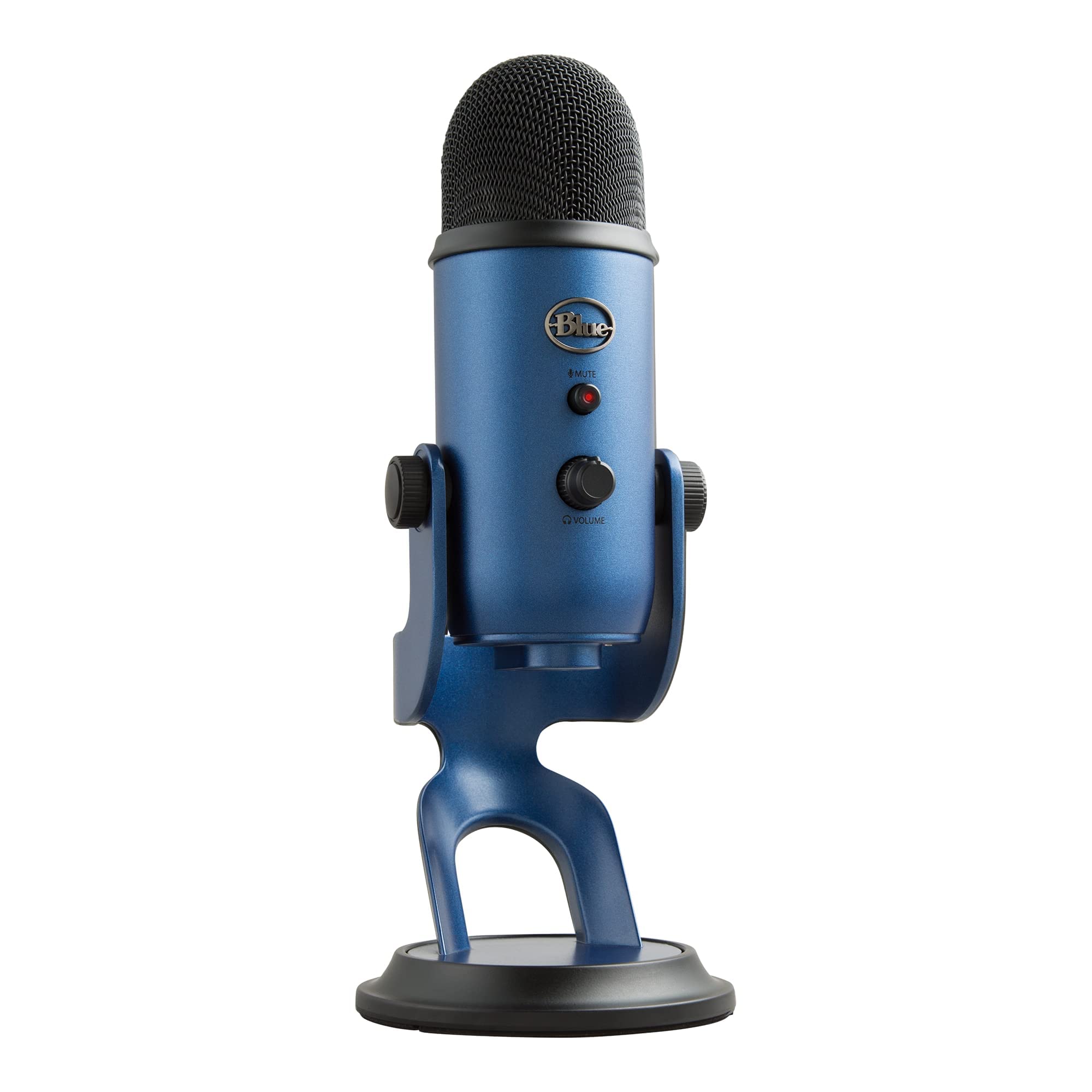


🎤 Own your sound. Stream like a pro.
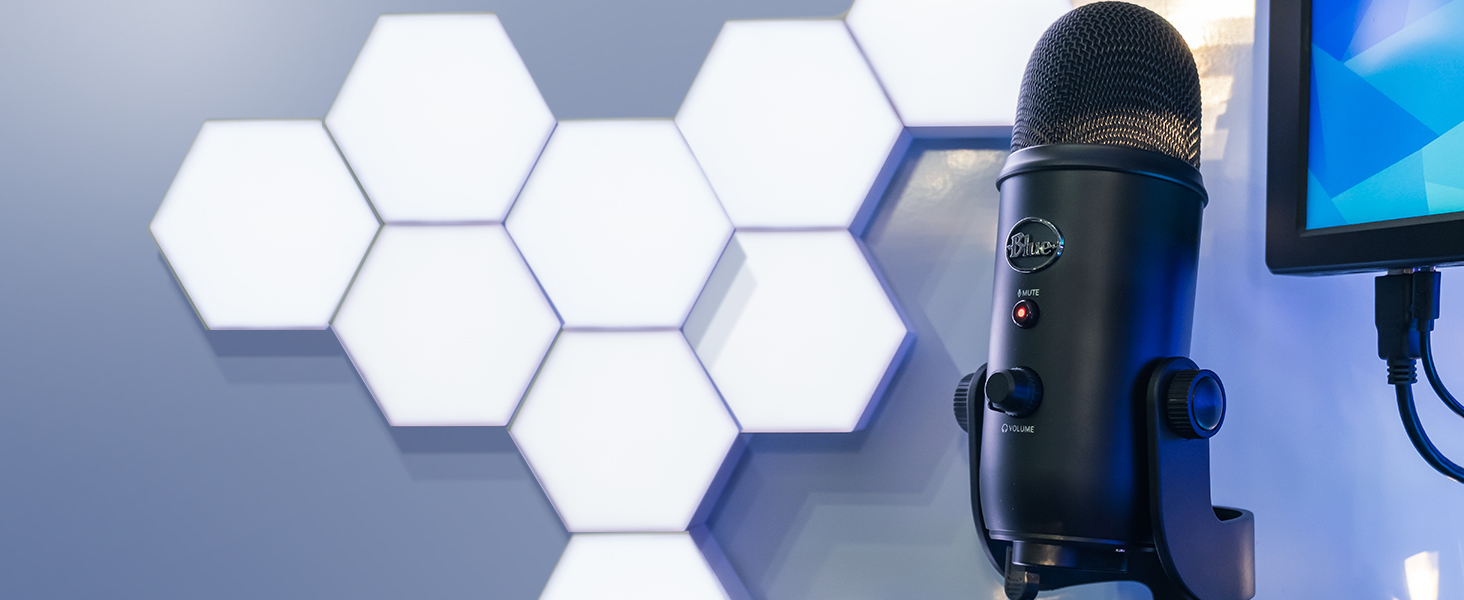
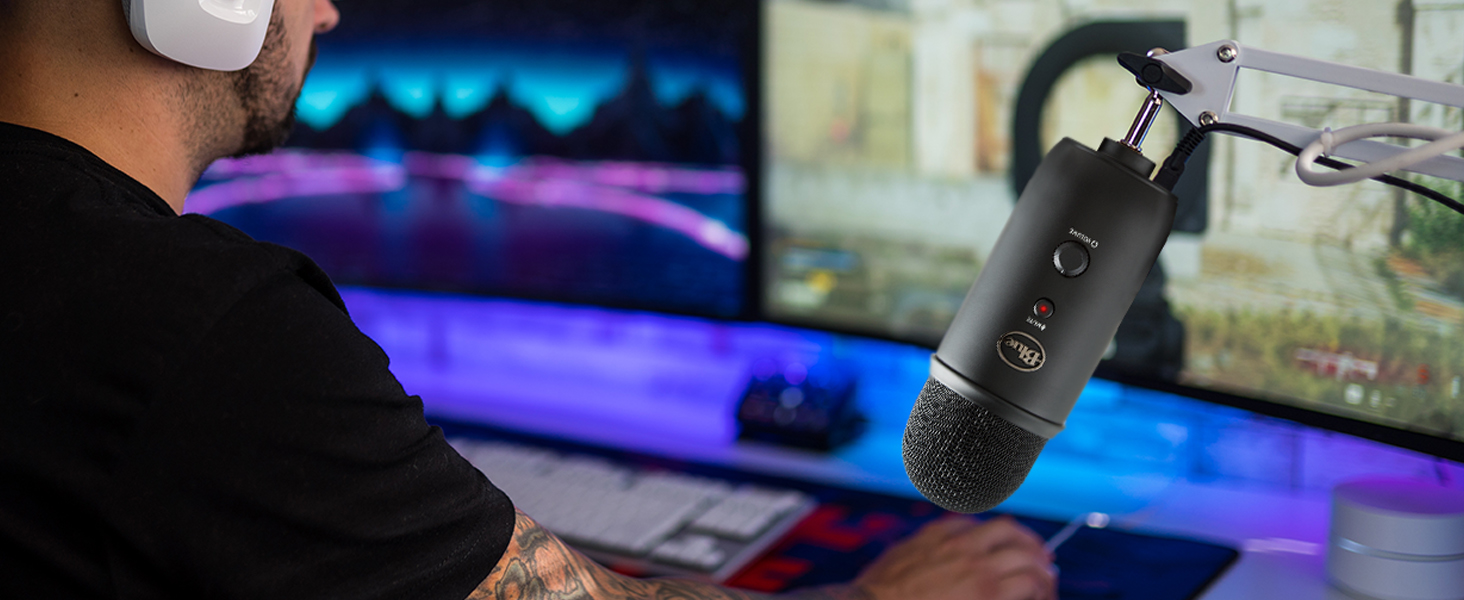
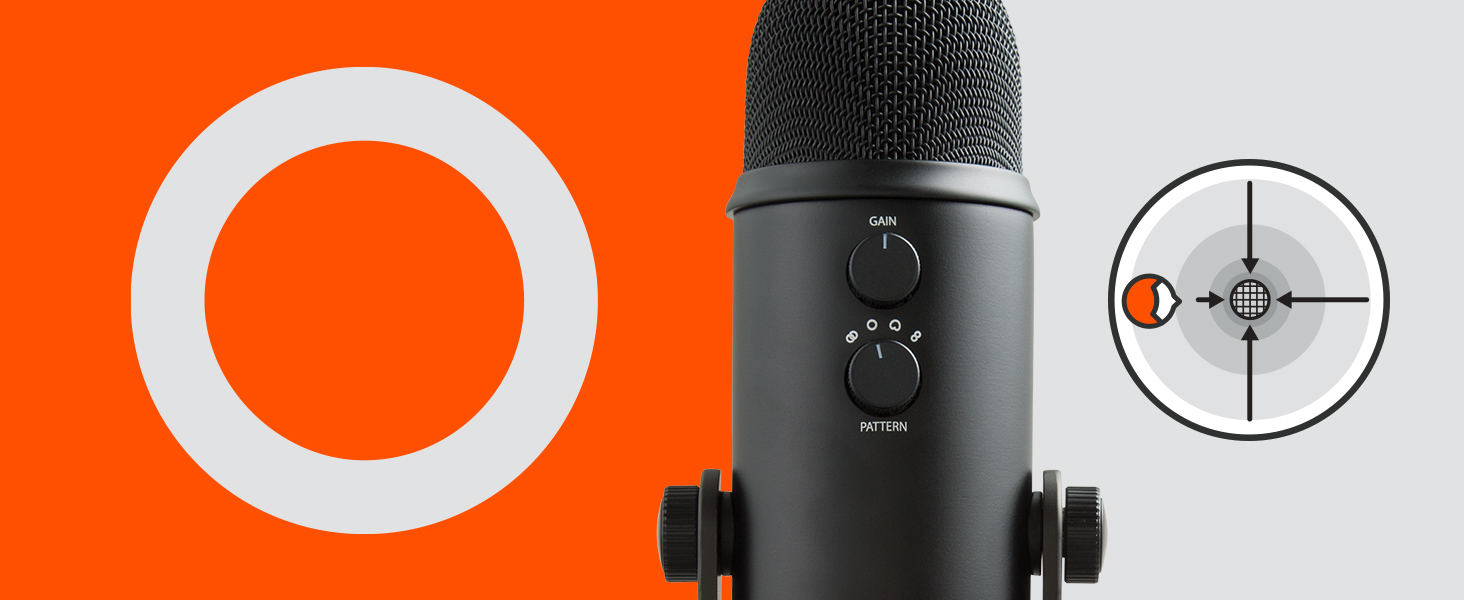
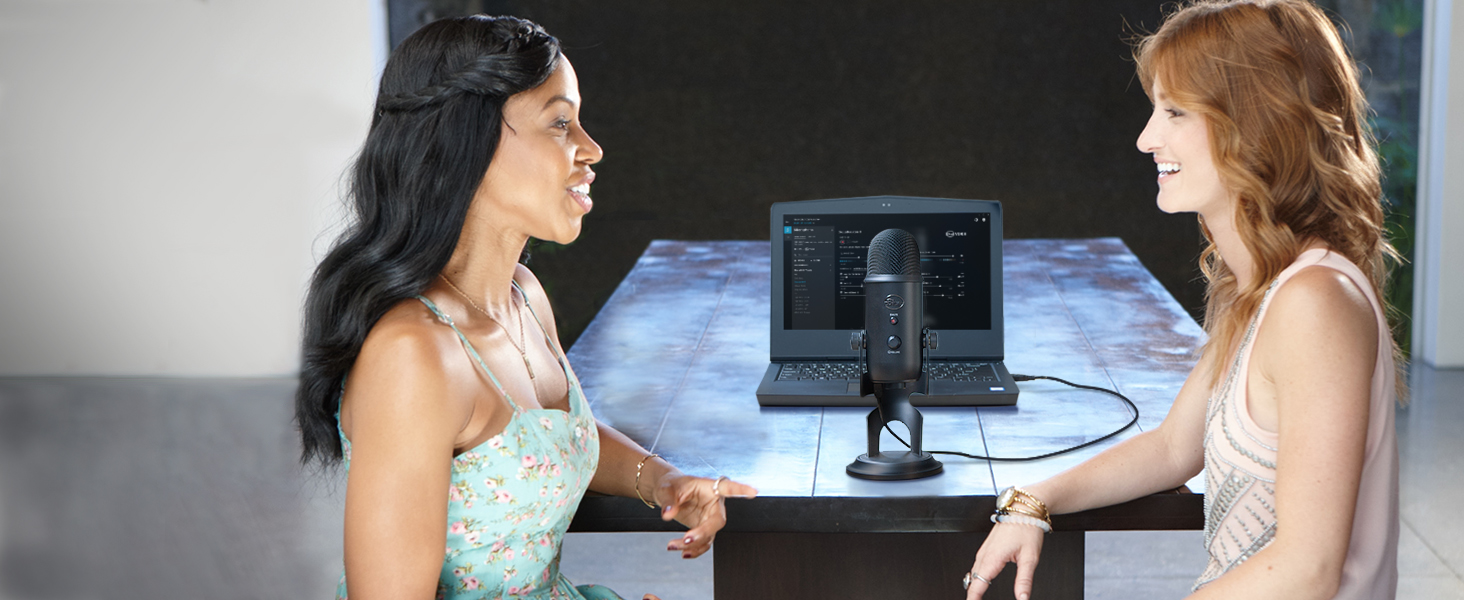
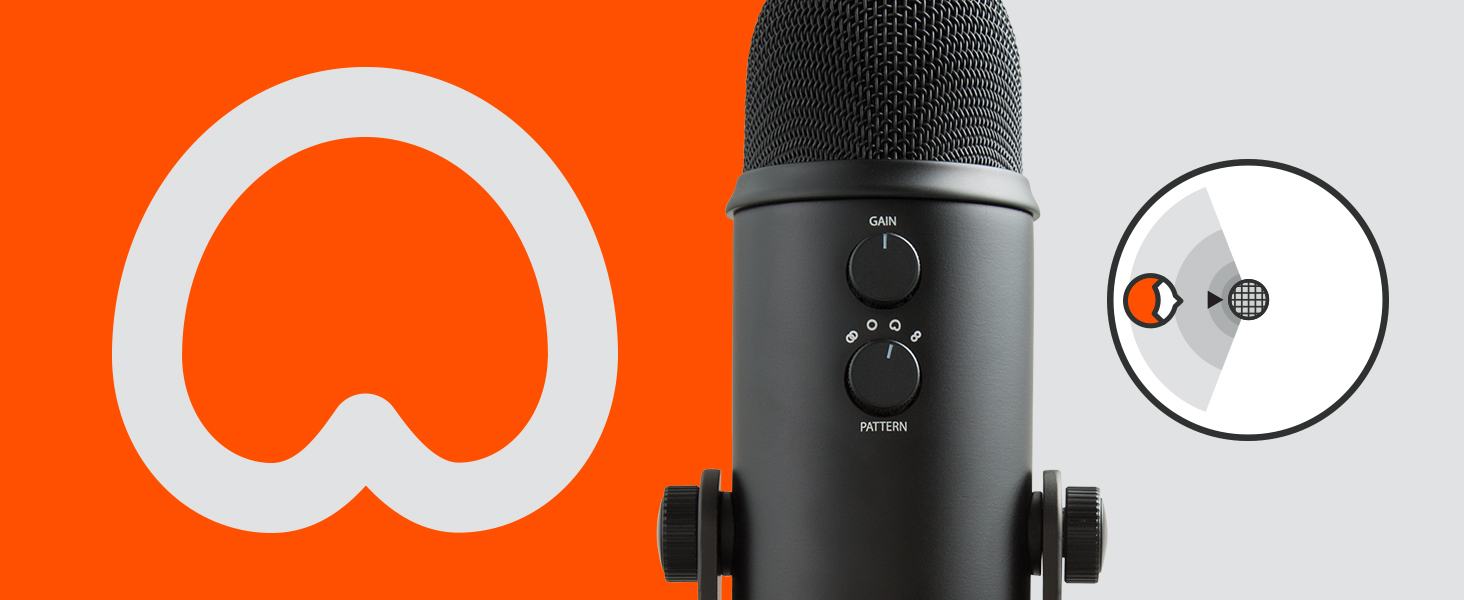
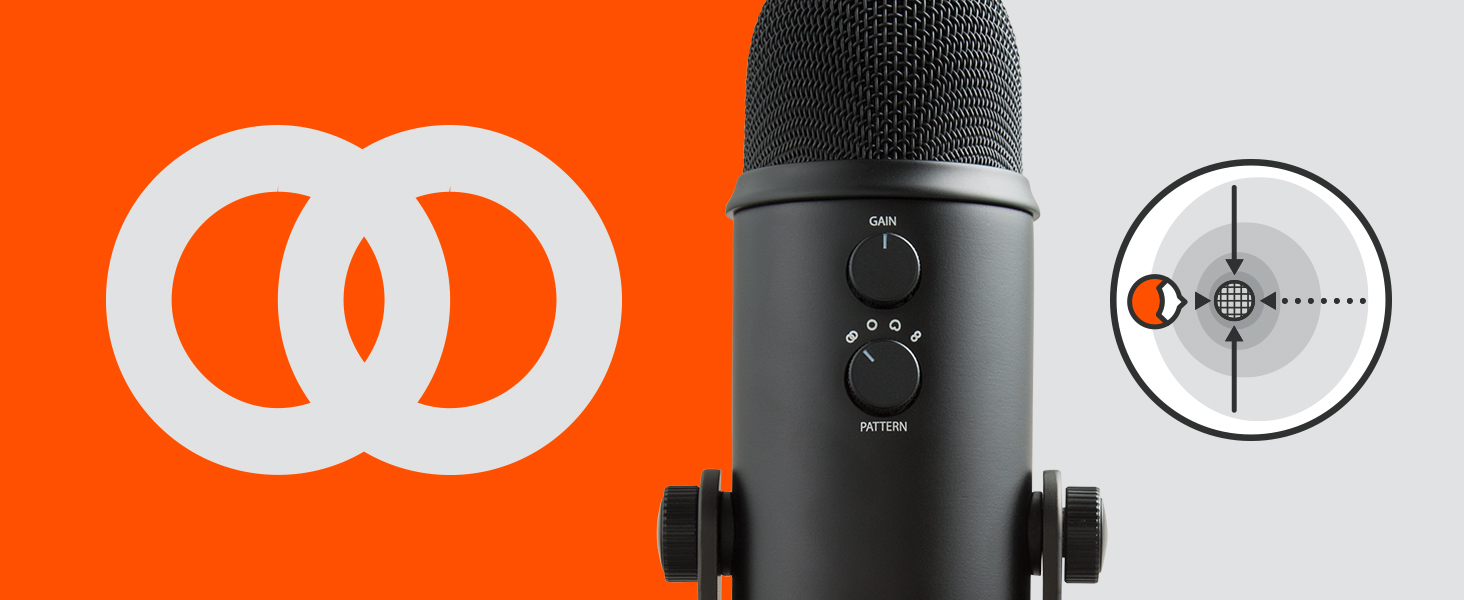
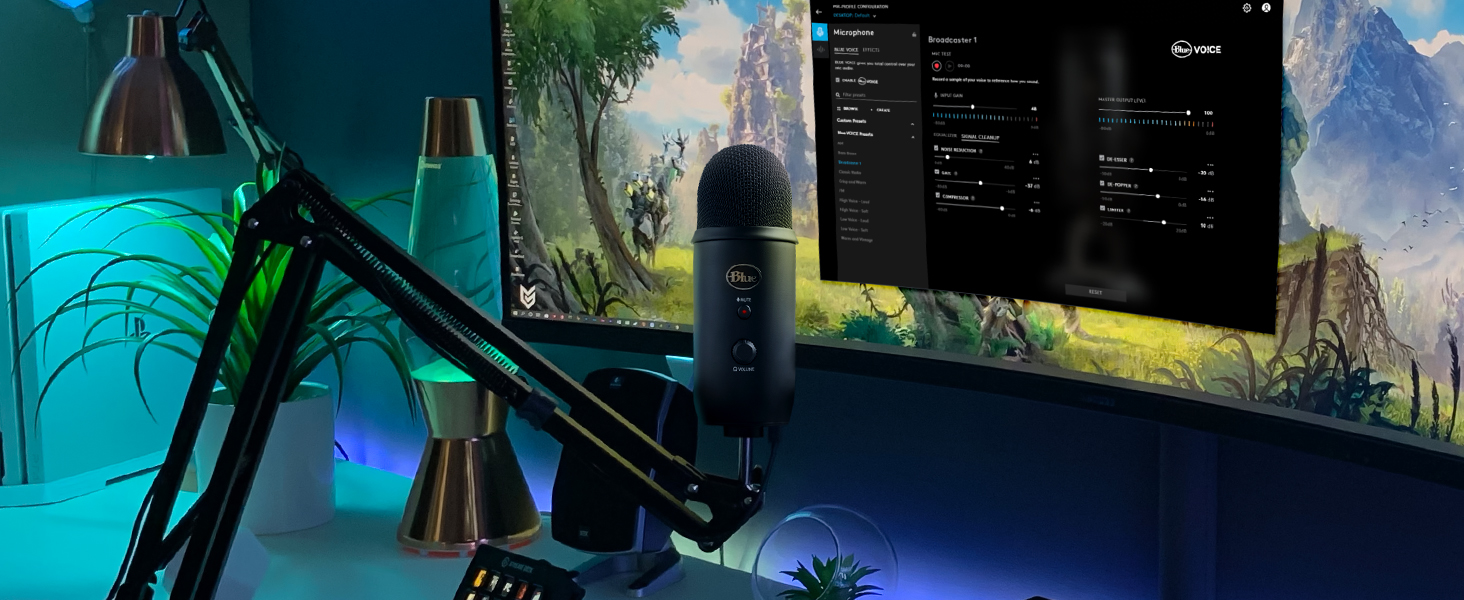
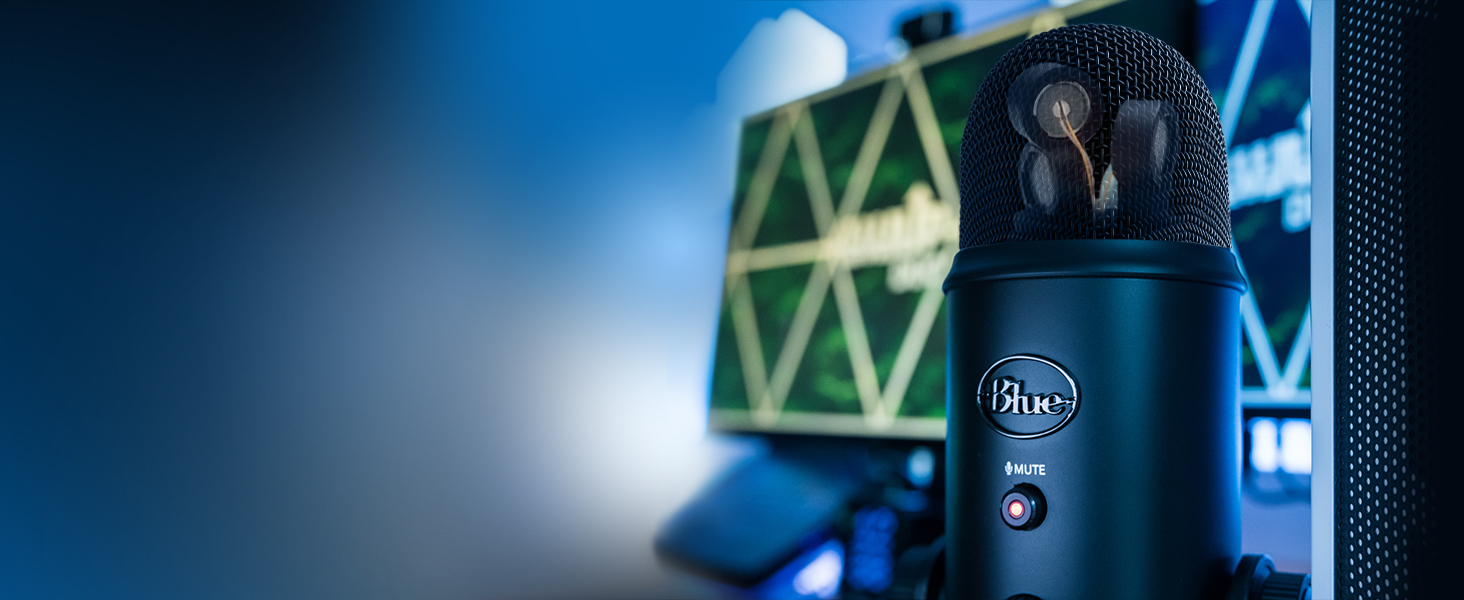
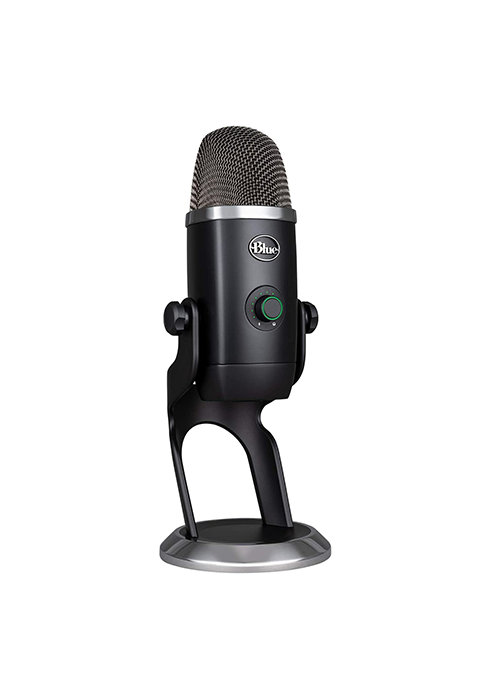
The Logitech Creators Blue Yeti USB Microphone delivers professional broadcast-quality audio with a tri-capsule array and four flexible pickup patterns. Designed for content creators, gamers, podcasters, and streamers, it features onboard controls for volume, gain, mute, and pattern selection, plus Blue VO!CE software for enhanced vocal effects. Its plug-and-play design with adjustable stand and zero-latency monitoring makes it an essential tool for anyone serious about crystal-clear sound.








| ASIN | B01LY6Z2M6 |
| Audio Sensitivity | 45 Decibels |
| Batteries | 1 Lithium Ion batteries required. |
| Best Sellers Rank | #21 in Musical Instruments ( See Top 100 in Musical Instruments ) #1 in Multipurpose Condenser Microphones |
| Customer Reviews | 4.6 4.6 out of 5 stars (60,543) |
| Date First Available | September 19, 2013 |
| Global Trade Identification Number | 00836213002117, 00884260520740 |
| Hardware Platform | PC, nintendo ds |
| Is Discontinued By Manufacturer | No |
| Item Weight | 3.2 pounds |
| Item dimensions L x W x H | 4.9 x 4.7 x 11.6 inches |
| Item model number | 988-000101 |
| Language | French |
| Manufacturer | Blue |
| Material | Metal |
| Microphone Form Factor | Tri-Capsule Array |
| Number of Batteries | 1 Lithium Ion batteries required. |
| Number of Channels | 2 |
| Power Source | Battery Powered |
| Product Dimensions | 4.9 x 4.7 x 11.6 inches |
| Signal-to-Noise Ratio | 70 dB |
| UPC | 097855160553 |
D**N
Reliable USB mic with great sound for price
This microphone is a big step up from using a headset or a laptop’s built-in microphone. I’ve been using a Blue Yeti for about 5 years now and have never regretted buying it. I’m planning to upgrade soon, but the Blue Yeti had served me well. For the price, this is a very capable USB microphone. Anything that feels like a meaningful upgrade from here is usually at least double the cost and often requires moving to an XLR microphone and an external audio interface. There are definitely diminishing returns with microphones, and the Yeti sits at a good point in that curve. Build quality is solid overall. It does use micro-USB, which I’m not a big fan of, but it hasn’t caused me any issues over time. In terms of use, I’ve found it works best with the gain set very low and the mic positioned fairly close (around 3–6 inches from your mouth). Since it’s a condenser microphone, it is sensitive to room noise, especially in untreated spaces, so mic placement and gain control matter quite a bit. I would also recommend getting a pop filter as the mic will be sensitive to plosives. The mic also supports multiple polar patterns. I’ve mostly just used cardioid mode, but the option is there if you want to experiment with stereo or multi-person setups. Overall, this is a great option if you want a noticeable upgrade from a headset or laptop mic without moving into more complex audio setups. It’s easy to use, reliable, and good enough that upgrading beyond it only really makes sense if you’re specifically chasing higher-end audio quality.
M**N
Excellent Mic
After shopping around and experimenting with options, I found this is perfect. I'm very happy. It has excellent sound quality, monitoring, and was ultra easy to set up out of the box. I looks good on my desktop too - I love the blue. Perfect price point. I've been using it to record voice and vocals with Reaper, and plan to also record guitar and piano.
D**N
Great Mic, But Read This If Upgrading From a Cheap Mic
I'll join the long list of reviewers singing the praises of the Blue Yeti microphone. My online demo recordings have taken a big jump in quality since I started using it. (Update March 2012: two different people have asked me "Why does your video sound so good?" and "How do you get your voice to be so clear?" Most people don't understand the importance of audio quality, and thus microphone quality, when creating video.) If you are upgrading from a cheaper microphone, you will immediately discover some challenges when using a professional mic like the Blue Yeti. Because the yeti picks up so much more sound, including many types of noise, your first recording may actually sound worse than before! Here are some tips for solving these problems. There are two types of unwanted noise, contact noise (made when you bump your desk, the mic stand, or the cord) and background noise. The best way to eliminate contact noise is by using a shock mount. Be sure to get one that will handle the Blue Yeti's 3"/75mm diameter. As an alternative, find a piece of thick, dense, soft foam (or a thick pillow!), set that on your desk, and set the Yeti in its included stand on top of that. This is bulky and imperfect, but cheap. Route all the cords where you won't bump and tug them while recording. Blue Microphones also sells a shock mount for Yeti called the Radius Blue Microphones Radius Microphone Shock Mount . External noise is different. Pros record in a sound-deadened studio, which is out of most people's reach. But you can get 80% of the way there for free. Here's what I do: Start in a carpeted room, not one with hardwood or concrete floors. I use a laptop because they are quieter than desktops. Put the laptop on a pillow, and put another pillow in between the laptop and the mic, so you have to reach over it to get to the keyboard. These two pillows minimize any laptop fan noise. Now stretch a comforter over your head, so that it drapes down to the sides and front and back (the front and back are most critical). You will look silly, especially if you are at work, but the comforter will effectively deaden most of the outside noise and echos. I lean three poles up against walls and furniture, then drape the comforter over them. Turn off noisy appliances (air conditioner, heater, refrigerator), send the kids or coworkers out to play, and you will have a somewhat soundproof booth with minimal echos. Trust me, it works, but I do record at home instead of at the office. Next, play with the recording patterns on the Blue Yeti. I use cardioid, which picks up just from the front. But you may get richer sound from the stereo or bidirectional patterns. Omnidirectional will likely just pick up more noise, but give it a try. Now that you've eliminated the noise, you'll want to create the best recording possible. Here's how: First of all, stand up and face forward or even a bit upward when recording, to open up your vocal cords. Standing up has a bigger impact on your voice quality than anything else you can do. Next, take deep breaths, slow down, and pause in between sentences or at logical points. These pauses are easy to edit out later, and they give you easy places to cut out bad takes to replace with good ones. I routinely need to record each sentence or passage 2-3 times to get it right. Speak right into the mic, from just a few inches away. This boosts your volume with respect to any background noise level, and improves the quality of the recording. If you listen to the video review attached here on Amazon by the custom tailor guy, you'll hear how much better his voice sounds when he briefly moves the mic close to his face (at 4:30 on the timeline). Next, use a pop filter. This gizmo puts a piece of fabric or screen mesh in between your mouth and the mic to filter out the awful puffing sound made when you say words like "pop." Try it with your mouth close to the mic and see. I use the Blue Microphones Universal Pop Filter , which is only a few dollars more than the cheap black plastic ones, but is made of stainless steel and works great. The Blue Yeti delivers awesome sound quality. With these tips you'll be able to take full advantage of what it can do. Good luck!
K**R
Great mic!
Good sound quality and easy to set up! Volume is easy to control and mic feels sturdy. Easy to use for beginners and fits easily on my desk.
D**I
Amazing quality, surprised by how heavy it was, very robust. I get great comments on the mic quality. One customer asked what kind of bird I was keeping whilst on a video call. This was a bird outside in my garden tweeting, that is how sensitive it is. Would definitely buy again.
M**G
The Blue Microphones Yeti USB microphone in the blackout finish is a standout choice for anyone looking to achieve professional sound quality with minimal setup. Featuring three condenser capsules and four selectable polar patterns, it offers impressive flexibility for podcasting, streaming, voiceovers, music recording, and video calls. The plug-and-play USB connection works seamlessly with both PC and Mac, making it easy to get started straight out of the box. The built-in headphone output with volume control allows for real-time, latency-free monitoring, which is a huge plus for precise recordings. Solidly built and visually sleek, the Yeti feels premium and stable on the desk, while consistently delivering clear, detailed audio. Overall, it’s a reliable, all-in-one microphone that has earned its reputation as a favourite among content creators and streamers.
L**O
Este micro a pesar de los años es una pasada, lo fácil que es de utilizar y de ecualizar gracias a sus botones y al programa Logitech g hub, sumado a un precio muy competente, lo hacen un "must be" si quieres tener un micro con una calidad muy cercana a lo profesional y no quieres dejarte mucho dinero o estás empezando a crear contenido.
P**S
Mycket nöjf
F**D
Excellent
Trustpilot
Hace 2 días
Hace 3 días