Some deliveries may take a little longer than usual due to regional shipping conditions.

Descargar la aplicación


Servicios al cliente
Sobre nosotros
Copyright © 2025 Desertcart Holdings Limited
Descargar la aplicación
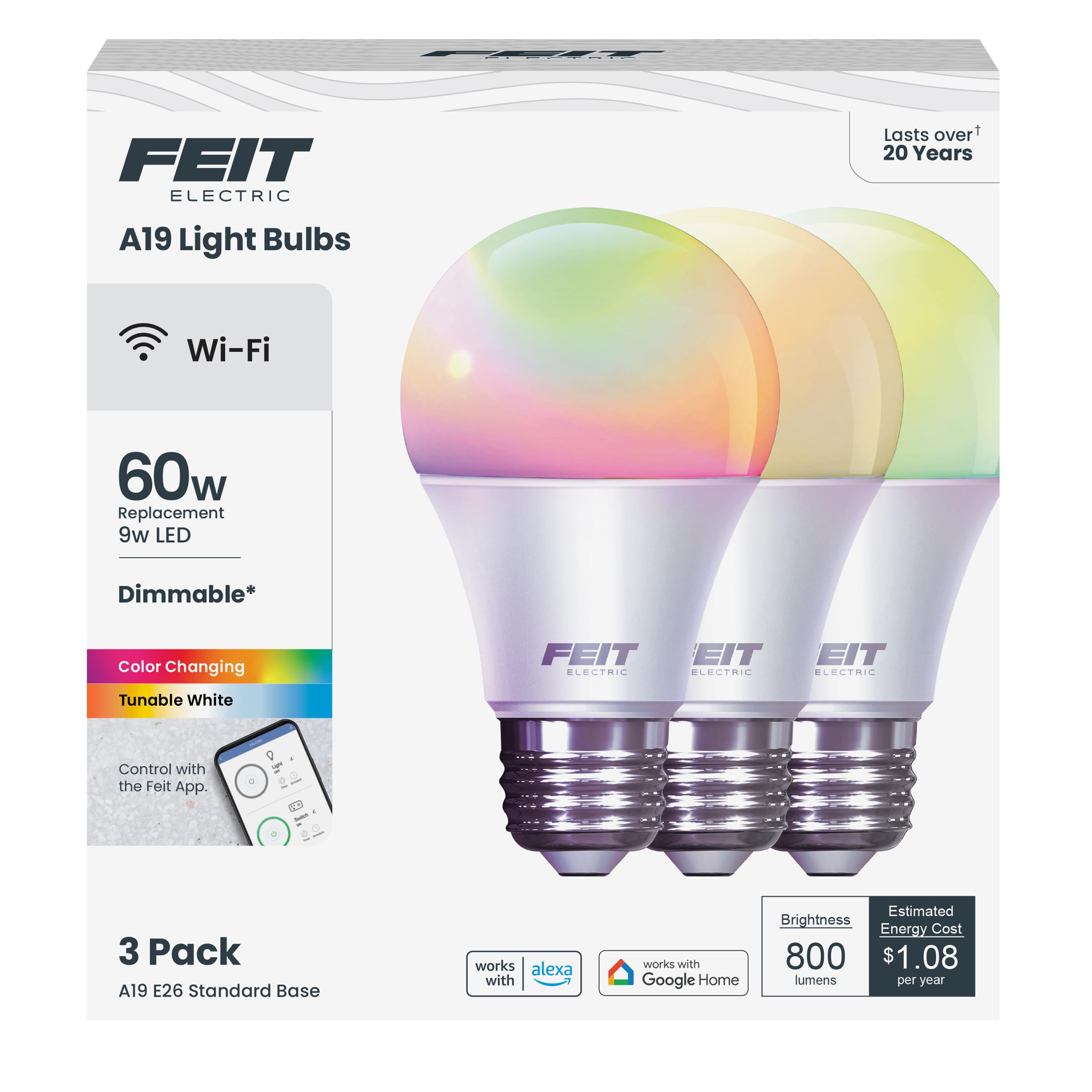


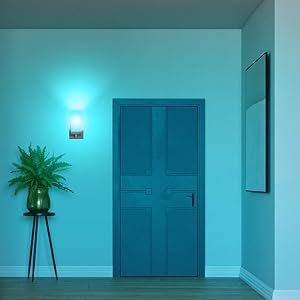
💡 Light up your lifestyle with smart color & control—because your home deserves to shine smarter.
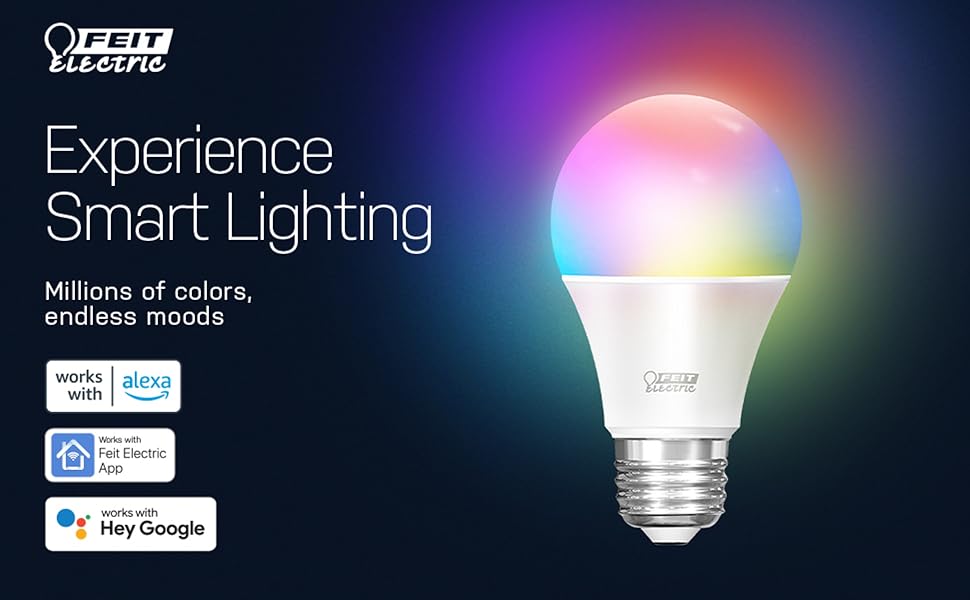
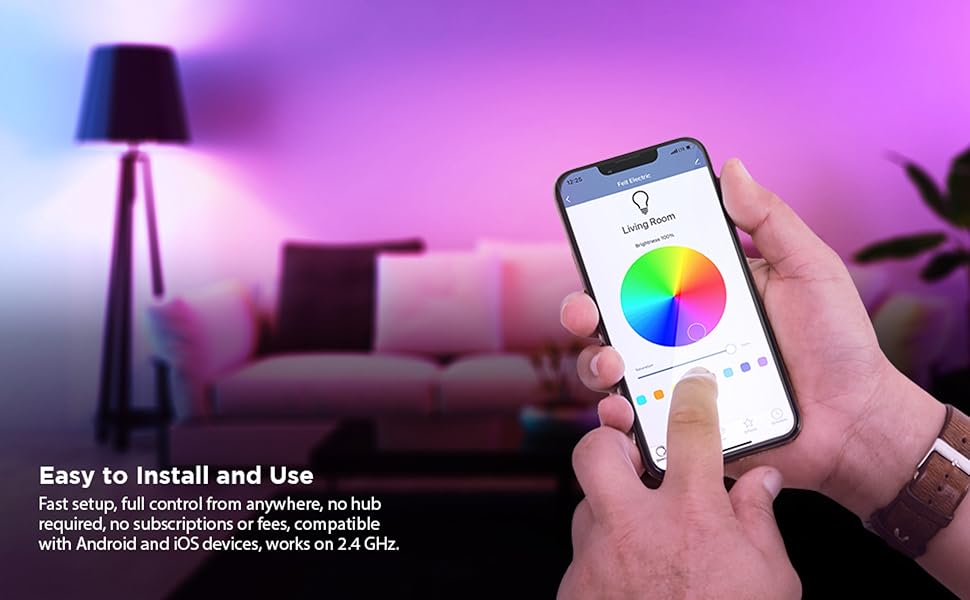
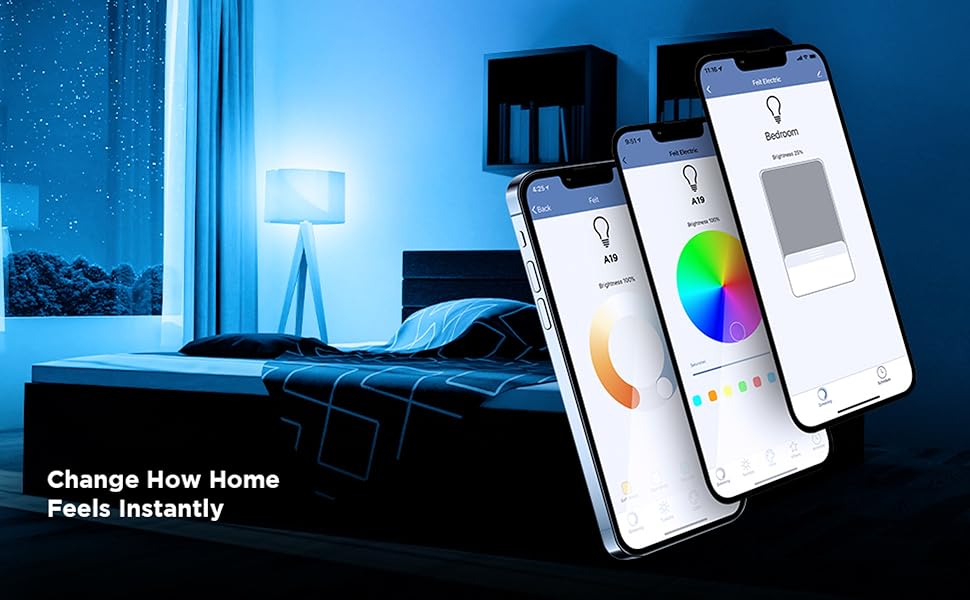
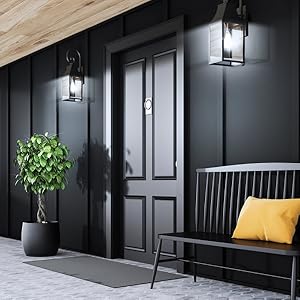
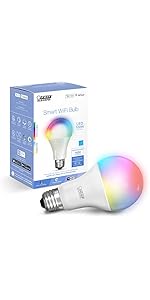
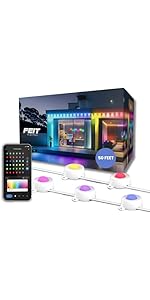
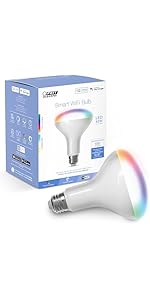
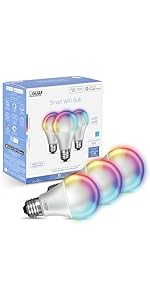
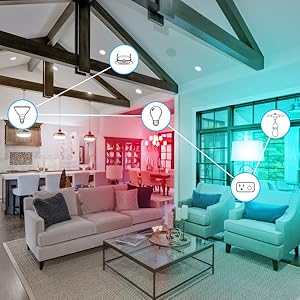
The Feit Electric Smart Light Bulbs 3-pack offers versatile, hub-free WiFi control compatible with Alexa and Google Assistant. Featuring RGB color changing plus tunable white light (2700K-6500K), these 9W LED bulbs deliver 60W equivalent brightness with energy efficiency and a 25,000-hour lifespan. Easily set schedules, groups, and scenes via the intuitive app for personalized lighting anywhere, anytime.

| ASIN | B07ZWSZ431 |
| Batteries required | No |
| Customer Reviews | 4.4 4.4 out of 5 stars (5,106) |
| Date First Available | 16 October 2020 |
| Finish types | White |
| Included components | 3 smart A19 LED light bulbs |
| Is assembly required | No |
| Item Weight | 150 g |
| Item diameter | 2.4 Inches |
| Item model number | OM60/RGBW/CA/AG/3 |
| Number of pieces | 1 |
| Specific uses | Red, Green, Blue, White, Tunable white 2700K - 6500K, Wifi Bulb |
Z**K
I currently have about 9 of these bulbs in my apartment, and they are actually pretty amazing tbh. Im glad i bought them, but i didnt buy all of them from amazon just my last one. I highly recommend these, the app is easy to group lights but i wish it worked with Siri. Dont leave them on for more than a week straight as it causes them to have connection issues. great for hang outs, or being able to dim lights for movies. they are def on the cheaper quality side
M**L
Excelente, funcionales y fáciles de instalar, su sincronización a la app de Alexa y el utilizarlos en dispositivos Echo es muy simple!
I**.
Lo compre para automarizar las luces en zonas que faltaban de mi hogar y se me hicieron baratos. Y la verdad quede ampliamente satisfecho con ellos, así que animate y compralos.
J**D
Summary: Quick and easy to set up, with a strong and reliable 2.4 GHz WiFi connection. Grouping works exactly how I need it, scheduling has helped with my child’s morning routine, and the bulbs respond consistently through both the Feit app and Alexa. Smart Device WiFi Setup: The one thing to be aware of is that these lights work best on a properly configured 2.4 GHz WiFi network. If your router combines 2.4 GHz and 5 GHz into one network, you may need to split the bands so you can connect the lights specifically to 2.4 GHz. In most routers, this is found in the WiFi or Wireless settings section of the router app or web dashboard. I also had to confirm the security was set to WPA2 and adjust the 2.4 GHz advanced settings so the connection stayed stable, including locking the channel bandwidth to 20 MHz instead of auto. These options are usually located under Advanced WiFi or Advanced Wireless settings. Once those settings were adjusted, the lights have worked flawlessly without disconnects. Every now and then I need to turn the power off for about 30 seconds, and then they reconnect. I’m not a tech support person, and once I knew which settings to look for, the fix was straightforward. I personally used ChatGPT as a guide to understand which settings to change and where to find them. Full Review: I have six of these Feit smart bulbs installed now. Three are in the living room and the other three are split between the master bedroom and my child’s room. Setup in the Feit app was quick and straightforward. I grouped the master bedroom and living room lights so they turn on together, and I have my floor lamp set up separately through Alexa for individual control. The scheduling feature has been especially helpful for our mornings. My child’s light turns on at the time they need to get up for school, which makes the routine easier. I also shared access with my child’s and spouse’s accounts, and the controls work smoothly for everyone. These bulbs connect through 2.4 GHz WiFi, and once I confirmed that during setup the connection has been very reliable. On rare occasions the bulbs stop syncing, but a quick reset fixes it. I turn the wall switch off for about 30 seconds (or leave it off while I’m out) and everything reconnects once the switch is turned back on. To avoid accidental power cuts, we installed light switch covers, which has helped keep everything running consistently. The app layout can feel a little busy at first, but once the rooms and groups are organized it becomes much more user friendly. Overall, I’m very happy with these bulbs and don’t plan on switching brands. I’ve become a Feit user for life because of how easy these are to use and how dependable they’ve been in daily routines. Update 1/8/26: After switching internet providers to AT&T, my Feit smart lights reconnected automatically as long as the new AT&T router used the same 2.4 GHz WiFi name and password as the old router. Keeping the network name the same made the transition seamless, and no resets were needed. If the WiFi name is changed on the AT&T router, switching the lights to a new network is still very easy through the Feit app. Another option that worked well for me was enabling the Guest WiFi through the AT&T router’s Advanced WiFi settings. I adjusted the Guest WiFi settings under the WiFi section and used it as a dedicated 2.4 GHz network for smart devices. Once enabled, the lights connected quickly and stayed stable. If you also use Feit smart plugs, keeping the same WiFi name and password or using a dedicated Guest WiFi network is especially helpful since it allows them to reconnect automatically. If you’re not comfortable changing these settings, AT&T support can assist.
M**L
Yo ya tenia focos de la marca y la app instalada. Asi, que me resulto muy fácil agregarlos a mi configuración. Sin embargo, si son tus primero focos de este tipo, son fáciles de instalar, la app es fácil de entender y son compatibles con sistemas como Alexa. Lo unico que se puede complicar un poco, es programarlos, para que se enciendan y apaguen en un horario determinado, pero nada que tome mas de 5min.
Trustpilot
Hace 2 meses
Hace 3 semanas