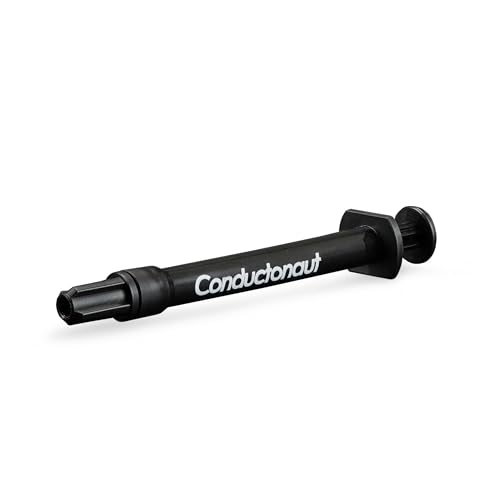


❄️ Cool smarter, game louder — liquid metal mastery for your rig!
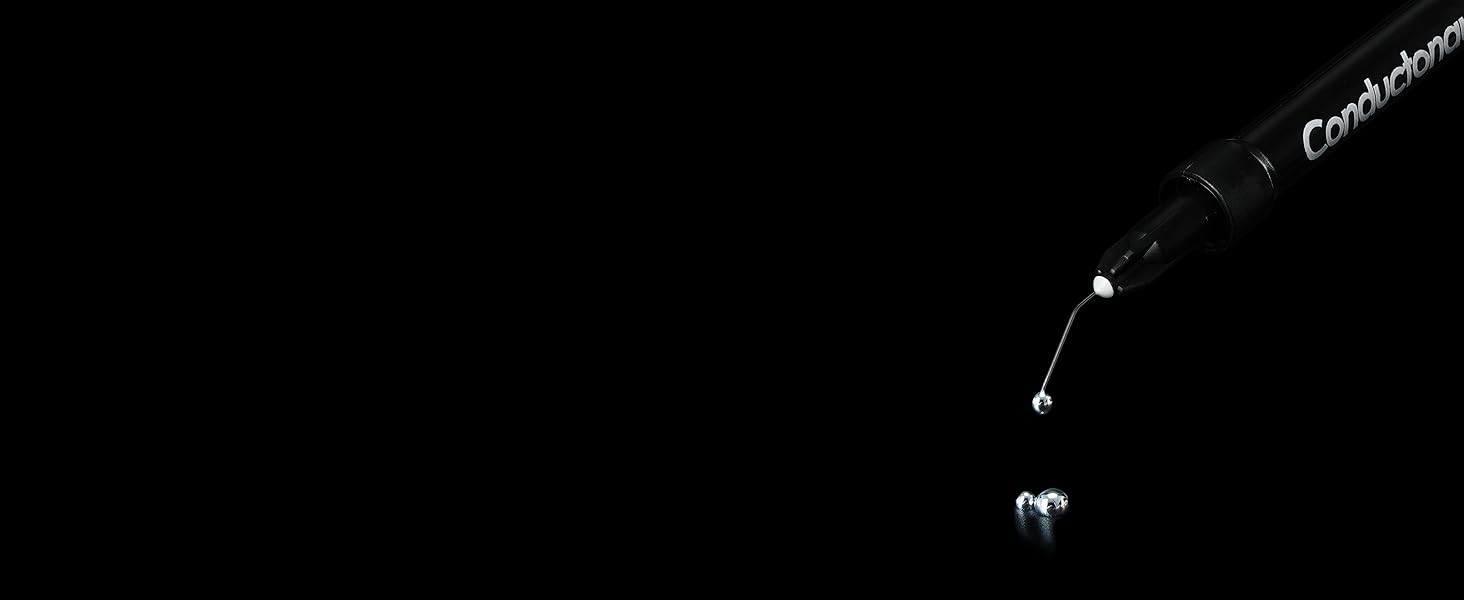
Thermal Grizzly Conductonaut is a premium liquid metal thermal paste boasting an exceptional 73W/m·K thermal conductivity. Designed for copper-based heatsinks, it dramatically lowers CPU and GPU temperatures—up to 25°C under load—while reducing noise. The 1-gram set includes 3 extra applicators for precise application, making it the go-to choice for professionals and enthusiasts seeking superior cooling performance and overclocking headroom. Note: Not compatible with aluminum components due to corrosion risk.


| ASIN | B078J4PSHM |
| Best Sellers Rank | #72 in Silicon Grease |
| Brand | Thermal Grizzly |
| Cooler Heatsink Compatibility | Universal (except Aluminum) |
| Cooler Heatsink Material | Copper |
| Date First Available | December 20, 2017 |
| Is Discontinued By Manufacturer | No |
| Item Weight | 0.035 ounces |
| Item model number | TG-AL-3 + TG-C-001-R |
| Manufacturer | Thermal Grizzly |
| Mounting Type | Not Specified |
| Package Dimensions | 7.52 x 3.82 x 0.51 inches |
M**.
Extreme thermal efficiency.
I recently got an MSI GF67 Stealth (i5-10300H, 1650Ti) for college and gaming. I noticed that it ran fine in games, but like most gaming laptops, would attempt to go "balls out" in class decompressing a file or installing something, and just due to the nature of the CPU, it put off a lot more heat for the same task. Especially considering it was in one quick burst, it would get really loud. I suspected thermal paste, seeing as it's an easy thing to cheap out on and not list in specs, but also since the time taken to return to normal temps was longer than expected. My quest to silence my laptop lead me to finding the highest thermal efficiency paste I could find. Which turned out to not be a paste, instead, it was this liquid metal. It has a conductivity 6x greater than its own offering Kryonaut, and even better than others available, presumably like what was installed at the factory. I removed the back of the laptop, disconnected the battery, removed the heatsink assembly, and wiped the old paste off the heatsinks and pads. I did this for both the CPU and GPU. I then used the micro applicator to put a small dot on each pad of the processor, then spread it out. It took a little coaxing to get it to spread flat from being a bead, but after this, it went smoothly. Even as a first time repasting anything, and only knowing the theory, it was quite easy. I replaced the heatsink assembly, reconnected power, replaced the back, and turned it on. Yay! I didn't short my computer! The real question though, what are the temps? I initially didn't know the difference, but this was due to the computer booting up. Once it sat for a bit, my idle CPU temps were at 38°C, instead of the usual 45°C. Impressed, I ran the FurMark CPU torture test AND the GPU stress together, just as I did before the surgery. The CPU was now unable to cross into the 70°C range, instead sticking to 69°C (nice), and the GPU was unable to exceed 56°C. Turns out they were both sucking down as much power as they physically could, and wouldn't run hotter. Sadly, my CPU is locked in the overclock department, but I did add an overclock to the GPU in Afterburner of +280MHz core and +250MHz VRAM. The CPU still holds steady at 69°C under fire, and GPU returned to its usual 70°C, but with the overclock factored in. This product has allowed me to get my CPU running 25°C cooler under full load, 7°C cooler at idle, and overclock my GPU while retaining the same temperature. It runs quieter during day-to-day tasks, gaming, and even when exerting itself to the limit. Make sure to disconnect all power and drain it. Be extremely careful when you apply it as well. This is metal, and as such, it will conduct electricity, shorting anything it touches unintentionally. Do not use with aluminum ANYTHING, liquid metal is primarily made with gallium, which punches through the protective aluminum oxide layer and forms a brittle and problematic alloy, along with hydrogen gas. That being said, if you know the risks, have copper heat pipes, and you take caution when applying this compound, your thermal performance can be vastly improved for about twenty bucks and a half-hour or so. I will absolutely be using this in every computer I own and intend to regularly use from now on.
T**R
The Holy Grail of Computer Cooling.
I first heard about liquid metal thermal paste when I set out to better cool my gaming laptop. I had already used premium thermal paste on my CPU and GPU die and it performed great. However, I was looking to get even better performance and lower temperatures. I watched a bunch of review videos on YouTube, as well as application videos. I took my time learning how to apply liquid metal carefully and safely. After some time, I felt comfortable enough to do it. I ordered this product, along with nitrile gloves, a grounding mat, silicone conformal coating, and a bunch of isopropyl alcohol. I also ordered some heavy duty but very thin, high temperature electrical tape for double insulation. It took a few hours, but I thoroughly cleaned and insulated the CPU and GPU areas. I used both conformal coating and electrical tape. I carefully applied the liquid metal. It's difficult to apply and takes a lot of patience. You want to paint it on. Use very, very little. Ideal is one tiny teardrop amount. Trust me, you don't need more than that. Anyway, after taking breaks and checking my work, I reassembled my laptop. I booted it up and used it for a few days, and ran some tests. This was in the winter, and I was getting 36 C idle temps, 26C hibernation temps, and my CPU never ever went past 80 C under CPU stress tests. This stuff is absolute magic. My GPU would hit 0C often and under load, it never went paste 65 C. For a gaming laptop, this is incredible. Bare in mind, this was during one of the coldest winters in LA, but still, this kind of performance is on another level. This stuff is absolutely a marvel of engineering and with enough patience, you can get insane temperatures. Imagine how well it would work on a desktop with custom water cooling. You would likely get sub zero idle temperatures if you delided your CPU. Anyway, I can't recommend it enough. Just be super careful with it. One piece of advice I will give you is this: never EVER squeeze or work with the tube over your PCB. Go to the bathroom sink and squeeze a bit on your q-tip and come back and just apply it to the die like that. Trust me, you don't want to get this stuff anywhere near your PCB. Be safe and happy gaming!
Z**N
Excellent
N**L
This brought the temps on my laptop CPU ( which had liquid metal from the factory that was bascially burnt of ) down 15 degrees. Application is not for the noviced. I would recommend only advanced tech savy people do the application. The liquid metal can gry your motherboard if it leaks off the the chip so make sure you apply carefully or get someone you trust to do it for you. It is worth the money for sure, my Asus Zg15 is a new machine now.
C**N
Ordered a used PS5 that someone said was overheating, opened it up, cleaned the heatsinks, replaced the old liquid metal with this, works better than brand new now.
J**E
The best
Trustpilot
Hace 1 mes
Hace 2 meses



