
Descargar la aplicación


Servicios al cliente
Sobre nosotros
Copyright © 2025 Desertcart Holdings Limited
Descargar la aplicación
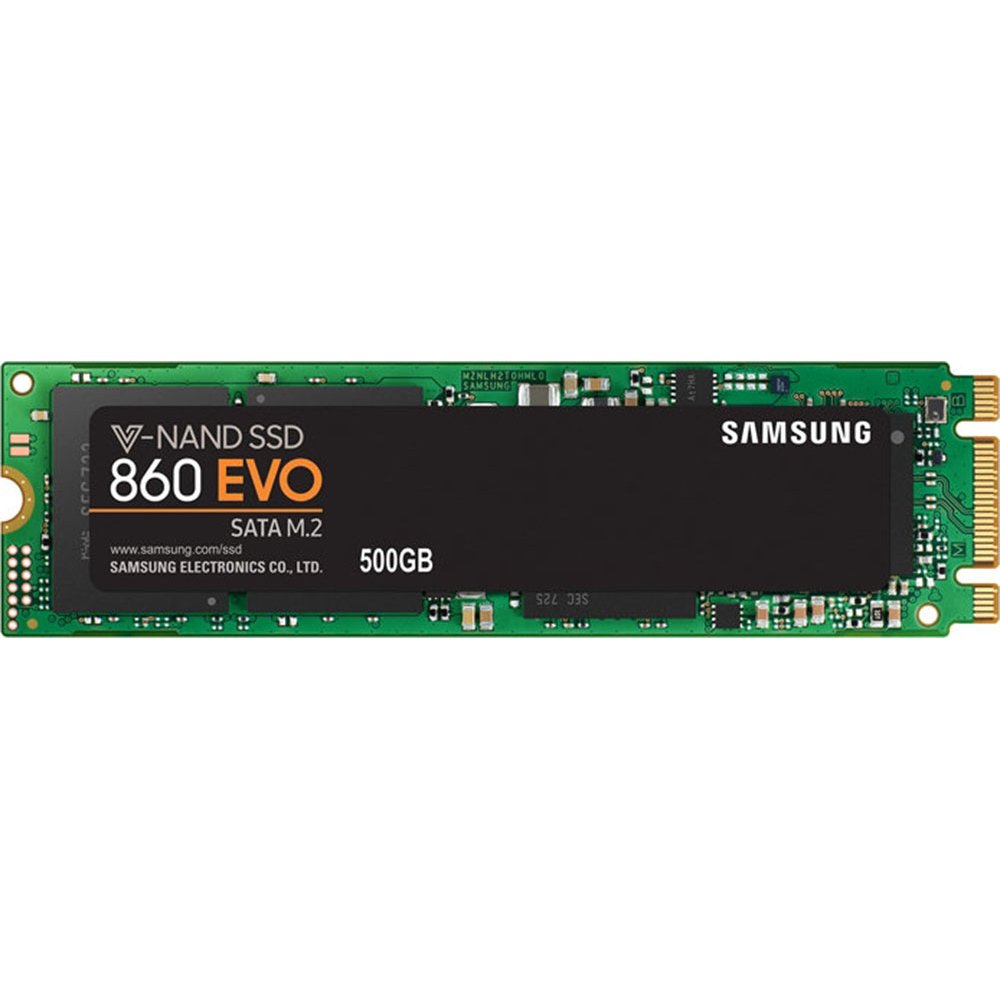


🚀 Upgrade your speed game with Samsung 860 EVO – where performance meets reliability!
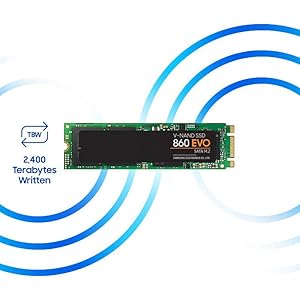
The Samsung 860 EVO 500GB M.2 SATA SSD leverages advanced V-NAND technology to deliver blazing sequential read/write speeds up to 550/520MB/s. Designed for mainstream PCs and laptops, it offers broad OS compatibility, enhanced endurance with up to 8x higher TBW than its predecessor, and a robust 1.5 million hours MTBF reliability rating. Ideal for professionals seeking fast, reliable storage for gaming, business, and creative workloads.




| ASIN | B078218TWQ |
| Batteries | 1 Lithium Ion batteries required. |
| Best Sellers Rank | #139 in Internal Solid State Drives |
| Brand | Samsung |
| Color | Black |
| Customer Reviews | 4.8 4.8 out of 5 stars (6,096) |
| Date First Available | January 9, 2018 |
| Hard Drive | 500 GB Solid State Drive |
| Hard Drive Interface | Solid State |
| Hardware Platform | PC, Mac |
| Is Discontinued By Manufacturer | No |
| Item Dimensions LxWxH | 3.15 x 0.87 x 0.09 inches |
| Item Weight | 0.282 ounces |
| Item model number | MZ-N6E500BW |
| Language | English, English, English, English, English |
| Manufacturer | Samsung Electronics DAV |
| Operating System | Windows 8/Windows 7/Windows Server 2003 (32-bit and 64-bit), Vista (SP1 and above), XP (SP2 and above), MAC OSX, and Linux |
| Product Dimensions | 3.15 x 0.87 x 0.09 inches |
| Series | 860 EVO |
K**Y
Easy to clone with a lot of software and M.2's rock
Short version The 1 TB Samsung EVO in RAPID mode is the way to go . Use Samsungs data migration and magician after the cloning is done , make sure to get an enclosure . I bought Aluminum M.2 (B Key) to USB 3.1 Type-C M.2 SSD Enclosure Portable External Solid State Drive Enclosure (Black) Hope the rest helps For the storage and price made this a great buy. I had 2 of the 500gb,s at around 100$ I was bummed because i missed the 119$ sale on the 1TB but it came back as 127$ so i jumped on that and returned the 500gb . I used Aluminum M.2 NGFF(B Key) to USB 3.1 Type-C M.2 SSD Enclosure Portable External Solid State Drive Enclosure (Black) to clone this from the OEM 256GB HDD and The 1rst time on my 500gb it went well with Macrium free cloning software but the other 2 times it would not let me expand the C: Drive so i had a un allocated 250 gb on the 500gb's So I decided to use Samsung's data migration and it worked almost perfect . The only complaints are that in the recovery area if you hold shift and then click restart you get a sub menu as to where you can trouble shoot , use command prompt etc, Well this only provided 3 out of say 7 to 8 options . I have no idea what happened . But the system works fine and i know how to create by own recovery partition using EASYBCD 2.3 also free only uses about 4gb but they say to partition 6 i partitioned 5 . I also went right to system restore and made back up's to avoid hassles So Now I have a NEW 9/18 production date Asus Q536FD which I love , 4k ,touch screen , back lit keyboard , it came with 256gb ssd and 2tb 5400 spinning drive so i swapped to 1TB Samsung M.2 ssd and 500gb Samsung 2.5" ssd for extra storage (like ill need it lol ) But the nice thing about the Samsung 860 evo m.2 is that on Samsung Magician you can turn on RAPID mode and i was getting double to almost triple the speed advertised of 550mbps and receiving 980/860 I was impressed and i though it was a mistake but i also tried the 970 evo nvme and with that only got 1200/1000 and transfers and windows downloads are only about 1 second apart . Plus this only gets up to 112 degrees F (well i have not tried gaming but heavy workloads etc )where as the nvme ave. 148 F too hot for me and gaming over 160 F the packing even states gets up to 70 C which i did not see when i bought it so instead of overheating my new laptop i switched to the 860 evo m.2 and have no regrets now that i finally have the 1TB drive as this will do 2400TB written where as the 500gb or smaller only write 500 TB or less the less the drive the less it lasts . Didn't find that out untill i saw quite a few you tube videos and read a lot of the Amazon reviews .
K**C
Wonderful to work with
The SSD card I received from SAB Computer was brand new. My mistake that I ordered the wrong type of SSD card and returned it. SAB Computer refunded my money with no problem. They were very nice to work with.
T**M
Samsung 860 EVO 1Tb is awesome
Recently ordered the Samsung 860 1TB M.2 SSD. The seller (IPC-Store) promptly shipped the order with more than enough air pillows within the box to protect the drive from any rough handling. They even made sure it was placed in the middle of the air pillows, not to the side or bottom, and it arrived that way. So the person that boxed my SSD did so with a very purposeful and careful packaging. Thank you. For the product, the Samsung 860 is a five star product. I had much reservations on upgrading my HP x360 laptop that originally came with a 512GB SSD. It is several years old and came with the earlier generation B+M SATA3 interface, not the newer PCIe SATA6. The B+M interface has two slots, not one. HP made these with a Samsung 512Gb SSD, and that was why I really wanted to pay just a bit more for another 1Tb Samsung drive due to the absolute stunning Samsung migration software that really works well when using a Samsung target drive (migrating your old SSD drive to a Samsung SSD drive). Even though the 860 just came out in January '18 and is a SATA6 (which is backward compatible to SATA3), it was a perfect match to replaced the older SATA3 SSD. Much faster writes and reads as well as almost a 10 fold write capability before wear-out. I also ordered a USB-3 enclosure (making sure it was compatible to the old B+M interface) to house the new SSD while I cloned the original drive. I fired up the laptop with the old drive still in place and connected the USB enclosure with the new SSD inside it and connected it to the older USB2 port. I downloaded the Samsung migration software first (not Samsung Magician, just the migration software for SSDs) and made sure all stand-alone programs were closed. There will be open processes no mater what, but that is ok. just make sure all programs like Word are closed and I also disabled Norton. Did not kill it off, just disabled it until restart because the old USB2 was going to take 10 hours to clone. Then I executed the Samsung migration software and it auto detected both the old SSD in the M.2 slot and the new SSD in the USB connected enclosure. The migration software is extremely simple. It warns you any data on the new drive will be lost (I did not care since this was a new drive and I did not even check to see if it was formatted. You basically just hit enter and off it goes. Ten hours later and the drive was cloned. A USB3.1 will be much faster. Simply turned off the laptop, disconnected the battery, and swap drives. The new cloned SSD fired up properly and my HP laptop never missed a beat with the new 1Tb SSD. The laptop will most likely go to bios on restart due to disconnecting the battery. Just continue to reboot by hitting the continue to normal boot and the laptop will restart again and come up normal. Everything was the same. No pain of reinstall. Just my old machine back exactly as before but with an extra 500Gb of extra storage. So, great handling by the seller and great performance by the new Samsung 860 EVO SSD. And to add to the story, I am using the old 512Gb SSD in the new USB enclosure (with a cable so you do not block other ports) and I now have an external SSD drive. I hope your story will be as successful.
R**Z
De las mejores marcas para SSDs, ningún problema de rendimiento.
M**L
Acer aspire v-17 black edition için ssd güncellemesinde kullandım. Son derece başarılı. Satıcı Kamil Bey çok ilgili. Teşekkürler.
R**R
Great product with the advertised read and write speed.. no issues till date been using it for more than 4 months. Temps are in control and the software to manage it is not bad. Worth it if there is a good discount.
M**R
good Products not any issue and fast delivery
C**E
I upgrade my Asus Vivobook Pro with this SSD. Note that it's a SATA connector (as compared to NVMe which is newer), and it's the M2 size variant (which is like a long thin card). Installation was straightforward, as long as you have some Youtube videos to follow on how to disassemble your laptop. Caution on which side to face-up when inserting the SATA M2 SSD - you don't want to damage the connector pins. It runs fast and it has been 2 weeks since installation.
Trustpilot
Hace 2 meses
Hace 1 mes