We remain fully operational. Our teams are working around the clock to ensure your deliveries continue safely.

Descargar la aplicación


Servicios al cliente
Sobre nosotros
Copyright © 2025 Desertcart Holdings Limited
Descargar la aplicación



Buy anything from 5,000+ international stores. One checkout price. No surprise fees. Join 2M+ shoppers on Desertcart.
Desertcart purchases this item on your behalf and handles shipping, customs, and support to Uruguay.
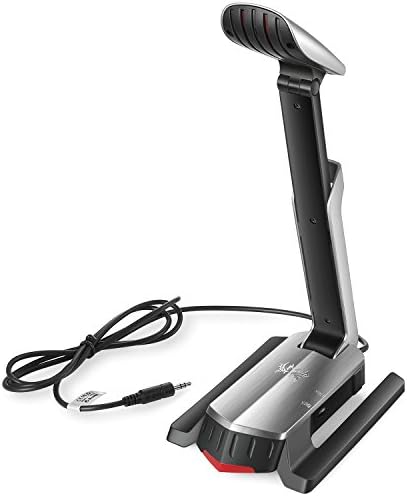
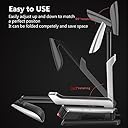
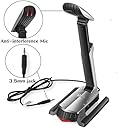
Let our gaming microphone help you! Perfect choice to chat with your friends or family during online game and skype! Also it will save your headset or computer without buying another one if the original microphone broke! How to use: 1) Short press microphone on/off switch to "OFF". 2) Simply plug microphone 3.5mm jack into the microphone interface of your device. 3) Short press microphone on/off switch to "on" then it works. NOTE: 1) If there is a 3.5mm microphone input socket (3-pin) on your device, you can connect it dierectly but make sure on/off switch is "ON"; 2) If your notebook only has one audio socket (4-pin), you need a 2-to-1 adapter/ external sound card. 3) If you want to directly contect it to PlayStation4 or PlayStation3, additional USB to 3.5mm jack splitter will be necessary. Product parameter: Sensitivity: -44dB±3 Impedance: 2.2Ω Cable length: 1.5±0.15M Directionality: unidirectional Frequency response: 16KH-20KHz Jack: 3.5mm jack (only for microphone) Package content: 1 x User's Manual 1 x Micolindun Gaming Microphone
Trustpilot
Hace 2 meses
Hace 1 mes