We remain fully operational. Our teams are working around the clock to ensure your deliveries continue safely.

Descargar la aplicación


Servicios al cliente
Sobre nosotros
Copyright © 2025 Desertcart Holdings Limited
Descargar la aplicación
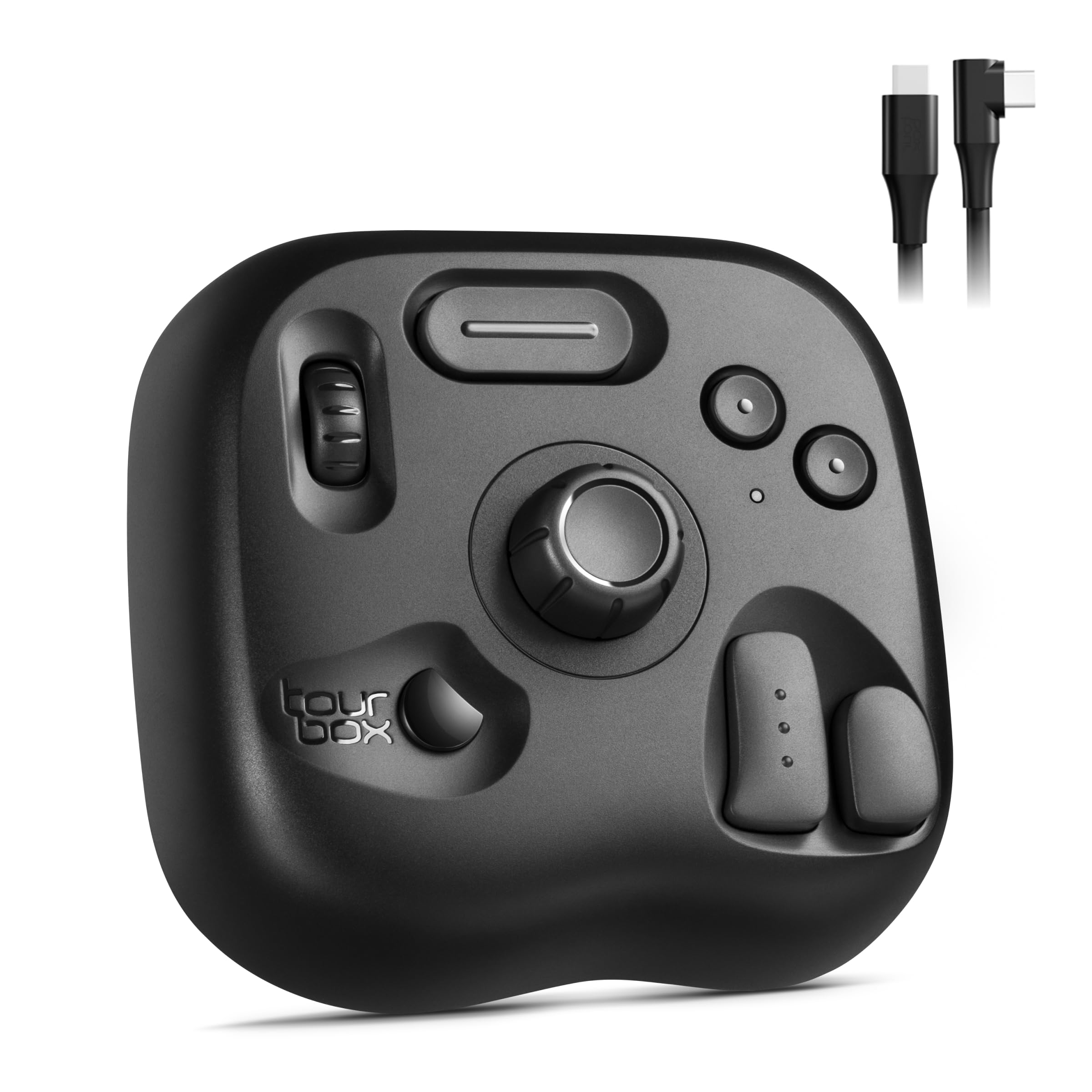
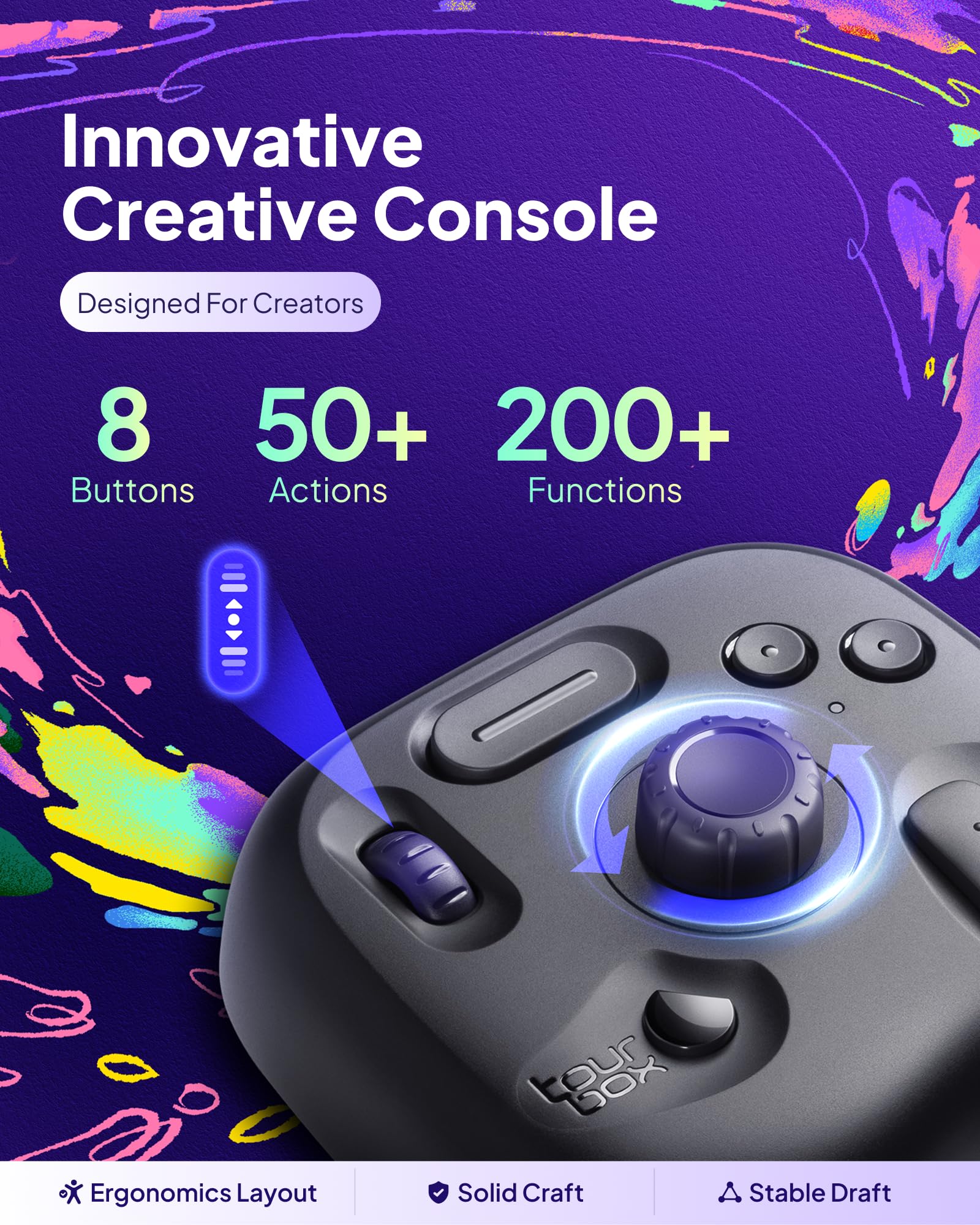

🎨 Elevate your creative flow — control, customize, conquer!
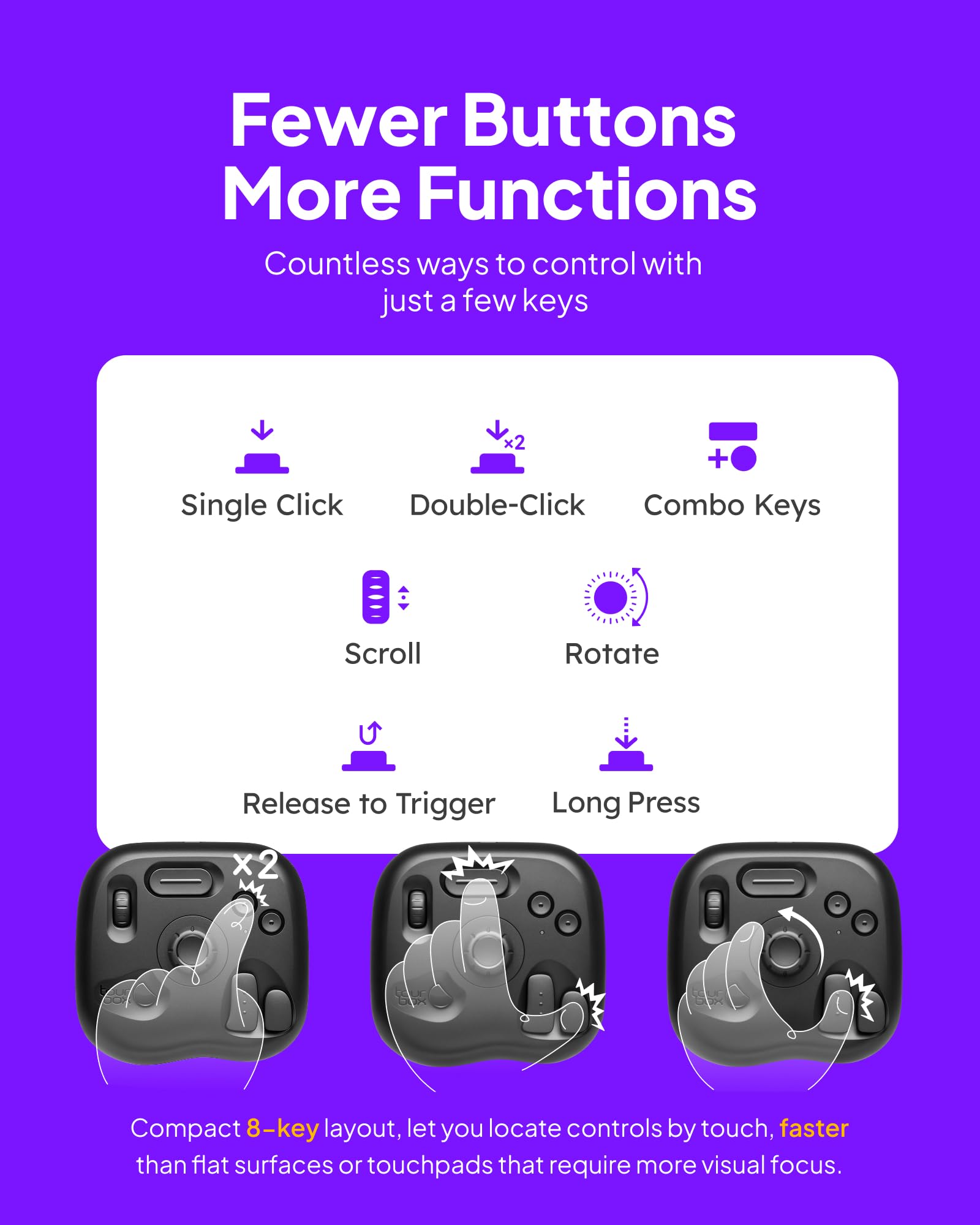
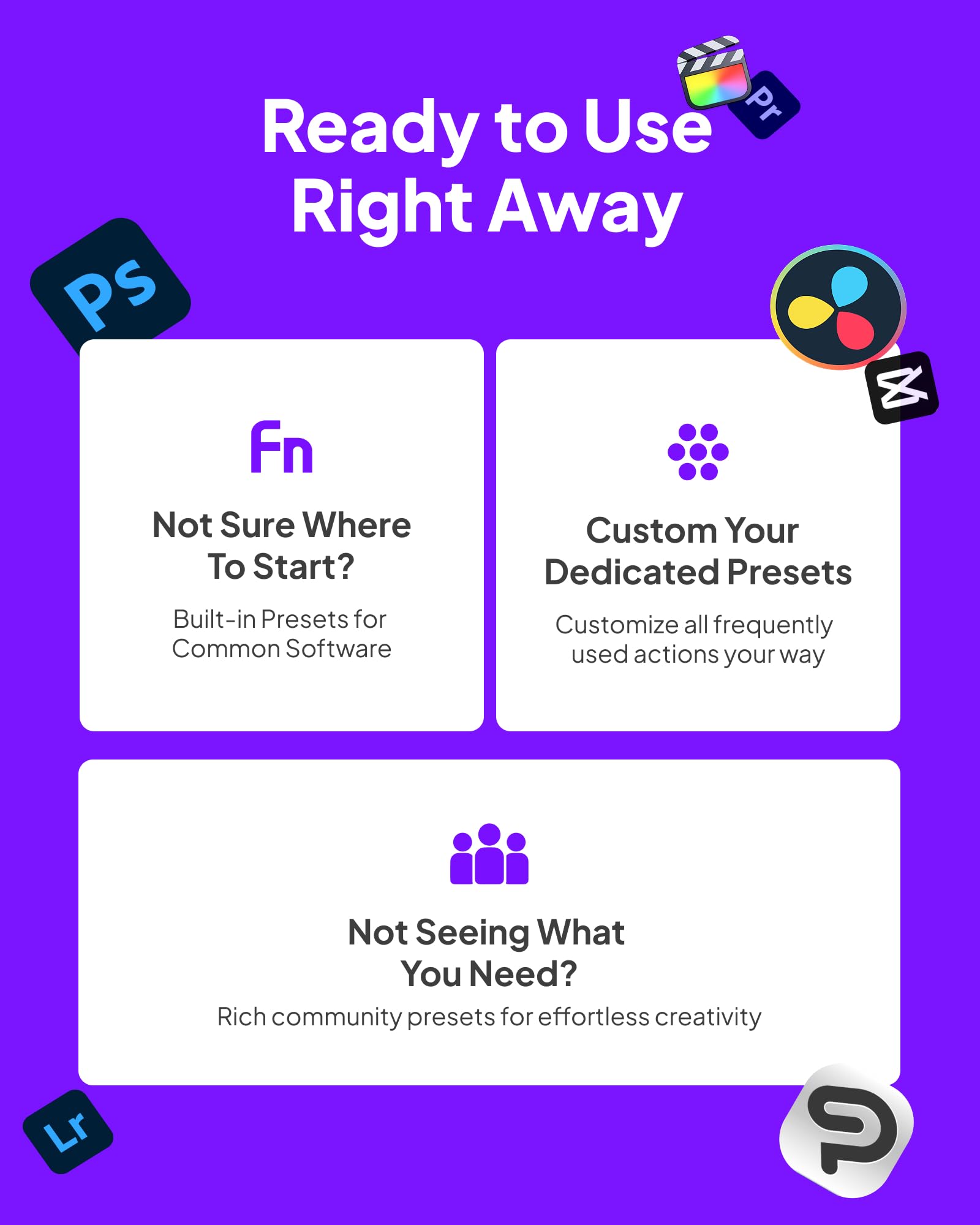
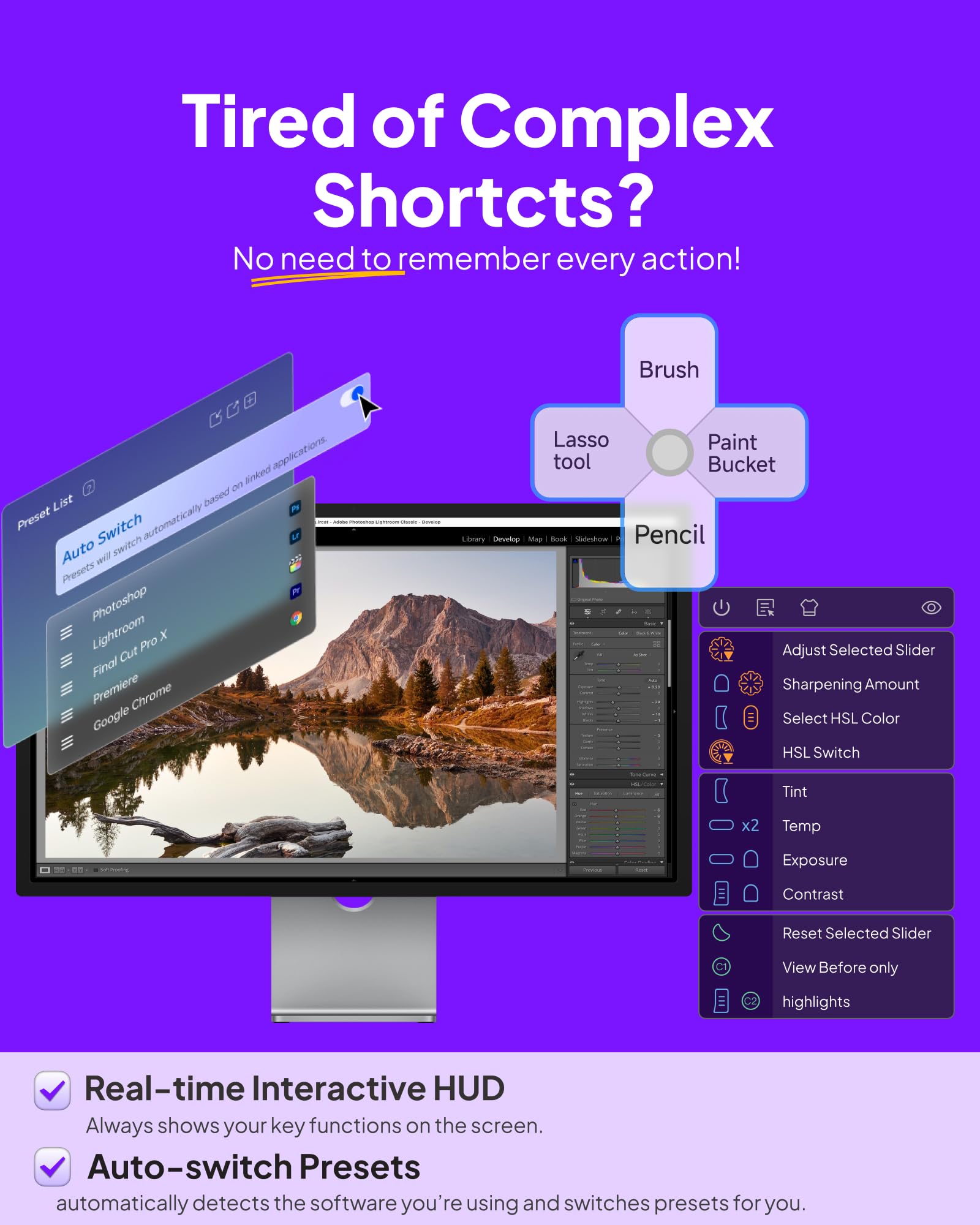
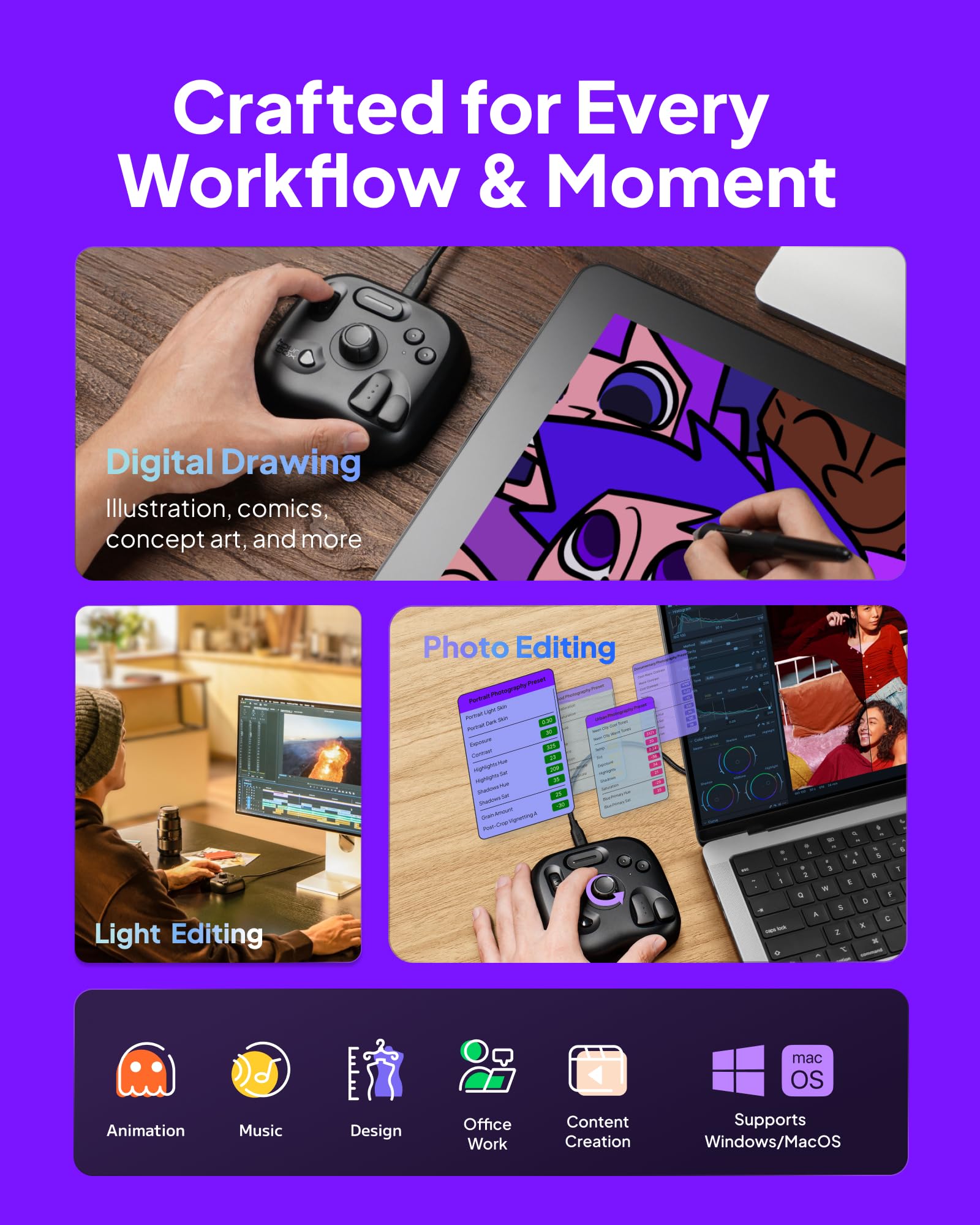
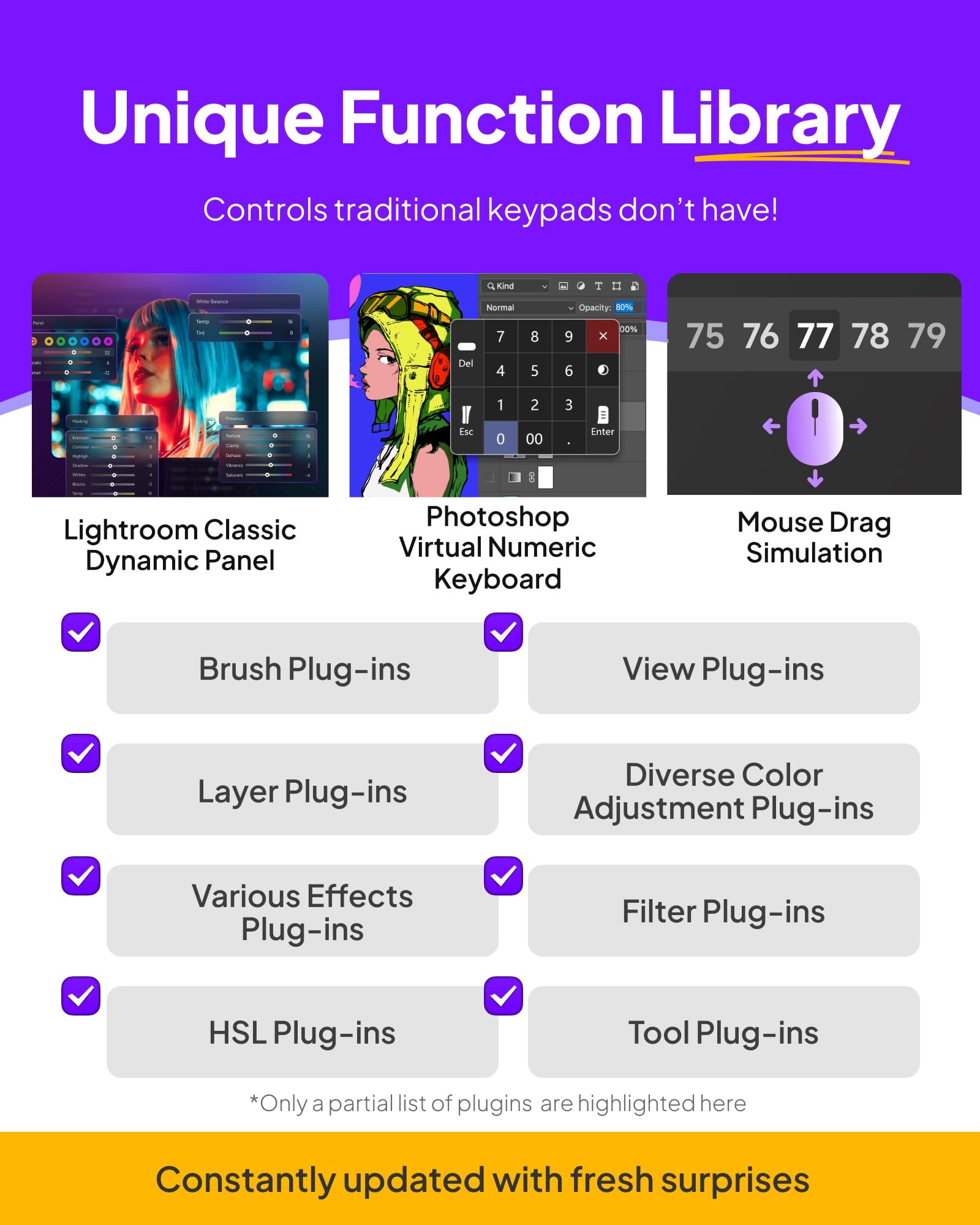
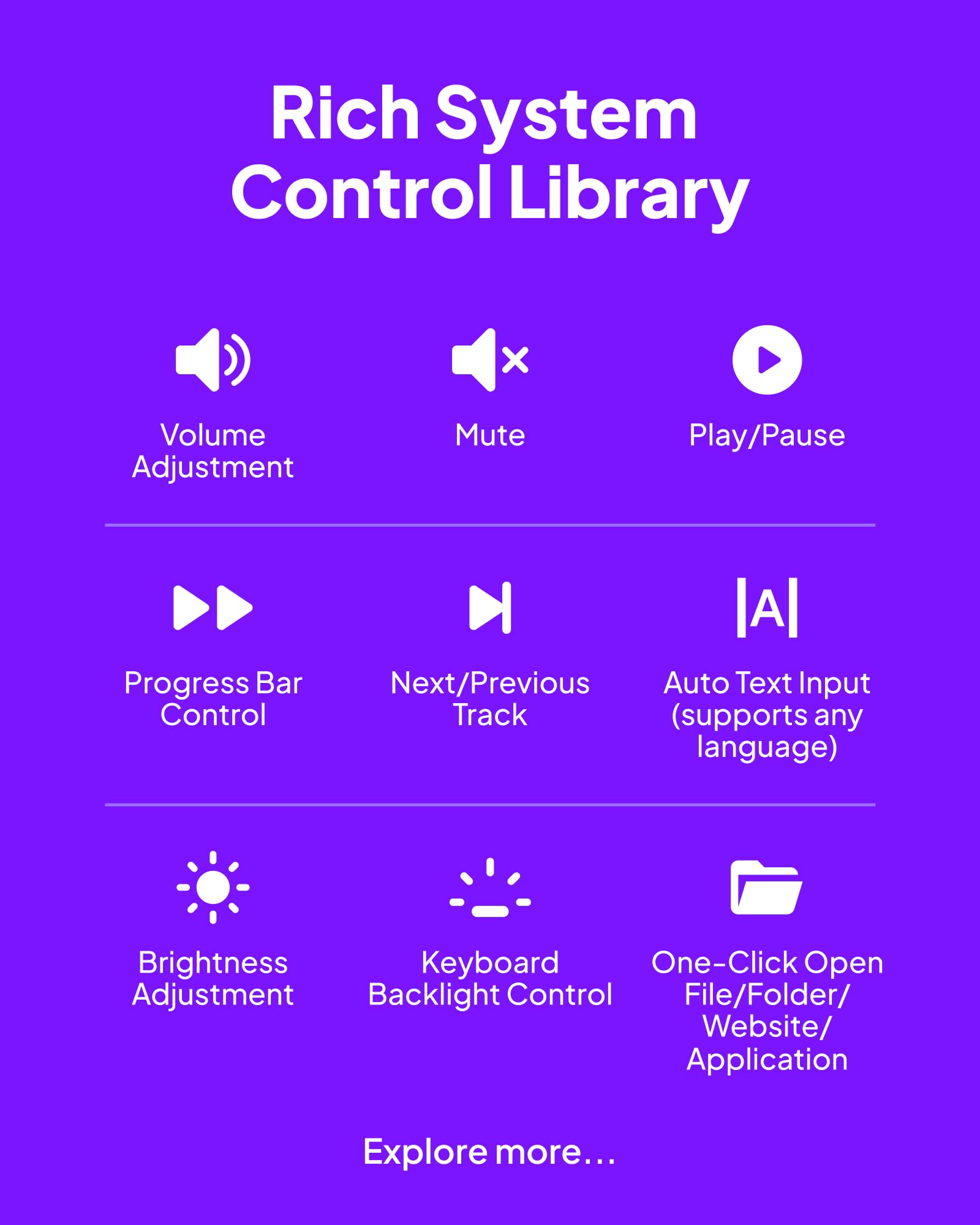
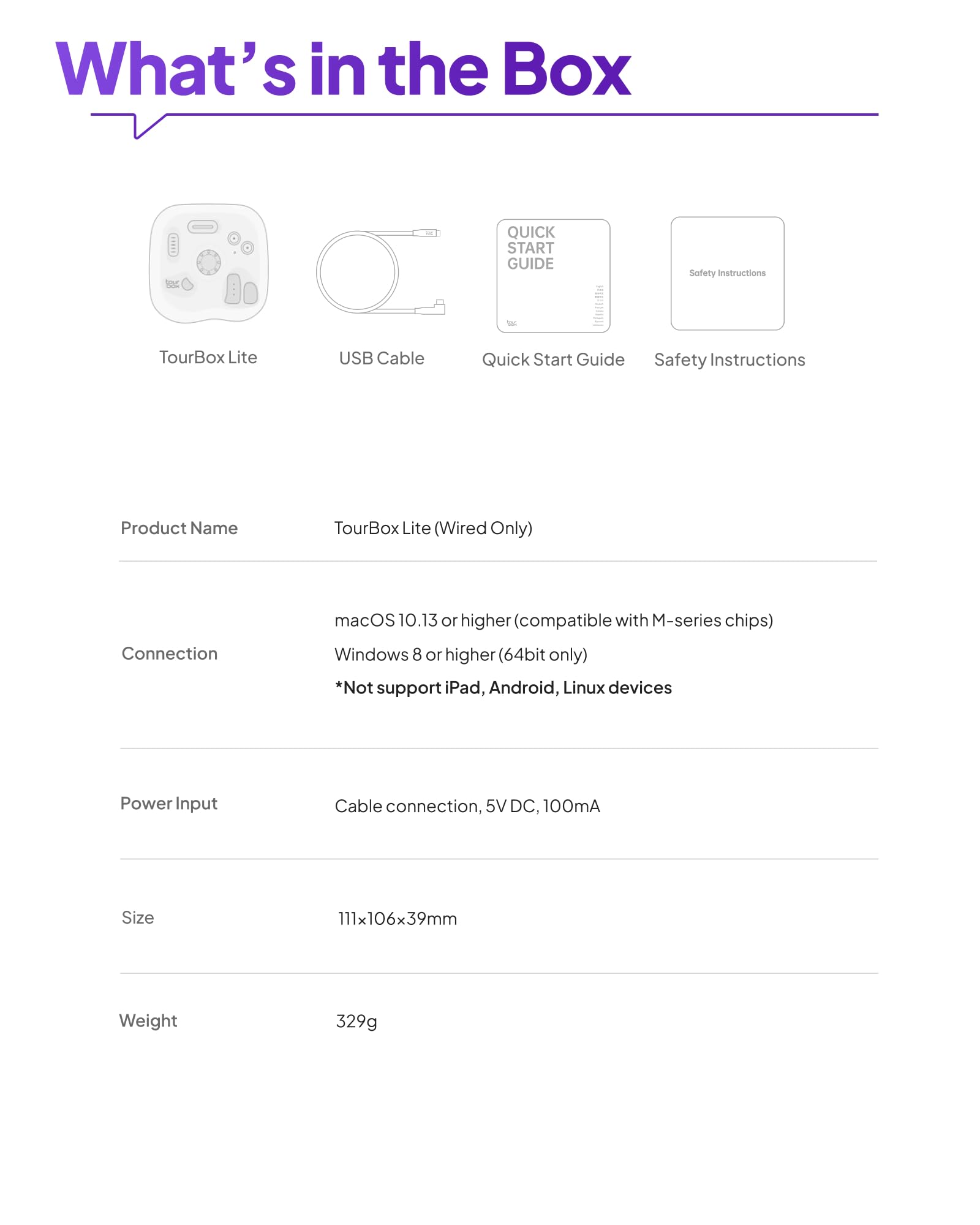
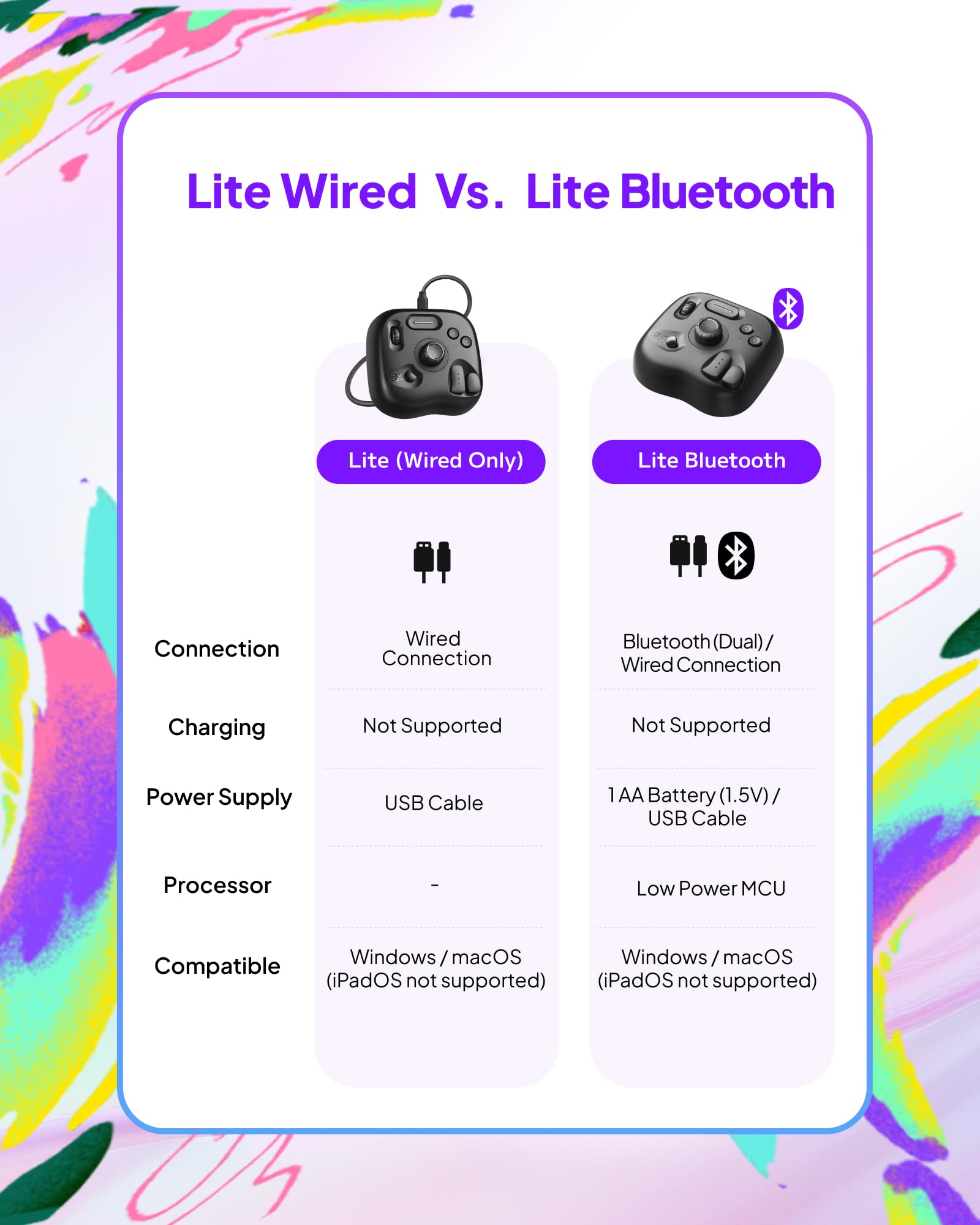
The TourBox Lite is a compact, wired creative controller designed for professionals and enthusiasts alike. Featuring 8 customizable buttons, a scroll wheel, and a knob, it supports over 200 functions across major editing software like Photoshop, Clip Studio Paint, and Final Cut Pro. Its ergonomic design reduces hand fatigue during long sessions, while its plug-and-play USB connectivity ensures seamless integration with macOS and Windows. With rapid software updates and auto-switching presets, it’s the ultimate tool to streamline and supercharge your creative workflow.


| ASIN | B0CYZHH7YQ |
| Best Sellers Rank | #449 in Computer Keyboards |
| Brand | TOUR BOX |
| Circuit Type | 8-way |
| Color | Classic Black |
| Compatible Devices | Mac, PC, Windows Tablet |
| Connectivity Protocol | USB |
| Connector Type | Plug In |
| Contact Material | Plastic |
| Contact Type | Normally Closed |
| Control Type | Extensive Control |
| Customer Reviews | 4.6 4.6 out of 5 stars (176) |
| Date First Available | March 25, 2024 |
| International Protection Rating | IP00 |
| Item Weight | 11.6 ounces |
| Item dimensions L x W x H | 6.3 x 3.94 x 2.36 inches |
| Item model number | TBL |
| Manufacturer | TOUR BOX |
| Mounting Type | Panel Mount |
| Number of Items | 1 |
| Number of Positions | 8 |
| Operation Mode | ON-OFF |
| Product Dimensions | 6.3 x 3.94 x 2.36 inches |
| Terminal | Usb |
| UPC | 850040209198 |
J**L
Amazing!!
I am absolutely blown away by the Tourbox Lite and its incredible versatility. As someone who spends a lot of time editing videos, this controller has drastically improved my workflow, making my editing process much more productive and efficient. First of all, the learning curve is incredibly shallow. Within just a few minutes of setting it up, I was already comfortably using it. The intuitive controller software makes the configuration process a breeze, allowing you to assign functions and shortcuts quickly without any hassle. I was up and running in no time, and it's clear this product was designed with ease of use in mind. One of the most impressive features for me is how easily it integrates with virtually any software. I use a Mac, and I was able to configure the Tourbox Lite for use within multiple programs, including Movavi Video Editor. But what really blew me away is how I was able to configure it to use within Safari, making browsing a whole lot more seamless. With dedicated shortcuts for toggling full-screen mode, skipping ahead or back in YouTube videos, adjusting the volume, navigating tabs, and even scrolling up and down – it’s like I have an entirely new level of control over my web browsing experience! The value this product offers is simply unmatched. I initially bought it with video editing in mind, but after experiencing how easy it is to customize, I've found myself using it for everyday tasks like web browsing and navigating apps. It's truly a no-brainer for anyone who works with editing software or even those who just want to streamline their day-to-day computer tasks. Overall, I can’t recommend the Tourbox Lite enough. It’s incredibly useful, affordable, and offers tremendous value for all sorts of users. Whether you’re a professional video editor, a content creator, or just someone who wants to enhance their Mac experience, this controller is a game changer!
D**N
Works great. Very useful.
I actually owned a more-enhanced version of the Tour Box when it first came out. I never mastered it mostly because I didn't spend the time with it. It had way more buttons and options...and it was just more than I needed. So, I gave it away. When the "Lite" came out, I thought maybe it was time to try it again. I bought the Bluetooth version which was a great choice. I like not having an extra connection cable crossing over my work space. This Lite version has exactly the number of buttons, dials, knobs that I can handle. I used most of the pre-sets for Final Cut Pro, but have set a few things just to help with my workflow. I'm already feeling confident in using this thing and know it is already saving me time. A great device, feels solid, works well. I love it.
Z**L
GET IT
Lord, I'm so glad to have invested into one of these. It did make my workflow so much faster and easier. Esp helps my carpal tunnel. I was using my keebs for awhile but it was a pain due to my limited space. This is pretty weighty which helps keep it in place. I got the wired one coz I do not trust bluetooth lmao. I have small hands so this was perfect for me. It has helpful functions be it editing photos, or drawing in clip. I also like to use it as a stimming tool for my adhd. I would love to upgrade into the bigger one but tbh this one is enough as is if you're on a budget and have limited space :3
T**N
Good value and easy to setup
Works well and is easy to set up. They have presets for popular programs, and you can tweak them. Now it feels like I need more buttons and upgrade to a bigger model, but this is a better value.
M**T
Fantastic Tool!
The price was low enough on the TourBox Lite that I wondered if it would seem cheaply built or not up to the task. It's completely the opposite... it's heavy (which means it stays put when using) and seems really well built. I use it for video editing and I love it. I'd never used a tool like this before, but it really changes the dynamic of video editing. The reduced workload is amazing. I use Filmora for editing, and originally had the TourBox button-preset on 'Premiere Editing', but after I got more familiar with it I customized some of the buttons to fit the way I think. And given that I only use it a couple days a week, I don't mind that it is corded to the computer. I also found an odd rubber cap (or maybe it's a bumper of some sort) in my junk drawer at home and it fit perfectly onto the rotary knob. It's a small change but really makes a difference being able to use just a fingertip to fast scroll the knob. It works so well that I let the company know that they should add it to the product. Bottom line is that after 8 months of use, I think the TourBox Lite is fantastic.
K**R
Great for beginners
Finally got aound to using this. Let me start with I'm a beginner with photoshop, and I only use it for messing around and occasional photo tweaks. Super easy to setup and customize the buttons. Now I wish I had set it up earlier, and wondering what other programs I should try with it.
P**R
Great product, highly recommend.
This is a great device. The fact that it is so customizable is awesome. I bought this to use with DxO Photolab 9 and Affinity Studio and it does not disappoint. You set it up how you want it and that is what is great about it. I linked it to my apps and then i determined what shortcuts to assign to the buttons. For most people the Lite version is more than enough. What is really nice is that I know can use my mouse in my right hand and my left hand is now just as productive. It is so customizable that you can make it work exactly how you want it to. After I bought it I saw so many videos on it and they all liked it. The fact that you can use it with any software is really great. I have not even scratched the surface of what I can do with it.
N**Y
Disappointed
Really disappointed in this item. The instructions were not clear. It never connected and I’m someone that is very good with any IT items.
J**R
Didn't work with my iPad but return was easy
E**O
Perfecto
A**G
Really enjoying using the Tourbox Lite Bluetooth version. The unit feels very solid and high quality. The latest beta software includes support for Lightroom Desktop (CC) and I’ve extensively customized the included preset to fit my workflow. I got it for speed improvement, but more so to take some load off of my right hand/elbow mousing as I have carpal tunnel, tennis elbow and golfers elbow. Using the Tourbox Lite dramatically reduces how much mouse moving I need to do. I could not justify the cost for the Elite Plus version which would have been nice and has more buttons. Maybe someday I’ll upgrade so I can also use it with my ipad (only the plus version works with ipad). I used a different shortcut console for a few years as I couldn’t afford the original Tourbox versions (Quick Keys from Xencelabs). With the new Tourbox Lite version I could afford to make the switch as it is so much better, especially now that it supports the version of Lightroom that I use. I don’t think you will have any regrets getting a Tourbox.
C**A
俗に言う『左手デバイス』ですね。 PCで画像・動画編集とかその辺り、キーボード操作だと動きが大きくて時間が掛かるのを 左手デバイスにショートカットを設定、操作を集約して作業時間短縮を図れるデバイスです。 今まではとある左手デバイスを使ってましたがイマイチ。※どことかは言いません。 この界隈で有名なのがTourBoxさんです。 Eliteが憧れなんですが如何せん高い・・・w 素人の趣味に4万近くは・・・と思って安いものを使っていたのですが 廉価版のLiteが出ましたね。 まだ使い込んでいるわけでは無いので詳細なレビューでは無いですが 流石に有名どころでツボを押さえた使い心地です。 手に馴染むといって差し支えないです。 設定も簡単だしBluetoothなのもケーブルがごちゃつかずで良い。 Eliteと比べボタンだったりが少ないのでしょうが、そちらは持っていないので分かりません。 今まで使っていたもの良いかは数段優れています。 多分、趣味レベルの素人であれば十分過ぎる機能だと感じました。 割り当て数。。。こんなに使いこなせません(笑) 下手に安物を買っても結局、使い勝手や操作性で満足できなかったので ちゃんとしたメーカーさんのものが良いな、と再認識させていただいた次第です。 左手デバイスがあると生産性が上がるのは間違いありません。 選ぶんでしたら、この製品は自信を持ってお勧めできますね。
吶**兵
ペンタブとの共用が勧められがちですが、 動画編集などの作業にも適しており、ショートカットの登録さえしてしまえば、 PC作業全般の効率化が図れます。 慣れが必要ですが、手に馴染んでしまえば作業が楽に進められ、 所要時間、ストレス共に大幅に軽減できるでしょう。 やや厚ぼったい事と、汚れが目立ちやすい色合いなどがややマイナスポイントですが、 そういったマイナスを凌駕できるメリットを有するガジェットです。
Trustpilot
Hace 1 mes
Hace 2 semanas