We remain fully operational. Our teams are working around the clock to ensure your deliveries continue safely.

Descargar la aplicación


Servicios al cliente
Sobre nosotros
Copyright © 2025 Desertcart Holdings Limited
Descargar la aplicación
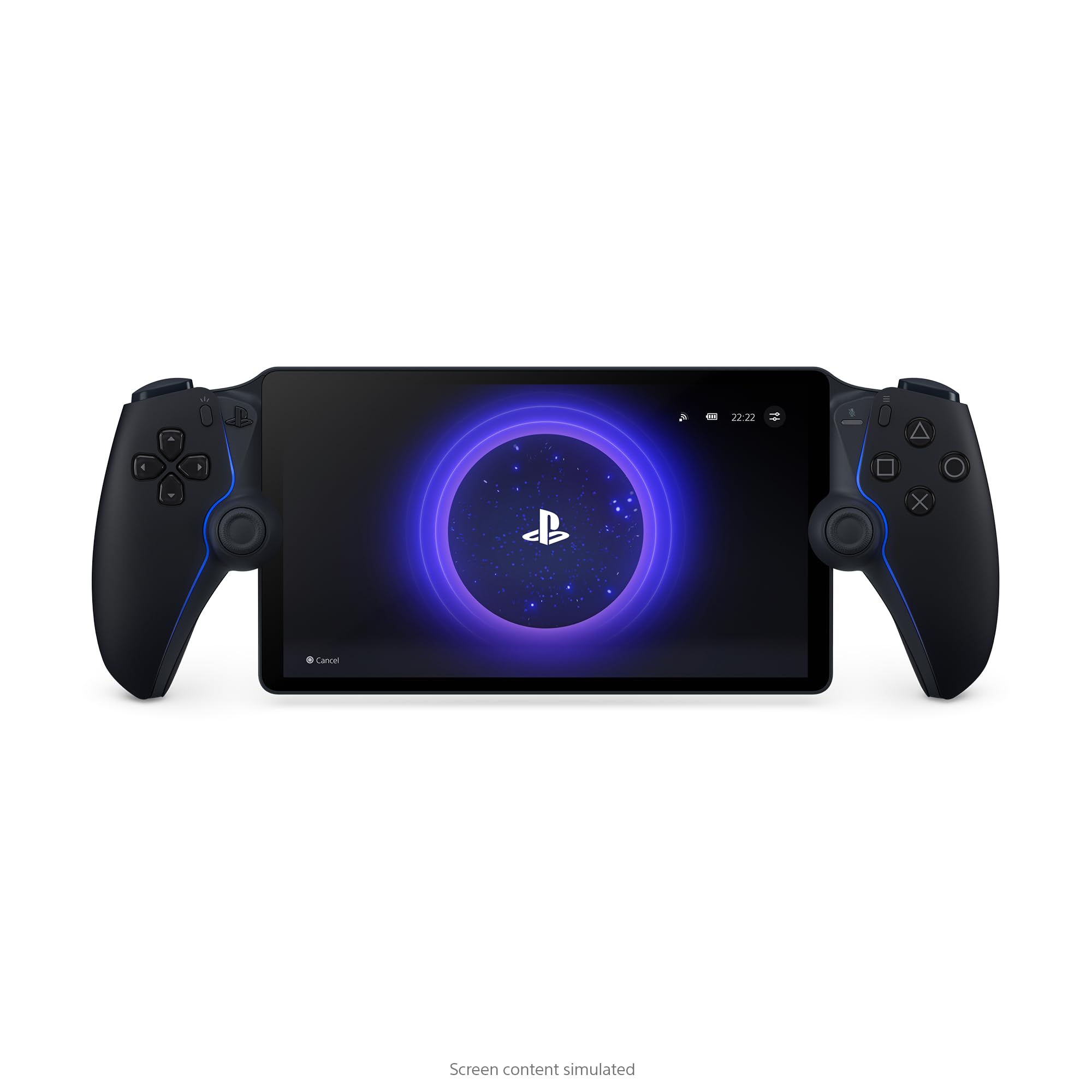
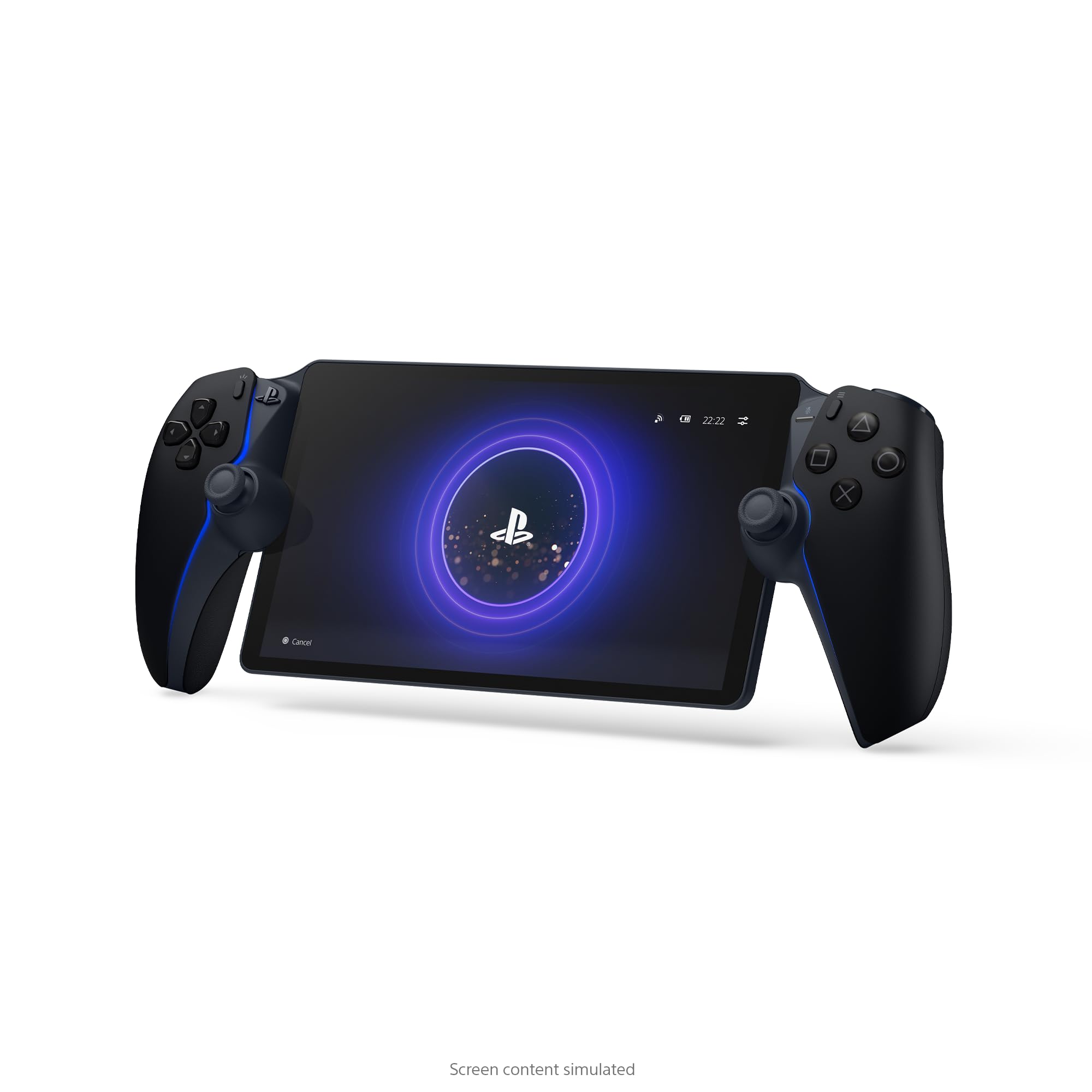
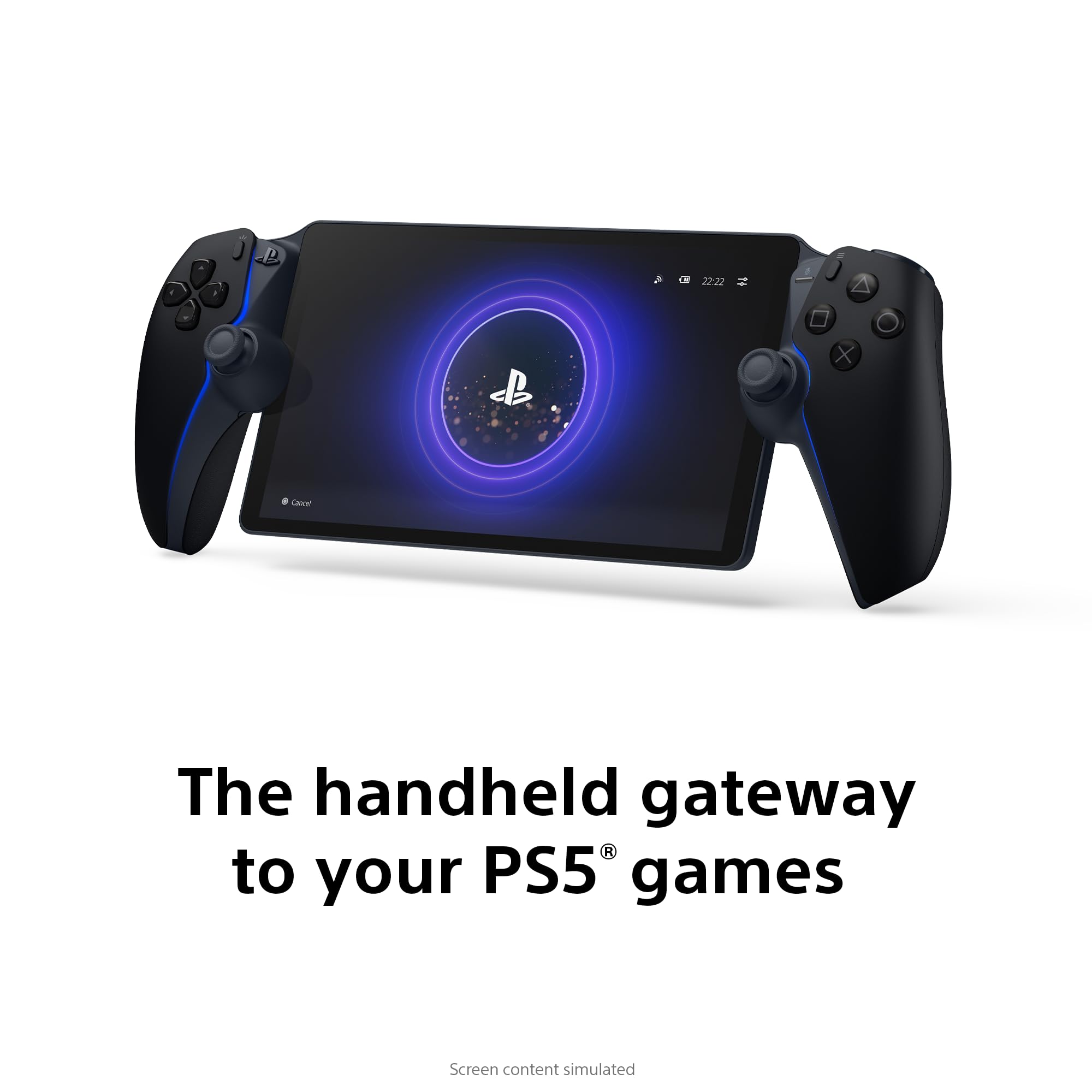
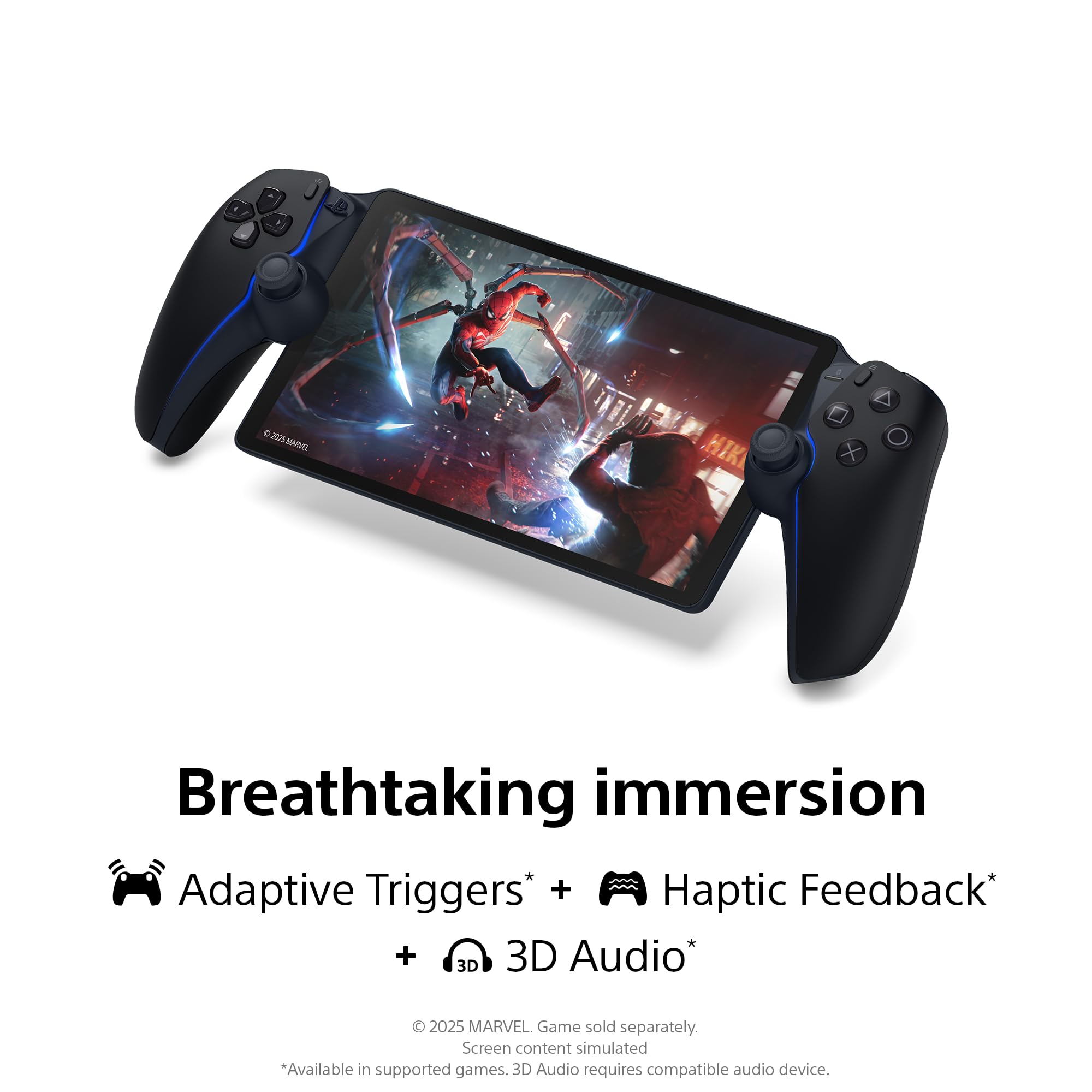
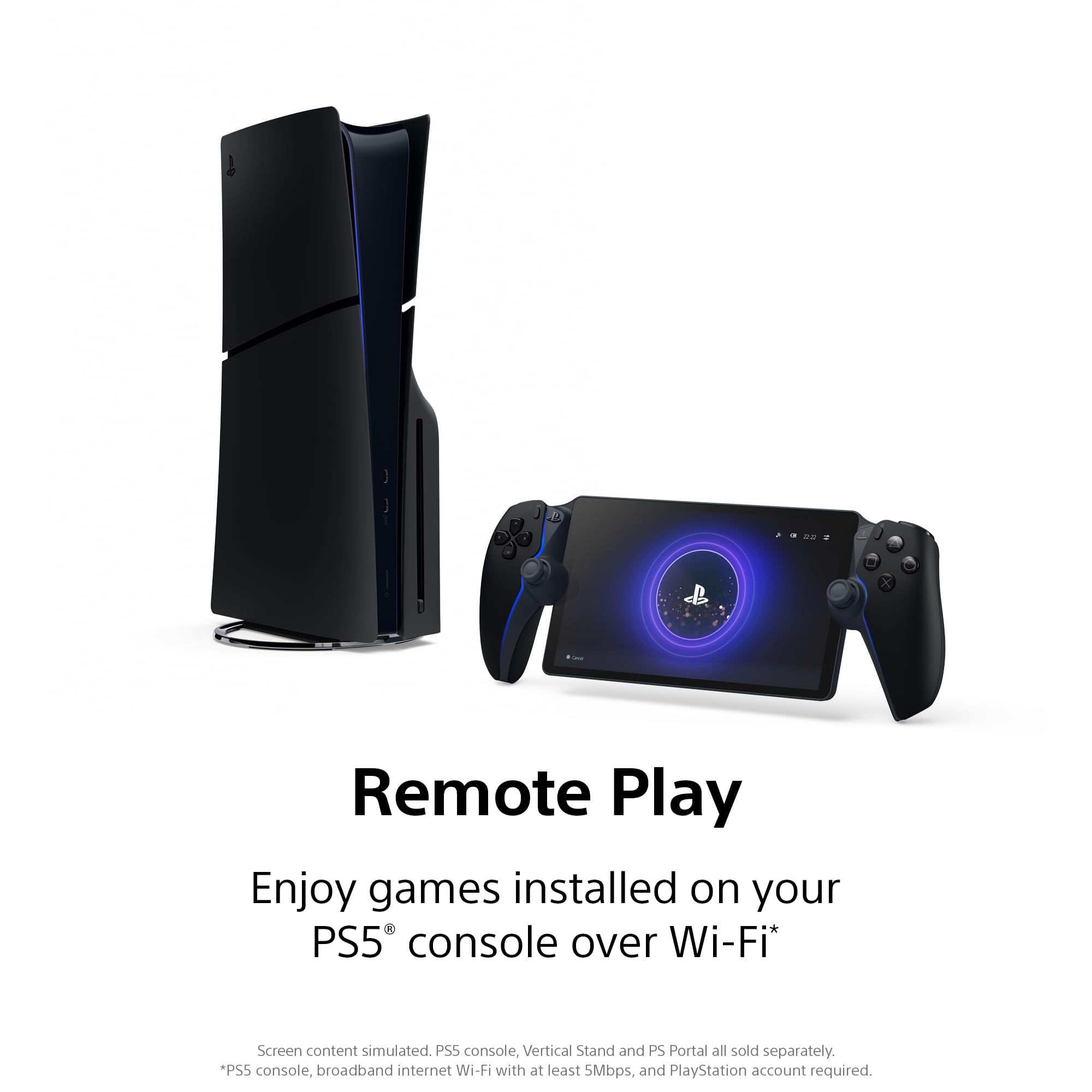
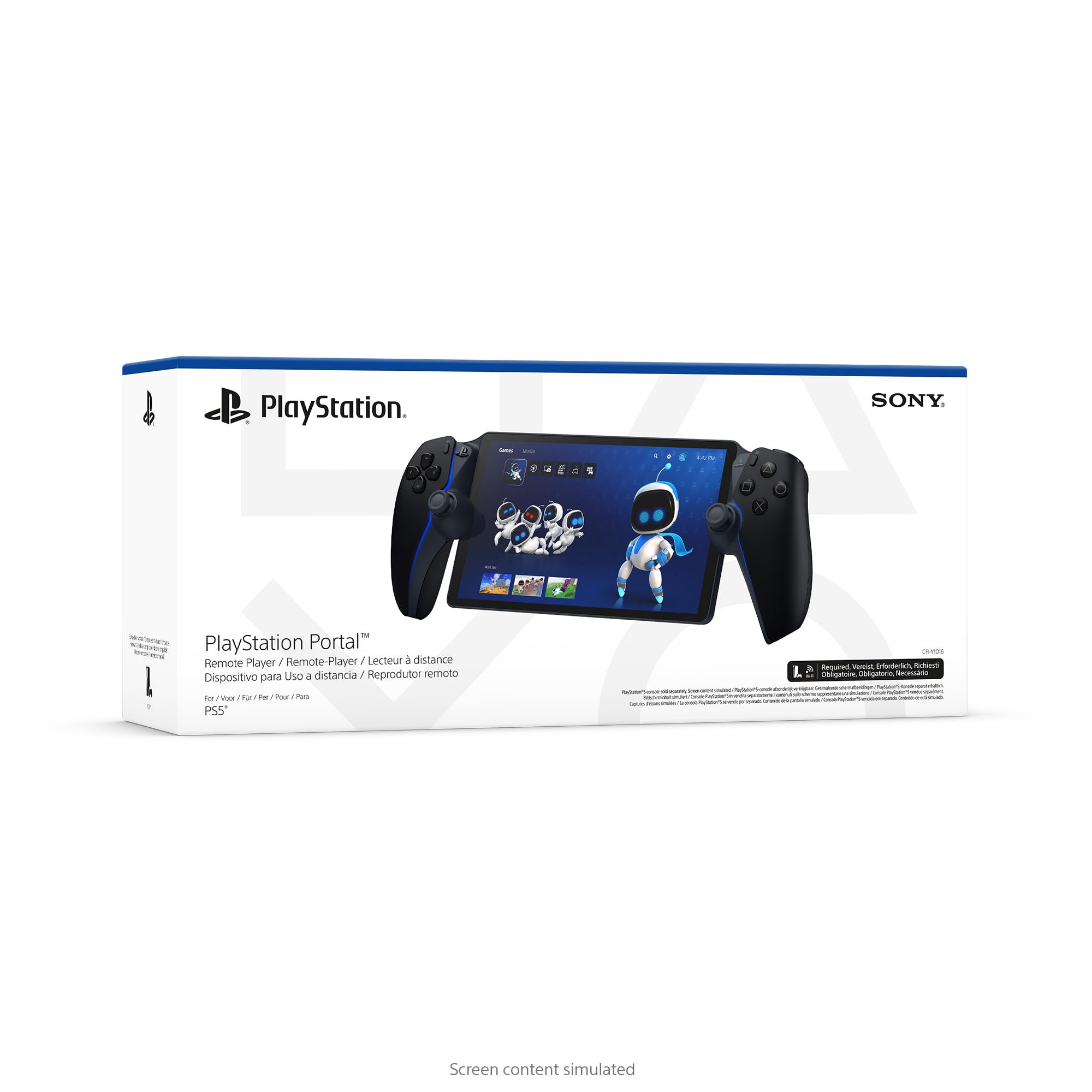
🎮 PlayStation Portal: Your PS5, untethered and unstoppable.
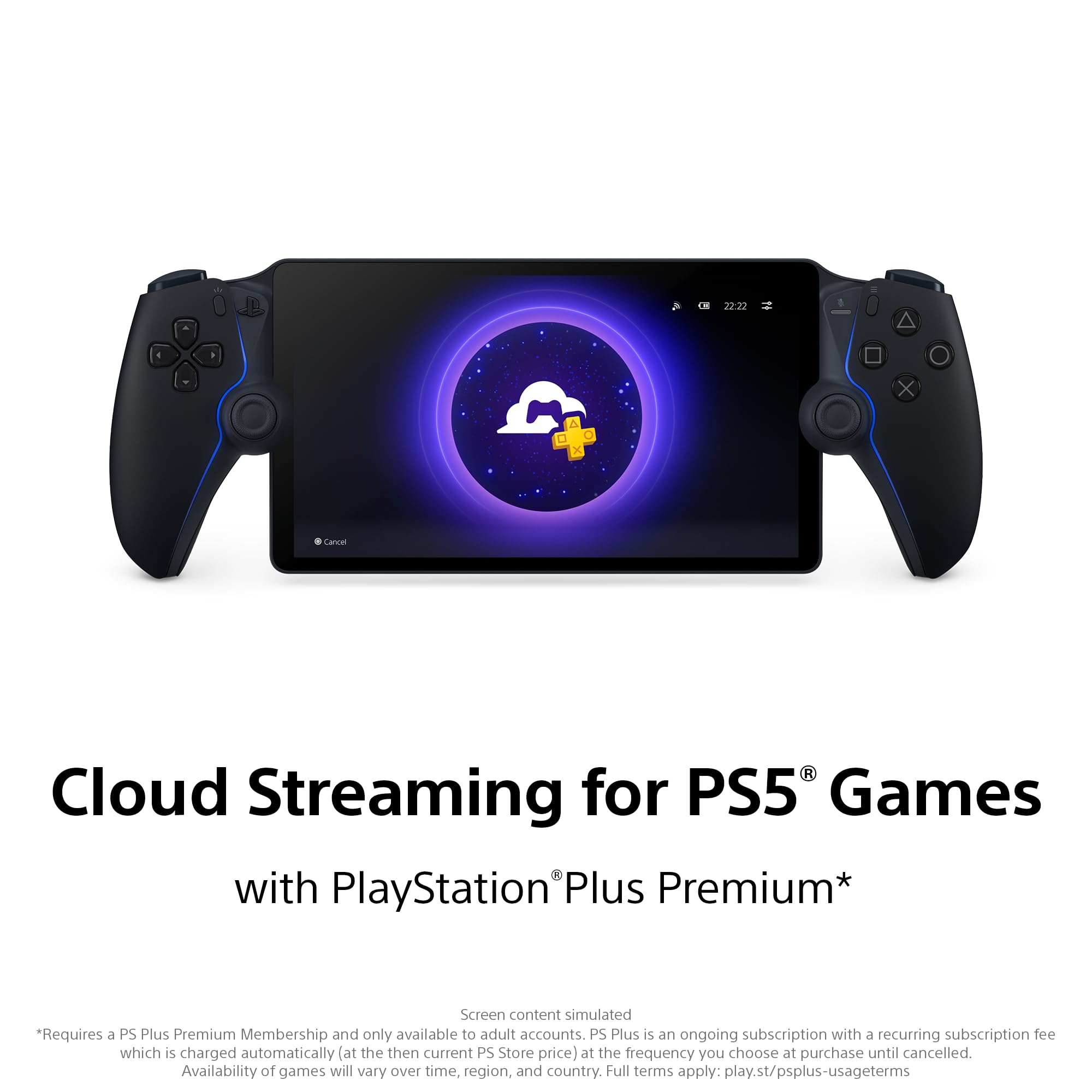
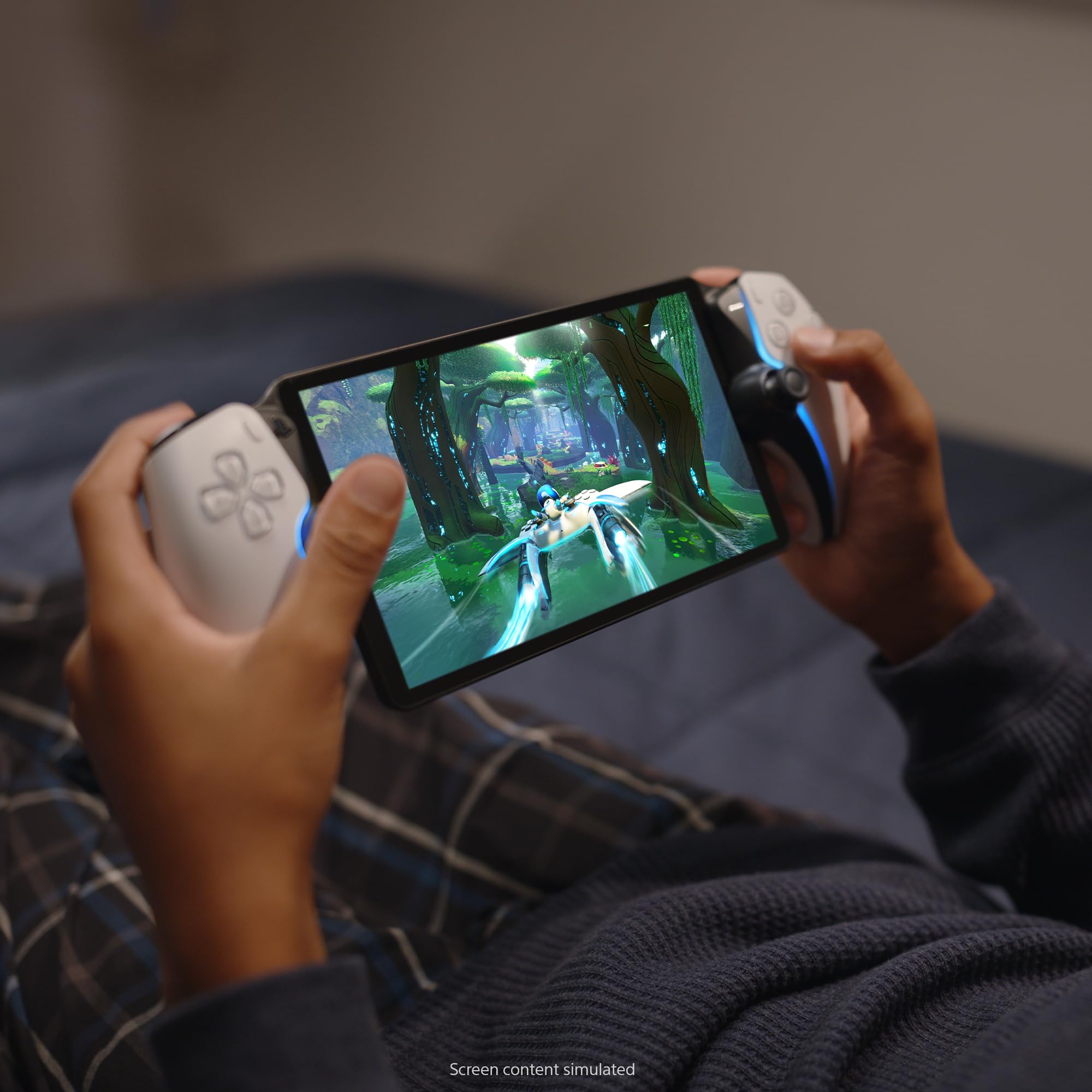
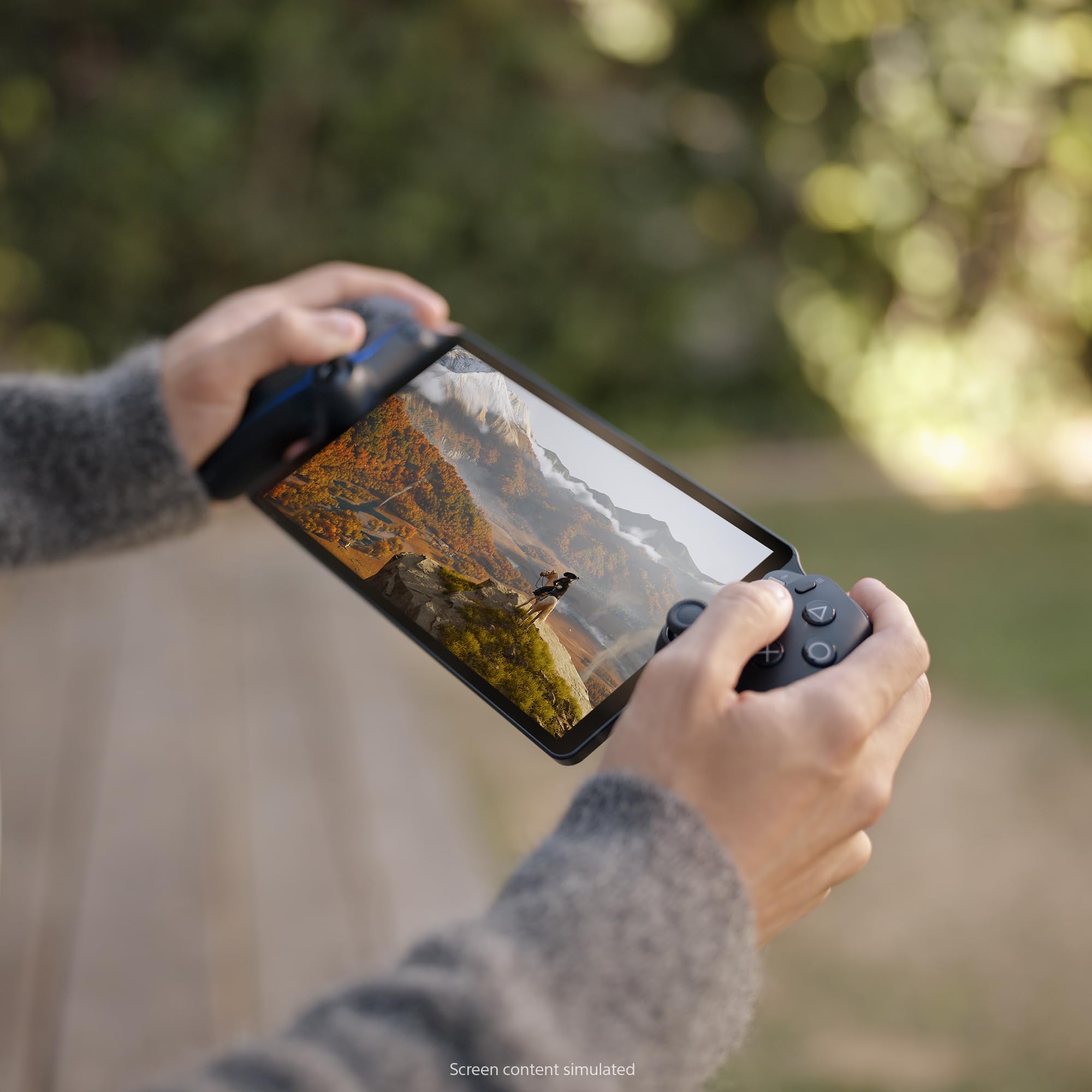
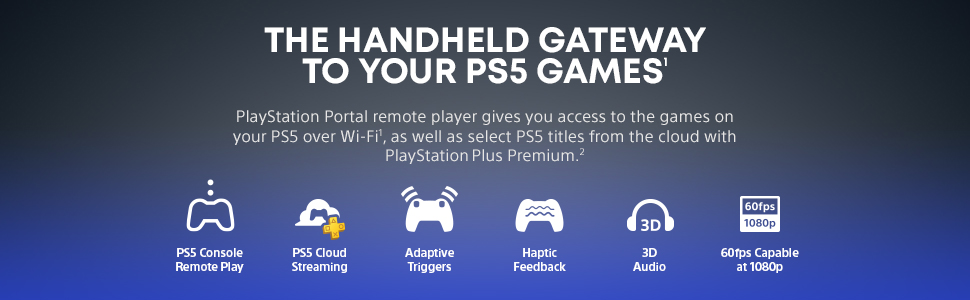
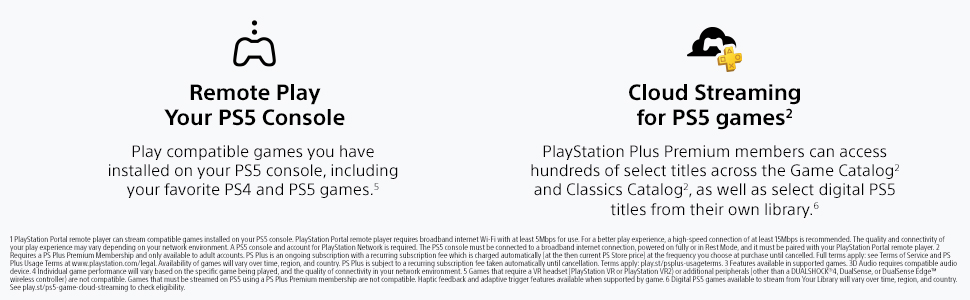
The PlayStation Portal Remote Player in Midnight Black is a sleek 8-inch Full HD handheld device that streams compatible PS5 and PS4 games directly from your console or via PlayStation Plus Premium cloud gaming. Featuring 60fps gameplay at 1080p, Tempest 3D AudioTech, and DualSense controller support, it offers a premium remote gaming experience requiring a stable Wi-Fi connection for flawless performance.


| ASIN | B0DSLTZ6M3 |
| Batteries | 1 CR5 batteries required. (included) |
| Best Sellers Rank | #38 in Video Games ( See Top 100 in Video Games ) #2 in PlayStation 5 Controllers |
| Customer Reviews | 4.4 4.4 out of 5 stars (6,077) |
| Date First Available | January 16, 2025 |
| Item Weight | 2.6 pounds |
| Item model number | CFI-Y1001 |
| Language | English |
| Manufacturer | Sony Interactive Entertainment |
| Product Dimensions | 13.89 x 5.99 x 3.79 inches; 2.6 Pounds |
| Rated | Rating Pending |
| Release date | February 20, 2025 |
| Type of item | Video Game |
P**Y
Works well you just need a good internet connection but it is a good product
Amazing WORKS BETTER THAN I THOUGHT. Besides being stuck at 60 fps in 1080p IT IS AMAZING!!!!!! Would recommend you just need a good internet connection to stream your portal
K**N
Good buy
I don’t play it, but hubby loves it. Clear imaging, good quality. Doesn’t lag & connects well. Playability is good and haven’t heard any complaints yet.
B**N
PlayStation Portal Remote Player - PlayStation 5
The PlayStation Portal Remote Player is an intriguing addition to the PlayStation 5 ecosystem, designed to enhance the gaming experience by offering remote play capabilities. Here’s a detailed review of this innovative device: ### Design and Build The PlayStation Portal features a sleek and modern design that mirrors the aesthetics of the PlayStation 5. It’s lightweight and ergonomically designed, making it comfortable to hold during extended gaming sessions. The build quality feels premium, with a sturdy construction that promises durability. ### Display and Performance The device boasts a vibrant 8-inch LCD screen with a resolution of 1080p, ensuring crisp and clear visuals. While it’s not OLED, the display still provides good color reproduction and brightness levels, making games look sharp and engaging. The performance is smooth, with minimal latency during gameplay, provided you have a stable and fast internet connection. ### Connectivity The PlayStation Portal relies on Wi-Fi for remote play, streaming games directly from your PS5. The setup process is straightforward, and once connected, it offers a seamless gaming experience. However, the quality of gameplay heavily depends on the strength and stability of your Wi-Fi network. In areas with poor connectivity, you might experience lag or lower video quality. ### Controls The device incorporates the same haptic feedback and adaptive triggers found in the DualSense controller, providing a tactile and immersive gaming experience. The controls are responsive and intuitive, ensuring that the transition from a standard controller to the remote player is smooth and natural. ### Battery Life The battery life of the PlayStation Portal is decent, offering around 4-5 hours of continuous play on a single charge. While this might not be enough for marathon gaming sessions, it’s sufficient for casual or on-the-go gaming. The device charges via USB-C, which is convenient and ensures relatively quick recharging times. ### Use Cases The PlayStation Portal is perfect for situations where you want to play your PS5 games away from your main console setup, such as in another room or even on the go. It’s also useful for households with shared TV usage, allowing you to continue your gaming sessions without hogging the main screen. ### Price and Value Priced at a premium, the PlayStation Portal is a niche device catering to dedicated PlayStation enthusiasts. While it adds convenience and flexibility to the gaming experience, the cost might be a deterrent for some, especially when compared to simply using existing devices like smartphones or tablets with a DualSense controller for remote play. ### Conclusion The PlayStation Portal Remote Player for the PlayStation 5 is a well-designed and functional device that enhances the versatility of the PS5 gaming experience. With its comfortable design, responsive controls, and decent display quality, it offers a solid remote play solution. However, its reliance on a strong Wi-Fi connection and relatively high price point might limit its appeal to only the most dedicated PlayStation fans. If you frequently find yourself wanting to play your PS5 games away from your main setup, the PlayStation Portal is a worthy investment.
R**N
Games would not load
Had a few problems loading games, other than that it was fine
B**Y
A great companion to the PlayStation 5 console
At first I did not think much of this device. With Sony's past forays into the handheld world with the PSP and the Vita, I thought that this would be a flop. However after playing with it a bit when I was last on vacation, followed by a bunch of video reviews on the device, I became more and more intrigued. In this day & age of always (well almost) being connected to the internet and the rise of streaming services, I started to see more & more how such a device could work. I also remember my experience gaming on PlayStation Now, and I really enjoyed it back on the PS3. So I decided to take the plunge and purchase a PlayStation Portal for myself. After owning the unit for a few hours, I have to say that I am impressed. Currently using it for remote play. While I do notice a small amount of lag from button inputs, it is nothing that is game breaking. Playing my PS5 Pro games on an 8" screen in 1080P is pretty nice. Detail is pretty amazing IMO. I'll have to make sure that my connection is super stable before jumping into a game like Demon's Souls. I do not want to suddenly lose connection while playing cause I think I would lose it lol! My only issues with the system are the following: - Being unable to use the streaming services you have set up on your PS5 on the Portal - Having to subscribe to the most expensive PS Plus tier (Premium) in order to access game streaming in the PlayStation Portal There should be ample memory & internal storage to handle streaming from Netflix, Disney +, or Crunchyroll. Hopefully in a future update this is remedied. However SONY wanting it's users to subscribe to a $159.00 per year service is outrageous IMO. Now if SONY could offer streaming to anyone subscribed to any PS Plus Tier, that would make more sense. Of course the higher the tier, the more games & features you would have access to. But to make portal game streaming only available to those who are willing to shell out that amount per year is just plain greedy. I mean, people have made the investment to buy the hardware and one of the less expensive PS Plus tiers. The least you can do is just let people game. Okay... enough of the rant lol! All in all, I recommend the PlayStation Portal to those invested in the SONY gaming ecosystem. Hopefully SONY makes the aforementioned changes in the near future.
C**N
Je la trouve super bien PlayStation a fait un bon produit qui est pratique ils ont fait une mise à jour dessus et ça c'est bien plus besoin de ps5 on a accès directement à des jeux dessus le seul petit problème qu'il y a il faut avoir une bonne connexion Internet et il y a pas tout les jeux mais dans l'ensemble elle est légère qui pratique un peu loin de partout et ça c'est bien ne touche ils sont fluides l'écran et bien dans l'ensemble c'est une console je vous la recommande vraiment
A**P
Chat with the seller and discuss all your queries before buying like I did. Its authentic product and works perfectly. There will be no warranty on this product though because you are buying from third party. Now when it comes to PS Portal it's an accessories not and handheld don't get confused or deluded by negative brain dead comments by illiterate users......its for time crunch on your games when you are not using PS5 and while you are travelling. Just connect your PS5 to ethernet with strong internet connection and your good to go. Perfect if you wanna play while you are away from your home and wanna play games of your console.
A**W
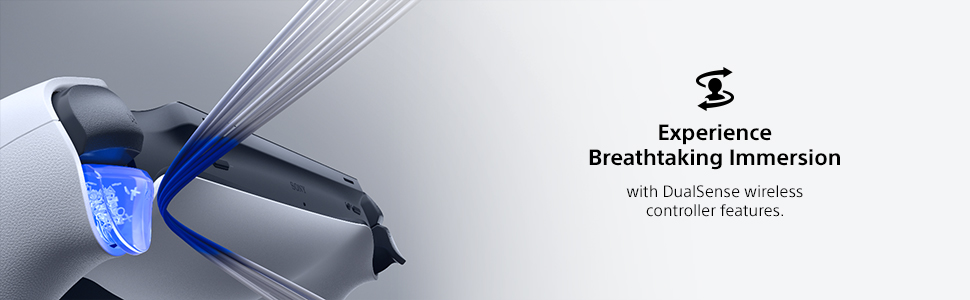
I got the PlayStation Portal Remote Player as a gift for my girlfriend since we are at my place and her place on and off and we don't want to keep carrying the whole console all the time. The Midnight Black finish looks sleek and stylish, and the device feels premium in hand, I don't regret not getting the other color. Setup was quick and easy, you just have to connect to the PS5 and log in. The 8-inch screen is bright and sharp, and the controls feel exactly like a DualSense controller, including adaptive triggers and haptic feedback. Overall, this was a great gift for a PlayStation fan. If you have a PS5 and want flexibility to play away from the TV, this is an excellent choice!
C**S
Excelente producto!! calidad Sony Para empezar debes saber que no es una consola portátil, esto debe quedar claro. este funciona de manera muy sencilla esto funciona a manera de extensión de tu pantalla, es decir si no te dejan jugar en la pantalla por que la están viendo puedes prender control y ver ahí tus juegos, sin necesidad de interrumpir la película del crio. Cabe resaltar que debes tener buena conexión a internet ya que de lo contrario te encontraras con una gran frustración al realizar tus comandos para esquivar o atacar y que no se realicen en tiempo es decir un delay. Otra cuestión, si se actualiza tendrán que ver de nuevo su consola en el televisor para configurarlo de lo contrario les dirá que no encuentra la consola
J**N
Super
Trustpilot
Hace 2 semanas
Hace 3 semanas