We remain fully operational. Our teams are working around the clock to ensure your deliveries continue safely.

Descargar la aplicación


Servicios al cliente
Sobre nosotros
Copyright © 2025 Desertcart Holdings Limited
Descargar la aplicación

🎯 Streamline your workflow, command your day.
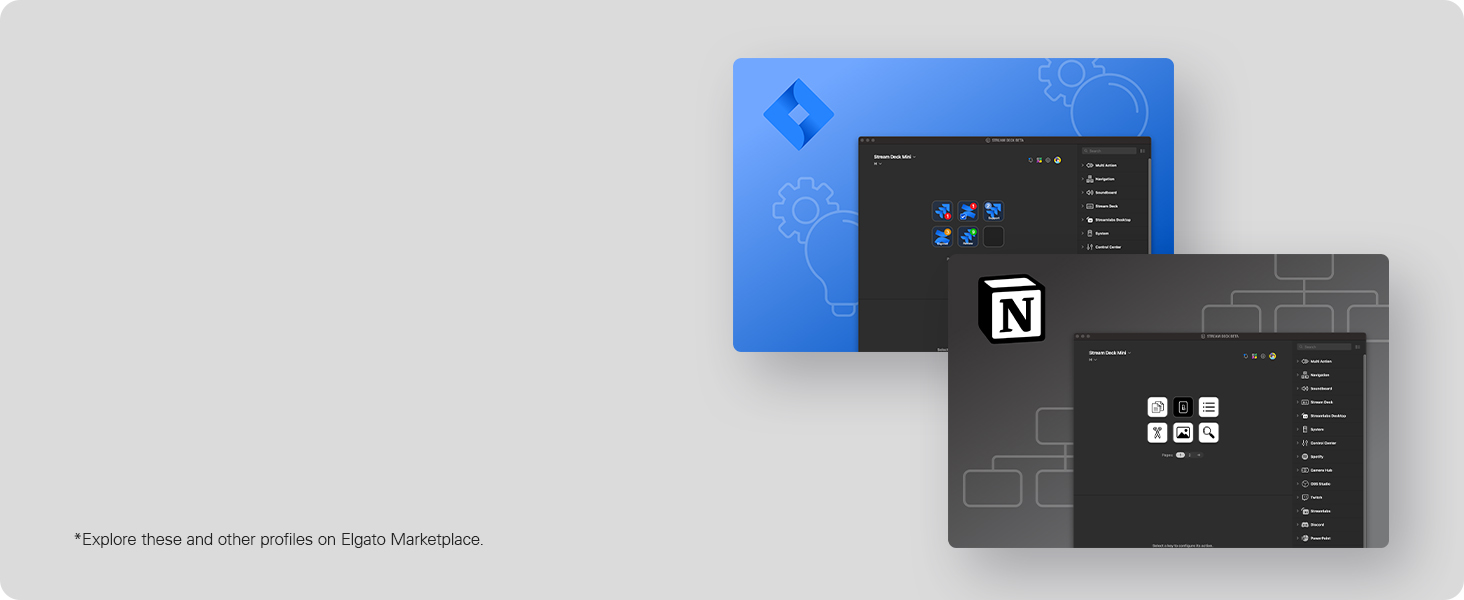
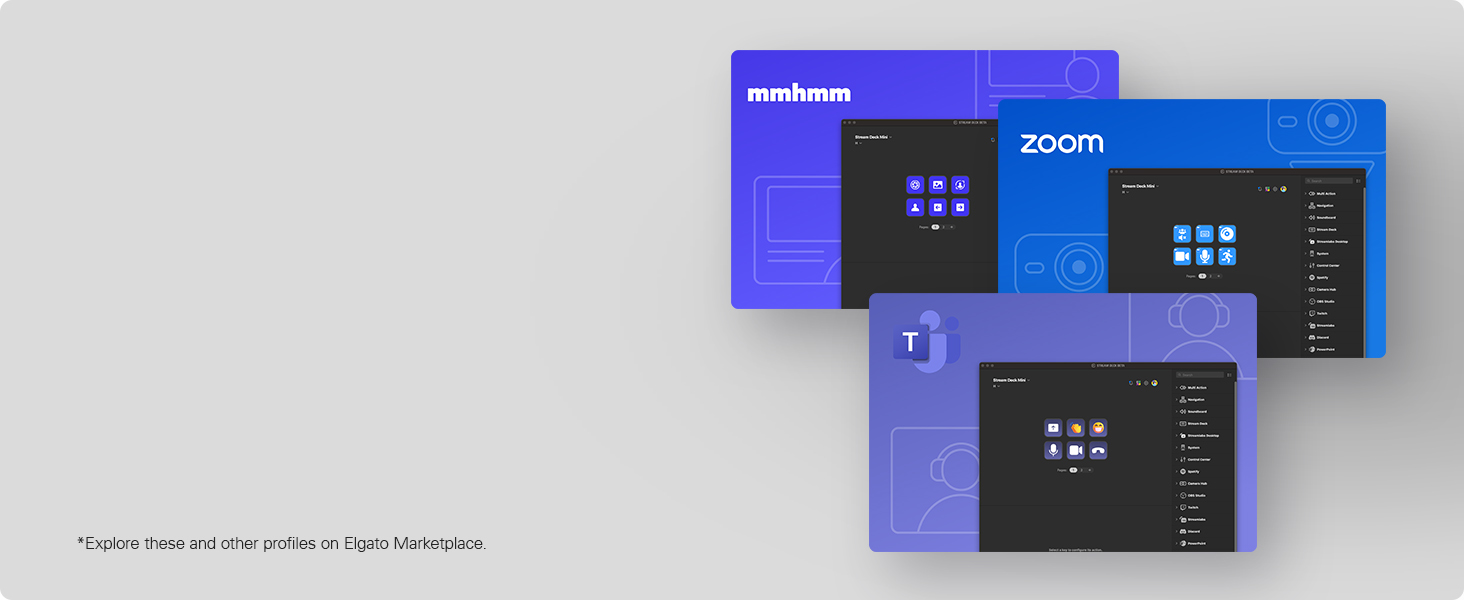
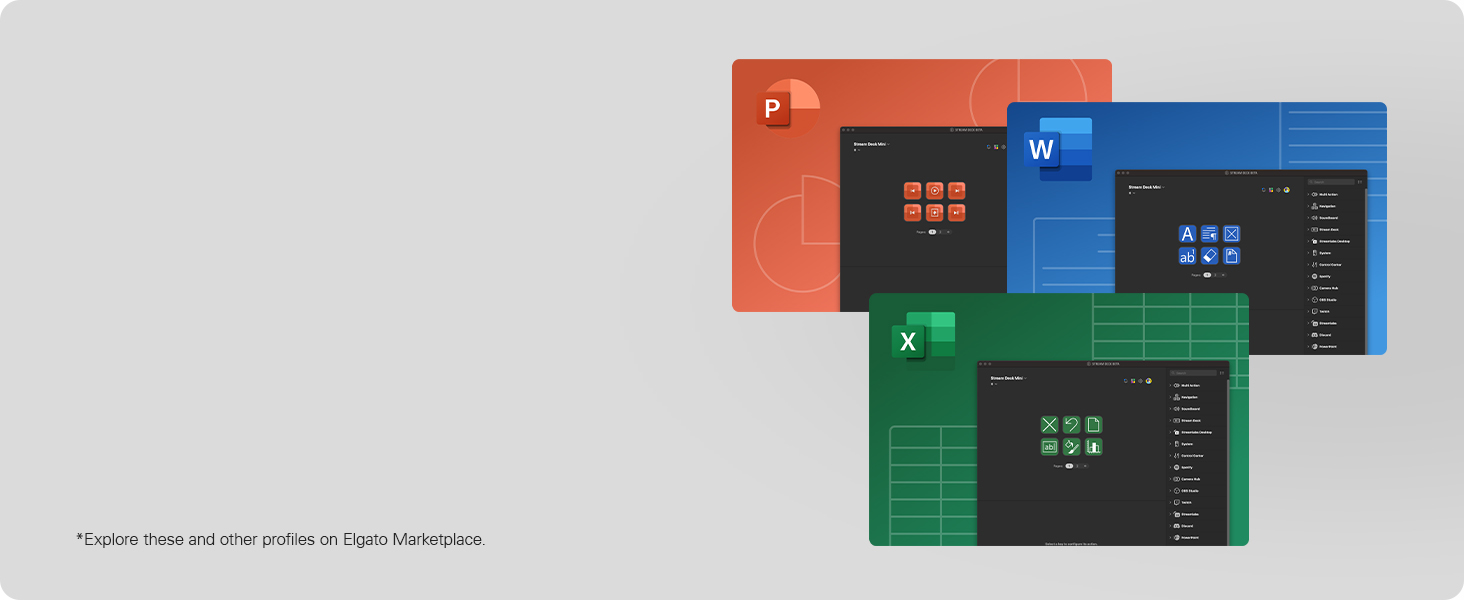
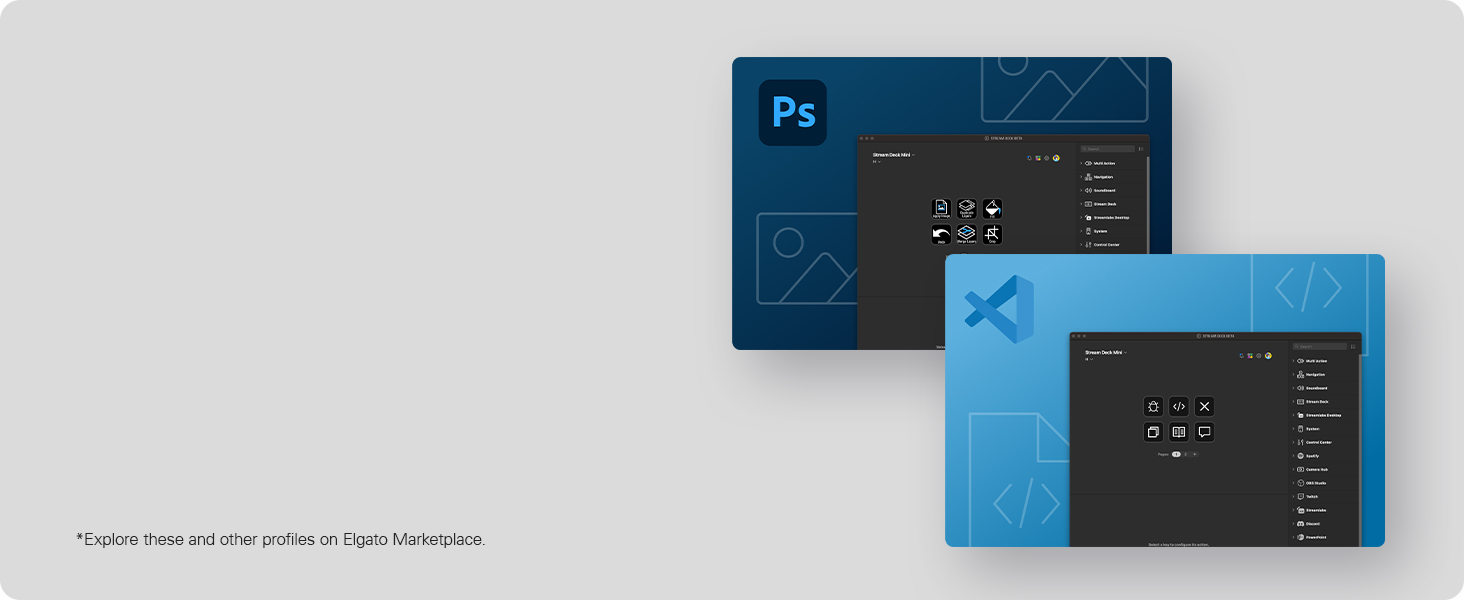
The Elgato Stream Deck Mini is a compact, USB-powered control pad featuring 6 customizable LCD keys designed to simplify and accelerate your digital workflow. Compatible with both Mac and PC, it integrates seamlessly with popular productivity and creative apps like Zoom, Teams, Microsoft Office, Adobe Creative Suite, and Spotify. Its intuitive software allows effortless setup and multi-action programming, making it an essential tool for professionals seeking to boost efficiency and reduce digital friction in remote or hybrid work environments.



| ASIN | B07DYRS1WH |
| Batteries | 1 Lithium Ion batteries required. |
| Best Sellers Rank | #516 in Video Games ( See Top 100 in Video Games ) #50 in PC Gaming Keyboards #52 in Computer Keyboards |
| Brand | Elgato |
| Color | Black |
| Computer Memory Type | DDR2 SDRAM |
| Customer Reviews | 4.8 4.8 out of 5 stars (7,618) |
| Date First Available | July 23, 2018 |
| Flash Memory Size | 8 GB |
| Hard Drive | 40 GB |
| Hard Drive Interface | ATA |
| Hardware Platform | PC |
| Is Discontinued By Manufacturer | No |
| Item Dimensions LxWxH | 2.36 x 2.28 x 3.31 inches |
| Item Weight | 6.2 ounces |
| Item model number | 10GAI9901 |
| Language | English, English, English, English, English |
| Manufacturer | Elgato |
| Number of USB 2.0 Ports | 1 |
| Operating System | windows 10 |
| Processor | 3 GHz celeron |
| Processor Brand | VIA |
| Product Dimensions | 2.36 x 2.28 x 3.31 inches |
| RAM | 3 GB |
| Series | stream deck mini |
| Standing screen display size | 75 |
S**R
This is a great "nice to have" solution for working from home
I did not buy this for streaming, and instead use this for working from home at my desk. Reasons why I enjoy it * Zoom - I was able to program shortcuts and just have a nice little gadget to mute, raise hand, camera on/off, and leave calls. I felt more engaged in the meeting vs using my mouse to move all over the screen and getting distracted by other things going on * Elgato Key Light - I received this as part of a work from home package and at first I wasn't sure if I cared but it ended up being a very useful and needed light source for my needs. Having a simple button at my fingertips made this a nice add. * Pomodoro Timer - I was able to use this to trigger multi-actions. So I had a pomodoro timer turn on and also a white noise track from spotify play at the same time. This allowed me to get my focus work done. * Calendar - I had set up separate buttons specifically to pull up my calendar on a specific area of my screen (used with moom) to have a good glance at my day. I use this feature often since my day is filled with zoom meetings. * World clock - I was able to display a world clock which is useful since I have teams across the world I work with * Spotify - nice to have controls at my finger tips. * App Launcher - it works just like cmd-tab, but I could toggle thru my apps by using a button. So... to be fair, none of this *required* a stream deck, but it definitely did make things a lot more simple, and I really liked this experience that I didn't realize I would benefit from, especially working from home. However, I have decided to return the mini. I was going to buy the 15key one because while the mini does allow for folders and menus, I find that I would be willing to pay a little extra to not have to dig thru menu items. However, before I buy the 15key, I am going to try the mobile app version on a stand first. One day with the mobile version definitely means it is not as tactile (the buttons on the stream deck feel great) but it does provide the same functionality as the 15key at a fraction of the cost. I think this is a great product for those working from home and taking video calls with teams often. This can be programmed to do a lot of things and I feel like I haven't scratched the surface. The mini definitely did everything I mentioned above, but I have the desk space and disposable income to maybe take it a step further. Highly recommend, but not needed. It's like wired vs wireless headphones. Wired was fine, wireless is better.
J**W
Perfect for my use.
I've already own a couple of 32-button Stream Deck XL's for several years and really like them. That said, I have a situation on one of my pc's where I wanted the macro functionality on only a few buttons and an XL was overkill with its 32 buttons as well as taking up more desk space that I wanted to give up. The question for me was, would this mini support the functionality I wanted like its big brother? The answer was a resounding YES. As soon as I plugged the mini in, the Elgato Stream Deck software recognized it and all the familiar programming options showed as usual. In short order I had the macro I needed programmed and the button graphics set the way I wanted. The only real differences I've seen so far between the 32-button XL and this 6-button mini are the number of buttons and the price tag. Build quality is exactly the same - excellent. Functionality is as good as the XL. Its compatible with the software. What's not to love? As far as other comments about it sliding around on the desk, there was a clear plastic sticker covering its rubber base. Peeled that off and no sliding. Not even on my glass mouse pad. As long as you don't pound on it like a gaming keyboard, it's not going anywhere. It's NOT a keyboard. It has buttons. Those buttons don't take much effort to push down. They are slower than keys on a gaming keyboard, which should be fine since they were never intended for typing. They are all individual little displays that you can make look like pretty much anything you want within the limitations of how many pixels are available. No more stick on labels or swapping key caps. There is nothing entry level about this mini. It just has fewer buttons than its bigger brothers and cost less. For me it fits a particular niche I had and does so perfectly.
R**Z
Great Little MIni
I am not a streamer. I am a gamer, but this is mostly used for Photoshop and basic PC functions. Overall, it was awesome. It did exactly what it claims to do. And, it did a lot more. At first, I was bummed because if you add pages, a button for Next Page and Previous are needed to navigate. I thought it was going to take up two buttons on the Mini. Thankfully, you can set up a Key Logic button. Key Logic buttons add the ability to single, double tap, or hold to activate different functions. So, I was able to use the single tap to change page, double tap to launch a program, or hold to change a profile. No button seems wasted. As a digital artist, I love to customize any thing that has some kind of screen and can display images. Stream Decks support both still images and GIFs. I have had so much fun creating my own icons and GIFs to use on the buttons. One major star of the whole Stream Deck experience is the software. The software is easy to understand and use. Everything is mostly drag and drop onto the preview layout and then selecting a few options. Changing icons is as easy as dropping a file on the preview icon, and it will update instantly on your Stream Deck. I ended up returning it and getting the 15-Key version because using the Mini showed me what a Stream Deck can really do. I ended up realizing that I wanted more face keys. This is the only caution I have for the Mini.
M**A
Awesome start to streaming board
Easy to set up and works very smoothly. The sound quality was clear and reasonable loudness as well as ease of the buttons. Super easy to use while streaming and easy to even adjust while streaming. Over all would say a recommended product!
J**J
Gekocht voor de fun, maar je kan bijvoorbeeld ook allerlei informatie vanuit HWinfo inladen dus hoe snel draaien je fans, hoe warm is je CPU temperatuur etc. Screensavers mogelijk, snelkoppelingen naar je favouriete sites, custom icoontjes etc. Handige en intuitieve software ook!
H**S
Nom de l'item à l'achat fait le 04 juin 2019: Elgato 10 Gai9901 Stream Deck Mini contrôleur de création de contenu Live avec 6 personnalisables LCD touches, Noir Prix lors de l'achat en date du 04 juin 2019: 99.99$ Commande reçue le 07 juin 2019 via Amazon Prime. Évaluation générale de 5 étoiles. 2019-06-29 Livraison avec Prime, donc assez rapide. Livraison en 3 jours. Je suis complètement en amour avec Stream Deck. Je ne suis pas un "Streameur", mais un artiste numérique. J'utilise le mini pour mon centre Multimédia (Netflix, Prime Video, VLC, YouTube) branché à ma télé. J'ai tellement adoré la machine que j'ai fini par commander la version XL que j'utilise avec mon système de montage Media Composer d'Avid, Photoshop, After FX, Resolve et plus. Les possibilités avec cette appareil sont illimitées. Je peux développer des macros avec des logiciels externes (comme AutoHotKey, que j'ai découvert grâce aux usagers), des commandes aussi préprogrammées via le logiciel qui est mis à jour au moins une demi-douzaine de fois par année. Pas des mises à jours de corrections de fautes d'orthographes, des VRAIES mises à jour! Des améliorations utiles et parfois même indispenssables. Elgato semble être à l'écoute de ses usagers. Mais ne vous fiez pas qu'à mes commentaires, allez voir sur YouTube, les "reviews", les tutoriaux et autres, les critiques sont assez unanimes, cette machine et son logiciel sont du bonbon. J'ai tellement de plaisir avec mon ordi depuis que j'ai ces petits, mais puissants, gadgets. WoW!! J'ai préféré prendre la garantie prolongée de 4 ans proposée par Asurion sur Amazon, parce que les 1es générations de ces appareils ont reçu des critiques négatives quant à du "flicker", "ghosting" et interférences au niveau des boutons avec le temps. Ce sont quand même de petits écrans. Il semblerait que des améliorations aient été apportées mais pour une quarantaine de dollars, j'ai préféré ne pas prendre de chance. p.s.: J'ai maintenant décidé de toujours introduire mes commentaires par les 5 premières lignes ci-haut et de toujours joindre des photos de l'item. J'ai découvert à mes dépens que certains revendeurs changent carrément le produit affiché à la page de vente mais conservent les commentaires de l'ancien produit. Ce qui induit en erreur, les consommateurs. Grâce à ces premières lignes, les gens qui liront mes commentaires sauront que mon évaluation vise le produit que je décris. Mon souhait est que cette méthode soit contagieuse et que nous soyons beaucoup à procéder de la sorte.
S**N
The Stream Deck Mini is ideal for folks who require only minimal programmable macros in their setup. The functionality, build quality and convenience are near identical to the bigger models. With a well integrated store to find macros & profiles, this device will improve your productivity and gaming setup many fold. Plus there's a very well supported online community that can teach you to integrate the deck with just about any software that's out there, while working on Windows, Mac & Linux! Highly recommended.
M**L
Cumple con mis expectativas, fácil de configurar y funcionando perfectamente.
A**B
I don't stream but I got this product due to the convince it brings. I use it for daily tasks and it is really useful for particular people and specific use cases. I will outline some of my use cases in detail for people who might want it for the same application. Some of these features have to be enables by enabling the plugins that are extra and not enabled by default. Headphones and Mics: I use it to switch between headphones and microphones. The stream deck is great as it allows you to switch between microphones and playback devices. For example if I want to use one pair of headphones and want to switch my playback to that then i can by setting a key to do that functionality. However if i want to switch back or switch to another pair i can then click a button. But you have switch the mic and the playback separately. So for example say your headphones have a mic in them and you want to use a separate mic you can do that by selecting the mic you want through the stream deck instead of going through all the settings and then changing that one to default. For example you can have Headphone1 Mic and Headphones2 Mic and Webcam Mic as buttons and switch between them. Same situation with headphones. So that makes it really convenient as it changes the default one and then that means software's will automatically change to. Voicemod: This is a cool little extra feature that was added my Elgato to the stream deck and it is for a little fun. As mentioned before you can set a button to change to the voice mod output however it wont change the mic selected on the software you have to change that manually. You can do funny things like change your voice and censor words with a beep button and you can pick random voices but you if you want a particular one you have to buy the pro version. You can also hear yourself and can turn on and off through the elgato stream deck which is really convenient. Zoom: The elgato stream deck can be used in zoom calls and be used for a full list of things that i will list: Mute toggle, Video Toggle, Share Toggle, Focus, Leave Meeting, Cloud Record Toggle, Local record Toggle, Ask all to Unmute, Mute all Participants, Custom Shortcut. This is good for zoom calls an there is not much to add as it works seamlessly. YouTube: You can use it to control YouTube. I don't use it for this however it does allow you to chat a message through a click of a button and you also have another option of viewers. That is all you can do with YouTube as of default. Mute and Unmute: When in any call or meeting you can use the elgato stream deck to mute and unmute and it will work with any program and call because it mutes the mics internally and not through that software so if you are in 2 calls and want to mute on one then you cant through this unless that other one is a zoom call, that is where you can mute using the zoom mute button that is enables through the elgato stream deck. Games: This is useful for games as you can function it to do specific binds or to do things in games instead of binding things to using keyboard binds. It is not built to control games exactly but is useful and you have to find your own use in what games you play and what you want it for. This is too universal to gives any examples on. OBS: Whatever you could image you can do on here. You can change scenes. You can also mute your mic and also desktop audio. There are so many options that there is no limit here and you can do anything you can image through obs. There are YouTube videos that cover all the combinations as it would take too long to cover in a minor review. Twitter: You can tweet a specific tweet on that you have binded to a button and will automatically do that. This is mainly towards streams but you can bind anything you want here really. Also you can change name on here to. System: This is what you would expect that this should be able to do like open a website, hotkey switch, act as a hotkey, open something like a program, type text, and uses as multimedia controller. Spotify: There is a plugin that you can enable that allows you integrate and control Spotify from your stream deck. Lighting: You can control Philips hue with this as there is a plug in that can be enables and controls Philips hue lights and same with corsair icue. Build: The build of the elgato stream deck is great and it does not come with a stand but it does have a rubber button to stop it from being pushed back then being uses however it can be a bit annoying but nothing major. Also when you lock your computer you can keep any screen saver on the stream deck. In conclusion, there are a lot more functions that one can use this for streamers and non streamers.
Trustpilot
Hace 1 mes
Hace 3 semanas