
Descargar la aplicación


Servicios al cliente
Sobre nosotros
Copyright © 2025 Desertcart Holdings Limited
Descargar la aplicación
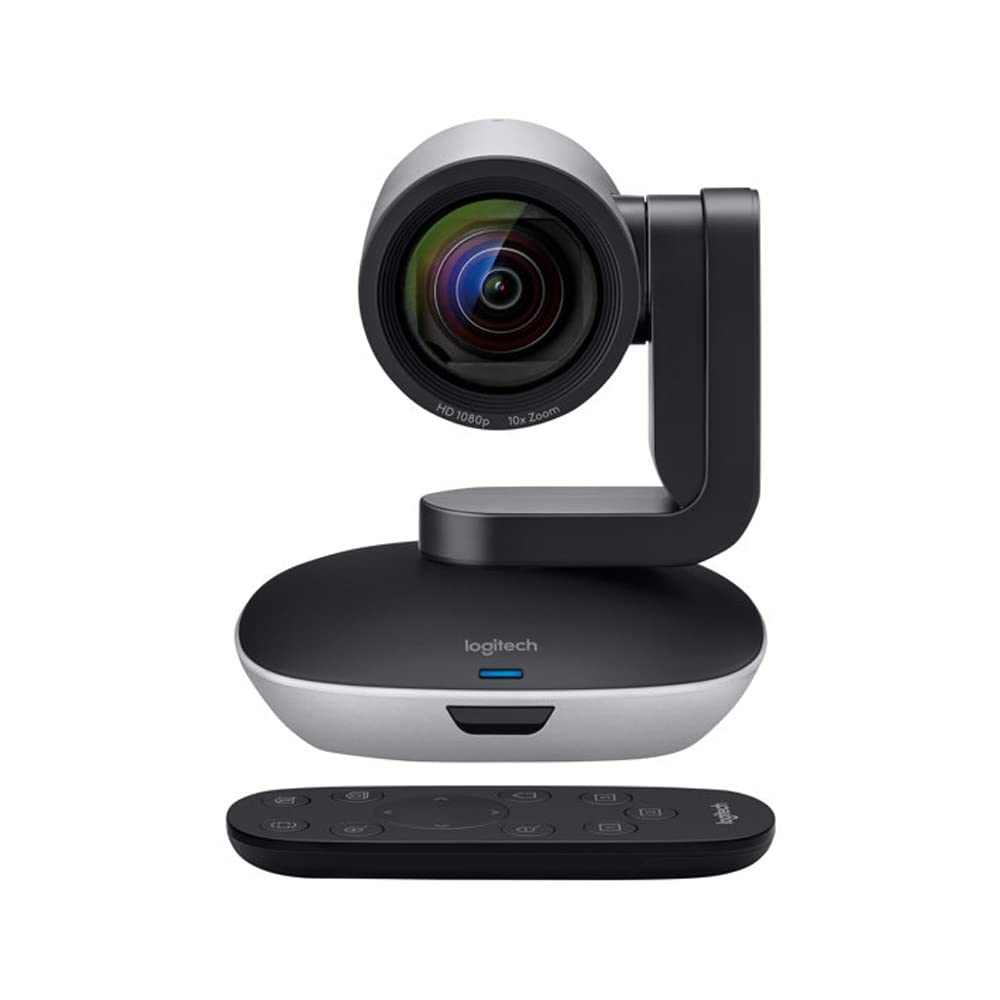
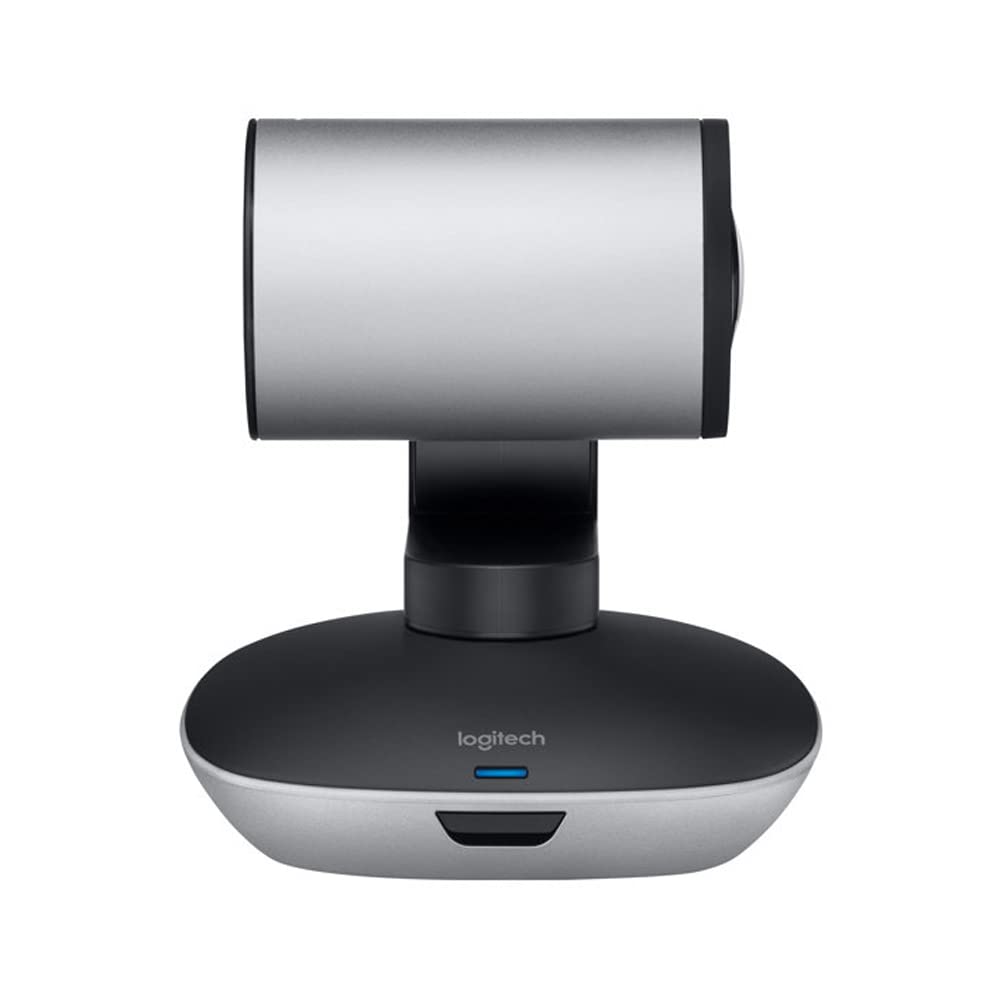
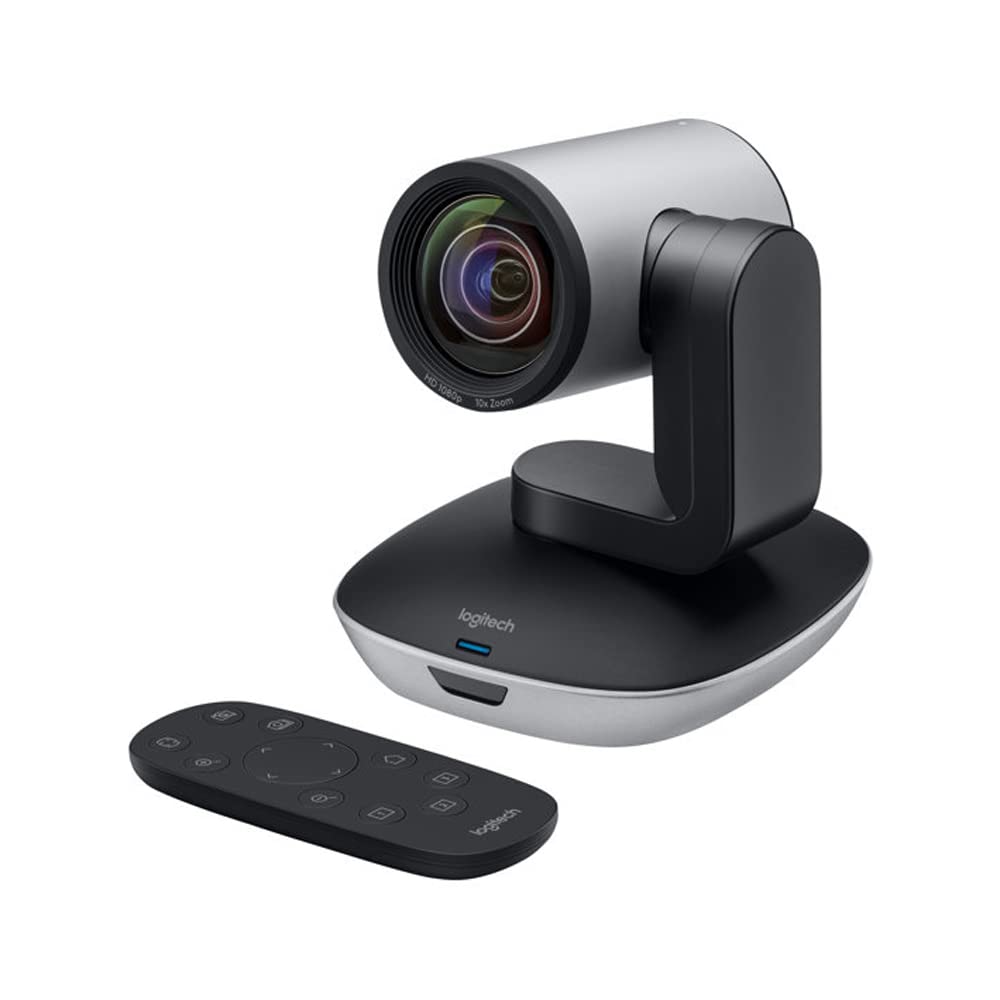
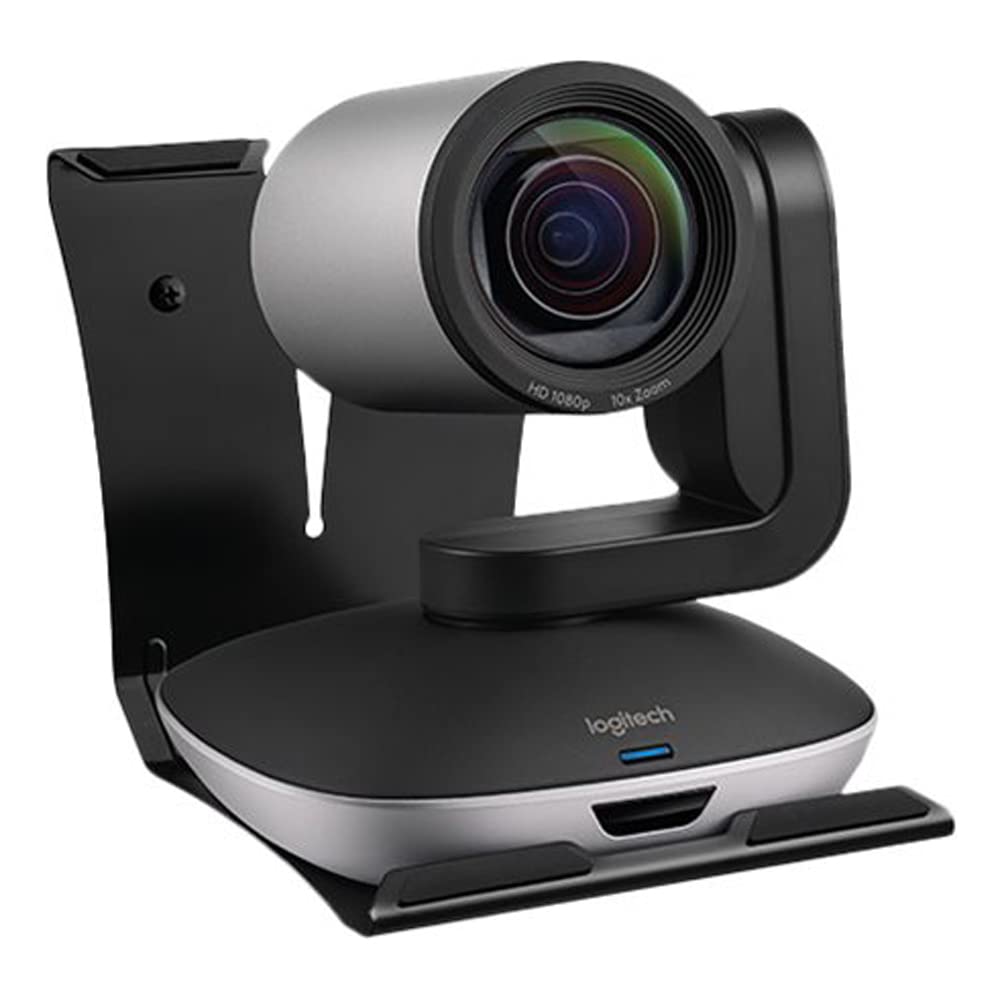

🎥 Elevate your meetings—because your team deserves the best view.
The Logitech PTZ PRO 2 is a compact, professional-grade video camera delivering crisp 1080p HD video at 30fps with 3x optical zoom and advanced auto-focus. Designed for seamless USB plug-and-play use on Mac and Windows, it features optical image stabilization and includes a battery for flexible setup. Perfect for conference rooms, it combines sleek design with powerful performance to upgrade your video conferencing experience.
| ASIN | B073PTMQ98 |
| Are Batteries Included | Yes |
| Best Sellers Rank | #664 in Webcams |
| Brand | Logitech |
| Built-In Media | Battery, USB Cable, Mount, User Manual |
| Camcorder Type | Video Camera |
| Color | Black, Silver |
| Compatible Devices | Computer, Laptop |
| Connectivity Technology | USB |
| Customer Reviews | 4.4 out of 5 stars 191 Reviews |
| Display Resolution Maximum | FHD |
| Effective Still Resolution | 64 MP |
| Effective Video Resolution | 1080 Pixels |
| Features | Low Light |
| File Format | MP4 |
| Flash Memory Installed Size | 128 GB |
| Flash Memory Speed Class | C10 |
| Flash Memory Type | SD |
| Flash Memory UHS Speed Class | 1 |
| Flash Memory Video Speed Class | V10 |
| Focus Type | Auto Focus |
| Form Factor | Compact |
| Global Trade Identification Number | 05099206070455 |
| Has Image Stabilization | Yes |
| Image Aspect Ratio | 16:9 |
| Image stabilization | Optical |
| Item Dimensions D x W x H | 5.12"D x 5.16"W x 5.75"H |
| Item Height | 14.6 centimeters |
| Item Weight | 580 Grams |
| Lens Type | Zoom |
| Manufacturer | Logitech |
| Maximum Aperture | 3.5 Millimeters |
| Maximum Focal Length | 1 Millimeters |
| Minimum Aperture | 22 |
| Minimum Focal Length | 1 Millimeters |
| Model Name | ptz pro |
| Model Number | 960-001186 |
| Number of Batteries | 1 CR2 batteries required. (included) |
| Operating System | Windows, Macos |
| Optical Zoom | 3 x |
| Photo Sensor Technology | CMOS |
| Screen Size | 2 |
| Sensor Type | CMOS |
| Shooting Modes | Automatic |
| Style Name | Modern, Black/Silver, Compact |
| Supported Audio Format | AAC, MP3, PCM, FLAC, Dolby Digital/AC-3 |
| Supported Image Format | JPEG |
| Unit Count | 1 Count |
| Video Capture Format | MP4 |
| Video Capture Resolution | 1080p |
| Video Resolution | 1080p |
| Water Resistance Level | Not Water Resistant |
| Wireless Compability | 802.11n |
| Zoom | Optical |
E**C
Great quality and simple set-up
Have had this for a couple of days now and have done two Webex meetings. The set up was super simple. I use it with a MacBook Pro. I would recommend it to anyone who was looking to upgrade their ability to do video conferences.
K**M
Perfecta cámara
Esta opinión es muy valida. Tengo 3 años usando esta cámara de videoconferencia. Excelente calidad. Hace unos meses tuve que hacerle una actualización, porque no funcionaba. Debes tener disponible a profesional en sistemas que te apoye con la actualización. La actualización fue instalada con éxito y laboralmente todo funciona bien.
K**S
Amazing camera
Love the picture quality and how easy it is to use. Dose not have sound. I had to buy a separate microphone to have sound. But still love the camera. Works amazing.
M**@
It's OK, but for $750 I'd expect better
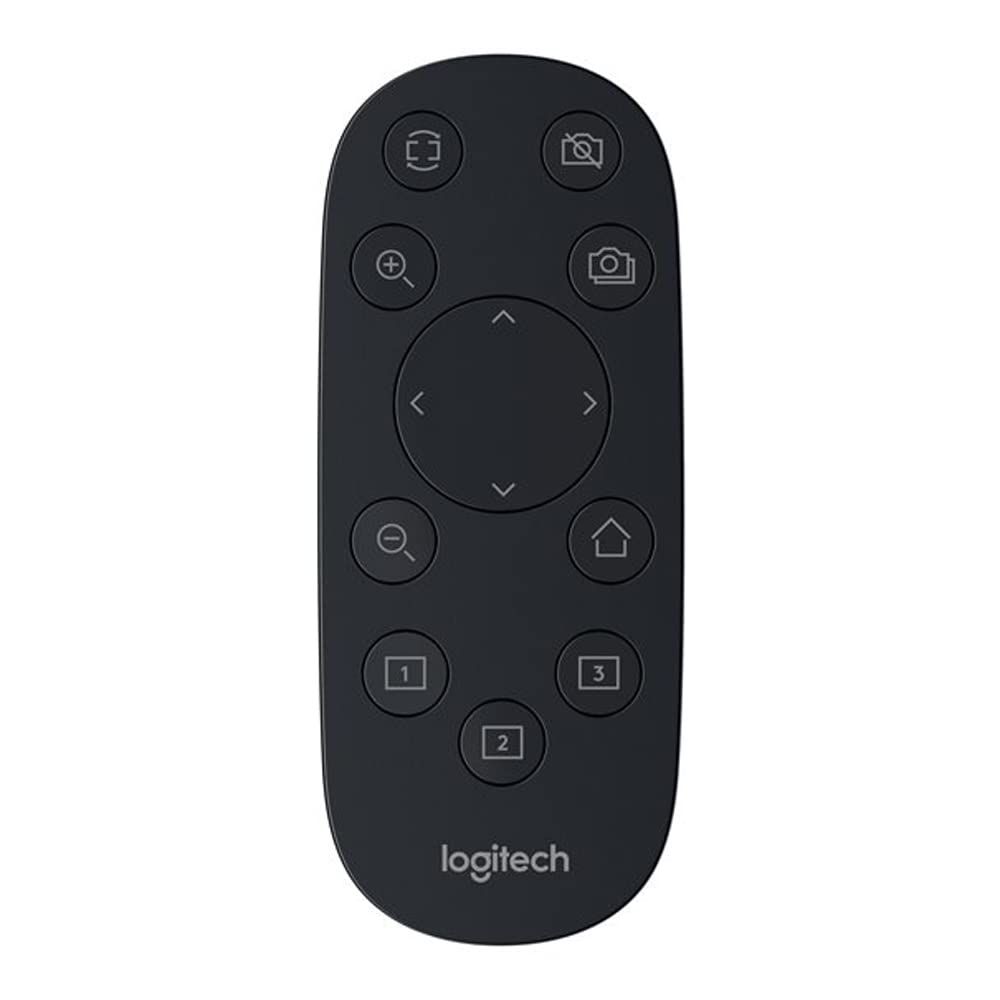
I use this camera instead of a webcam. There is a large whiteboard behind me, so I use the presets to zoom into different parts of the whiteboard. While I'm presenting I can just walk to the next section and press the next preset on the remote and the camera focuses on the right part of the board. It works pretty well for that. Pretty much all of my gripes come down to the fact that there's no way to configure it. Sure, you can use the remote to change what it's looking at, but suppose you want to change its sleep timeout, or use the usb connection to control PTZ, or something like that--then you're out of luck. Pros: - works fine with linux, no config needed - is a camera Cons: - If I'm not actively streaming it goes to sleep, so if I turn off video in discord it shuts down ten minutes later. If I re-enable video, it's now looking at the floor, so I have to find the remote to point it at my face. I guess I'll write a script to sense if its inactive and periodically query the stream just to keep it awake. - If you move it, it will refocus, but if it stays pointed in the same direction for a long time it may drift out of focus (likely due to temperature changes). I usually just tap one of the zoom buttons briefly, which triggers a refocus--but it would be nice to be able to configure a focus-recheck interval. - Sometimes, for reasons I can't figure out, P&T will stop working (but Z still does). Unplugging and replugging it fixes this. - If you lose the remote, you're out of luck. No other ptz control option.
J**O
Muy bien todo pero no incluye micrófono
me parece indispensable que tenga micrófono integrado y no lo tiene
A**A
Revolutionized my live-streaming studio
Revolutionized my live-streaming studio. I broadcast a weekly 2-hour-long web show and needed a camera that would deliver a sharp image at a distance of 10 feet, not be confused by rapidly-changing lighting, and not overheat and shut down during broadcast. This camera came through with flying colors. I did try to use the optional Logitech Camera Settings app to manage this camera plus two other lower-grade Logitech webcams; on my MacBook Pro 15-inch running OBS (Open Broadcast Software), the app failed and took down 2 cams during extensive testing. Ultimately I had to stop using the Logitech app and just trust that this camera’s firmware would deliver on its own. I wasn’t disappointed! It works brilliantly for my show. Highly recommend.
L**L
Great product. Good ability to change angle.
I was delighted with the product and hope to get another one for a different application.
M**A
Good product
It is a good product, the only bad thing is that I had to ask twice why the first time due to incorrect data they returned the package
Trustpilot
Hace 5 días
Hace 3 semanas