
Descargar la aplicación


Servicios al cliente
Sobre nosotros
Copyright © 2025 Desertcart Holdings Limited
Descargar la aplicación


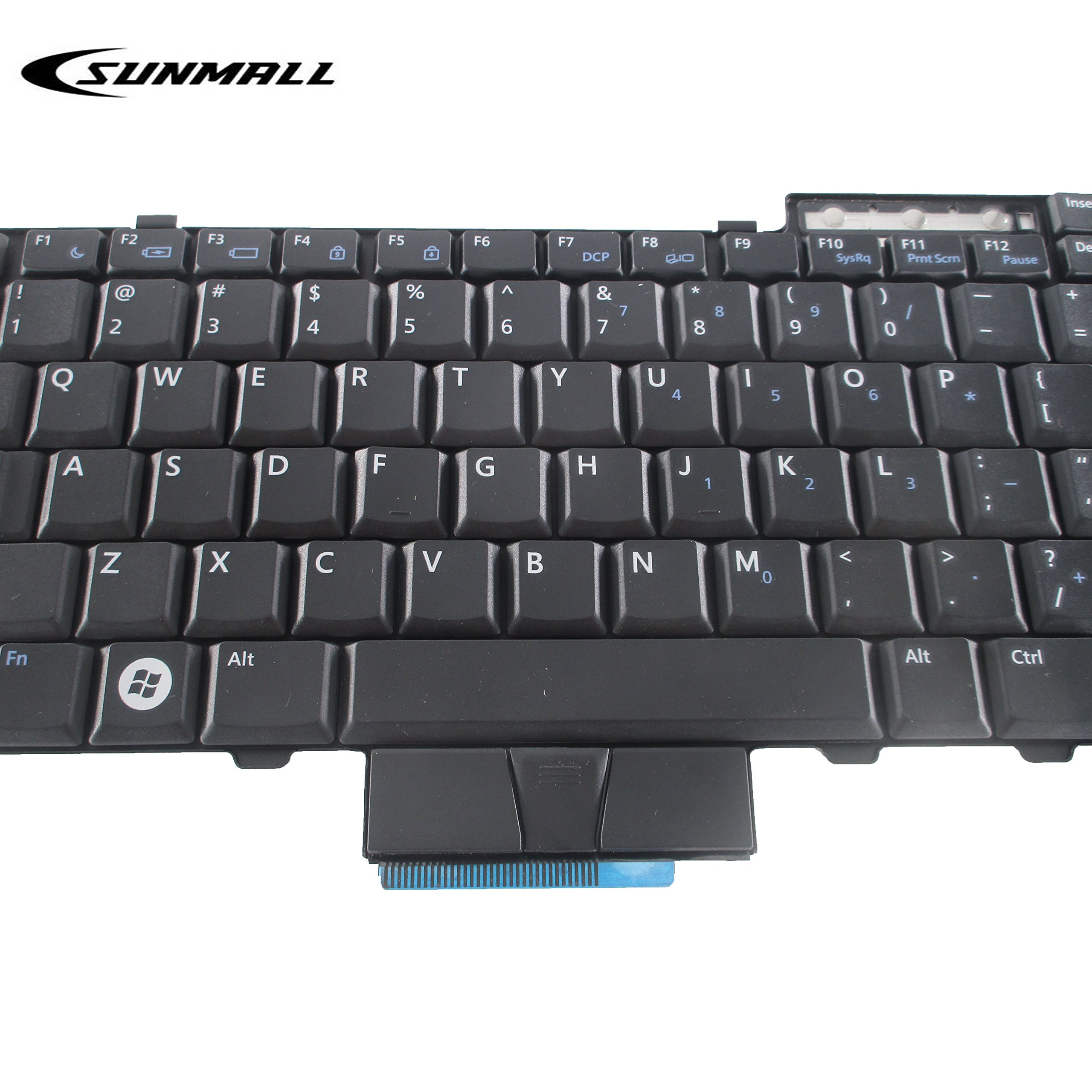
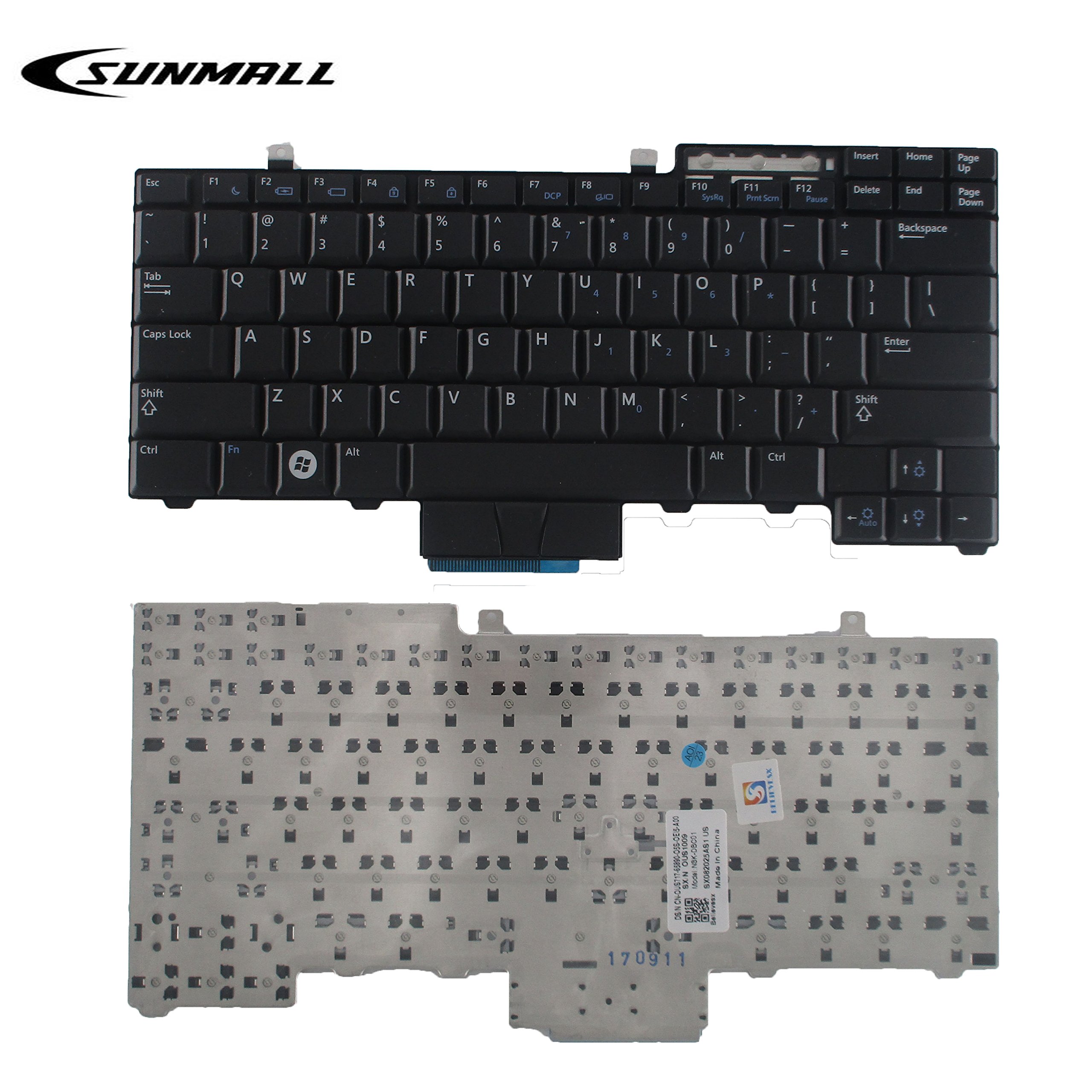

⌨️ Upgrade your Dell’s heartbeat with precision and style!
This black US-layout replacement keyboard is engineered for Dell Latitude E6400, E6410, E6500, E6510, E5410, E5510, E5400, E5500 and Precision M2400, M4400, M4500 series laptops. Featuring 78 membrane keys, a sturdy metal-backed frame, and wired cable connectivity, it delivers reliable performance without backlighting or pointer. Tested for quality and designed for easy installation, it’s the smart choice for professionals seeking a durable, OEM-compatible keyboard upgrade.
| ASIN | B0777DQLC3 |
| Additional Features | NO Backlit |
| Antenna Location | Office |
| Best Sellers Rank | #2,017 in Laptop Computer Replacement Parts #2,494 in Computer Keyboards |
| Brand | SUNMALL |
| Built-In Media | USB Cable |
| Button Quantity | 78 |
| Color | Black |
| Compatible Devices | Laptop |
| Connectivity Technology | cable |
| Customer Reviews | 4.4 out of 5 stars 188 Reviews |
| Enclosure Material | Plastic |
| Hand Orientation | Ambidextrous |
| Item Height | 5 micrometer |
| Keyboard Backlighting Color Support | Single Color |
| Keyboard Description | Replacement Laptop Keyboard |
| Keyboard Layout | QWERTY |
| Manufacturer | keyboardseller |
| Model Name | E6400 |
| Model Number | E6400 without pointer and backlit |
| Number of Keys | 35 |
| Power Source | Corded Electric |
| Recommended Uses For Product | Office |
| Series Number | 6400 |
| Special Feature | NO Backlit |
| Style Name | Modern |
| Switch Type | Membrane |
| UPC | 611702385151 |
| Unit Count | 1.0 Count |
M**E
A Good Cheap Keyboard
I purchased another keyboard of a different type and from a different seller for this Dell Latitude E6410 a year ago, but it arrived damaged in shipping. I thought I could bend it back into shape and use it and I did for a year. It started falling apart on me a month ago though, and so I had to revert to my OEM keyboard while looking for another one. This keyboard arrived in two days, in a box, in bubble wrap, and another security sleeve, and was pristine in all ways. This keyboard has a metal backing to improve general integrity, and metal tabs to lock it in place in the housing. It is slightly more difficult to place in the housing than the OEM keyboard, and takes a bit of carefully applied strength to lock it in place. But once in, it seats just as flawlessly as my OEM keyboard. The keys are slightly firmer than my OEM keyboard, but that may be due to the age and degradation of my OEM keyboard that caused me to require a replacement. Unlike my OEM keyboard, this is not backlit, but the keys are brightly painted so I'm hoping that will help in low-light situations. If it doesn't help enough, I am willing to live with that downgrade. The price is very good. This keyboard also does not have the central pointer, and it disables the pointer click buttons directly under my space bar. I never used those, so I do not miss them. The main touchpad, click, and right click buttons in the base housing work flawlessly though. This is on my Dell E6410. I have not done any long form writing on this keyboard so far, but I have performed general tests on it, and it appears to be fully functional and all keys seem to work the way I want them to. I am completely satisfied with all aspects of this keyboard. It is exactly what i expected, better than I hoped, and I am fully willing to live with the aspects of it that do not match the OEM keyboard. edit - After testing this for some days, including full scale touch typing over an average for me use of general writing, I am fully satisfied with this keyboard. The keys truly are easy to read, even with the lack of backlight, the keys are firm enough without being too firm. They have good tactile response, especially for a laptop keyboard. I am fully happy at this time.
A**R
Easy to install
It works just like the original keyboard. It only took a few minutes to install and I have been using it with no problems.
A**T
Perfect for a small desk.
Perfect for a small desk. Small and compact but, fully functional.
L**.
EXCELLENT !!!
EXCELLENT PRODUCT !!!
J**Y
Disables touchpad on some Latitude E6400/6500 and Precision M2400 models
I don't exactly know why but this model keyboard does disable the touchpad on some models as described in the title. OTOH it works perfectly in my Latitude E6510 which also uses the OEM style keyboard with the point stick in the middle. I'm nearly positive that it would also work great in the Latitude E5400 models although I don't have one on hand to test it with. Regarding the Latitude E6400 models I tried it in both Intel Graphics and nVidia graphics models and that makes no difference. I do know from working on a few dozen of these models that there are at least 3 different models of palmrest/touchpad assemblies so I suspect that's where the problem lies. I suspected this may be the case because on some OEM keyboards with the point-stick in the middle I've been able to disable that by simply applying a piece of scotch tape to the appropriate contacts of the keyboard, but on some E6400's it also totally disables the touchpad. So it's kind of a crap shoot as to whether this will work without disabling the touchpad on some models that have a keyboard with the point-stick in the middle. I wish that weren't the case because I personally find that feature to be useless and downright bothersome. However I'm very happy that it worked OK in my Latitude E6510 which is my mobile work station. The only reason I knocked off a star is because the F12 key on mine does not quite "lay flat" but I bought used from Amazon Warehouse in order to test this to satisfy my curiosity. So it could have been slightly damaged by the previous owner. As I said this was largely purchased to perform some tests and satisfy my own curiosity, and now I know that it works in some cases to replace a keyboard with a point-stick, BUT NOT ALL! So if you're willing to take the gamble go for it.
D**R
excellent product
Item was exactly as described, packaged well and arrived promptly.
B**B
Touchpad doesn't respond
The touchpad doesn't respond as it should. Pointer is very slow and jumps. I have over 20 years of computer repair and I know a defective part when I see one. Now I search for another as this one being returned.
J**S
Not COMPLETELY usable on E6400
Great Product, for its own device. swap out was very easy. Unfortunately, touchpad quit working. OG keyboard has dead keys, but mousepad is fine. upon switching keyboard to vendor's replacement, mousepad is completely unresponsive, although keys do work fine. NOT an issue with drivers, as running said laptop WITHOUT a keyboard installed, mouse input was null as well. **THIS INFO MOST DEFINITELY SHOULD HAVE BEEN DISCLOSED**
Trustpilot
Hace 2 semanas
Hace 1 semana