Buy anything from 5,000+ international stores. One checkout price. No surprise fees. Join 2M+ shoppers on Desertcart.
Desertcart purchases this item on your behalf and handles shipping, customs, and support to Uruguay.
🔐 Unlock the future of secure, effortless login—because passwords are so last decade.
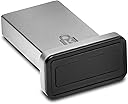
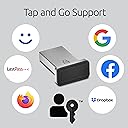
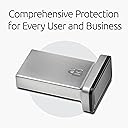
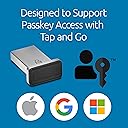
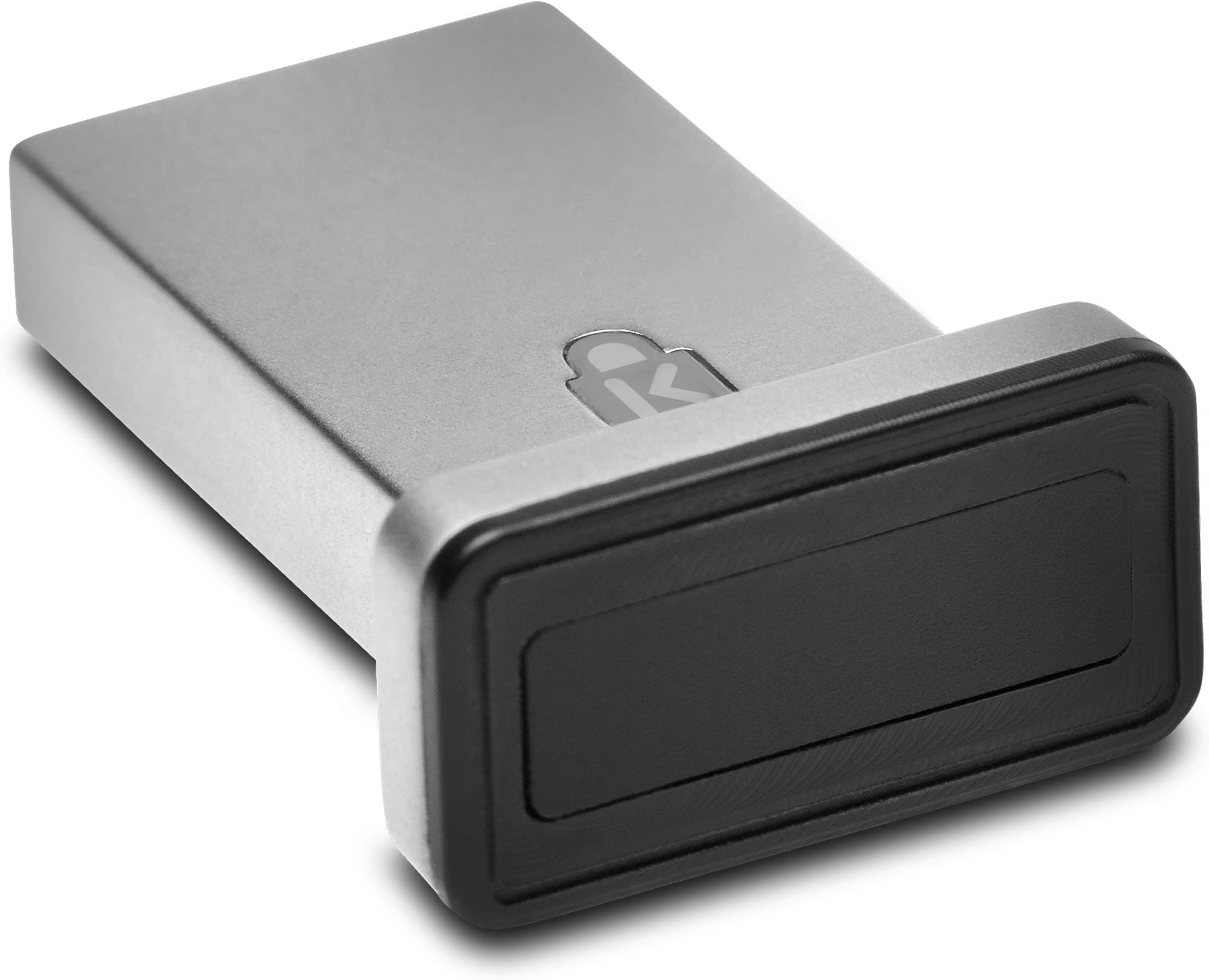
The Kensington VeriMark™ Gen2 USB-A Fingerprint Key Reader delivers advanced biometric security with 360° fingerprint recognition and industry-best false acceptance/rejection rates. Designed exclusively for Windows Hello on Windows 10 and 11, it supports up to 10 fingerprints and the CTAP2 Tap & Go protocol for passwordless authentication. Ideal for enterprise environments, it ensures compliance with major privacy laws while integrating seamlessly with popular password managers. Note: Not compatible with MacOS, ChromeOS, or Windows ARM devices.


| Best Sellers Rank | #37 in Security & Surveillance Biometrics |
| Customer Reviews | 3.7 out of 5 stars 438 Reviews |
W**L
Devices itself works great, wouldn't recommend it with NordPass.
Do Not Use This With NordPass!!! They require a network connection for Windows Hello to work with this. Meaning if your network goes down for any reason, this device becomes useless. It does work with Roboform without a network, so that was my solution. It has since worked great on Windows 10 22H2. Commenting on another review that mentions this sticks out and isn't flush, that is because the devices has a light to indicate its waiting for a finger print scan. It doesn't always do this, but they gotta flash that logo for marketing swag. While not ideal for Laptops, since it could easily get bumped and damage the USB port, I use this on my desktop and have no worries.
S**Y
Works less than 50% of the time, especially after my Windows laptop has been idle for several hours
I keep my Dell business-class laptop running Windows 11 connected to a monitor, so it's never been convenient to use Windows Hello facial recognition to sign in. I was entering my PIN each time and hoped this fingerprint reader would be faster and easier. It works reliably when I "test" it, by locking it and immediately unlocking it, but that's not the real-life situation. If I lock Windows and return after a few hours, the fingerprint reader works less than 50% of the time and I end up having to enter my PIN. I have tried disabling it an retraining it on 3 fingers, but that didn't help at all. I will most likely return it and try another product.
H**E
Works well
This reader worked very well. I only have to put my finger on it one time and it unlocks my computer very quick and easy I like it.
N**E
This is the 'Just Works' Solution You are Looking For
Win 11 - immediate success, no driver drama. Hello Windows just works, no drama. Replaced a previous cheaper unit that was a total drama master. Training fingerprints? Less than 1 minute for two fingers Touch reliability: Outstanding to Excellent This is worth the money. If you value your time and sanity, just get it now. I know I'm glad I did.
K**T
Drivers Drivers - Go to Mfg website
Since my workplace has implemented Windows Hello, and enabled a PIN and Biometrics, This fingerprint reader has saved me a lot of time logging into various work related websites. I did experience some difficulty during setup and windows did NOT automatically locate the correct drivers. I downloaded this file 'Syna_WBFFingerPrintReader_Signed_Kensington-123_v6.0.15.1123_x64_Setup.exx' Then it allowed for Windows Hello Biometrics login.
T**N
TOTAL FAILURE OF A PRODUCT
I cannot add or remove fingerprints. I'm told that I've used all 10 fingerprints in it (but I've only stored one finger until I tried to add my wife as a second fingerprint on her account). Doesn't even register with Hello (although it still appears as working correctly in Device Manager) in last few days. No way to wipe the sensor and start over. No response from tech support after 48 hours. Documentation is absolutely atrocious. I will NEVER buy another Kensington reader. NEVER EVER EVER.
G**A
Fingerprint recognition is not efficient.
The fingerprint recognition efficiency is not good; it works for the first few days, but then you have to register your fingerprints again because the device rarely recognizes them. The compatibility with Windows 11 is very good and installation is easy, however the product's efficiency leaves something to be desired.
R**A
no Linux support yet, not even for Chrome, doesn't seem to work with Windows 10 too well
First, I'm sure this is a fine product, it just doesn't work for my use cases. I'm going to keep it around for further experimentation. When I plugged it into my Linux system, I saw the USB initialization messages from the kernel, but none of the software I have (Xubuntu 18.04), such as fprint_demo, will work with it. I was hoping to see it work with Chrome, the FIDO2 part, but no such luck; it's not recognized. If I knew what to try to get it to work, I would try lots of things...but Google results are sparse with how-to for this product. Granted, the Windows 10 laptop I tried this with 1.) doesn't belong to me, it belongs to my workplace (so may have some administrative issues there, GPOs and all), and 2.) already has an integrated fingerprint reader, so YMMV. It's a Lenovo T540p for anyone who's interested. I plugged it in, went through the procedure as documented on their site, the white LED lit up, Windows seemed to accept the fingerprint. "Moment of truth," I locked, then put my finger on the sensor, and Windows told me that I must enter my PIN. So it looked like I was recognized, maybe, but the Windows security subsystem still wasn't quite sure. Then on this laptop, I tried to use the Windows version of Chrome. Same sort of thing as on Linux, Google asks you to make sure your key is not connected, click NEXT, then insert your key. It doesn't seem to be recognized at that time either. Not sure what's up, the LED did not even light. Pressed the enrolled finger against the reader, still nothing, although since the LED was not on, that was not so surprising. So, this may work OK on YOUR Windows 10, but no such luck for me. Caveat emptor.
M**L
Solid Build, Works Great – Just Tap It Gently
The Kensington VeriMark IT Fingerprint Key is a high-quality security key with a premium metal build—feels durable and well-made right out of the box. Setup was smooth with Windows Hello, and the driver installed automatically via Windows Update, no manual steps needed. It works flawlessly with my password manager and is compatible across multiple PCs, making it a reliable choice for both personal and work setups. Only downside? You need to touch it lightly—pressing too hard and it won’t register your fingerprint. Once you get the feel for it, it reads fast and accurately. Bottom line: Sturdy, easy to set up, and does its job well. Just be gentle with the touch.
G**S
Praticidade e segurança
Excelente! Produto prático de usar no Windows Hello e possui importantes certificações de segurança.
M**G
Works nicely for windows logon, if only it can be used with other password managers for websites
A**L
Calidad y configuracio
Excelente producto. No me dio problemas al instalarlo en mi laptop. Funciona a la perfección el detector, no me ha dado problemas.
W**H
Funktioniert nicht mehr
Hatte nur kurz funktioniert Jetz KAPUT! WEGEN kauf bei AMAZON.DE aber geliefert durch AMAZON USA KEIN GARANTIE!!! AMAZON schäm dich!
Trustpilot
2 weeks ago
1 month ago