Description
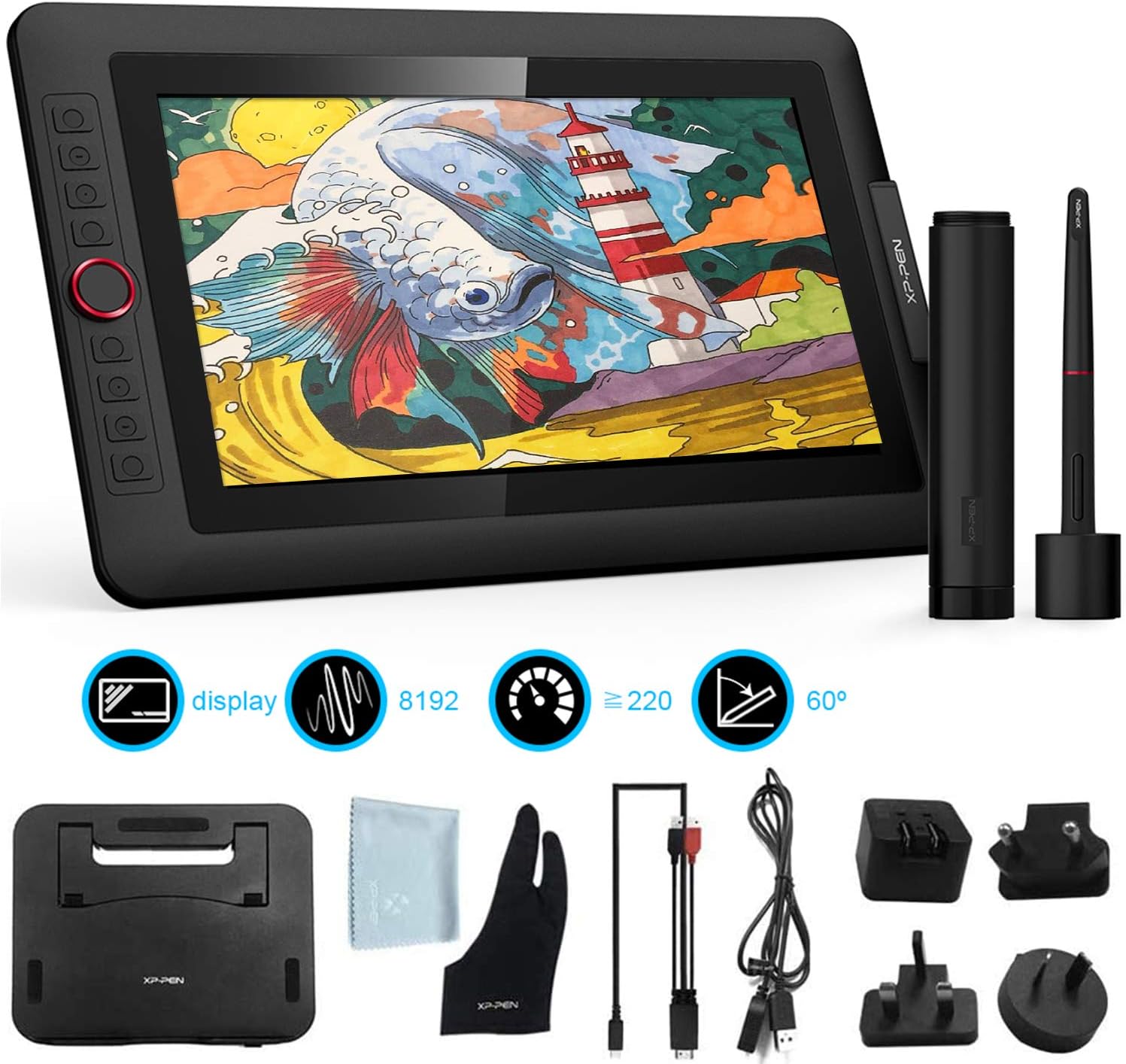
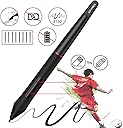
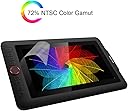
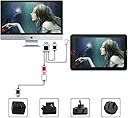
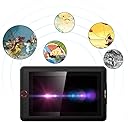
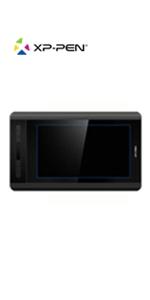
Product description For 14 years since its establishment in 2005, XP-Pen has been committed to the research, design, production and sales of drawing boards. Our team is constantly innovating, designing and developing products and technologies that meet the needs of users, letting computers and digital drawing tools help the painting go back to its origins, so that traditional and beautiful paintings can be smoothly integrated into the digital age. Now XP-Pen has become a well-known brand in the tablet industry. It goes without saying that the products, technologies, services and concepts provided by XP-Pen have been widely recognized and supported by users all over the world! Important Notice 1. XP-PEN Artist12Pro drawing tablet is NOT a standalone product!!! XP-P EN Artist12Pro drawing tablet must be connected to a laptop/Desktop to work. It is compatible with Windows system 10/8/7(32/64bit), Mac OS X version 10.10 or later. Linux is supported now! 2. About the Protective Film · Artist12 Pro drawing pen display comes with protective covers(plastic layer) to avoid damages to the surface from hand grease, scratches, etc. · Please peel off the protective covers(plastic layer) before the application! · The real protective film is under the protective covers(plastic layer). 3. Connection Tips · Your computer needs to have HDMI and USB ports available for the connection, if not, you need an adapter to convert for the connection. Please confirm the Black USB Cable and the HDMI Cable completely plug into your computer. For the Red USB Cable, if your computer cannot supply enough power, please plug it to the wall plug. · If your computer only have Type-c ports, you need a Type-c to HDMI and USB adapter for the connection. · Other Tips: After connecting all the cables in the correct places, please wait about 30s~1min to make the USB Hardware driver loaded successfully. 4. Driver Download and Installation Tips · Driver Download: Our driver will be regularly updated, so please go to our official web to download the newest driver, and install it on your computer. 4.1 Before Driver Installation · Please Remove Other Brand’s Driver from your computer and reboot before installing the XP-PEN’s driver, or there will driver conflict problems. 4.2 For Windows Users: · Please close all drawing programs and run the driver as Administrator when installing the driver. (IMPORTANT) 4.3 For Mac Mojave (10.14), Catalina (10.15) Users · Our driver is compatible with Mac OS Mojave (10.14), Catalina (10.15), If your operating system is the newest Mojave 10.14 or Catalina (10.15), please install the newest released driver on your computer and reference to the FAQ “How to install driver in Mojave /Catalina” on the XP-PEN Website. 5. XP-PEN Provides Lifetime Technical Support on all Our Drawing Pen Tablets/Displays · When you have problems with the use of the Artist12 Pro, please checks the Quick Guide, search XP-Pen online to find a way to us for further assistance, we are always standing by to help! Full High Definition Screen With the excellent color accuracy of 72% NTSC and a viewing angle of 178 degrees, the Artist12 Pro graphics tablet provides rich colors, vivid images. With virtually no parallax, your cursor appears exactly where you want it, offering a real paper-like feel drawing experience. It is also equipped with a replaceable anti-glare optical film, which has high transparency and scratch resistance, while reducing glare, making your screen clear even in bright light. 178° viewing angle The 11.6-inch IPS fully HD screen with a 178° viewing angle. When painting, there is basically no offset between the pen tip and the cursor position. This gives you a more sensitive platform and more space where you can show off your creativity and talent. Dapture and Express your Ideas The ren dial and 8 Customizable Shortcut Keys fit comfortably in your hand and can be programmed for more customization options, letting you capture and express your ideas faster and more easily. Battery-free Stylus Pen With up to 8,192 levels of pressure sensitivity, it provides you with increased accuracy and enhanced performance to create the finest sketches and lines, even presenting the nuance of different hairs. Battery-free passive pen,NO NEED TO CHARGE More comfortable experience Included with the Artist 12 Pro drawing tablet, the AC 42 easy-to-use stand is built to prevent shaking or sliding as well as relieve eye fatigue and hand stiffness. The multi-function Pen Holder keeps your pen and pen nibs safe, and doubles as a pen stand or pen holder.
Review: Great Product - Drawing cartoons - it works great when you have very good software. The more one uses the product, the more capable the product is. I recommend this product.
Review: Purchased for Son - I purchased this for my son who is an inspiring game designer. He uses this daily and has held up great. He uses this for Photoshop, Blender and other game design software. So, far it has held up wonderfully