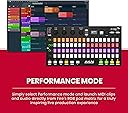
🔥 Ignite your beats with the ultimate FL Studio sidekick!
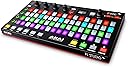
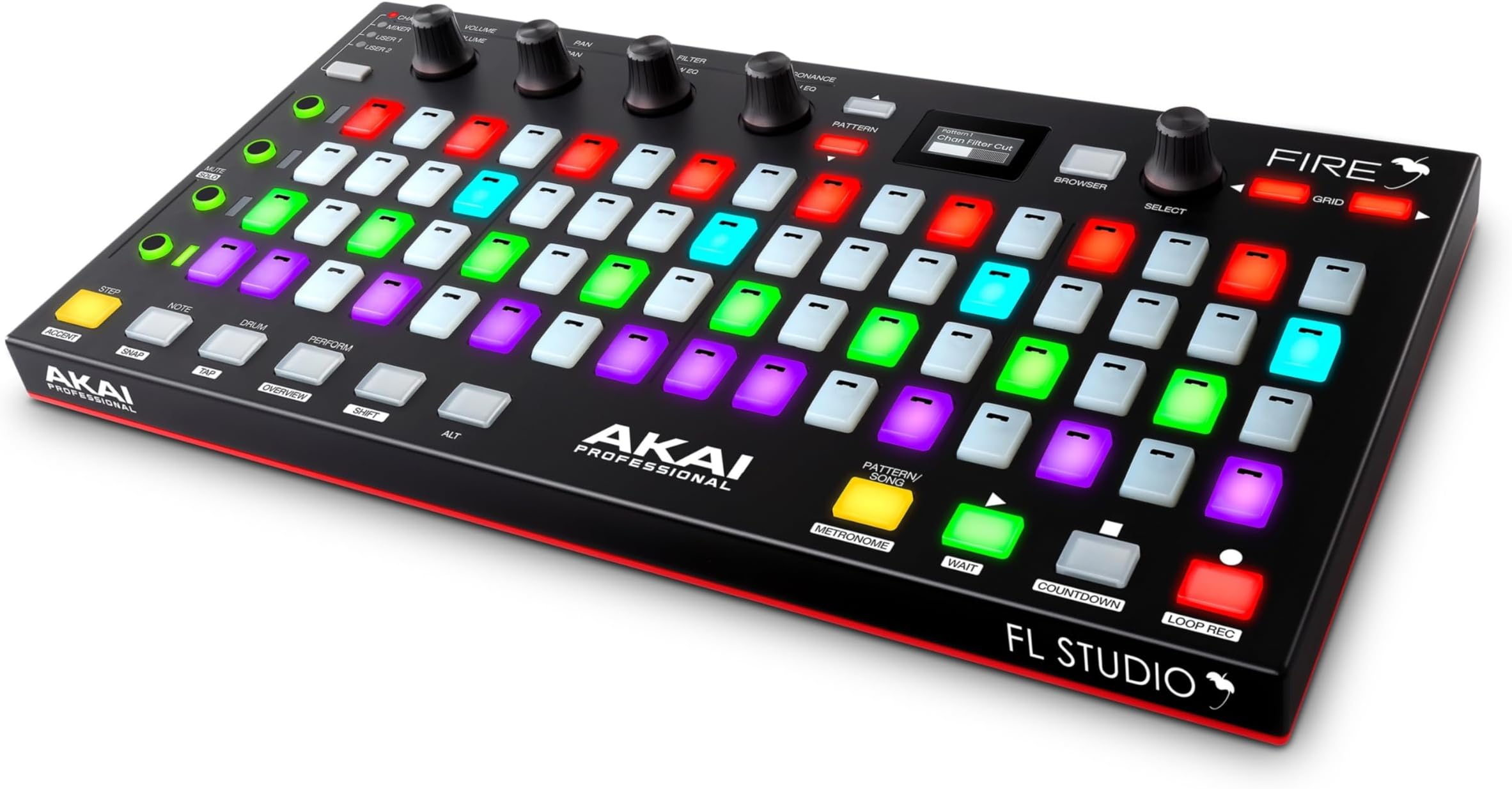
The Akai Professional Fire is a dedicated USB MIDI controller designed exclusively for FL Studio, featuring a 64-pad RGB matrix, 4 banks of assignable touch-capacitive knobs, and a graphical OLED display. Its plug-and-play integration streamlines music production and live performance, empowering producers with tactile control and vibrant visual feedback in a sleek, portable design.


| ASIN | B08284R4JZ |
| Best Sellers Rank | #56,637 in Musical Instruments ( See Top 100 in Musical Instruments ) #201 in Computer Recording MIDI Controllers |
| Color Name | Black |
| Compatible Devices | Devices with a USB port and compatibility with FL Studio or Fruity Loops software |
| Connector Type | USB |
| Customer Reviews | 4.6 4.6 out of 5 stars (2,052) |
| Date First Available | December 5, 2019 |
| Hardware Interface | USB |
| Hardware Platform | PC (x86 or x86_64) |
| Instrument Key | Any |
| Is Discontinued By Manufacturer | No |
| Item Weight | 1.68 pounds |
| Item model number | Fire (Controller Only) |
| Material Type | Oled |
| Mixer Channel Quantity | 4 |
| Musical Style | Electronic |
| Number of Keyboard Keys | 64 |
| Product Dimensions | 6.52 x 12.44 x 0.91 inches |
| Size | 31.60 cm x 16.56 cm x 2.31 cm |
| Supported Software | FL Studio |
E**Y
Excellent controller, super intuitive and fun
This product exceeded my expectations. The build quality is very good and the integration with the software is fast and uncomplicated. It is very intuitive, ideal for producing in a more fluid and creative way. The pads have good sensitivity and the lighting helps a lot in the workflow. It's definitely worth it if you want to improve your experience.😍
S**N
Great Product
Love it. It is very high quality and every aspect of it works well. I got this refurbished and so no defects in it. Overall I find myself using this more than most of my other MIDI controllers.
D**S
Bit of a learning curve, but helps workflow once you integrate it
If you have any issues getting started, I highly recommend "In The Mix's" youtube videos on this thing, he's excellent at explaining it. At first glance, this just looks like and extension of the sequencer in FL Studio, and while it does handle that function amazingly, there are so many more things it does. Notably, you can turn it into a 3+ octave keyboard that can be customized to any scale you want. The different key arrangement takes some time to get used to, but actually end up becoming intuitive and you can progress within chords effortlessly. I do wish the buttons were a little more tactile, but for this price they do they job very well. I do still find myself switching between mouse, keyboard, and the fire, but the fire has taken over quite a few main commands, especially velocity, panning, and tuning of any note. That's probably the strong suit of the Fire, the seamless link with the sequencer commands, and the weighted feel of the knobs as you change settings. Even though there's only 4 knobs, they can do 16 different things with only a couple clicks, 8 of those fully customizable. If you don't already have a MIDI controller/keyboard for your FL Studio setup, don't hesitate to get this - it will open up your production immensely. If you do already have MIDI controllers and synths, this is still something to consider if you are well-versed in FL Studio. The way it integrates the program into a tactile controller will augment everything you do and can significantly speed up your workflow - letting you get farther in your work faster.
D**.
Helps with sequencing in FL Studio.
I really like this controller quite a bit. I’m in such the habit of using my mouse instead that I forget to use it though. Takes a little getting used to the different modes but as far as a step sequencer it’s easy to use and works great. I only have the one but apparently you can use up to four at one time, which is going to be where this really becomes useful in my opinion. Overall it makes using the sequencer in FL Studio much easier than clicking with a mouse, and faster which is what I like. Been using for about a month now almost daily and it’s clearly a quality product, which is what I have come to expect from anything made by Akai going all the way back to the reel to reel recorder I got in the late 70’s. Happy with this and recommend if you use FL Studio.
S**B
For FL Studio fans, this is what you've been waiting for
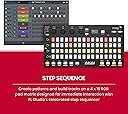
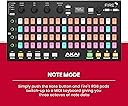
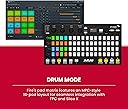
If you are a fan of FL Studio, the Akai Fire is a great tool to have under your fingers. The physical surface look draws you in, but that's the tip of the iceberg. It's a step editor with track controls, keys with chord lock ins, drum pad, slicex-er?, and a 4x16 performance pad that can shift around the playlist. The pads also light up in accordance with what's in FLS, depending on which setting you're on. More stuff in there, still learning. It seems to be the only controller that can change FLS tempo with a tap. Cool trick. Four banks for the four digital knobs including two user banks. There's a cheat sheet that has tips and tricks that are very handy. "In The Mix" is a great Youtube channel with a ton of stuff in it you can learn about with this tool. The "Shift" and "Alt" keys do magical things. And, it just works... don't forget to plug it in... ok now it works. It is NOT the end-all be-all FLS controller. Depending on your personal style and taste, you may want to add a slider/knob surface, drum pads for more velocity control, mini-keys or maybe even full sized keys for more VST control, and maybe a simple performance pad controller. But... we just jumped from $120 to about $600... Starting to make sense? Better get a keyboard and mouse while we're at it. I have a lot of hardware in hand that has taken a lot of my time doing research, working with settings, midi junk, resetting things. It's pro-gear to be sure, and does amazing things when I get everything in place. But, when I'm tired of wrestling with all of that and putting things where they should probably go, I grab this thing, "fire" up FLS, and just jam. It's like having a notepad to write all my ideas down fast. I can always go back and fix up things in post if I need to, but holding that initial idea always feels crucial. This helps that. Tried this with a couple other DAWs. Don't. This is a VERY niche tool. It can work, but don't use a screwdriver to hammer in nails. Also, don't use an Akai Fire to hammer in nails. Is this pro gear? Kinda... I wouldn't use this in a performance setting. You can lose a lot of nuance that only comes from top-notch tools. However, with this controller and a laptop it's a quick and easy way to get your fingers into FLS from anywhere and is a great addition to a home studio DAW. It's cheaper than a touch screen, and it only took a decade to make, lol. Good enough... good stuff.
W**M
Good
Good
W**L
Awesome controller for the best DAW!
Super stoked about my new Fire controller. It immediately provided me with a means to improvise rhythm patterns directly in the channel rack of FL Studio. Plus, I can do the same with samples in Slicex. The keyboard option will also be useful for playing soft synths without requiring another midi controller. Furthermore, I can adjust the volume and EQ levels on both the channels and the mixer. The Fire is perfect for my, otherwise analog, electronic music improvisations, allowing me to use my favorite DAW to perform and record them. As a bonus, the pads are beautifully bright and responsive and the overall controller is built with the usual Akai quality.
M**E
Awesome
Works great
M**D
If you already have FL Studio (not the mobile version) this should be plug and play, if you are getting the version that includes FL Studio Fire Edition then you may have to do a bit a messing around to get everything registered and up and running (20 mins tops). Once plugged in it is a dream, ties in really well with FL Studio and so many things can be done from the Fire without breaking your flow to reach for mouse/keyboard. Initially disappointed that it doesn't work with FL Studio mobile (which was what I was used to) but the Desktop app is probably a lot more powerful and hasn't taken long to get used to. Sexy piece of kit, I love it.
S**M
I bought this to use on ableton and it works great using a script I paid for. Also managed to get it to work with other DAW, again via scripts but nothing as good as using it on ableton or on what it's designed for "fl studio". Except I don't use fl studio and I won't make the switch just for this controller. Akai just needs to release some software to help support reprogramming and this would be a great controller to use alongside other controllers on any DAW.
D**E
Lo mejor: 1- Sirve como Midi 2- Sirve como Pad MPC 3- Excelente iluminación (Premium diría) 4- Estimula demasiado tu creatividad Lo bueno: 1- Realmente tiene muchas funciones que se deben aprender 2- Conectas y listo, nada de mapeos (a menos que uses fuera de los parámetros) 3- Vale cada centavo invertido 4- Materiales de calidad 5- Puedes usar los botones de MEDIA para seguir con el proyecto incluso en otra ventana (ahorras usar el teclado) Lo malo: 1- No luce si te sales del FL Studio, debería tener modo de reposo o algo configurable 2- Siento que vendría mejor si fuera Wireless (tomando en cuenta que hay latencia de 6ms aun en cable y sea cual sea tu equipo) 3- Botones mas suaves, aclaro... NO PADS, me refiero a los botones
M**R
Top Gerät und leichte Einrichtung! Funktioniert super mit FL studio und ist in ein paar sekunden Eingerichtet! hab es jetzt schon über 2Jahre und es funktioniert nach wie vor!
B**.
Pads velocity is not enough perform. Browse function couldn't to use for new versions. But, when you register this product you can get to FL Studio Fruity Fire Edition.
Trustpilot
2 months ago
1 month ago