๐ฅ๏ธ Touch, Tilt, and Transform Your Workspace!
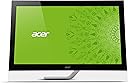
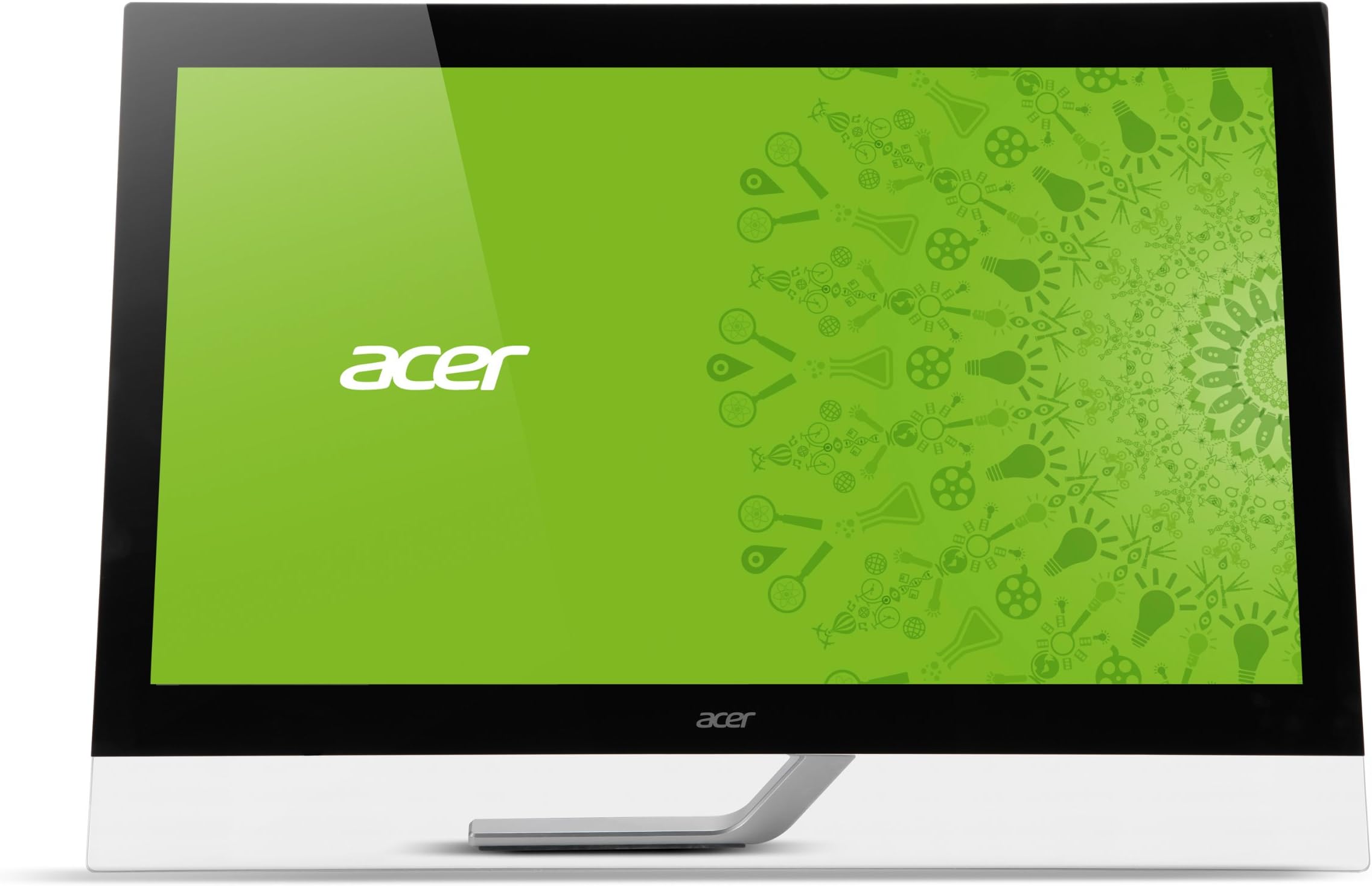
The Acer T272HL bmidz is a 27-inch Full HD touch screen monitor featuring 10-point multi-touch technology, a rapid 5ms response time, and a 100 million:1 contrast ratio. Its flexible 30ยฐ-80ยฐ tilt and multiple connectivity options (HDMI, DVI, USB) make it a versatile, stylish centerpiece for both productivity and entertainment.
| ASIN | B00966IW6I |
| Additional Features | Touchscreen |
| Aspect Ratio | 1.78:1 |
| Best Sellers Rank | #963,911 in Electronics ( See Top 100 in Electronics ) #18,036 in Computer Monitors |
| Brand | Acer |
| Brightness | 300 cd/m2 |
| Color | Black |
| Connectivity Technology | DVI, HDMI |
| Contrast Ratio | 100000000:1 |
| Customer Reviews | 3.8 out of 5 stars 49 Reviews |
| Display Resolution Maximum | 1920 x 1080 Pixels |
| Display Technology | LCD |
| Display Type | LCD |
| Global Trade Identification Number | 00886541756015 |
| Hardware Connectivity | HDMI |
| Has Color Screen | Yes |
| Image Contrast Ratio | 100000000:1 |
| Item Weight | 15.7 Pounds |
| Manufacturer | Acer |
| Model Name | T272HL bmidz |
| Model Number | T272HL bmidz |
| Mounting Type | Wall Mount |
| Native Resolution | 1920x1080 |
| Number of Component Outputs | 1 |
| Refresh Rate | 60 Hz |
| Resolution | FHD 1080p |
| Response Time | 5 Milliseconds |
| Screen Finish | Glossy |
| Screen Size | 27 Inches |
| Screen Surface Description | Glossy |
| Specific Uses For Product | Gaming |
| Total Number of HDMI Ports | 1 |
| Total USB 2.0 Ports | 4 |
| Total Usb Ports | 4 |
| UPC | 886541756015 |
| Unit Count | 1.0 Count |
| Viewing Angle | 50 Degrees |
H**N
Great Touch monitor with deep black
Just got this yesterday and it is superb. The touch interface with Windows 8 is fantastic. Windows 8 sucks less with Touch monitor. Hooked it up to a Sony S laptop that is hidden under a desk with no wires exposed, making this setup looks "almost" like an Apple designed monitor. Jon Ive would probably use this monitor if there was no Apple. I own 5 Macs in the house and 1 Windows 8 PC. I used to be a die hard fan of PCs until I got my MBP Retina but that is another story. Anyways, back to the Acer: No need to install any drivers and it just works out of the box (this is the way it should be). Turned it on and you will drop your jaws. The image is crystal clear and great color and deep black level (not as good as my 27 inch Apple Thunderbolt display) but very close. The monitor is extremely bright in a good way. Love love the massive touch screen that makes using Windows 8 much much better. Hooked up the included USB 3.0 cable, HDMI and power cables and everything works. Did I mention Touch is awesome with Windows 8? The stand is great as you can tilt it on demand but I mounted this 27 beast on an Ergotron LCD arm desk mount (LX Desk Mount LCD Arm) and it looks stunning, floating on my desk. I tilt the monitor when using the touchscreen but put it back vertically for movies viewing. Love the Ergotron arm as well. Highly recommended for Touch monitor. I also removed the leg stand and the clear plastic (there are screws that hold these together; very easy to remove them) Watching Hulu Plus, NetFlix native Windows 8 apps on this monitor is awesome but it really shines when viewing 1080p blu-ray or MKV files. The color is just incredible and extreamly sharp, total HD.
B**M
Great display with a poor design
I purchased this item to pair with a Windows 7 OS for a visually impaired co worker. Its important to know that when pairing this with a OS 7 machine you must connect the USB cable before you boot up the computer and monitor. This tip came from another reviewer. The quality of the display exceeded my expectations. The graphics are clear and bright. The design of the monitor is somewhat poor. The clear plastic bar at the bottom gives the item a sleek design but is flimsy and when moving this item im often afraid that the plexiglass will crack or break. It cannot support the full weight of the monitor. In additional the kickstand on the back is difficult to adjust. To initially open the kickstand you have to give it a sizable pull and it makes a loud cracking noise. This leads you to believe you'e broken something but it turns out this is normal. I would recommend this product to others based on its display of graphics. However, the quality of the design is not a 5 start rating and heavily influenced by rating of 3 stars.
D**O
This Monitor is Totally Awesome ( and how it went from 1 star to 5 )
I ordered this monitor to go with a new windows 8 desktop I ordered, and the monitor was delivered before the new computer was. I hooked the monitor up to my "old" computer, and I utilized my existing DVI to VGA cord to hook it up. The picture was horrible, it was blurry and looked low resolution, a comment I have seen in some reviews. My eyes hurt after looking at it for 10 minutes, extreme eye strain. I was seriously considering sending it back. Then my new computer came, and I connected it DVI to DVI. The image is now amazing, bright and high resolution. The touch function works amazingly well. Yes you can see some ghosting if you move things fast, but it doesn't bother me at all, I really love this monitor, definitely worth the money. In retrospect this result may be a obvious to some, but hopefully these comments will be useful to some.
P**T
Very Nice
Very impressed with this monitor. While it is not perfect, it is pretty good. It's not going to be as nice as a 240Hz, LED TV but I'm not really using it for a TV. I have watched a couple of movies from Netflix and they were okay. I'm not sure if Netflix streams in HD or not. What I really liked was that this monitor came with just about one of every kind of connection cords you can think of. No need to get an HDMI or anything else like when you buy a 2000 dollar plus TV. This monitor works right out of the box and the multi-touch touchscreen is just like operating your smartphone. I think Acer did good on this one. I came back to add more info about this monitor. 4/9/13 - Out of the box the monitor is beautiful. It's directions are pictures without words so some things you're unsure of may be difficult to figure out. My main difficulty was the "touchscreen cord". I saw no mention of this cord anywhere in the picture directions so I was unaware there even was one. I had to call customer service for help because I couldn't figure out how to make the touchscreen work. While the person I contacted in India was very friendly, he had no clue about any of Acer's products. We went through the normal stuff that I already tried before I called but have to get through anyway before you can actually start getting somewhere. He got around to asking about my system which just happens to be an Acer system. I gave him the requested "SSID" number and his first response was to tell me they didn't have any drivers for my system and this monitor. I thought this strange since they were both new and just purchased together. However, after just a few more moments he asked about a cable that had an unusual end on one end and as soon as he said that I knew that there had to be a separate cable for the touch feature. That cable was easy to locate and the touchscreen was working in no time. Problem solved and even though the service rep was not knowledgeable about either of the products, he was able to accurately diagnose the problem and solve it in a timely manor. Once hooked up I find that I like the monitor very much. When the monitor is on and there is no picture, just a black screen, I feel the black could be a little better, but when anything is on the screen it looks fine. As I said before, it's not a 240Hz, LED TV, It's a monitor. I really like this monitor though. It's touch response is very good. It has made it so that I enjoy Windows 8 that much more. It does have the obvious problem of keeping the screen clean of greasy fingerprints but you already know that going in. Just a little comment about Windows 8. I'm 50 Y/O and not the biggest fan of change but I must say that I really like Windows 8. It's not really hard to figure out at all. I like being able to use either the mouse or touchscreen whenever I want. I really don't know why others don't like it unless they're just not giving it a chance. I say give it an honest effort to learn and in two weeks you'll be liking Windows 8. All in all I don't regret this purchase. I now own 4 Acer products. An Acer netbook, 24" monitor, 27" touchscreen monitor and a Acer Predator desktop computer. I haven't had any problems with any of these products so far. These products were not purchased specifically because they were Acer but rather because they had the features I was looking for and the price was right at the time of the purchase. The only exception was the netbook, it was given to my wife by her employer for her tenth year of service. Now that I own these Acer products I will definitely consider Acer products in the future. Hope this helps.
D**R
Monitor just stopped working
Not even a year old and it already broke. Just stopped working one day. I assume it is the power supply but not very reliable. Also, slow refresh rate and resolution is not that great for its physical size.
J**H
good display, bad HDMI touchscreen
great display. touch is great as long as you don't use the HDMI input. when using HDMI when you touch one icon it touches the icon to the left.using The DVI input the Touch functions as it should. I Chatted with an ACER tech. & he told me to download the drivers he gave me a link to. When I did there was no change. so if you don't want to use the HDMI input with the Touch screen thats ok.
D**R
Great Purchase
I had read some of the other reviews before I purchased and am so glad that I got this unit plus the mounding arm for my desk. It is quite sensitive and works really great with the Acer desktop computer that I also purchased shortly after. I like that it has several inputs and also has USB3.0 on the side. The panel is flush with the front glass so there are no edges to get in the way as you swipe your way through Windows 8. You do not want to run a computer with Windows 8 without a touchscreen. That is what makes Windows 8 so functional. There is also a "START" button application that you can get so that the Windows 8 desktop is fully functional. Something that Microsoft did not invent. Back to the monitor, the sound is really clean and works well for my applications. I do not use it for an entertainment computer, so some people may disagree. It does not have a camera and microphone which would be a very nice addition. Should have been included because it is not a cheap monitor. It is what was advertised and I would recommend to anyone who is considering an all-in-one computer. Buy this monitor and upgrade your computer to Windows 8, or use a laptop to drive the machine as long as you have an HDMI output as this is true HDMI quality.
H**E
Acer T272HL bmidz 27-Inch Touchscreen LCD Display
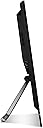
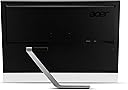
This is my first Acer product let alone a monitor. I custom built my current PC late this past spring. My video display card is an XFX HD-687A-ZDFC Radeon mated to an ASUS VE276Q 27-inch Full HD HDMI Widescreen LCD monitor. I added this Acer monitor as my primary connected via HDMI and the ASUS via an Accell B119B-007J UltraAV Mini DisplayPort to DisplayPort Cable. The Acer monitor required little if any adjustment right out of the box. Color, brightness, and contrast were near perfect. My impression of the monitor stand system is a bit mixed. As you can see from the photo's of this monitor Acer uses a unique pivoting arm arrangement instead of the traditional stand. I am sure this is for functionality when you may wish to use this monitor in a near horizontal configuration (which could be very entertaining). I have them arranged side by side and they are nothing short of stunning. The touchscreen responds very quickly and smoothly. As long as you are satisfied with the stand this monitor is nearly without peer for it's size at this price point. Configured as a single monitor I believe that you should be very pleased.
C**U
Five Stars
merci
Trustpilot
2 weeks ago
2 weeks ago