We remain fully operational. Our teams are working around the clock to ensure your deliveries continue safely.

DOWNLOAD THE APP


Customer Services
Copyright © 2025 Desertcart Holdings Limited
DOWNLOAD THE APP
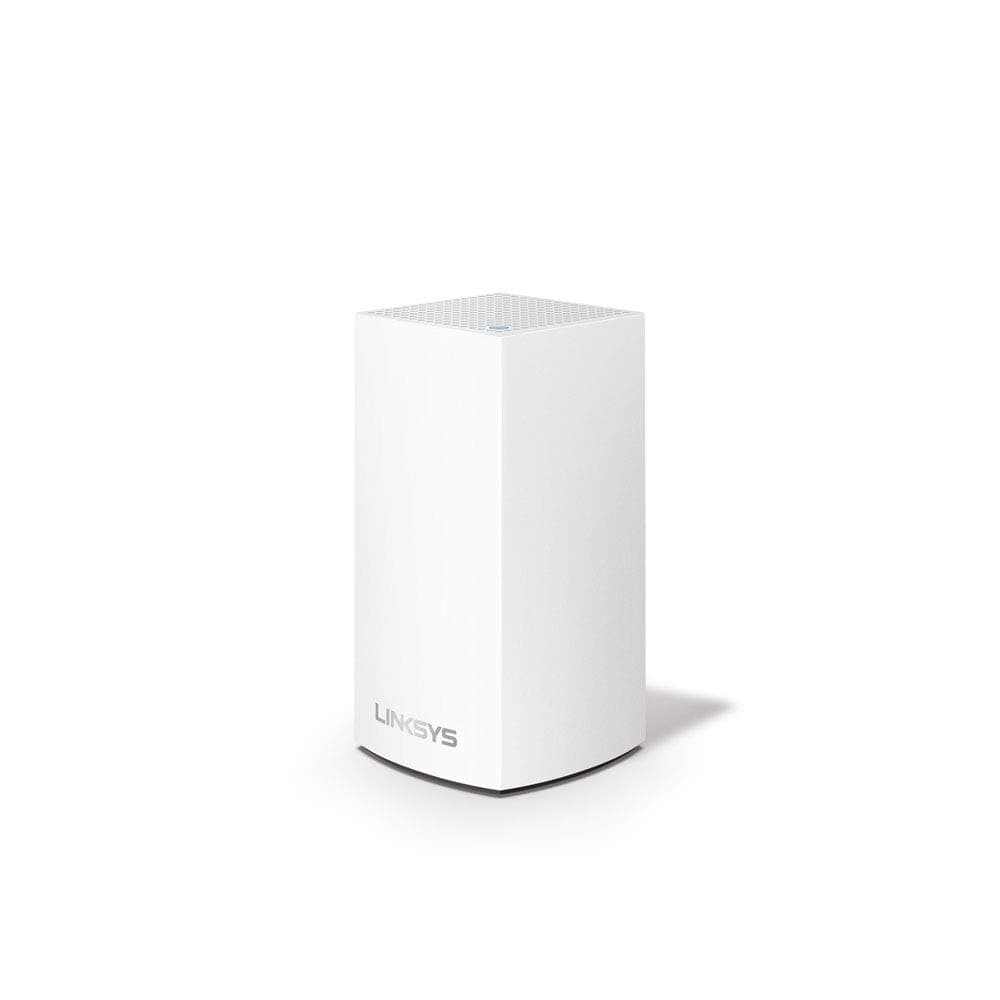
🚀 Mesh Your Space, Master Your Connection!
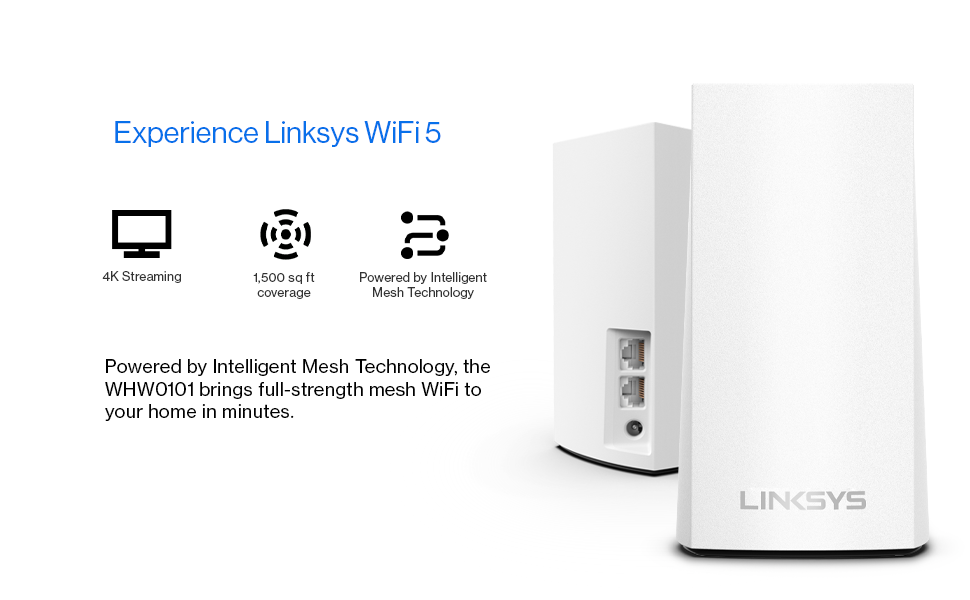
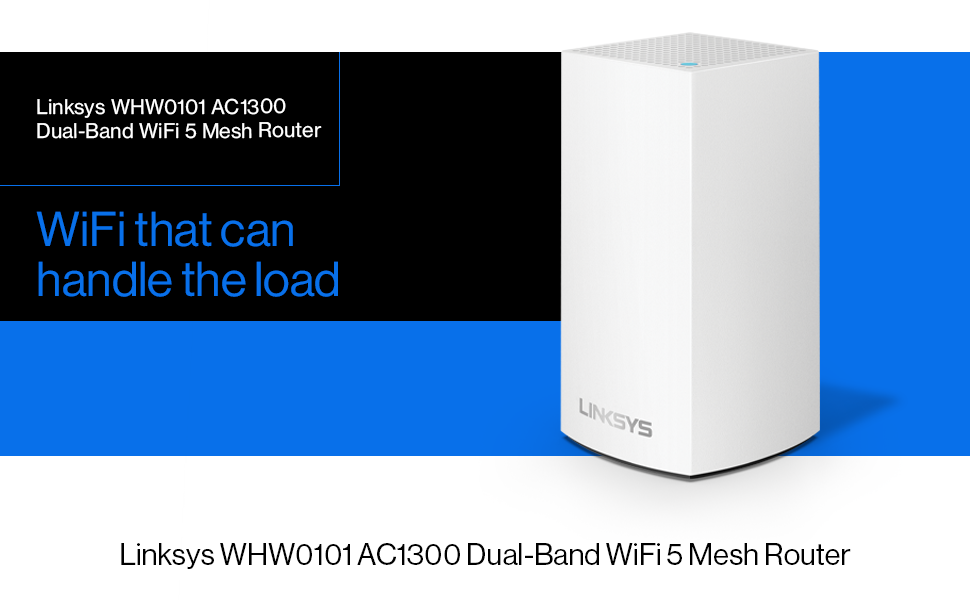
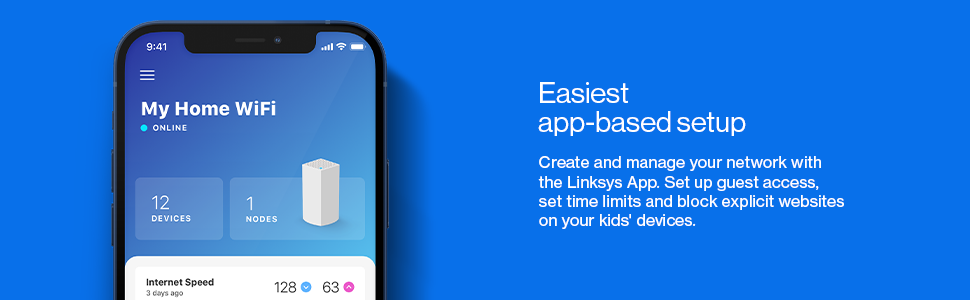
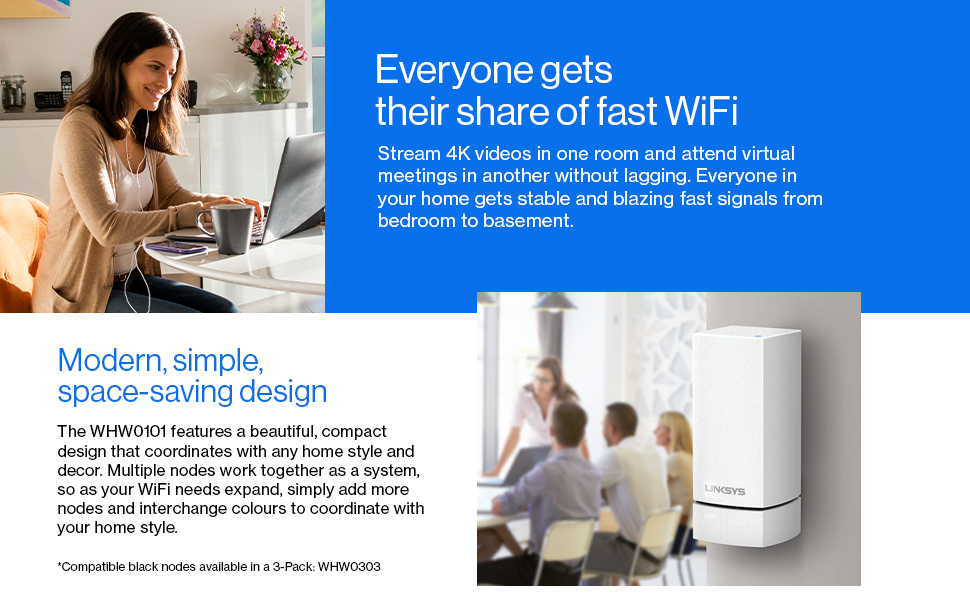
The Linksys WHW0101 Velop is a sleek, dual-band AC1300 mesh WiFi system designed to blanket up to 1,500 sq ft with fast, reliable internet. Ideal for 1-bedroom apartments or single-story homes, it supports 4K streaming and gaming with smart roaming and band steering. Setup is streamlined via the Linksys app, and it offers parental controls plus Alexa compatibility for modern smart home integration—all backed by a 3-year warranty.
| ASIN | B07NZ132B2 |
| Antenna Location | Home, WiFi coverage improvement, Streaming, Gaming |
| Antenna Type | Internal |
| Best Sellers Rank | #8,098 in Computers ( See Top 100 in Computers ) #160 in Routers |
| Brand | Linksys |
| Built-In Media | Ethernet cable (x1), Linksys Velop (x1), Power adapter (x1), Printed Documentation, Quick Start Guide |
| Color | White |
| Compatible Devices | Laptop, Personal Computer |
| Connectivity Protocol | Wi-Fi |
| Connectivity Range | 1500 Square Feet |
| Connectivity Technology | Ethernet, Wi-Fi |
| Control Method | App |
| Coverage | Up to 1,500 sq ft / 140 sqm |
| Customer Reviews | 3.7 3.7 out of 5 stars (251) |
| Data Transfer Rate | 1 Gigabits Per Second |
| Frequency Band Class | Dual-Band |
| Is Modem Compatible | Yes |
| Item Dimensions L x W x H | 11.2L x 22.2W x 20.5H centimeters |
| Item Type Name | Velop Dual-Band Whole Home Mesh WiFi System - AC1300 |
| Item Weight | 0.94 Kilograms |
| Manufacturer | Linksys |
| Maximum Upstream Data Transfer Rate | 1267 Megabits Per Second |
| Mfr Part Number | WHW0101-ME |
| Model Name | Linksys Velop Dual-Band Node |
| Model Number | WHW0101-ME |
| Number of Ports | 1 |
| Operating System | RouterOS |
| Other Special Features of the Product | WPS |
| Security Protocol | WPS |
| UPC | 745883763559 |
| Warranty Description | Three-Year Limited Warranty |
| Wireless Compability | 802.11a/b/g/n/ac |
A**R
Great product.
Easy to install and easy to add to your existing mesh system. Range is adequate for my 3 bedroom flat.
B**.
linksys Velop automatic reset issue
I bought this to have entire coverage of my home. After configuration, 4 nodes covered my entire villa and worked very well for about 2 weeks. I had a happy time then. After that period, initial primary node showed red LED light and was reset automatically without any manipulation. I replaced primary node with other router and reconstructed mesh again. But after two days, this happened again. So I did it third time and did firmware upgrade as well. Also I called technician from Du and ISP to model was ok and routers were the problem. (Thanks to these issues I became an expert on how to diagnose internet issues with knowledge of ISP, PPPoE, and etc.) Then, I googled and there were some complaints about it and some experienced the same thing, automatic reset. But, what matters is that this keeps recurring and I can't find out exact reason yet. It is very annoying to lose internet connection unexpectedly. I am not sure and just list up couple of things. 1. Different countries? linksys velop installed by Du was made in vietnam and 4 mesh I bought was made in china. 2. Overheating? Compared to old router, the current router emits some more heat even after firmware upgrade. Some people say when many devices are connected with higher traffic, overheat can come in as a real problem causing these. 3. Unstable power supply? 4. Software error?
S**A
works perfectly
works perfectly
A**S
Works, but..
What I liked: the end result was satisfactory. Coverage was good. What i disliked: the setup wasnt as straighforward as expected. I live in 2 bedroom with 1 original router from DU. Adding this additional router as a new node wasnt easy. Had to change the location of the base unit much closer to the new node until it worked. Also app was not usefriendly, it freezes, and could not find the new node initially. Eventually it worked but i really dont know how cz it wasnt finding it. But it worked... so the app needs improvement imo (not tech expert opinion).
M**D
Incredibly frustrating to set up and mediocre performance
The only reason I bought an extra Velop node is because my apartment already came with one and I wanted an identical node to help with coverage. The range is so bad that one node apparently isn't enough for a 1-bedroom apartment, so I had to buy an extra. I didn't want to use wireless backhaul since that would increase latency, so I wanted to add the second node using a wired connection. The app is unbelievably slow and it keeps insisting on setting up the second node with wireless backhaul instead. I had to search online for some Linksys KB articles to find how to configure them for wired backhaul and it took over 15 minutes for them to get set up properly because the nodes have to be daisy chained for initial set up. I could configure 5 conventional APs in the time it takes to set up one of these. The whole point of these 'Mesh WiFi' systems is supposed to be easy set-up, but Linksys failed right there. The only good things about these is that once they're running, they're stable, at least in my experience and the handoff from one node to another is very quick and seamless. If you're looking for a mesh WiFi system to replace an old router in your house, look elsewhere. These are only worth buying if you already have one from your ISP like I did.
A**M
Nice
Easy to install, gives same speed as the rest of the nodes. No cables are needed, just plug and add to the app.
J**H
Wi-Fi extender
Good for Wi-Fi extension good product works well
R**G
Doesn't work
Useless unfortunately. I plugged this in right next to my brand new Velop router and it doesn't work. I tried multiple locations and resets and troubleshooting and it keeps saying out of range. Sending for a refund.
B**R
These nodes are power packed and easy to set up. Customer service is a plus also and the price is right for a quality product. Will be buying some more soon for my other house!
A**R
❤️❤️
A**Y
منتج رائع
R**A
You only need a 3 pack and can add more if needed. Easy setup with Linksys app on your phone. Could not be happier with this purchase.
W**Y
This product was very easy to set up. Out of the box and running in about 5 minutes. Hardest decision was where to put them. Make sure to not name this system the same as your current wifi or there could be issues.
Trustpilot
1 week ago
2 weeks ago