Buy anything from 5,000+ international stores. One checkout price. No surprise fees. Join 2M+ shoppers on Desertcart.
Desertcart purchases this item on your behalf and handles shipping, customs, and support to Uruguay.
🔥 Level up your game with the ultimate ultra-wide powerhouse!
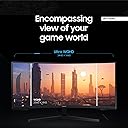
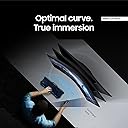
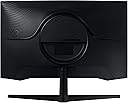
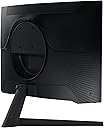
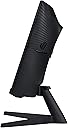
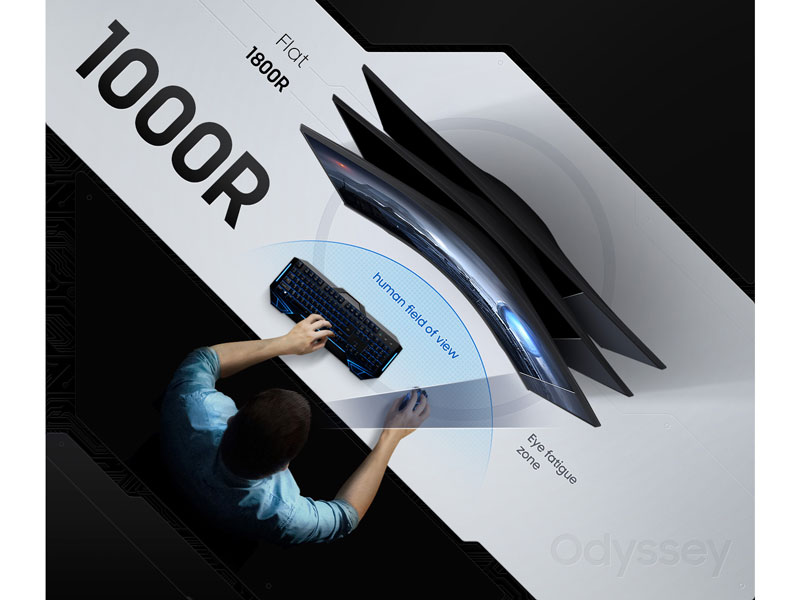
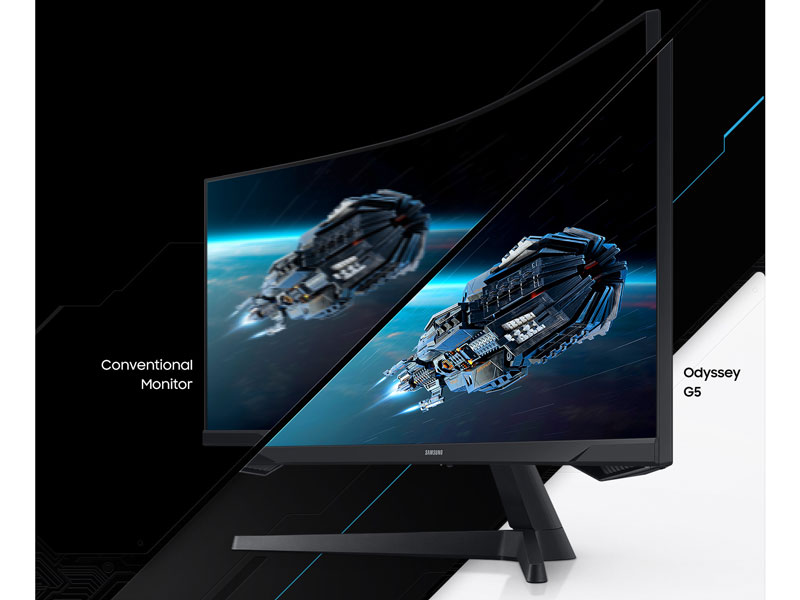
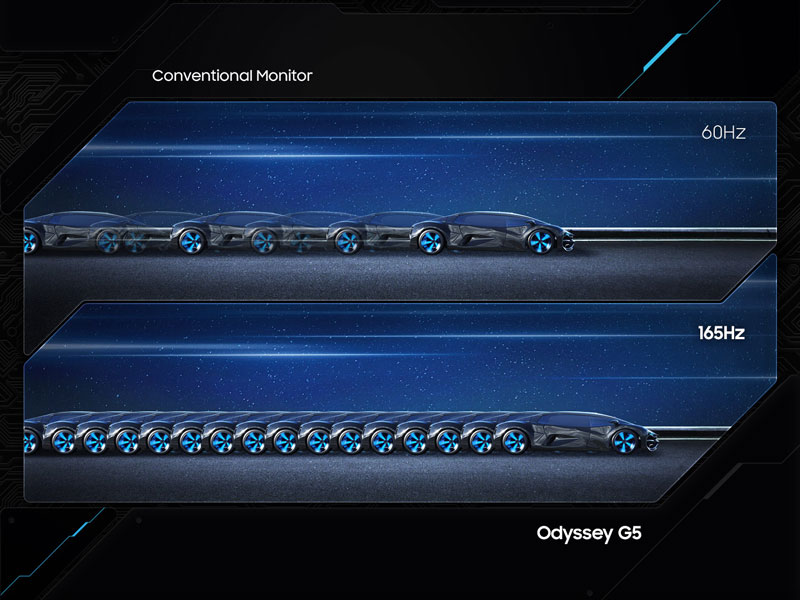
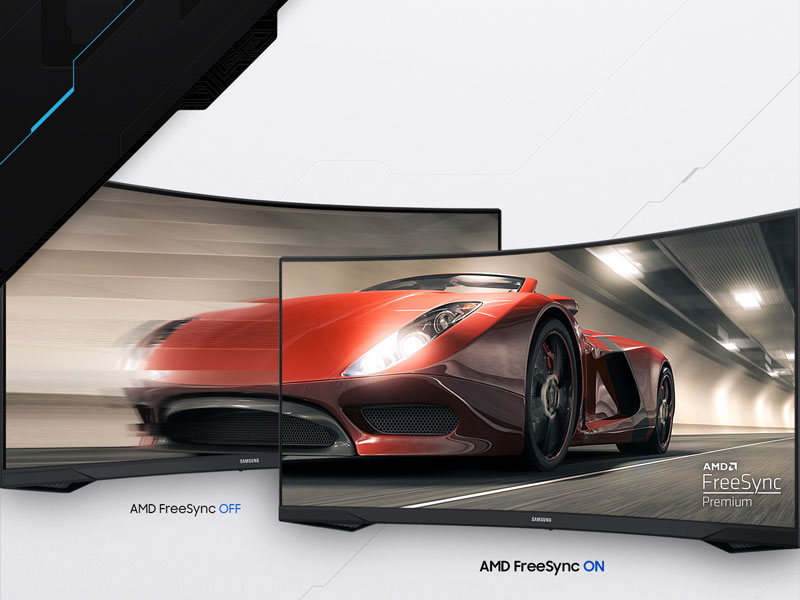
The Samsung 34' Odyssey G5 is a cutting-edge ultra-wide gaming monitor featuring a 1000R curved VA panel with WQHD resolution (3440x1440), a blazing 165Hz refresh rate, and a 1ms response time. Equipped with AMD FreeSync Premium and HDR10, it delivers smooth, tear-free gameplay and vivid, accurate colors. Designed for immersive, comfortable long sessions, it offers multiple connectivity options and a sleek, bezel-free design that replaces dual monitors with one expansive screen.


| ASIN | B08MVBYWGQ |
| Adaptive Sync | FreeSync |
| Additional Features | Adaptive Sync, Curved, Eye Care, High Dynamic Range, Wall-Mount |
| Aspect Ratio | 21:9 |
| Best Sellers Rank | #1,931 in Electronics ( See Top 100 in Electronics ) #78 in Computer Monitors |
| Brand | Samsung |
| Brightness | 250 cd/m2 |
| Built-In Media | Manual |
| Color | BLACK |
| Color Gamut | 72.0 |
| Connectivity Technology | wired |
| Contrast Ratio | 1900-04-13T04:01:00.000Z |
| Customer Reviews | 4.2 out of 5 stars 2,540 Reviews |
| Display Resolution Maximum | 3440 x 1440 Pixels |
| Display Technology | VA |
| Display Type | LCD |
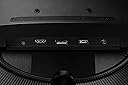
| Hardware Connectivity | 3.5mm Audio, DisplayPort, HDMI |
| Has Color Screen | No |
| Image Contrast Ratio | 1900-04-13T04:01:00.000Z |
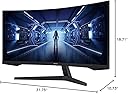
| Item Dimensions D x W x H | 10.73"D x 31.76"W x 18.71"H |
| Item Type Name | Monitor |
| Item Weight | 12.3 Pounds |
| Manufacturer | Samsung |
| Model Name | FBASAMLC34G55TWWNXZA |
| Model Number | LC34G55TWWNXZA |
| Mounting Type | Desk Mount |
| Native Resolution | 3440x1440 |
| Number of Component Outputs | 1 |
| Picture Quality Enhancement Technology | [INFERRED: Multiple picture quality enhancement technologies, including HDR10 and VA panel] |
| Power Consumption | 50 Watts |
| Refresh Rate | 165 Hz |
| Resolution | QHD Wide 1440p |
| Response Time | 1 Milliseconds |
| Screen Finish | Curved |
| Screen Size | 34 Inches |
| Screen Surface Description | Curved |
| Shape | Curved |
| Specific Uses For Product | Gaming |
| Total Number of HDMI Ports | 1 |
| Total Usb Ports | 1 |
| UPC | 887276450797 |
| Viewing Angle | 178 Degrees |
| Voltage | 110 Volts |
| Warranty Description | 1 Year Manufacturer |
A**R
Great buy!!
This thing is an awesome monitor. Picture quality is great. The built in reticle feature helps with knowing where center screen is at all times during game play.
J**B
Great monitor for a kid
Really like this monitor that I got for my kid. I originally thought the curve was going to be a problem but that definitely proved to not be. It's very responsive and easy to setup. The colors needed a bit of calibration that I got from a review site but after that it looked good. The quality seems really good for the price. Refresh rate is pretty high but my kid doesn't have an ultra high end machine so it can't drive it very often to be honest. Over all though it's a great monitor that is cheap and gets the job done.
M**.
Terrific!
This 34" Samsung monitor replaces a 34" HP monitor I've had for years. If the Samsung lasts as long as the HP did (now on another PC), I'll be quite happy. I was hesitant after reading negative reviews, but so far, this seems like a very good purchase, particularly because it is much MORE expensive everywhere but Amazon. The refresh rate alone makes it a good upgrade for me. On the other hand, the advantage of the HP was that it had built-in speakers and the sound quality was excellent. I actually looked around for a modern version of the HP, but they are quite expensive. Samsung won. This monitor arrived in one of the most professionally designed and packaged boxes I've seen anywhere. Plus, no dents, cuts, or damage during shipment. My only suggestion is that you might wish to resist the temptation to insert the stand MOUNTING PLATE into the base of the monitor before you attach the stand itself to the mounting plate. The instructions on that basic step are not good. Hieroglyphics gone bad. Once you snap the plate into the back of the monitor, it doesn't come out easily unless the stand is properly attached. No warnings about that and no easy way to pull it out to complete assembly if you make that boo-boo, as I did.
D**N
Great monitor with a few exceptions
First off I was initially very impressed with the size and image quality of this monitor. I had this on my wishlist for a while and when it went on sale for under $350 I couldn’t pass up the chance to buy it. However after using it for a few days there were two things that bothered me in my usage. First was the fact that you can’t really adjust the height or the angle of the screen. I found it to be rather low when sitting on my desk and despite its size I’m used to having monitors that sit higher. It also had a tendency to seem to lean forward a bit (maybe it seemed that way from being so low and would have been tolerable if it was higher). The next feature (or lack thereof) is the fact that there are no built in speakers. I don’t expect high quality sound from built in speakers but every monitor I’ve had in the last 10 years had built in speakers and at $300+ the fact that they didn’t include bothers me. Maybe that won’t bother some people but it would have been nice to know before purchasing. Conversely I decided to buy another monitor made by LG that has similar specs and was cheaper and (in my opinion) is much better value than this. I decided to buy the Lg monitor after my Samsung one suffered an unfortunate accident where the screen cracked. Thankfully I was able to contact Amazon and they were very understanding. I explained what happened and they explained they could offer me a refund and gave me a return label to send it back since it was within the return window.
L**E
Screen flickering
So this monitor screen flickers all the time with white lines but its not consistent and it also powers off from time to time. That’s a real problem when playing a game. I run dual monitors and when this happens the other monitor does not do this nor did the monitor that this one replaced. So I updated all the drivers to the computer and video cards as well (I’m running duel video cards as well). No change. So I swapped out the HDMI cables going to the video cards. No change. I then decided that maybe I need a new HDMI cable, so I order a new cable and replaced it. No change. So called Samsung and they take all the info and then proceed to tell me that I need to video this thing while it’s doing this and they would send me a text that I needed to use. Now like I said it’s not consistent. So after spending some, no a lot of time trying to do this with no luck. So I just toke a picture of it and tried to use the link they sent me. So I start filling out the info and half way trough this link it keeps freezing up. So here I go again and call them back yet again. So after holding forever I get to explain this whole process to a new person because they don’t seem to have any notes on this. This new person wants me to hook the monitor to another computer and see if it does the same thing. Now this whole process takes A LOT of time. Not a few minutes or hours, this process takes WEEKS. So I tell them I’m not doing this. My other monitors have no problems and they are years old with no problems AT ALL. So now I’m having to send them the monitor back and see if they can fix it while I wait and see what happens. Now remember this thing flickering and powering off isn’t consistent so how knows if they find the problem. My guess they wont and I’ll get the same broken monitor back and I’ll get to have all this fun AGAIN. I guess the point to all this is if your going to buy a monitor from Amazon I hope you get a good one. Because if you don’t you’ll get to join me in all this fun.
M**O
Wow. And That's a BIG Wow!
This thing is HUGE! I like it! My mac is a Studio M4 max, and everything works plug and play, though there is only one resolution to choose from. You'll be fiddling with the sizes of things. But you'll have amazing real estate! Def a good item which I recommend if you have the system to support it. Get a swivel arm too. Great monitor for the price! Note: On a Mac (and maybe PC) I highly recommend the "BetterDIsplay" software. Without it, the only display resolution you can choose from makes your clock in the top right corner of your screen too small to see, and all the default font sizes as well! I struggled with this until finally I overcame my stubbornness and talked to my AI friend, who held my virtual hand through the process of installing and configuring things correctly with BetterDisplay and it was an absolute game-changer. You'll need to dish out $20 for the Pro version. Essential stuff. Have fun friends!
Z**H
Great ultrawide monitor if you can get it under $400
Overall I'm a lot happier with this than an old 4k tv from walmart. Only complaints I have were the lackluster HDR, which I expected only being HDR10, and the color, which was a super easy fix. I just changed was color, I changed it to Cool 2 and set blue to 70 and it looks perfect now. No dead pixels or cracks to speak of, just some scratches on the frame from being a clutz installing it. Unlike what the other reviews say, the power LED can be turned off while the monitor is off, by going into system and scrolling all the way down, it shows "Power LED On", and set it to "Working," this will let the LED turn off while the monitor is off. Great for someone who has their computer in their room and likes it nice and dark while they sleep. Going from 60hz to 165 was a massive difference for me, it felt like the image was clearer sooner after moving. The curve isn't too much, but 1500r would have been nice. I haven't used it for any FPS games, because I have this installed on a monitor arm on my sim racing rig, but I imagine the experience would be great. As for racing, I think 21:9 is better as it's a more efficient use of screen space. How often do you look at the roof and dashboard of your car while driving? I don't look much personally, so I thought I would get rid of the unused space and get my monitor closer to the top of the wheel so it feels more immersive, but also keep a wider FOV to see more on the track. I bought this because it ticked all of my boxes; ultrawide, >100 PPI, IPS, >144hz, 1ms response time, and a nice curve. I would say if you can get it under $400 to go and snag one.
W**R
Great monitor for the price!
This is a great monitor for the price! Nice and big with plenty of screen real estate. Crisp and bright video. I haven't had any reason to complain. I treated it gently until I got it mounted due to some of the other reviews, but once I got it secured on the arm, I have no worries. Treat her gently and she's just fine. The only caveat I have for anyone is to be aware, there are no speakers, so an external is necessary.
H**I
لاتنفع للألعاب ابدا
بعد فتره ماراح تقدر تلعب على 165HZ و تضطر تلعب ع 100HZ الشاشه لا تنفع الالعاب ابدا كلها لاق و تقطيع ممكن افلام و تصفح اما اللعاب لا
A**M
Fantastic main monitor to work on!
I work from home, and I'm probably in front of this monitor for 10 hours daily. It is an absolutely perfect monitor. It's not too big; I can have two full windows on it at once because of how wide it is without any issues. I have a triple monitor setup, and I plan on upgrading one of my second monitors to another one of these monitors. I've put probably close to 120 hours of gaming on it, and it is an absolutely fantastic experience. I have no issues with refresh rate, ghosting or color reproduction. It works as it should. The blue light filter has also benefited me as I am in front of this monitor for 10 hours daily. The stand was not great; in all honesty, it was because of this I ended up replacing it with a double monitor stand. The issue was there was no way to tighten the adjustment once you have the screen angled the way you want it because the screen is so heavy it would just drop back to the bottom angle, and it really could have been more pleasant to work with. Once I got the new stand, this monitor really came to life now that I can properly adjust it. I recommend this monitor to anyone looking to get a curved monitor or if you work from home, as this will significantly increase your productivity. As I said earlier in the review, the screen size is perfect for multitasking.
G**V
Muy buena compra
Estupenda pantalla, es genial tanto para el trabajo, como para entretenimiento
J**S
Screen not fixed properly in the mount
Product nice but, Curved screen back side mound not fixed properly.
S**A
belle écran
tres belle écran mais pour le prix il aurait du mettre des haut parleur dedans et un dmi de plus
Trustpilot
2 weeks ago
4 days ago