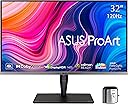
🎯 Elevate your creative edge with ASUS ProArt’s 4K HDR powerhouse!
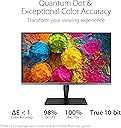
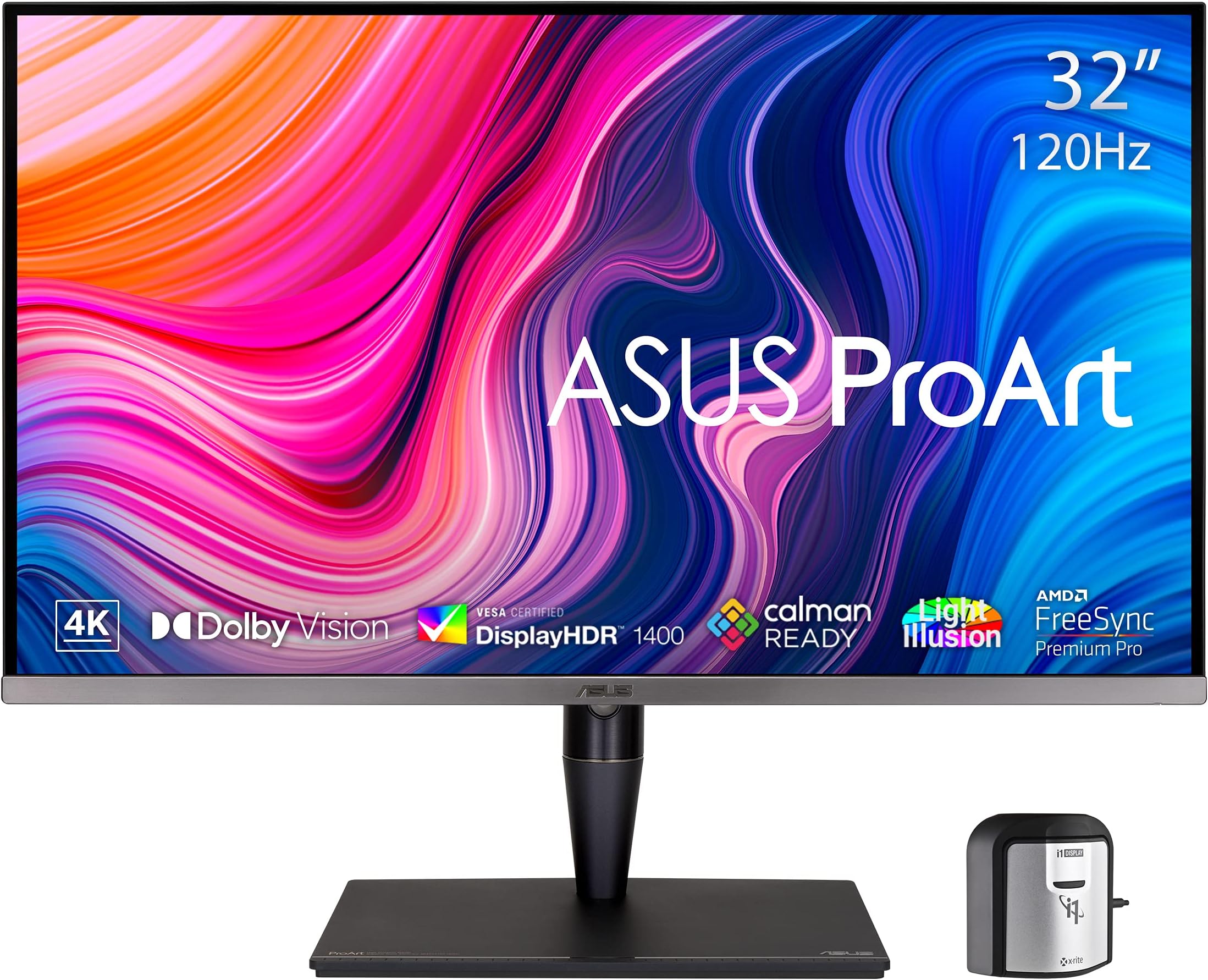
The ASUS ProArt PA32UCG-K is a 32-inch 4K UHD professional monitor featuring a cutting-edge Mini-LED backlight with 1,152 dimming zones, delivering up to 1600 nits peak brightness and true 10-bit color accuracy with 98% DCI-P3 coverage. It supports multiple HDR formats including Dolby Vision and HDR-10, offers a 120Hz variable refresh rate with FreeSync2 HDR, and comes calibrated with an included X-rite calibrator. Designed for creative professionals demanding impeccable color fidelity and smooth performance, it also boasts versatile connectivity with Thunderbolt 3, HDMI 2.1, and DisplayPort ports.


| ASIN | B08ZC54V7C |
| Adaptive Sync | FreeSync |
| Additional Features | Blue Light Filter, Flicker-Free, Height Adjustment, Mac Monitor Compatible, Swivel Adjustment |
| Aspect Ratio | 16:9 |
| Best Sellers Rank | #139,865 in Computers ( See Top 100 in Computers ) #3,205 in Computer Monitors |
| Brand | ASUS |
| Brightness | 1000 Candela |
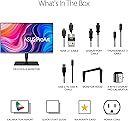
| Built-In Media | Calibration report, HDMI cable;DisplayPort cable, PA32UCG-K Monitor, Thunderbolt 3 mission bridge cable, USB cable;Power cord |
| Color | BLACK |
| Color Gamut | 1.0 |
| Compatible Devices | Laptop, Desktop |
| Connectivity Technology | HDMI, 3x USB 3.2 Gen 2 Type-A, Thunderbolt3 x2, display port |
| Contrast Ratio | High |
| Customer Reviews | 3.2 3.2 out of 5 stars (35) |
| Display Resolution Maximum | 3840 x 2160 Pixels |
| Display Technology | Mini LED Backlight |
| Display Type | LED |
| Hardware Connectivity | Bluetooth, HDMI, MicroSD, USB, USB Type C |
| Has Color Screen | Yes |
| Is Electric | Yes |
| Item Dimensions D x W x H | 47D x 72.7W x 24H centimeters |
| Item Weight | 32.28 Pounds |
| Manufacturer | ASUS |
| Model Name | PA32UCG-K |
| Model Number | PA32UCG-K |
| Mounting Type | Wall Mount |
| Native Resolution | 3840x2160 |
| Number of Component Outputs | 4 |
| Picture Quality Enhancement Technology | Mini-LED Backlight, Local Dimming, Quantum-dot Technology, HDR support, High Refresh Rate |
| Pixel Pitch | 0.3175 |
| Power Consumption | 60 Watts |
| Refresh Rate | 120 Hz |
| Resolution | 4K |
| Response Time | 5 Milliseconds |
| Screen Finish | Glossy |
| Screen Size | 32 Inches |
| Shape | Rectangular |
| Specific Uses For Product | Business, Gaming, Personal |
| Total Number of HDMI Ports | 1 |
| Total USB 2.0 Ports | 2 |
| Total USB 3.0 Ports | 3 |
| Total Usb Ports | 3 |
| UPC | 192876548424 195553016469 |
| Viewing Angle | 178 Degrees |
| Voltage | 240 Volts |
M**T
I upgraded to this monitor to obtain a higher range of color fidelity and pixel count for video and photo editing. The resolution and color accurracy across the monitor is stunning.
R**H
The image is incredible. To get it working with Windows v10 in 10-bit HDR mode I had to use DisplayPort, not HDMI. It does give off a small but noticeable amount of heat in HDR mode. Good for working during the winter.
B**S
I got the monitor from Amazon Wearhouse Deals in 'Like New' condition. Its default contrast setting is 80/100. The monitor is power limited, so when you take a white word page and blow it up to full screen, it decreases brightness, to keep power consumption low. This is why Linus Sebastian's review reported accurate δE at a small screen portion and poor δE full screen. But do not trust misleading reviews. Linus isn't as bright as his monitors. Reduce contrast to 50/100 or lower, and this issue is gone. After calibration in lower contrast, I measure an average δE less than 1.0. This is exquisite accuracy. Until you move the colorimeter to a different part of the screen. The Asus OLED suffers from uniformity issues. 50% gray looks patchy. 100% white shows shades of pink or red. This can happen with consumer OLED TVs, but not what is expected for a $4K monitor. We are being charged $1 per pixel to beta test premature inkjet printed OLED technology. Not acceptable. My 2014 Sony PVM A250 OLED is perfectly uniform. On the plus side, this display is very accurate at low brighness/contrast and discerns shades of gray very well. This was very important to me. Much more accurate than the Sony PVM A250 OLED (which crushes shades of gray at low brighness, they all look black). Some people, like Linus Sebastian, enjoy bright monitors, but I don't fancy a torch shining into my eyes. I prefer to work at a comforable low brightness, while keeping high accuracy. This monitor looks like a photograph, perfectly accurate without too much light hitting your retina. It can easily distinguish between all shades of gray, unlike my Sony PVM OLED. I can thus use the Asus OLED at much lower brightness and work much more comfortably. With the Sony, I have to increase brightness too much to discern different shades of gray, which makes it tiring and uncomfortable to use. This is why I prefer the Asus OLED over my Sony PVM 250 OLED, despite the uniformity issues of the former. Finally, 4K @ 60Hz is hard to push for all Intel GPUs. You will need a computer or laptop with a discrete, modern AMD or Nvidia GPU. Otherwise you will see 4K @ 30Hz, which is horrible, or you will have to reduce resolution. Unfortunately, lower resolutions look horrible in this monitor. It would have been better if Asus made this monitor at 1080p native resolution. You do not see 4K pixels at 21.5", so anything beyond 1080p is useless. UPDATE 1: I received a replacement. Same uniformity issues. Seems a problem with OLED technology. LG OLED TVs have it too. The replacement also has a new problem. Every minute or so, it displays a message 'power saving' and dims the screen. A minute or two later, the screen goes black, while I am writing this review, or watching a youtube video. Turns out the Human Sensor is defective and turns off the monitor, thinking there is nobody present. The issue can be avoided by turning off the Human Sensor in the monitor settings, but the replacement went back. I ultimately decided to keep the original monitor as the uniformity issues are difficult to notice. I really enjoy the accuracy of this monitor at low brightness, as I can still discern dark grayscale without having too bright white that burns my retina. Its lack of backlight makes it really comfortable to use. My visual cortex is incredibly relieved and for me this is totally worth the price tag. Update 2: I've been using this for several months. It is so comfortable, even for editing text, I don't want to go back to an LCD monitor.
A**E
I have owned and operated this panel for over a year as a video professional. This panel has the capability to display very bright and very vibrant colors at its HDR threshold. It is also able to represent the industry standard of Rec709 2.4. Here is what is so misfortunate about my user experience: The ASUS ProArt Calibration Software is likely the worst modern piece of software I've ever used. It manages to create multiple headaches and confusion. I am on a modern Mac, and entered the pit of despair when going to plug in my XRite monitor calibration tool for calibration of this panel, which is required every 6 weeks or so because of color drift. I've never seen software fail so overwhelmingly at its only job. That is to say, when conducting a calibration I would get an error code and the calibration would abort. On the latest version of the software. Trying from a totally different computer, I would get the same result of the failing software. To my shock, this experience is mentioned very seldom on the Internet. You would think for such a large company news of the bad software would be somewhat widespread, but perhaps not. The "fix" for this issue was found in the old versions still hosted by ASUS. I started with the latest failing version and worked my way backward through every available version, downloading installing and attempting calibration and seeing it fail, until I worked my way backward long enough that I found a stable version of the app! The older version was actually more simplified, but still contained the incomplete user experience found in all versions. One example is that the user login ports an ASUS login portal web window, which demands using a two-factor email link. Receive the email and click the link and the login window contained within the app resets back to the welcome page, over and over! The app window is unable to be resized for some bizarre reason and therefore hides user interface that must be scrolled to for no good reason. The software is also unable to calibrate all of the built-in presets for different gamuts; only the user shortcut presets can be calibrated on my panel. But then, what's the use of hardwired presets if they cannot be calibrated for professional use? This one also boggles my mind! The area of the app that would allow for the preset calibration is perpetually grayed out, and I think this is blocked because of this particular model. What? Although it is stated that the calibration profile lives on the monitor itself, in my experience I have found this to be not entirely true; a calibration creates an ICC profile in Display settings for Mac, which seems to be required for your color grade to display properly after exporting. This is to not even begin cracking the can of worms of the so-called "gamma shift" phenomenon on Mac, which was also recently addressed conclusively by a DaVinci Resolve 20.2 update. -I do wish the panel simply featured physical shortcut buttons on the very front, instead of having to reach around the back. -I wish the rudimentary onscreen display was far snappier an indicated what gamma and gamut is being utilized when a User Shortcut is performed. (it is only because of my memory that I know what I am selecting.) -I wish that when using the directional button to select different presets that there was no blackout in the picture, but rather a continuity so you could address the change of the image in real time. -I wish there was a third shortcut button for two different SDR gamuts as well as an HDR standard -I wish there was more than one USB-C port (after counting the in-use Thunderbolt USB-C port plugged into the Mac for transmission.) -I wish this panel did not require I hard-unplug the cable from the back of the computer to get the panel to recognize as a second display if powered on after the computer has powered up itself. A strange gripe, but I've never seen a HDMI device have that issue before. - I simply wish it felt like somebody actually worked at ASUS and fixed their broken software and significantly updated their on screen display usability. I want this panel to be a five so badly, but I just don't think it has the pedigree! Budget is indeed a concern and although I do not know what I would select otherwise, the abysmal software experience of this computer is so harmful to the final experience that I would be extremely reluctant to purchase this brand again for professional use.
R**R
Not at all friendly on MacOS. For an HDR screen, I wouldn’t expect a giant white ghost to follow the mouse pointer when using apps in dark mode. Several combinations of settings result in the screen just displaying a giant RGB grid. Often requires rebooting and reconnecting for the screen to show correct contents. Extremely slow to startup. This isn’t a hassle free reference monitor.
Trustpilot
1 month ago
5 days ago