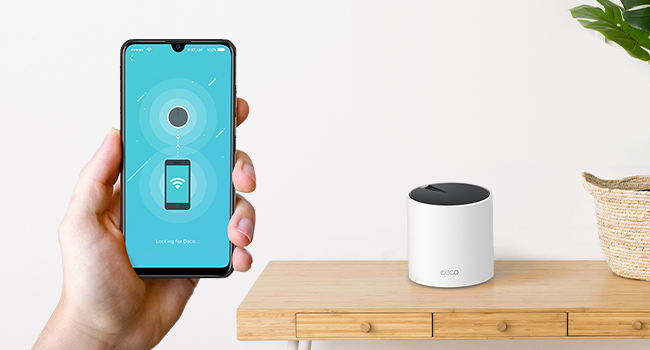
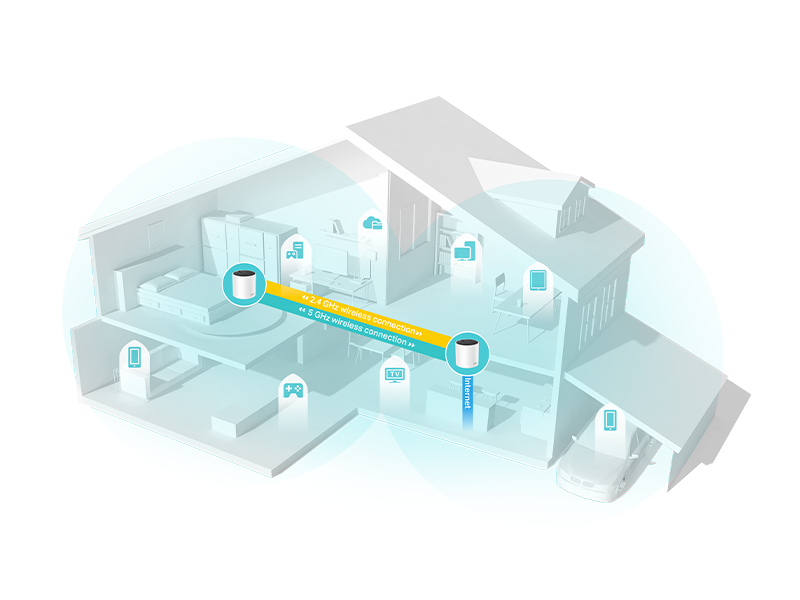
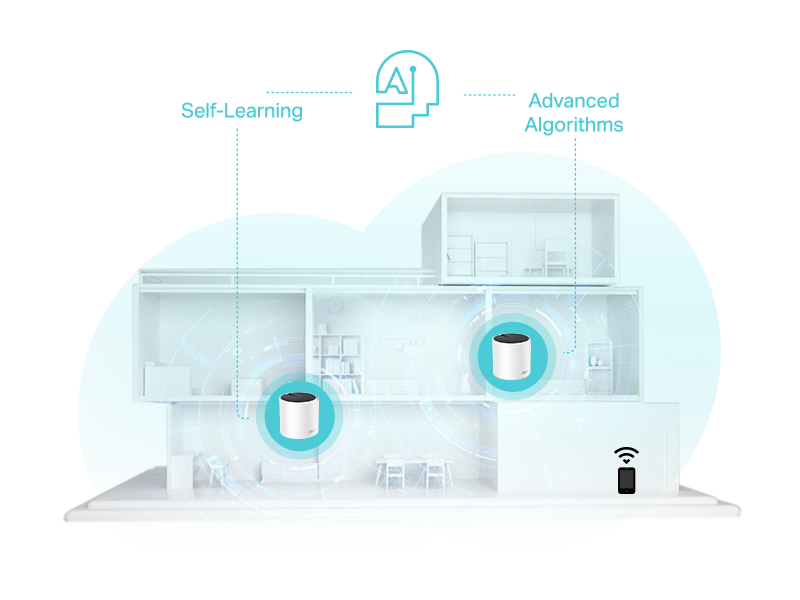
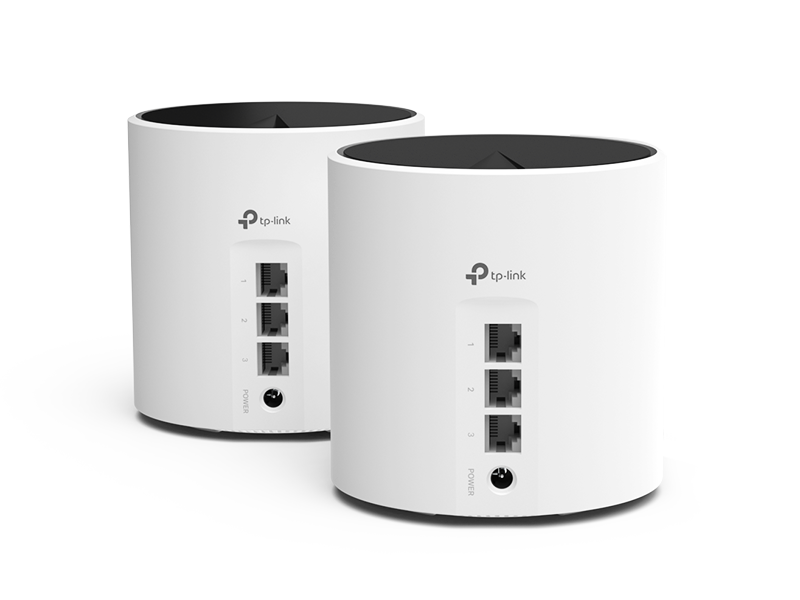
Highly recommended upgrade for those looking to increase their wireless speeds with several connected devices. I thought it wouldn't be much of an improvement over my DOCSIS 3.0 cable modem/router + Wifi extender, which appeared to be significantly throttling my bandwidth, but mesh Wifi is in fact different and more effective at extending range and providing speed consistency throughout the home. Why I purchased: I decided to try a mesh network as we were having some issues with streaming video quality, such as blurry/pixilated picture on our streaming TV, or buffering/loading on tablets or other devices playing video. A couple suspected reasons for these bandwidth issues were ethernet connected computer(s), use of a Wifi extender, and/or a Wifi security camera at the extent of the Wifi signal range that were reducing the connection quality of the other devices mentioned. Improvements after installing: One main issue I was seeing was an outdoor security camera that had a weak signal was having trouble staying connected. On my smartphone, I also had trouble staying connected to my Wifi when standing next to the camera outside. After installing this system, I have a strong signal throughout the house and near this camera, and speed tests indicate a much faster connection speed than before. There was a +50 Mbps jump in the upstairs far corner of the house. The security camera also remained connected much more reliably. I thought that it wouldn't be possible to still get a great signal across the house, figuring there was no way connecting through a satellite would provide any kind of decent speed, but it does! My understanding is that the software for this system is able to appropriately manage consistency of connections (through all connection points), so there is in fact an advanced capability over older routers to keep speeds high regardless of distance from the main router. Setup: Installing this system took less than 10 minutes to be fully up and running - very easy plug-and-play. May take 20 or 30 minutes for someone not as savvy.. but between the app and the automatic connections between the routers, it couldn't have been easier, and very difficult to mess up. Simply connect an ethernet cable from your modem to the main router (each of the 3 units is the same), connect the power cable, then download the app on your smartphone. In the app, after some brief setup steps (includes creating an account), the main step is to connect to the router through the on-screen prompts. From there, you can name your wireless network and password. Connecting the other 2 satellite routers: Place them within a reasonable distance from the main router (~20-30 feet/1-2 rooms away), then plug in to power. Wait ~2 minutes and done! The whole system was live and wirelessly connected through the main router. I couldn't believe it. In my relatively square-shaped house with the main router on one far side, I was able to place the 3 routers in a triangular pattern, where both satellites are about equal distance from the main router in the middle of the house (about 20 feet each). If your router is in the middle of your home, you may want to place the satellites at either end. I believe a daisy chain (main router at one end like I have, then 2 satellites in a line across the house) is also an option for larger, more expansive homes to maximize the range. I didn't test the daisy chain, but I'd expect diminishing speed at the far end (although one may be surprised based on my observations so far with the management of the traffic at farther distances). While at the far end of my house and running a speed test, I can't tell that I'm not connected to my main router as the speed is still very good. The daisy chain may slightly differ, but can't say for sure. 2.4 GHz vs. 5 GHz networks: Wait, you don't need to set up 2 different networks?? The app basically eliminates all complexity over traditional router setup apps, making the setup choices totally accessible for anyone of any networking skill level. In the app, there is an option to broadcast 2.4 GHz + 5 GHz, 2.4 GHz only, or 5 GHz only. I remained on the first option as I needed support for 2.4 GHz-only devices. Otherwise, 5 GHz would be fine and preferred for everything (supports faster speeds). Apparently, the single network name/password automatically creates a dual band setup, if choosing both. Devices that connect apparently are favored to the optimal band - frankly, I don't know the details there, but would assume 5 GHz connects first over 2.4, unless only compatible with 2.4. Refurbished vs. New: No difference here. If you want to save a little money, refurbished is a good option for you. The box came with everything in it including an ethernet cable as if it were new. As far as condition, there were a few scuffs on the units, but nothing terrible. I could almost rub off any blemishes. I'm not looking at them anyway. Overall, highly recommended for those looking to make the leap to a mesh network, or debating whether mesh is just all hype (it's not with this system).