

Buy anything from 5,000+ international stores. One checkout price. No surprise fees. Join 2M+ shoppers on Desertcart.
Desertcart purchases this item on your behalf and handles shipping, customs, and support to Uruguay.
🖋️ Elevate your digital creativity—because your ideas deserve precision and flow.
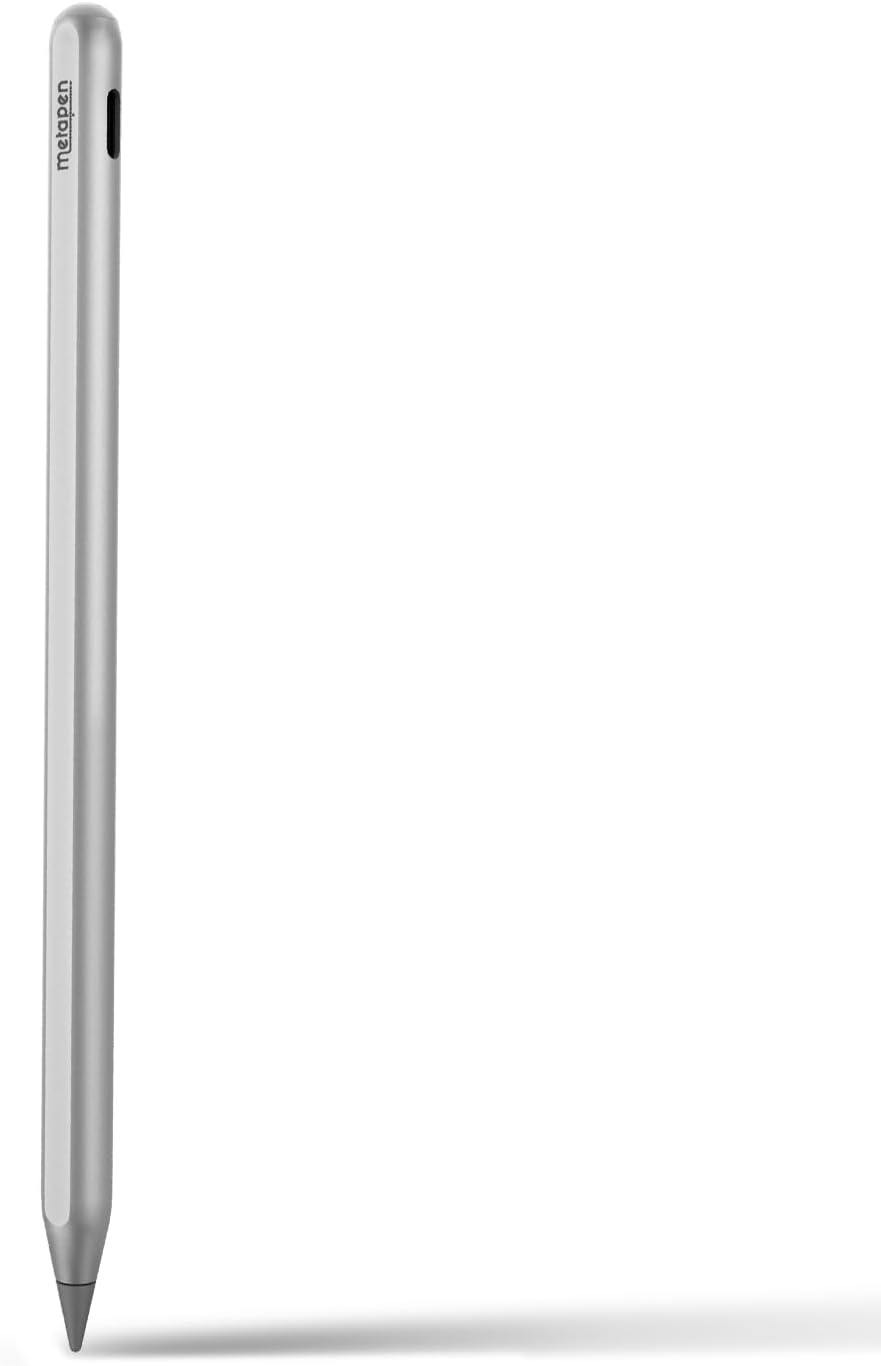
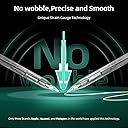
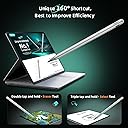
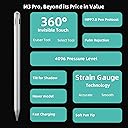
The Metapen Stylus Pen M3 Pro is a cutting-edge digital pen featuring 4096 pressure levels, 360° invisible touch button, and ±55° tilt support. Designed for Microsoft Surface and select Windows devices, it offers a paper-like writing experience with advanced palm rejection and no Bluetooth requirement, making it ideal for creators, students, and professionals seeking precision and seamless workflow.


| ASIN | B0CJC5LS5C |
| Are Batteries Included | Yes |
| Are Batteries Required | Yes |
| Best Sellers Rank | #11 in Digital Pens |
| Brand | metapen |
| Color | Silver |
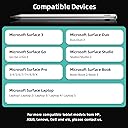
| Compatible Devices | Laptops, Tablets |
| Compatible Tablet Computer Models | HP 7 Plus, HP Pro 8, Microsoft Surface 3, Microsoft Surface Go, Microsoft Surface Go 3, Microsoft Surface Pro 3, Microsoft Surface Pro 7, Sony Tablet S |
| Customer Reviews | 4.2 out of 5 stars 233 Reviews |
| Enclosure Material | Plastic, Rubber |
| Item Weight | 14 Grams |
| Manufacturer | metapen |
| Material | Plastic, Rubber |
| Minimum Required Operating System Version | Windows 10 |
| Model Number | MPP662 |
| Number of Batteries | 1 CR5 batteries required. (included) |
| Unit Count | 1.0 Count |
| Warranty Description | 12-month warranty |
T**N
Palm-rejection, Smooth, Touch button also insane!
I have using this pen on One Netbook 5 laptop which support MPP Pen Protocol. It works perfectly, smoother than Surface pen. I always use with Drawboard PDF app for Windows 11. Nothing to worry about.
T**L
Worth it
This pen works amazing for my Surface pro 3 and surface pro 7. Better than my surface pen slim
W**N
Solid alternative to Kobo pen
Works well. I like the slim form and metallic body. Gives it a little weight. Doesn’t feel cheap. I bought it for my KOBO color. Allows me to draw and take notes. It’s not like pen and paper, it takes a little getting used to. My only real gripe is the tap function. It works, but I can’t get it to work consistently. Since you can’t use the “eraser” end to erase stuff it has a tap system. 2 taps for highlighter (I think) and 3 taps for eraser. Maybe I don’t tap it fast or slow enough. Maybe my taps aren’t properly measured. The point is, sometimes I find I have to triple tap several times before I get the eraser tool.
M**L
Meta pen
Excellent!
J**L
Works on Surface Laptop Studio 2
So far so good on the new Surface Laptop Studio 2, works without pairing, just charge and start using on your screen. No magnet like the Microsoft pen, but that is not a big deal to me. I have had 3 Microsoft pens break in a month on the new Surface Laptop Studio 2. I think the magnet is too strong and something comes loose inside.
D**Y
ABSOLUTE GARBAGE
WORST PEN I'VE EVER USED BOUGHT THIS TO REPLACE A PEN THAT SKIPS AND THIS IS THE WORST ONE YET. AND FOR THE MOST MONEY YET ALSO PLASTIC. UNCUSTOMIZABLE TOUCH CONTROLS THAT BARELY WORK OR GET IN THE WAY. WHO IS THIS FOR!? NOBODY WHO ACTUALLY USES A PEN. THAT'S WHO. Someone who wants to waste $70. that's who
B**T
Nice, but not for drawing
As a designer, was looking for a stylus that wasn’t in the shape of a carpenter’s pencil. Picked this up, and it works get for other tasks, but not drawing. You have no control over the shortcuts the stylus has to offer. When drawing, the stylus constantly switches to the eraser mode, making it difficult to get any drawing done. So, if you are quick to sketch something out, it will constantly erase your work. This is due to the fact that the eraser mode is based on tapping the screen. If they made a control app for the stylus, allowing the changing of the shortcuts, then I would suggest it, but not the way it is now. Back to the Slim Pen 2.
G**P
Best Pencil style stylus for rog flow x16
this is hands down my favorite stylus. At first I was worried about battery life because it's only about 20 hours but in reality it lasts much longer than my Asus pen 2.0 due to the fact you can actually turn it off. The pen tip has the right amount of friction for control as you write or draw. The touch feature is pretty cool, you double tap to erase. The weight is nice, it feels premium in your hand and is comfortable to hold. overall, I love this pen and can highly recommend it compared to the metapen 2.0 and Asus pen.
G**N
Made out of plastic (not aluminium) and touch controls are awful.
The storepage (2025-01-10) claims the pen is made out of aluminium. It is made out of plastic painted to look like sand-blasted aluminium. The plastic is also quite thin which makes the pen quite bendable compared to other pens out there. From not even one day of usage I can already hear sounds coming from inside the pen each press. The touch controls are not very pleasant to use. For this price point this was a dissapointment.
S**A
Bueno por el precio que es
Poco pesado, cuando está activado el lápiz, puedes apoyarte en la pantalla como si fuera un cuaderno porque anula el táctil de la mano para que el lápiz funcione. Eso me ha sorprendido. El pulsador del dedo es rápido y responde bie
K**O
キレイにかける
2つのサーフェイスで使っている。 正規のサーフェスペンと少し違っていたが、その分値段も安いと思った。 サーフェスと有線で繋ぐだけですぐ使えるようになったので便利。 書きもスムーズ。他の色々な機能は使いこなせていないが、今のところ満足している。
A**E
Alles einwandfrei, kann ihn uneingeschränkt empfehlen.
Der Stift funktioniert wunderbar, liegt gut in der Hand. Er fühlt sich deutlich hochwertiger verarbeitet an, wie manch andere Stifte, da er ein gewisses Gewicht hat. Die Batterie hält bei täglicher Nutzung für ca. 6 Stunden, locker mehr wie 2 Wochen. Für die Uni optimal.
M**N
TRES FACILE D'UTILISATION
PARFAIT RIEN A REDIRE BIEN MOINS CHER QU'UN S PEN 2 DE CHEZ MICROSOFT
Trustpilot
2 months ago
2 weeks ago