Desertcart purchases this item on your behalf and handles shipping, customs, and support to Uruguay.
🚀 Elevate your data game with ORICO’s RAID powerhouse!
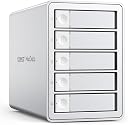
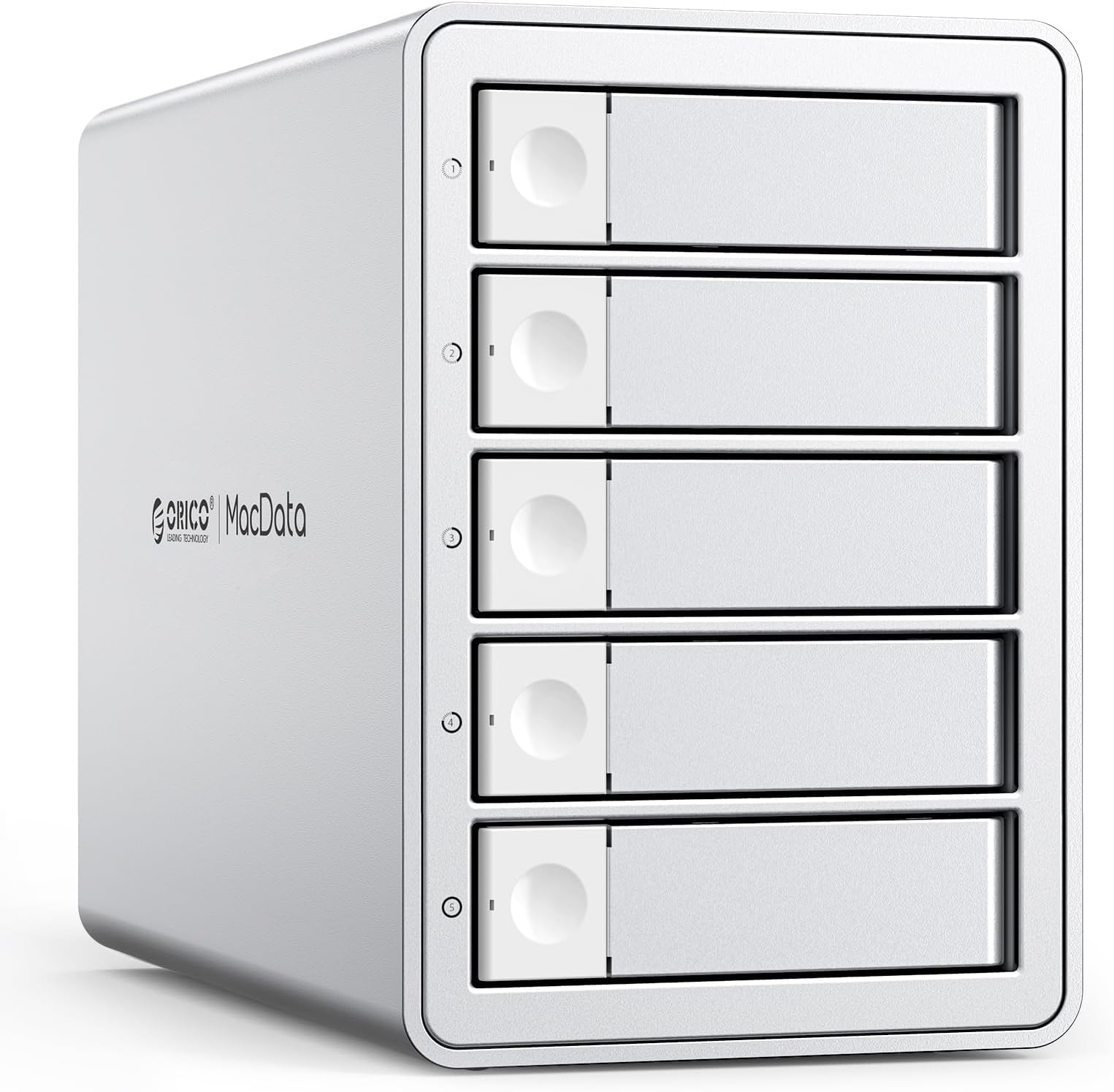
The ORICO 5-Bay RAID External Hard Drive Enclosure supports up to five 2.5/3.5-inch SATA HDDs or SSDs with a massive combined capacity of 110TB. Featuring USB 3.0 for fast 230MB/s data transfer, it offers flexible RAID modes including RAID 0,1,3,5,10, JBOD, Clone, and ClearMode to optimize speed, backup, or data management. Its robust aluminum design with active cooling ensures stable, long-term performance, making it ideal for professionals handling large-scale data tasks across Windows, Mac, and Linux platforms.


| ASIN | B0FGTHRZ51 |
| Best Sellers Rank | #772 in Enclosures |
| Brand | ORICO |
| Built-In Media | RAID Hard Drive Enclosure |
| Compatible Devices | Desktop, Laptop, Tablet |
| Connectivity Technology | USB |
| Customer Reviews | 2.9 out of 5 stars 14 Reviews |
| Data Transfer Rate | 235 megabytes_per_second |
| Enclosure Material | Aluminum |
| Hard Disk Form Factor | 3.5 inches |
| Hardware Interface | USB 3.0 Type A |
| Hardware Platform | Universal |
| Manufacturer | SHENZHEN ORICO TECHNOLOGIES CO.,LTD |
| Material | Aluminum |
| Memory Storage Capacity | 110 TB |
| Mfr Part Number | 9958RU3-RAID |
| Model Number | 9958RU3 |
| Number of Items | 1 |
| Number of Packs | 1 |
| Supported Devices Quantity | 5 |
| Warranty Description | 1-YEAR |
F**E
Fan Insufficient to Keep Hard Drives Cool
Populated the enclosure with five drives and it's running way too hot. The fan in the enclosure is insufficient to keeps the drives cool. Also, if you try to use the pop-out tabs to eject the drives, they snap right off. Returning.
J**O
Very good, exactly what I needed, seems to be of high quality design/materials.
The instructions were a little hard to make out, but I got there in the end. Some minor issues with the drive bays fitting (Slight warping) that a tiny bit of pressure fixed right up. Quality seems top notch, the fan is quiet, and the transfer speeds are as expected. All in all, a very solid item.
S**O
Good product but doors are a little flimsy.
I'm using this as a RAID-5 backup drive on an NAS. The setup was very easy. The only issue is that the doors and drive trays require a little force to remove and I am concerned that they will break. There is another model by the same manufacturer that does not require trays which I also bought. Both are easy to set up. I recommend that one over this. https://www.amazon.com/gp/product/B0DDX8PVH7/ref=ox_sc_saved_image_7?smid=A34PF29WPO2NUY&th=1
M**S
Hot drives!
It works, but does a poor job of cooling the drives. They get hot! I only had 3 1tb drives in there to tesxt and I glad I did that before burning up my bigger and now, really expensive drives.
W**S
doesn't work with Mac ARM
CAUTION this drive does not work with mac os 26. ~ after 50 emails to orico they finally responded it won't work.
M**U
Not working
It didn’t work , i received this item defect
A**R
Solid 5-bay drive enclosure with good build and thoughtful features
The ORICO DAS is a well-built and versatile 5-bay enclosure that makes it easy to consolidate multiple hard drives in one place. It feels solid, runs quietly, and offers a variety of RAID options — including 0, 1, 3, 5, 10, JBOD, and Clone — giving you flexibility to choose between redundancy or performance setups. Build quality is excellent. The aluminum housing feels sturdy, and the built-in cooling fan keeps things from heating up during extended use. The internal power supply is also a nice touch — no bulky external brick taking up outlet space. My only real complaint is the drive removal design. The latch mechanism requires sliding a small lock before pulling the drive out, and it feels a bit fragile compared to the lever-assisted designs I’ve used before. If you frequently swap drives, you’ll want to be gentle. I haven’t tested transfer speeds yet, but for general storage, backups, and RAID configurations, it’s working great so far. A faster connection option than USB 3.0 would’ve been nice, but overall this enclosure is dependable, quiet, and well thought out.
B**R
Solid, but slow and almost no documentation.
This is a solid drive enclosure once you get it set up, with support for a variety of RAID modes. However, getting it configured was a real pain. The documentation was extremely limited, and it took forever to find and download the necessary software from the ORICO website, almost to the point of sending it back! Once everything is running, though, it's a reliable unit, but don't expect lightning-fast speed. I have some 7200RPM spinning disks, and I could barely top 30/Mbps read/write speeds. I'm not sure why you would opt for a USB-A connection in this day and age when USB-C is so much of a standard. I guess if you have an old PC to connect to. I have not tried a pseudo-failure of the RAID yet to see how to rebuild my RAID 5. On the plus side, the drives install super easily, and the box is heavy-duty aluminum (which is the only reason this didn't get one star). UPDATE: I emailed Orico tech support for documentation on swapping out a bad disk drive in a RAID 5 configuration. I could not find any documentation online, and my first email to tech support at the published email address (to China) bounced back and could not be delivered. (no typo in the address). I resent the same email, and in ~12 hours, they replied. Here is their response (copy/paste from their email: Hello, regarding the recovery and replacement of disks in a RAID 1-3-5-10 array: replacement is required when there is an alarm in the array cabinet indicating a bad disk. Generally, the array cabinet will have a red indicator light. (Note!!: If there is no error reported, the hard disk cannot be replaced in an extended array. The array is built once, and the bad disks are indicated by the red light of the actual disk cabinet.) If the hard drives are not placed in the original order used to build the array, or if a hard disk is replaced without a red alert, it may cause array degradation, data anomalies, data loss, and other issues!! Replacing the hard drive: after an error occurs, the faulty hard drive should be replaced with a new hard drive that has the same or larger capacity than the original (after replacement, the recovery progress can be checked by downloading the RAID management software from our official website). The replacement needs to eject the device and power down before replacing; after replacement, connect it back while powered on. Hot swapping is not allowed. Thank you for your support. ORICO Support Team ORICO Technologies Co.,Ltd Email: [email protected]
D**E
Beware how you are connecting to the computer
Easy to setup. You have to options, use the switches in the back of the box or use the Orico software that you'll have to download. I chose the software. One thing that I have to mention, if you are not pluging the USB directly into the computer by using a hub, make sure the hub is USB 3.0 and not 2.0 you'll know if you have 2.0 because it will take you an hour to store or send a file to your computer where as 3.0 will be very fast.
Trustpilot
3 weeks ago
4 days ago