Desertcart purchases this item on your behalf and handles shipping, customs, and support to Uruguay.
๐ฏ Master precision and comfortโtrackball redefined for the modern pro.
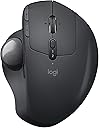
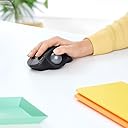
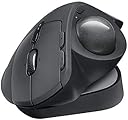
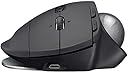
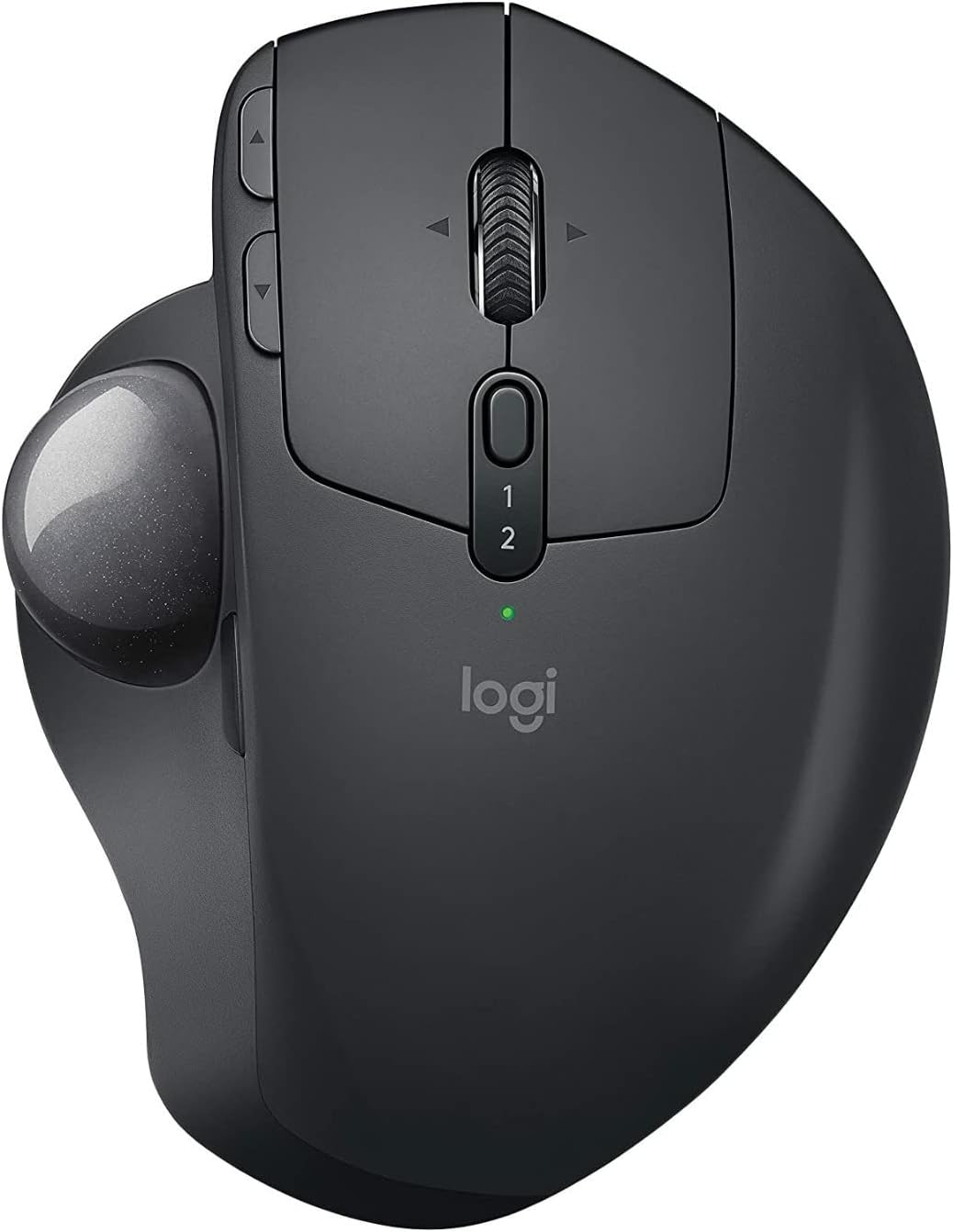
The Logitech MX ERGO Wireless Trackball is an ergonomic, rechargeable input device featuring an adjustable hinge with multiple angles for personalized comfort, a precision mode button for instant speed or accuracy switching, and Easy-Switchโข plus FLOW technology for seamless multi-computer control. Its fast-charging battery lasts up to 4 months, making it a top-tier choice for professionals seeking reduced strain and enhanced productivity.
| Antenna Location | Office |
| Are Batteries Included | No |
| Are Batteries Required | Yes |
| Asin | B0768M8B5J |
| Battery Average Life | 4 months |
| Best Sellers Rank | 72,564 in Computers & Accessories (See Top 100 in Computers & Accessories) 1,428 in Mice |
| Brand Name | Logitech |
| Button Quantity | 8 |
| Colour | Graphite |
| Compatible Devices | Personal Computer |
| Country Of Origin | China |
| Customer Reviews | 4.5 4.5 out of 5 stars (734) 4.5 out of 5 stars |
| Enclosure Material | Plastic |
| Eu Spare Part Availability Duration | 4 Months |
| Hand Orientation | Right |
| Hardware Platform | PC |
| Included Components | Logitech Unifying USB Receiver, Logitech 'AAA' Lithium-Ion battery, User Manual |
| Item Dimensions L X W | 10.6L x 5.1W centimetres |
| Item Type Name | Mouse |
| Manufacturer | Logitech |
| Manufacturer Part Number | 910-005178 |
| Model Name | MX ERGO Wireless Trackball |
| Model Number | MX Ergo Plus |
| Movement Detection | Trackball |
| Network Connectivity Technology | Bluetooth, Radio Frequency, USB |
| Number Of Batteries | 1 AAA batteries required. |
| Operating System | Windows 8 |
| Power Source | Battery Powered |
| Product Features | Ergonomic Design, Rechargeable, Wireless |
| Product Finish Type | Matte |
| Range | 10.0 meters |
| Style Name | Ergonomic |
| Theme | Video Game |
| Unit Count | 1.0 count |
| Upc | 097855133922 |
User
Mouse
I like these type of mouses and this works well
User
Best trackball so far and ive used 4 generations from Logotech
I have been using Logitech trackballs for over 10 years amd this newest offer is excellent. The angled base makes the use much more comfortable. The ability to switch between 2 computers with a press of a conveniently located button with illuminated indicaters is one of the best features.Note, the ball does require periodic cleaning. Not the ball really, its the 3 rollers inside the cavity. It will build up dirt and the ball will eventually become unsmooth. Just use something like a chopstick and push the ball out to clean the rollers.
User
ไฝฟใใใใ
ใใใใ็จฎ้กใใใฃใฆ่ฟทใใพใใใใใใซใใพใใใ่งๅบฆใใใ็จๅบฆ่ชฟ็ฏใงใใใฎใใคใคใงใใ
User
Retired Senior -- It's Not That Hard To Learn
If it weren't for Repetitive Stress issues, I would never have considered a trackball mouse. Now that I have it, I wish I would have looked at it sooner. For me it was not hard to learn although there is an adjustment period. Simply adjust/experiment with the settings until it behaves the way you want and let your thumb get adjusted to its new responsibilities. I'd also recommend alternating between adjusting the settings and then using it awhile before adjusting it again. It may take a while for your hand to acclimate. Constantly changing settings may not be helpful. Pick a reasonably good setting; get used to the trackball; and fine tune later. After this, you can consider programming different button assignments for your specific needs.I'm also glad I purchased the Plus version. That extra 10 degrees was definitely helpful in my case. I like it at 30 degrees. In addition, it gives people the ability to increase the tilt by only 10 degrees. Just attach the plate and leave the Ergo MX in the zero degree position and the plate will give you 10 degrees. So instead of just 0 or 20 degrees built into the MX, you now have 10, 20, or 30 degrees.The wireless dongle and Bluetooth both work great as I use both routinely.At this juncture I am very pleased with my new Logitech trackball mouse and although it is a more expensive option, it is a quality built product. I like the fact that it is also a bit heavier than some similar products because it is less apt to move around. The only reason you might want a lighter option is if you travel a lot and you're trying to minimize weight at all cost. That said, unlike a traditional mouse where weight might be a concern for RSD or gaming, a trackball mouse is not being moved; so a little weight, in my opinion, is actually your friend. While certainly not necessary for traveling, I also bought an MX Ergo travel case for additional protection. It conveniently holds the MX , the charging cable, and the extra plate.While your mileage may vary, if you are trying to minimize wrist and hand stress, I can highly recommend the MX Ergo Plus.
User
Best wrist saver of all time.
I absolutely love this mouse, should have got one sooner. It is pricey, but you get what you pay for with this mouse. I has terrible pain in m wrist after using computers (Apple and PC) for the past 30 years with various mice, including the Ergo mouse that died.This is much better as the writs doesn't move...that said if you have thumb issues be mindful as the thumb controls the whole movement. I love this mouse so much that when it dies I will get the next available one.
User
Buen producti
Me ha gustado mucho esa nueva experiencia de ya no mover la mano para mover el puntero del raton. Si es algo caro este Trackball lo que me queda es ver su durabilidad. Los mouses que compre anteriormente me dieron problemas de fallos en los botones.
Trustpilot
1 day ago
3 weeks ago