We remain fully operational. Our teams are working around the clock to ensure your deliveries continue safely.

DOWNLOAD THE APP


Customer Services
Copyright © 2025 Desertcart Holdings Limited
DOWNLOAD THE APP

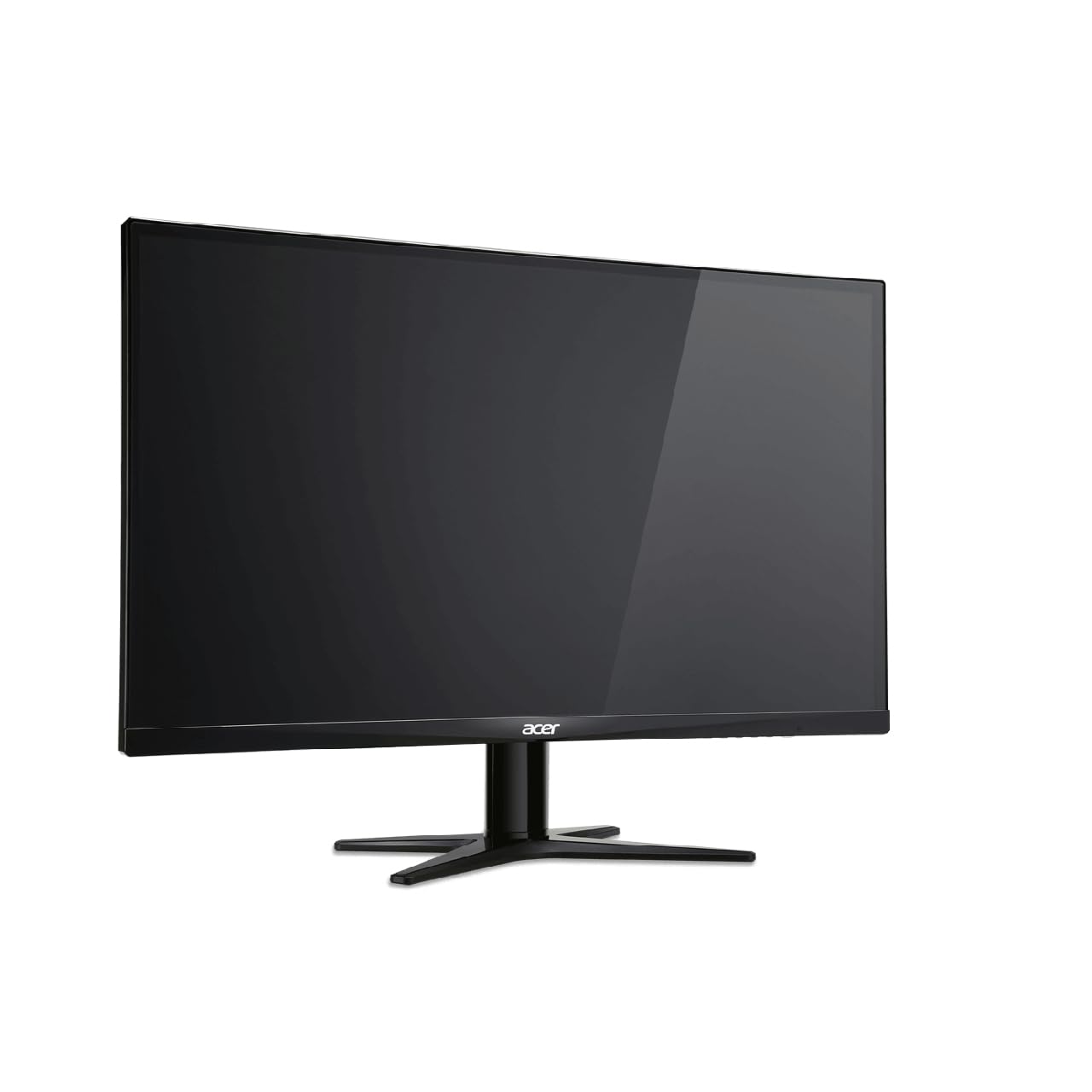

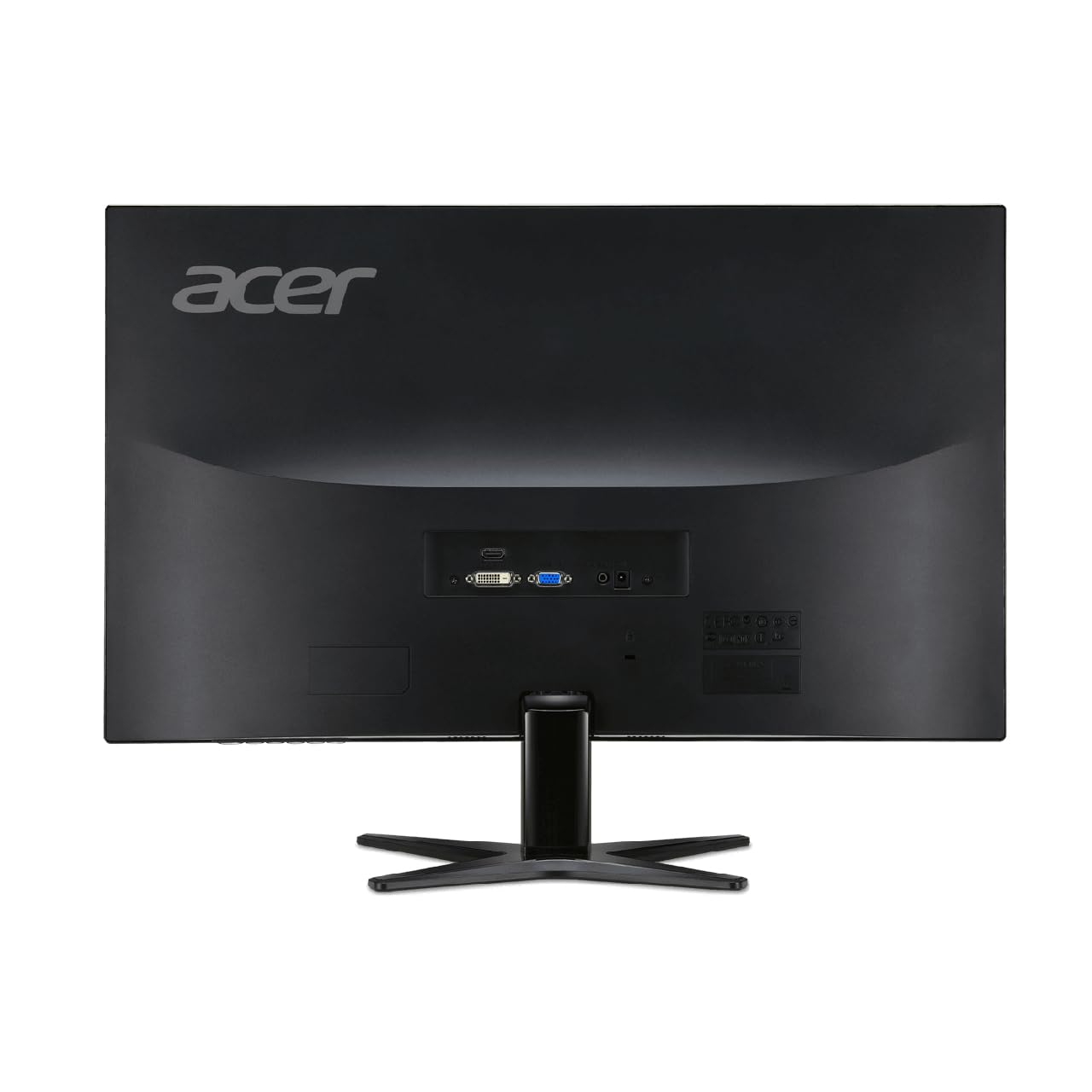


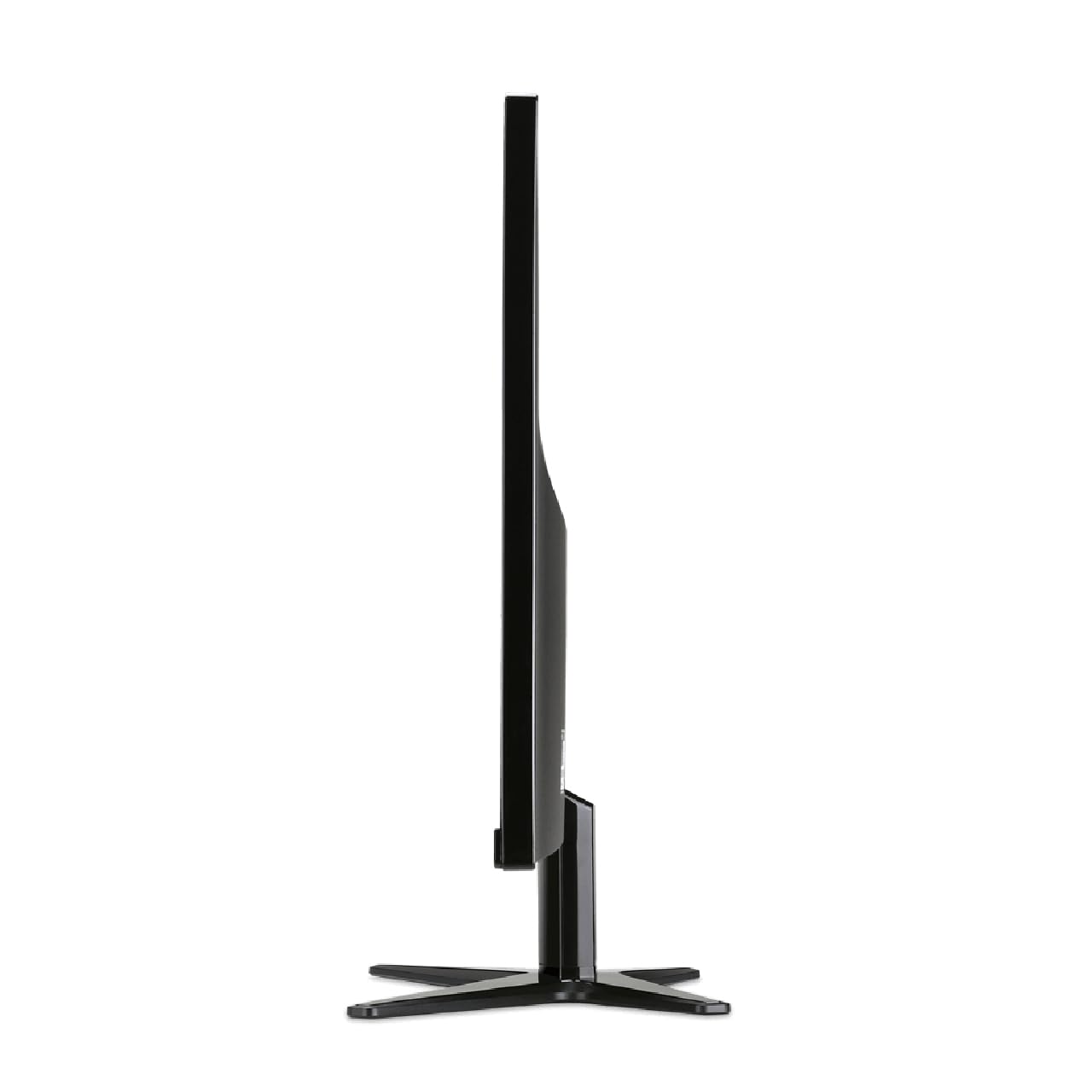
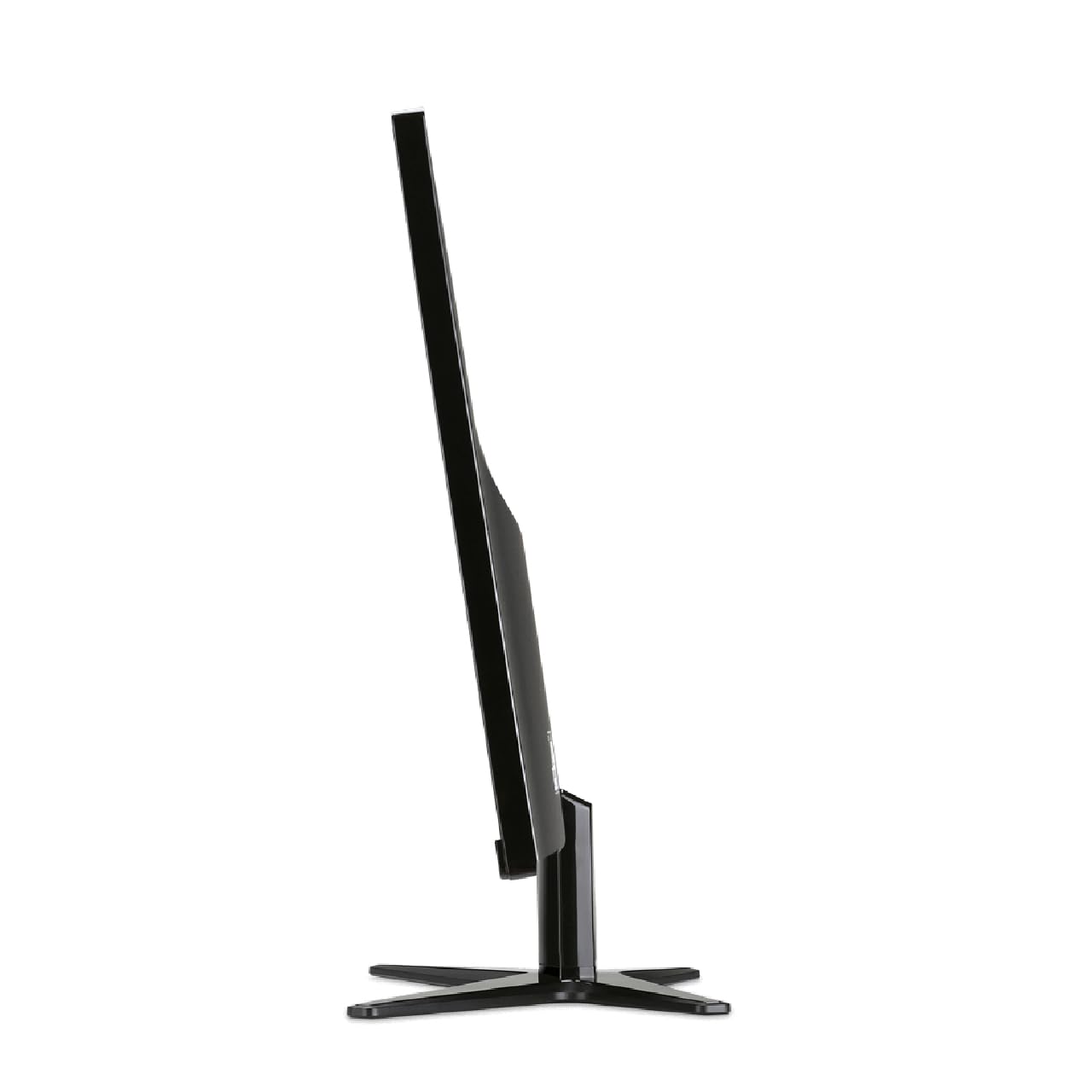
🎮 Game On: Where Every Pixel Counts!
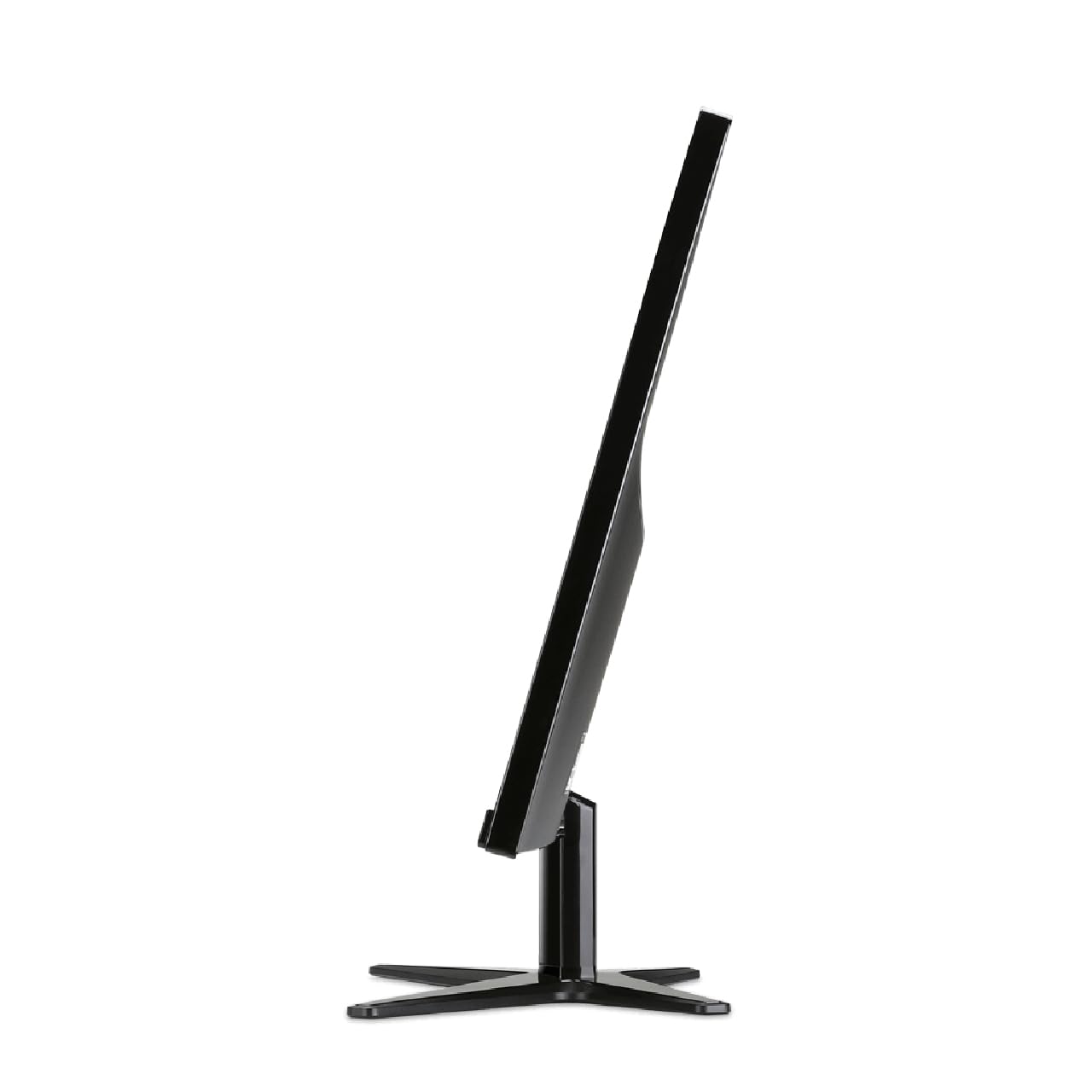
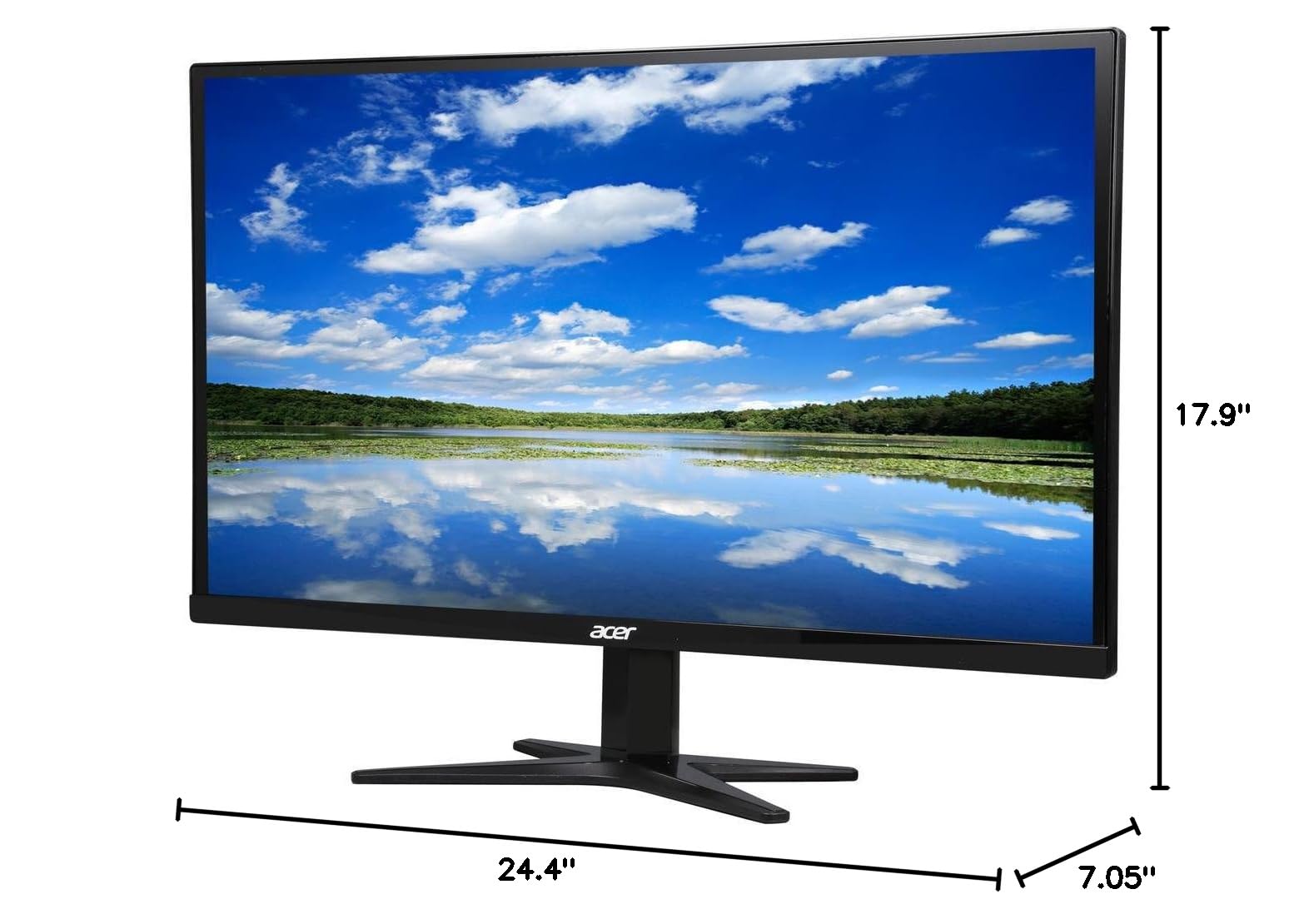
The Acer G277HL Abid is a 27-inch Full HD widescreen display featuring a resolution of 1920 x 1080, designed for gamers and professionals alike. With a rapid 4ms response time, it ensures smooth visuals, while its multiple input options (VGA, DVI, HDMI) provide seamless connectivity. The monitor supports 16.7 million colors and offers a wide 178° viewing angle, making it ideal for multimedia and productivity tasks. Its adjustable tilt feature allows for personalized comfort during extended use.


| ASIN | B00VX3KAAS |
| Adaptive Sync | FreeSync |
| Additional Features | Wide screen |
| Aspect Ratio | 1.78:1 |
| Brand | acer |
| Brightness | 250 cd/m² |
| Built-In Media | External power adapter, LED-backlit LCD monitor - 27", Stand, VGA cable |
| Color | Black |
| Connectivity Technology | DVI, HDMI, VGA |
| Contrast Ratio | 100,000,000:1 |
| Customer Reviews | 3.8 3.8 out of 5 stars (248) |
| Display Resolution Maximum | 1920 x 1080 Pixels |
| Display Technology | LED |
| Display Type | LED |
| Global Trade Identification Number | 00887899978807 |
| Hardware Connectivity | HDMI, VGA |
| Has Color Screen | Yes |
| Item Dimensions D x W x H | 24.4"D x 17.9"W x 7.05"H |
| Item Weight | 8.51 Pounds |
| Manufacturer | Acer |
| Model Name | G277HL |
| Model Number | G277HL Abid |
| Mounting Type | VESA Mounting:No |
| Native Resolution | 1920x1080 |
| Number of Component Outputs | 3 |
| Picture Quality Enhancement Technology | freesync |
| Refresh Rate | 60 Hz |
| Resolution | FHD 1080p |
| Response Time | 4 Milliseconds |
| Screen Finish | Glossy |
| Screen Size | 27 Inches |
| Specific Uses For Product | business, personal |
| Total Number of HDMI Ports | 1 |
| UPC | 887899978807 888863087112 |
| Viewing Angle | 178 Degrees |
| Warranty Description | 3 year parts and labor |
C**E
Great value, great performance!
This is a value priced monitor, with great performance, great styling, and of course, fantastic display. I work from home and the company I work for provides me with a Macbook Pro. Well, working off a 13" screen isn't ideal, so I opted for this 27" full HD Display unit from ACER. It has no dead pixels, vibrant color, and decent black levels. Considering I'm not in graphics or video work, the upgrade to a much more expensive IPS monitor makes no sense. For working in MS Office, Salesforce, and streaming the occasional Netflix or Plex show while I'm knee deep in emails, this works perfectly. I purchased on a Gold Box deal, so it was well worth the price of admission.
D**K
Great monitor for the price
Great monitor for the price. Got 2 of these, set up was quick, GREAT resolution. So why I did I return it? The stands. The stands are terrible. First of all, they offer weak support to the monitors. A slight tap on my desk and they were already wobbling. They also took up a lot of desk space. I bought a wall mount (in this case, I mounted it to my table). These monitors have no VESA support (ANOTHER ISSUE), so I bought an adaptor kit. After two hours of struggling to put the damn things on, I realized it was all a waste of time. After mounting the screens on the wall mount, they kept rotating down under their own weight. So either I had to buy longer adaptors or keep using the stands. Overall, they turned out to be a huge headache. BUT if you're willing to forgo all that trouble, they're still great quality.
M**.
A good budget monitor that can do some gaming. It takes some tweaking though.
As a budget gaming monitor, I think this is pretty good. Sure, some of the complaints against it are valid: The stand is wobbly, audio output is way to quiet for my taste with headphones (and that's after adjust everything in windows to 100% including the hidden sound settings), and there is some screen ghosting out of box. The thing is, if you take the time to install the Acer monitor driver (which isn't WHQL certified, so it must be forcible installed from a list of drivers), and make sure you change your video cards color settings over to Full RGB, make sure DDC/CI and ACM are both enabled, then the ghosting issues mostly disappear. My settings: Empowering tech set to Graphics (This will change to user after adjusting other settings) DDC/CI: On ACM:On (default off) OD: Extreme (Default Normal) Video card Pixel Format adjusted to Full RGB (default YCbCr 4:4:4 on my R9 290) All testing was done via HDMI and a Radeon R9 290 (Cat 15.7 WHQL) This model did not have the optional audio input (but it will output HDMI audio from the headphone jack just fine) Allow me to explain a few of the features in the OCD, as even Acers full pdf manual on this model fails to explain them: DDC/CI (Display Data Channel/Command Interface) should always be on. This allows the monitor to connect to your video card and send information on its specifications. If you insist on not enabling this setting for whatever reason, make sure to go to Acers website and download the monitor drivers (forcibly install them because they are not WHQL and will not auto install). ACM is Adaptive Contrast Management, and it adjust the contrast of the display dynamically depending on the scene to make things easier to see. If you prefer to manually calibrate your monitor, leaving this off is probably best. OD is Acer's OverDrive function. OverDrive is an ability used to boost response time by sending more voltage then normal to the display. To reduce ghosting as much as possible, set this to Extreme. This setting change reduced the ghosting for me considerably. In your video card settings, make sure to full disable all underscan, and make sure overscan is fully turned on. If you are seeing any blurry text with HDMI or DVI, this is the solution. For myself on the AMD R9 290, after adjust overscan to 0% (CCC, My Digital Flat Panels, Scaling Options), the screen adjusted to not having black borders but some text was randomly blurry. I simply unplugged the HDMI from the video card, and replugged it. Afterwards, the display came back online with no blurry text! Unsure why this occurred but the solution kept, even after unplugging the monitor, and rebooting the machine. Also in your video card settings, you should adjust the Pixel format to Full RGB. This made the colors appear much more vibrant for me. Videos: In the anime videos I tested, ghosting is noticeable in all scenarios. This is likely due to the normal 24fps of most shows. In live action and 60fps video on youtube, I noticed no ghosting at all. Games: I tested using Borderlands 2 and Unreal Tournament (yes, the original), to make damn sure my computer wasn't CPU limited (because it is atm), and I noticed no ghosting in 60fps gameplay. Overall - Pros: -Monitor can be adjusted to be a decent budget gaming monitor with okay color -Pretty good price even at $222 for a 27in monitor (I got mine on Prime Day for only $159!) Cons: -Stand is wobbly -OSD buttons are in a strange place. Would have been better on the right hand side for most people -Audio out isn't very loud for headphones, might work better with stereo speakers that can be boosted -Full downloadable manual doesn't tell you crap about what OSD settings do -Official Acer Monitor driver is not WHQL certified -No Display Port input In short, if you want a serious gaming monitor, this is probably a bad pick. If you want a decent budget gaming monitor, or a large daily driver that isn't 4k in resolution, this is probably a good deal. Just remember you'll have to tweak your settings to get everything working well! Overall, I feel this was a great purchase on Prime Day!
K**Y
Pretty good.
Excellent. No dead pixels. Looks pretty good. My Asus monitors all look a little better but this was a great buy. (I got it on sale for $150 btw) UPDATE: Just purchased a second one after 1 year and 3 months. So I can tell you after all this time it's still like the day I bought it. I actually pinned this page to my Chrome explorer and checked the price EVERY day for the last 8 months or so just PATIENTLY WAITING for it to drop back to $150 again (because it's a $200 monitor and I got the first one for $150 so I refused to pay more than that for the second one) and TODAY IT FINALLY DROPPED!!! So glad I held in there. It was $180 many times on sale but I patiently waited for another $150 sale and here it is. Got two of these for $300 now. Happy happy happy. They are both for my wife. I use the Asus VX279Q (three of them) for my own setup.
C**A
Great monitor for the price...
Bought four of them on the Amazon Prime day for a steal to give to some employees. I was scared off by some negative reviews,so I cancelled two of them. Now I regret it because these are solid desktop monitors. No mounts or swivel, but for this price it works for me. The screen looks fantastic for the low price I paid. Huge screen, edge to edge viewing. I just wish they'd go back on sale again and I'd get 4 more. It doesn't rotate but I bought a 12 inch bluecell rotating lazy Susan to throw it on and it looks and works great.
M**1
Poor quality
I was happy to find a screen at this great price, and the reviews were pretty good. But within 2 months of use (as my main monitor) it is already ghosting images and flickering. At this rate I will have to replace the monitor very soon. Shame.
C**O
Great monitor with one exception you can not wall mount ...
Great monitor with one exception you can not wall mount it. We use dual monitors in our office for estimators and accounting. We wall mount them to save on desk space. We have ordered many Acer monitors in the past and they always had the 4 screw holes in the back for wall mounting. I was shocked when we went to install these and were not able to. We were lucky that we had some older monitors that sat on desks that had the mounting holes so we just swapped them around. With a monitor this size it should have the ability to wall mount. The display is awesome would have given 5 stars if we could have wall mounted them.
J**S
Great monitor. Colors are rich, no back-light bleed. Control buttons are a little hard push. Great viewing angles. The stand? Meh. Not a deal breaker.
M**S
El envio fue muy rapido y seguro eso me agrada mucho, la instalacion muy parctica sin nada de complicaciones al conectarla a mi desktop funciono excelente tiene un brillo impresionate. eso em ayuda a trabajar mejor en mi estudio.
M**N
The image is good and sharp but the construction is not the best. The stand is flimsy, the tilt is hard to adjust, they don't have vesa mount, the autodetect of the source input is slow and annoying. That being said, they display well and the price was very good.
P**7
Very good monitor for the price. I like that the ON blue LED is underneath the front edge on the right lower corner so it doesn't create a glare. Comes preset at 100% brightness which was waaaay too bright for me. Brought it down to 40% with the easy to operate menu.Super quick delivery with Prime.
A**L
Mon deuxième
Trustpilot
1 day ago
2 weeks ago