
DOWNLOAD THE APP


Customer Services
Copyright © 2025 Desertcart Holdings Limited
DOWNLOAD THE APP
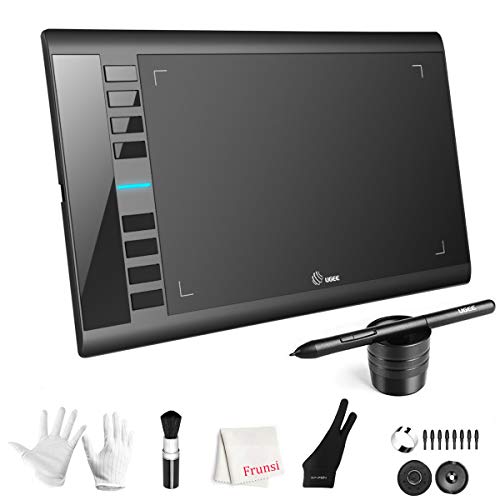






🎨 Unleash your inner artist with precision and speed — don’t let your ideas wait!
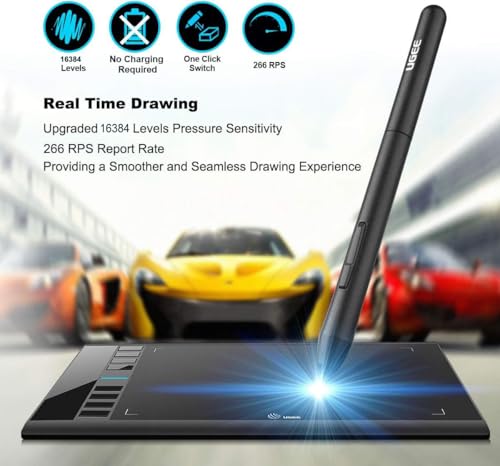
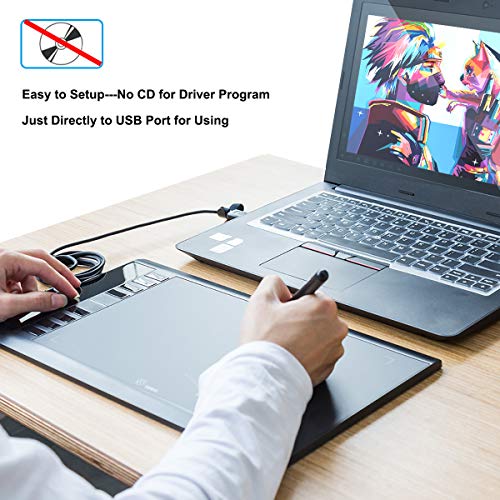
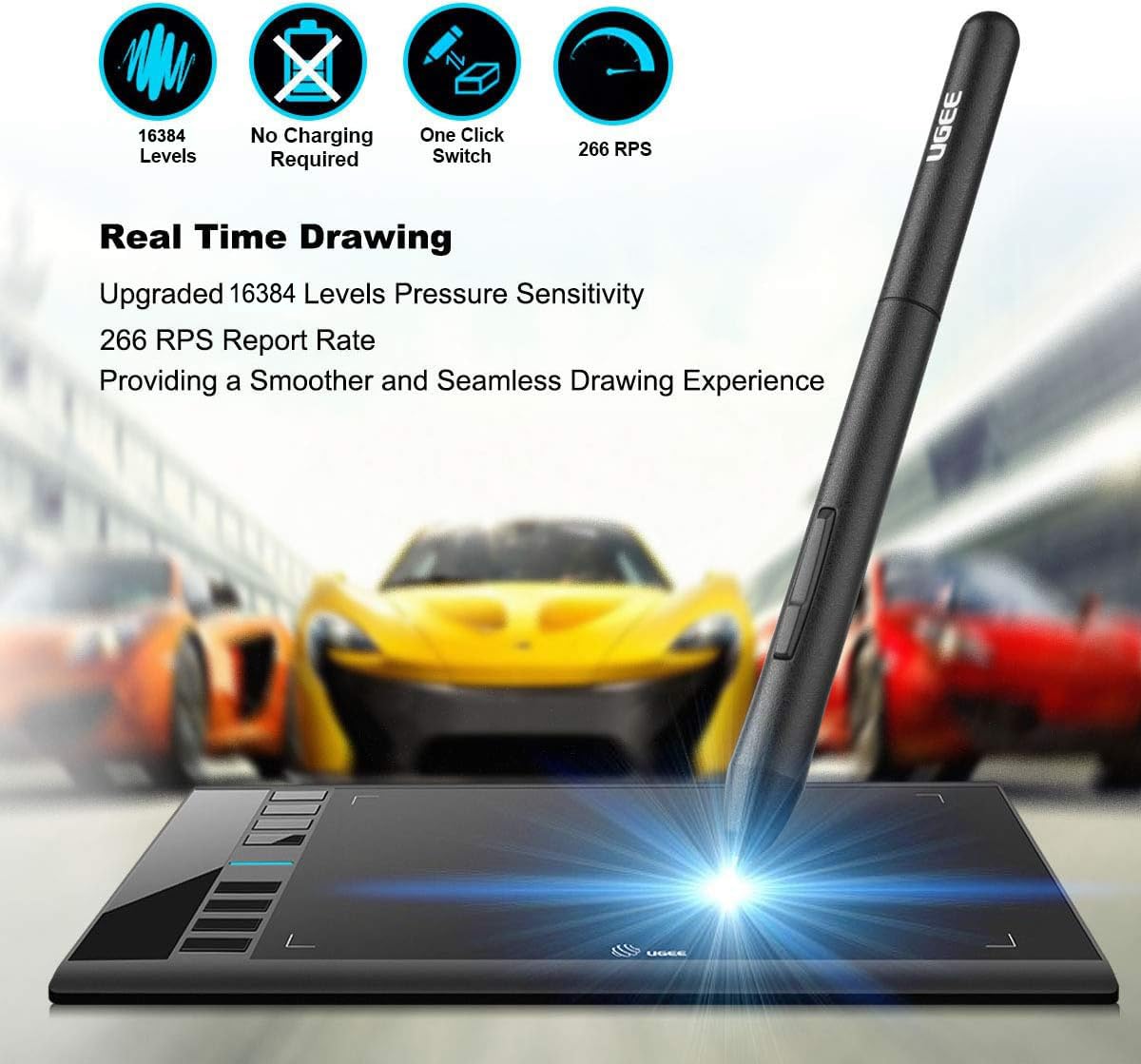
The UGEE M708 V3 is a professional-grade digital drawing tablet featuring a spacious 10x6 inch textured active area, 16384 levels of pen pressure sensitivity for detailed and nuanced artwork, and 8 customizable hotkeys to enhance productivity. Compatible across multiple operating systems and creative software, it offers easy USB-C connectivity and ergonomic design, making it ideal for both beginners and seasoned digital artists.


| ASIN | B07P82FSFW |
| Batteries Included | No |
| Batteries Required | No |
| Best Sellers Rank | #885,804 in Electronics ( See Top 100 in Electronics ) #866 in Graphic Tablets |
| Brand | Ugee |
| Compatible Devices | Personal Computer |
| Connector Type | USB |
| Country of Origin | USA |
| Customer Reviews | 4.4 4.4 out of 5 stars (5,785) |
| Date First Available | 21 March 2019 |
| Item Dimensions LxWxH | 35.8 x 21 x 0.8 Centimeters |
| Item Weight | 1 kg 80 g |
| Item model number | UGEE M708 V3 |
| Manufacturer | Frunsi |
| Model | UGEE M708 V3 |
| Model Name | M708 |
| Mounting Hardware | Glove, Pen Holder, USB Cable |
| Operating System | MAC OS 10.10 or above, Windows 7 & above |
| Product Dimensions | 35.79 x 21.03 x 0.81 cm; 1.08 kg |
| Screen Resolution | 1920x1080 |
| Special Features | Stylus |
| Standing screen display size | 6 Inches |
K**I
very good think
very Good
M**M
Had an issue with the pen but that was quickly fixed. It's much lighter than my other drawing pads but was much easier to set up. The sensitivity was good and the lines smooth enough. Overall a great starter tablet for the price point.
P**A
I was looking for a dedicated drawing device after getting into digital art recently, and the UGEE M708 caught my eye. At £39.99, it looked like a solid way to test the waters without spending a fortune. Just to be clear, this isn’t a standalone tablet that you draw directly on. It needs to be connected to your computer or laptop via USB, and you draw on the tablet surface while your artwork appears on your screen, so this does NOT have it's own screen. The good news is that you can connect this to either a Windows machine or an Apple MAC desktop or laptop. Once connected, it feels natural very quickly. The 10x6 inch drawing area gives you plenty of room to work, and the slightly textured surface gives a pleasant paper-like feel. The pen doesn’t need charging, which is a big plus, and it responds instantly with no lag. The 8192 levels of pressure sensitivity make sketching, shading, and detailing smooth and accurate, reacting beautifully to light or heavy pressure. The eight programmable shortcut keys on the side make the workflow much faster. I set mine for undo, zoom, and brush size, which saves a lot of time once you get used to it. Installation was simple on my Windows laptop, and it works with all the main creative software I’ve tried so far, including Photoshop and Krita. The beauty of it is that you’re not tied to one app - it works with pretty much any drawing or design software that supports these devices. That means you can pick the right software for the person’s age or skill level, and just change the software as your skills progress rather than having to buy a new tablet. Overall, this is a brilliant option for beginners looking to explore digital art seriously without breaking the bank. The build quality feels sturdy, it performs far better than expected for the price, and it’s made digital drawing genuinely enjoyable.
1**E
Es la primera vez que uso una pero esta es muy buena
P**L
I recently picked this drawing tablet for my 13yr old daughter who is getting into drawing and I’m so impressed! The 10x6-inch active area gives her plenty of space to draw, and the textured surface feels really similar to paper—it makes sketching and painting feel super natural and smooth. The 8192 levels of pressure sensitivity are fantastic. The pen responds beautifully to how much pressure she seems to apply, which makes it easy to control line thickness and add details. It feels really accurate and satisfying to use. Setup was way easier than I expected! As a beginner, I was a little nervous, but the USB to USB-C connection made it simple to plug into my laptop and start drawing almost immediately. No frustration, just plug and draw. The 8 customisable express keys are a huge bonus, I’ve got them set up for most-used shortcuts like undo and zoom, and it makes it easier and faster. If you’re just getting into digital art, I can’t recommend this tablet enough. It’s beginner-friendly, super responsive, and feels like a premium tool. Great value for the price! I bought a Frunsi tablet earlier last year and still have it and love it, good quality products.
E**E
Obvio la calidad
Trustpilot
2 weeks ago
3 weeks ago