
DOWNLOAD THE APP


Customer Services
Copyright © 2025 Desertcart Holdings Limited
DOWNLOAD THE APP
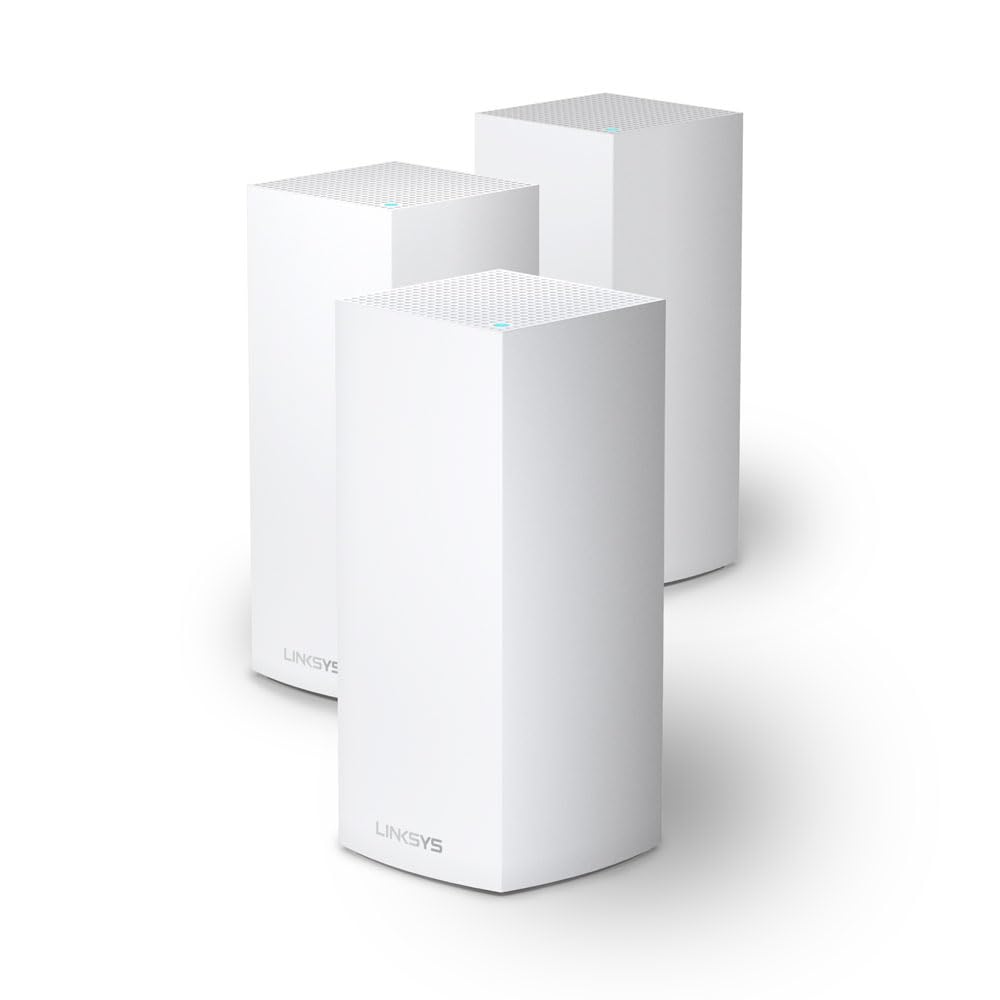
🚀 Elevate your WiFi game—fast, far, and flawlessly connected!
The Linksys Velop MX12600 Tri-Band Mesh WiFi 6 System delivers expansive 830 m² wireless coverage with AX4200 speeds, supporting over 120 devices simultaneously. Its intelligent mesh technology ensures stable, high-bandwidth connections throughout your home or office, while the user-friendly Linksys app simplifies setup and network management. Designed for professionals demanding reliable, high-performance WiFi in modern spaces.
| ASIN | B08WYCP4TZ |
| Are Batteries Included | No |
| Best Sellers Rank | 74,250 in Computers & Accessories ( See Top 100 in Computers & Accessories ) 546 in Routers |
| Brand | Linksys |
| Colour | white |
| Customer Reviews | 4.2 4.2 out of 5 stars (218) |
| Date First Available | 18 Feb. 2021 |
| Guaranteed software updates until | unknown |
| Item Weight | 2.83 kg |
| Item model number | MX12600-EU |
| Manufacturer | LINKSYS |
| Number of USB 2.0 Ports | 1 |
| Operating System | RouterOS |
| Product Dimensions | 11.4 x 11.4 x 24.4 cm; 2.83 kg |
| Series | MX12600 |
| Wireless Type | 802.11ac, 802.11ax |
H**H
DO NOT BUY! I have quite a decent sized apartment, the modem is placed in the living room and behind it in parallel there are the bathroom and guest bathroom and then the 3 bedrooms right after the bathrooms, my biggest issue is that there is no outlets between the bedrooms and living room, so I placed the first mesh next to the modem and the other 2 in the bedrooms to create a Y shape, it worked perfectly I had around 500 mbps in the furthest room which was a blessing, then I proceeded to update the firmware, and everything came crashing down my lovely 500 has officially become a 7 mbps, my internet speed is around 1gbps, I get around 900 mbps to my modem. With no clue why I kept moving the nodes around hoping to fix the issue, nothing. I had to buy 30 euros worth of cables and extensions since I have an outlet issue to move the parent node closer, and finally it worked again perfectly having a lovely 890 mbps peak in the furthest bedroom. Then it all came crashing down again, with the furthest node even with a -59 dbm connection signal, kept dropping the connection. I decided to do a small test I disconnected all nodes, execpt for the parent, sat right on top of it and got a speed of 700-ish which I was okay with a 200 mbps difference we'll blame it on wifi signal. I then moved to the dining table which is in the same room behind a flipping couch and I dropped down to 300 mbps. TLDR, signal is extremely extremely fragile, a gust of wind could drop your connection, highly unstable, no debugging, diagnostic makes no sense, a toddler has more knowledge than the linksys support, all their guides tells you "restart", I had already factory resetted disabled the HK apple integration because apparently that is extremely buggy and yet nothing changed I'd recommend the TPLINK deco xe75, 100ish difference but a much better investment.
P**E
System does not come with Australian power adapters and you are unable to purchase the Aus adaptor clip through the seller, Linksys, or any other retailer. I had to buy new adaptors but the odd size/shape plug means the power cord falls out at the slightest touch. Recommend trying a different brand/seller.
M**S
Los tengo funcionando desde hace varios meses conectados al router y sistema Starlink. Funcionan muy bien. Con cable mejor que por wifi, como es normal. En mi caso que tengo una casa antigua con muros gruesos, el que va por wifi la llega menos señal, así que en cuanto pueda lo pondré también por cable. Supongo que en un piso o una casa moderna no hay ese problema. Estos van bien con el HomePod para los interruptores y termostatos inteligentes de HomeKit que tengo por toda la casa. Es una de las razones por las que lo elegí y también por la seguridad y protección de la red. La instalación es sencilla, basta seguir las indicaciones de la App del producto. Desde la app se pueden ver todos los dispositivos conectados. Tiene control parental, con límites de tiempo de conexión y restricción de contenido, y se puede poner un red solo para invitados. En general, ofrece una cobertura muy estable que suele estar por encima de los 150Mb de bajada, tanto en 2,4GHz como en 5GHz, eligiendo el dispositivo la conexión entra una u otra según la fuerza de señal que recibe.
K**Z
Prosta instalacja stabilne działanie - czyli dokładnie to czego się oczekuje od tego sprzętu. Mało informacji o minimalnych pokryciach w niesprzyjających warunkach (np. grube ściany, itp.), jedyny minus to powolna instalacja - aby uzyskać dobre efekty niestety trzeba to powtarzać, nie do końca też wiadomo co się dzieje w trakcie konfiguracji.
N**7
Configuration simple, performant. La couverture wifi de mon domicile est enfin parfaite. Dès que j’aurai pu câbler en Ethernet les liaisons entre les bornes, ce sera encore mieux, mais dans mon cas ce n’est même pas indispensable. Configuration très facile.
Trustpilot
1 month ago
1 week ago