
⏰ Elevate your mornings with style and smart simplicity!
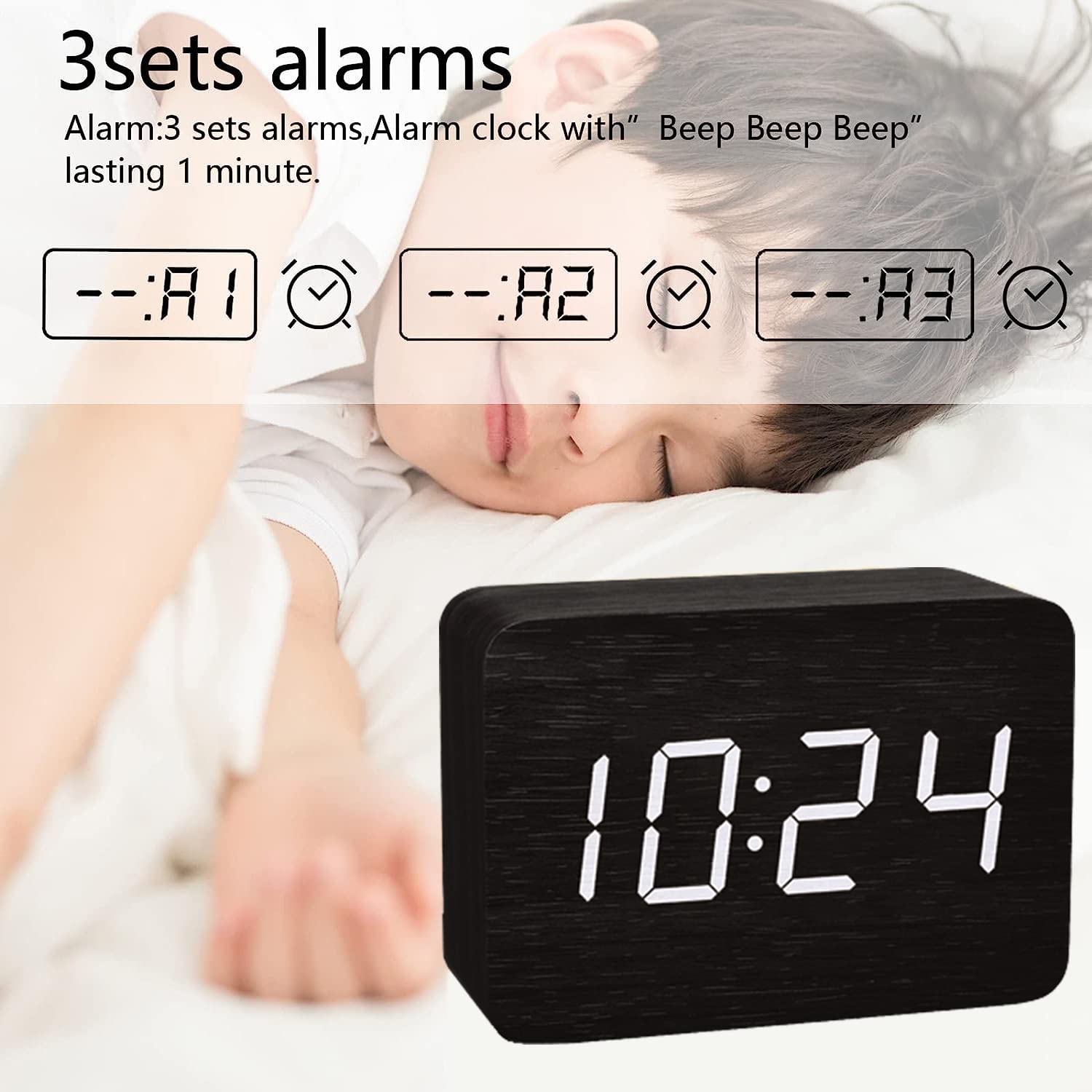
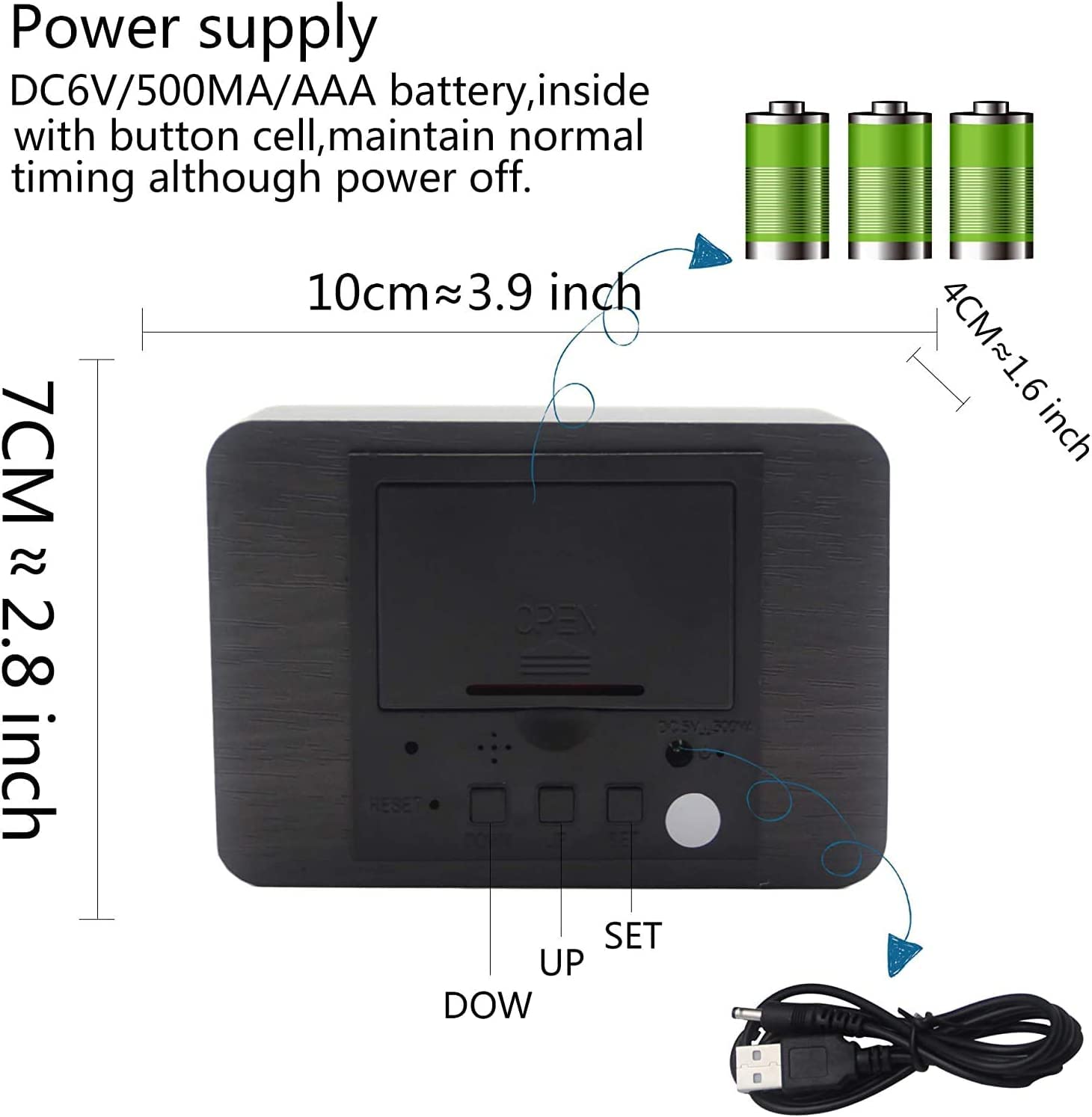
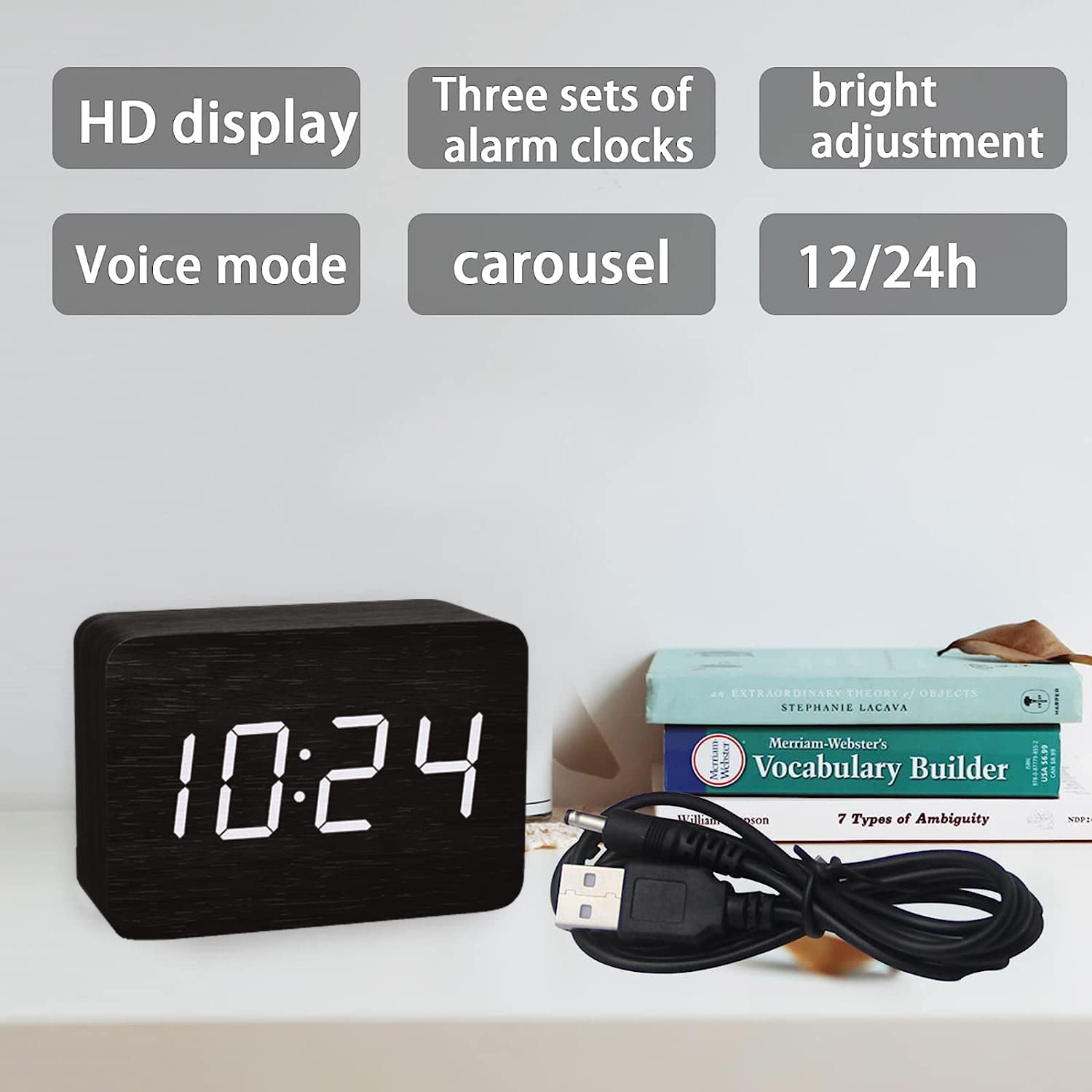
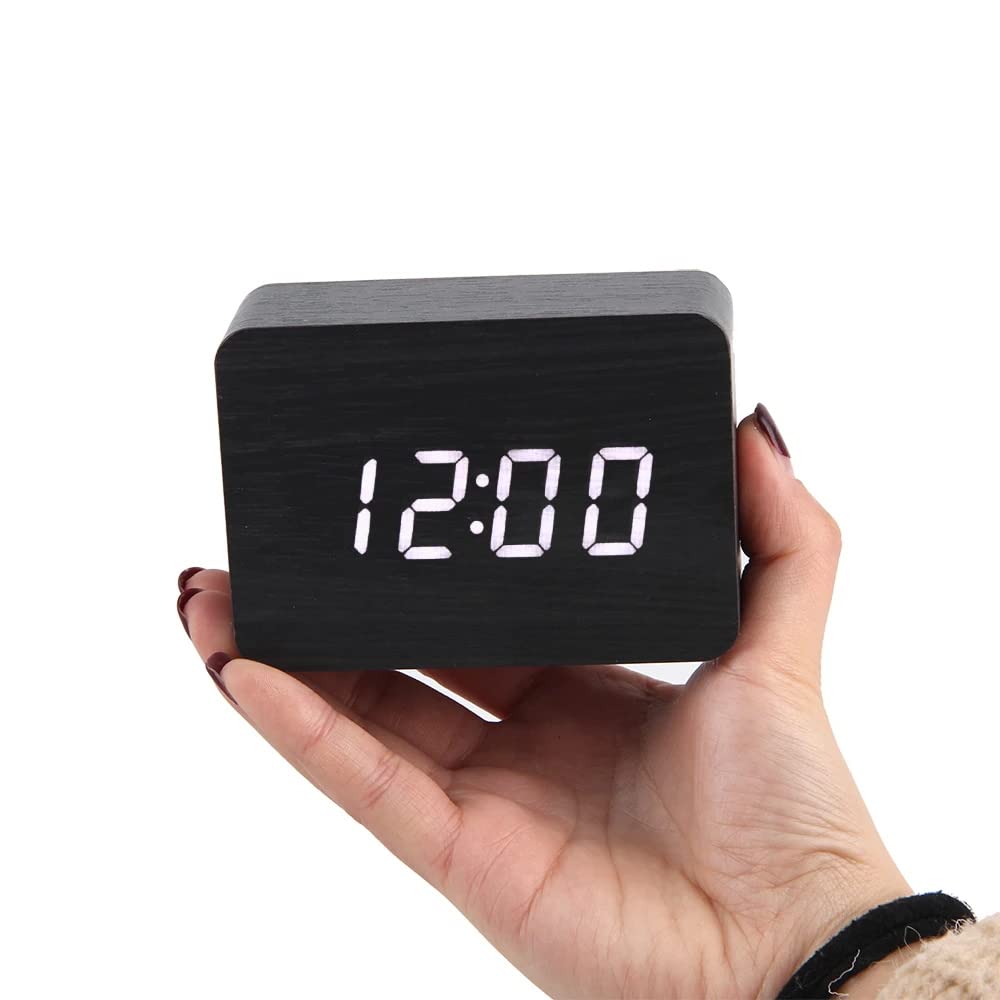
This compact wooden digital alarm clock features a clear LED display showing time, date, and temperature with 3 customizable alarms and 4 brightness levels. It supports voice-activated display wake-up and dual power options (USB and battery backup), making it an ideal minimalist accessory for bedrooms, offices, or travel.


D**D
Not as accurate as I expected. Too cumbersome to set time.
The clock looks good and fits right in with my entertainment system. Unfortunately, it has a few downsides. First, I don’t know what they use as a time reference but it looses at least a minute a month. That might not seem broke much but I have battery operated analog clocks that keep much better time so I expect more. Wouldn’t be a big deal if it were easier to set the time. Unfortunately, the settings aren’t super intuitive and you have to jump through too many hoops just to set the time. Wouldn’t buy again.
M**G
The clock it’s really cool!!!
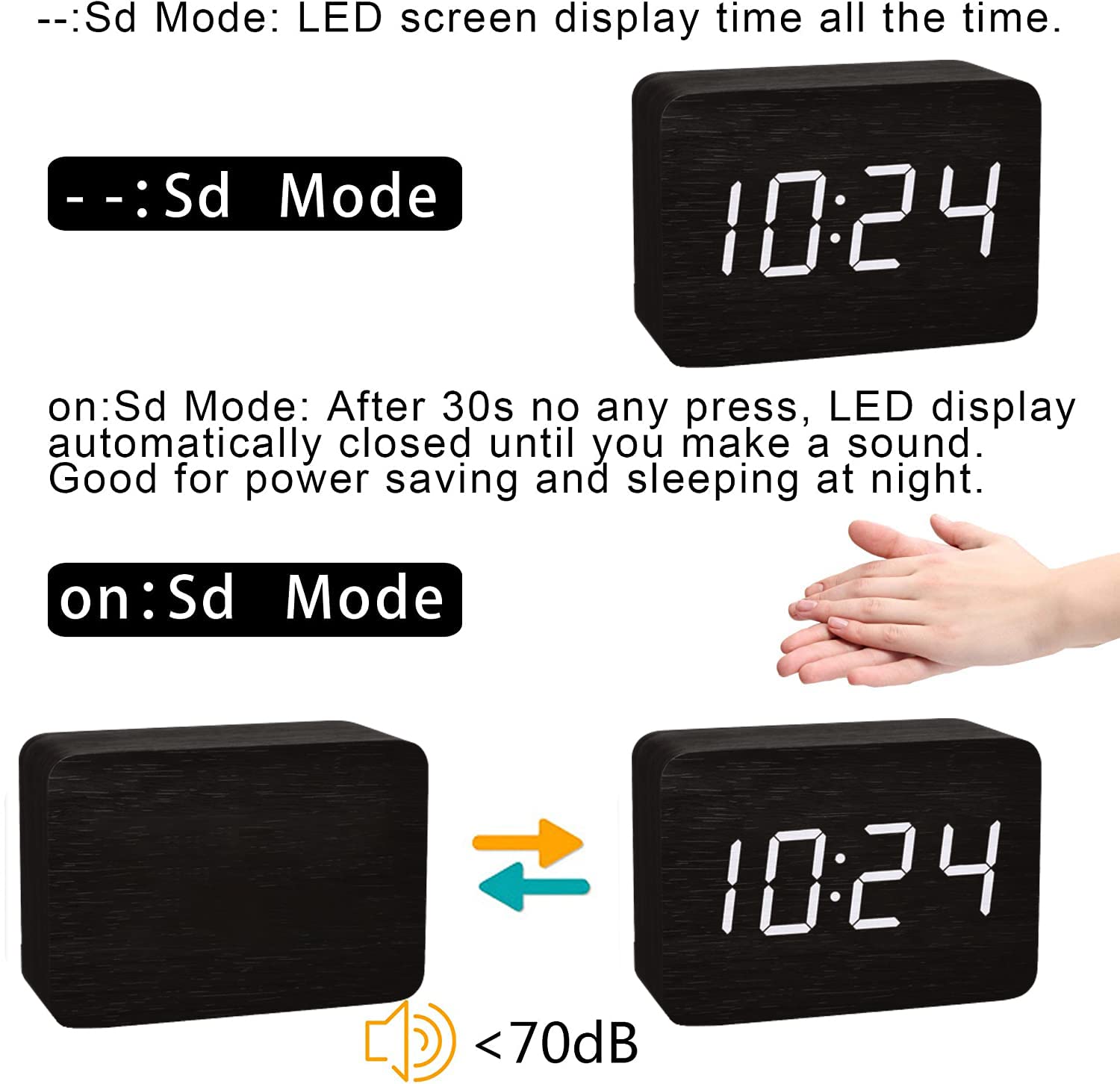
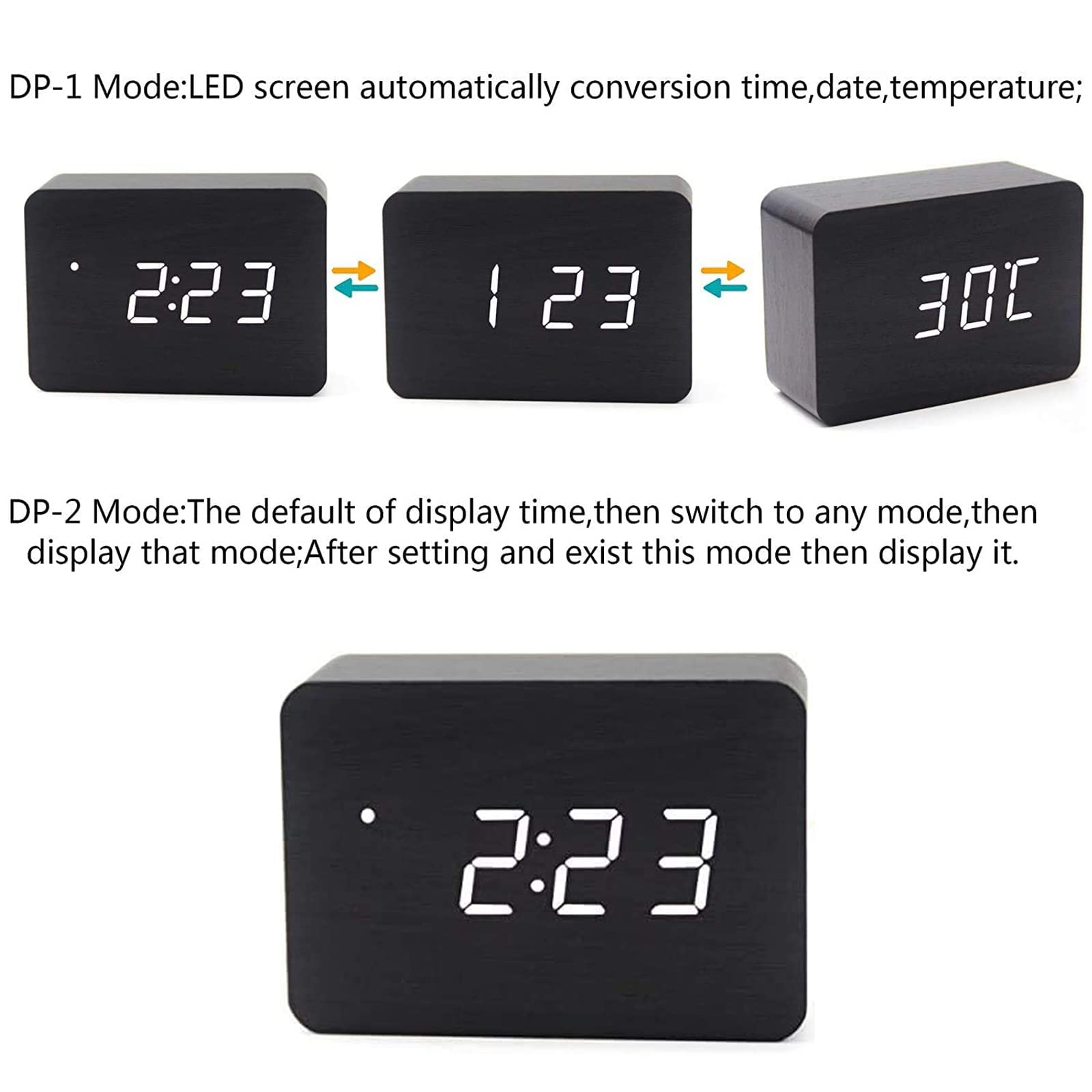
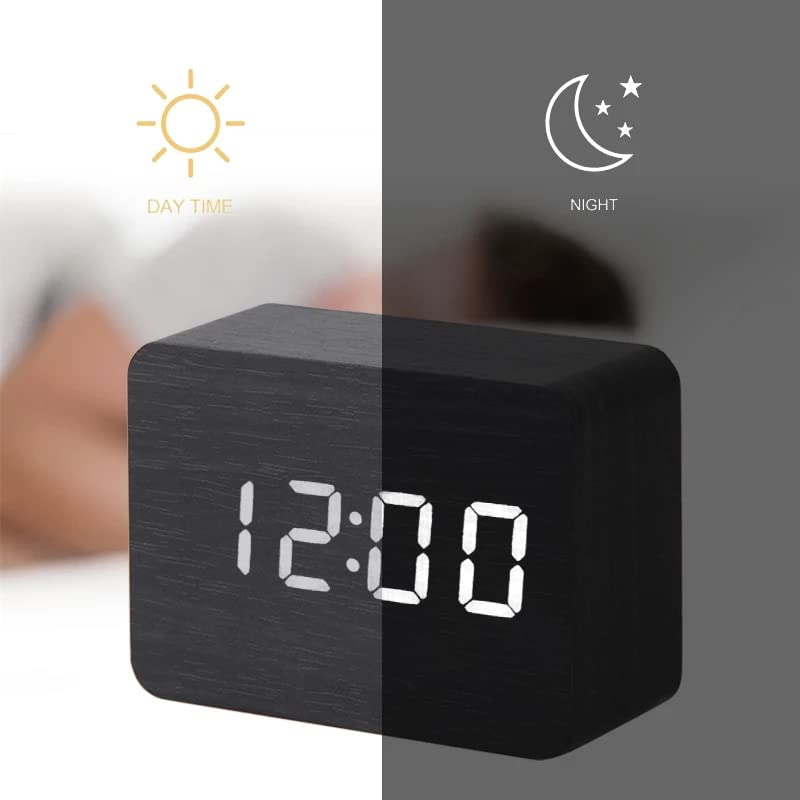
At first, I was skeptical because of the mixed reviews on this clock. But after taking a chance and ordering it, I found that it was well worth the money.I knew going into this purchase that there might be some issues with set-up. I read quite a few reviews and came to the conclusion that I could probably figure this out: this would not be the first time I purchased an aesthetically-pleasing clock with badly-written or badly-translated instructions.So I set out to decipher it and turn it into a text document that would help others, as well as myself in case I needed clear instructions at a later date.READ THESE INSTRUCTIONS ALL THE WAY THROUGH BEFORE DOING ANYTHING!If you start programming the clock too soon, you will end up in a "black hole" which will require a reset. Trust me on this.Plug the clock into a wall outlet, and BEFORE YOU DO ANYTHING, be sure the clock is set to its default position.The best way to do this is locate the (tiny) RESET button. Use a bent paperclip to push this button.The display on the clock should start blinking and then rotating through time, date and temperature settings.Another reviewer said the secret was to press and HOLD the SET button, but BEFORE YOU DO THAT, you need to figure out that you can cycle between the two display modes by pressing and RELEASING the SET button. DP-1 (display mode 1) will cycle through time, date and temperature over and over again. DP-2 (display mode 2) will always display the time.OK: now that you've cycled through DP-1 and DP-2 a couple times, be sure you selected DP-1. NOW it's time to PRESS & HOLD the SET button.The YEAR is displayed first: the default is 2017; use the UP button to change it to 2023. Then press SET.The DATE is next. Use the UP/DOWN buttons to change the month as needed, press SET, and then use the UP/DOWN buttons to change the date as needed. Press SET again to move to...Now you can choose 12 or 24 HOUR CLOCK. UP/DOWN to choose preference; push SET.TIME. use UP/DOWN buttons to set time as above. After you've chosen the hour and minutes, push SET.ALARMS ARE NEXT: sorry folks, I didn't mess with the alarms because I didn't purchase this clock to be an alarm clock. There are THREE alarms and you should be able to set the times for those in a similar way as setting the clock time. If you are not using the alarms, just push the SET button to get to the final setting. DON'T GO TOO FAST or you will have to repeat the entire cycle of settings again.After the alarms is the final setting: SOUND CONTROL.One reviewer thought this was a 5-day alarm, and I can understand why. The display shows "on:5d" which SEEMS like turning an alarm ON for 5 DAYS. However, that it NOT the case. "5d" is actually an approximation of SD, which is supposed to be an abbreviation for SOUND. So "on:5d" means SOUND ON, and "--:5d" means SOUND OFF.The DOWN button will cycle back and forth between sound OFF and sound ONIf you wish to have the clock on TIME ONLY, now is the time to do it.Momentarily press and release the SET button:DP-1 = Time, Date, TemperatureDP-2 = Time OnlyThe UP button will cycle back and forth between Celsius and FahrenheitONE MORE THING: There are FOUR Luminance (Brightness) settings on this clock: L0, L1, L2, L3.Between 6pm and 7am, the clock will AUTOMATICALLY reduce the Brightness setting (whatever it is) 50%.PRESS & HOLD the UP button to cycle through the Luminance Settings.
A**R
Poor design, poor controls, poor manual
This is a piece of junk! I have to reset the time every 4-5 months because it can't the correct time. The instructions are terrible and the controls are confusing. Buy something else.
S**.
Easily wakes
Easily wakes. If the threshold of waking from sleep was adjustable that would be perfect product.
M**R
Colon always blinks
This clock is very hard to set, and the colon never stops blinking. I watched videos online to confirm that this is right (but it makes you feel like you haven't locked in the time you've set). It would be perfect if the colon wouldn't blink. What a horrible feature.
J**X
The Most Frustrating Clock EVER!!
Oh my god, this clock is sooooo frustrating. The instructions that come with it make zero sense and impossible to set this up. I cant getit to turn off - it just scrolls through all the info - I just want to turn the display off!! (It looks nice though).
A**R
Great design and high technology products! Would definitely recommend to all!!!
The media could not be loaded. I have to put a review here for anyone looking at this. It’s great. It’s little and nice design. I didn’t find it hard to set the time at all!(the manual inside is very detailed) I didn’t want to have my phone near, but need to know the time - does the trick perfectly. My favorite feature has to be the power saving feature that turns the display off after 30 seconds. When the display goes off, you can clap and it will turn the display on again.I think it’s great value and would definitely Highly recommend!!!
S**R
Nice clock but...
Had no idea it didn't stay on. Drove me nuts before I figured out you have to clap to wake it. Horrible instructionsUpdate: I'm replacing this clock. It stopped working. Nice to look at, but not functional
Trustpilot
3 days ago
2 weeks ago



