Desert Online General Trading LLC
Dubai, United Arab Emirates
Desert Online General Trading LLC
Dubai, United Arab Emirates


📲 Elevate Your TikTok Game with a Click!
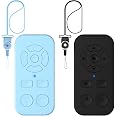
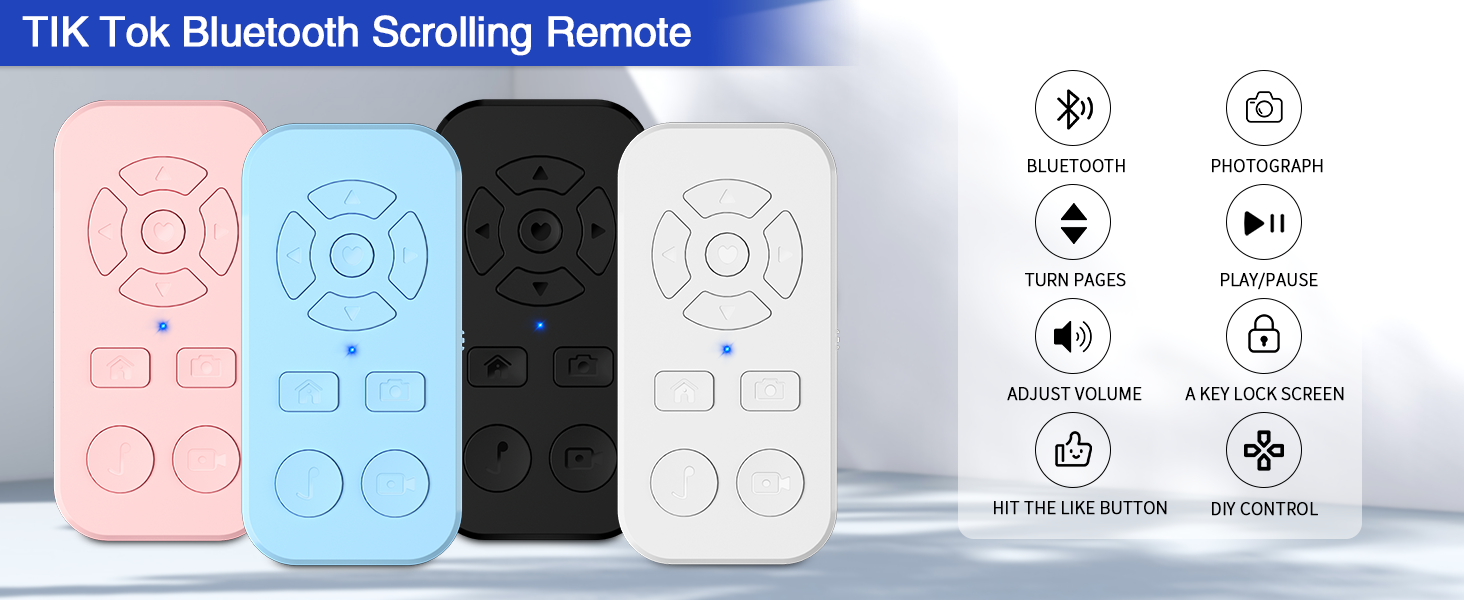
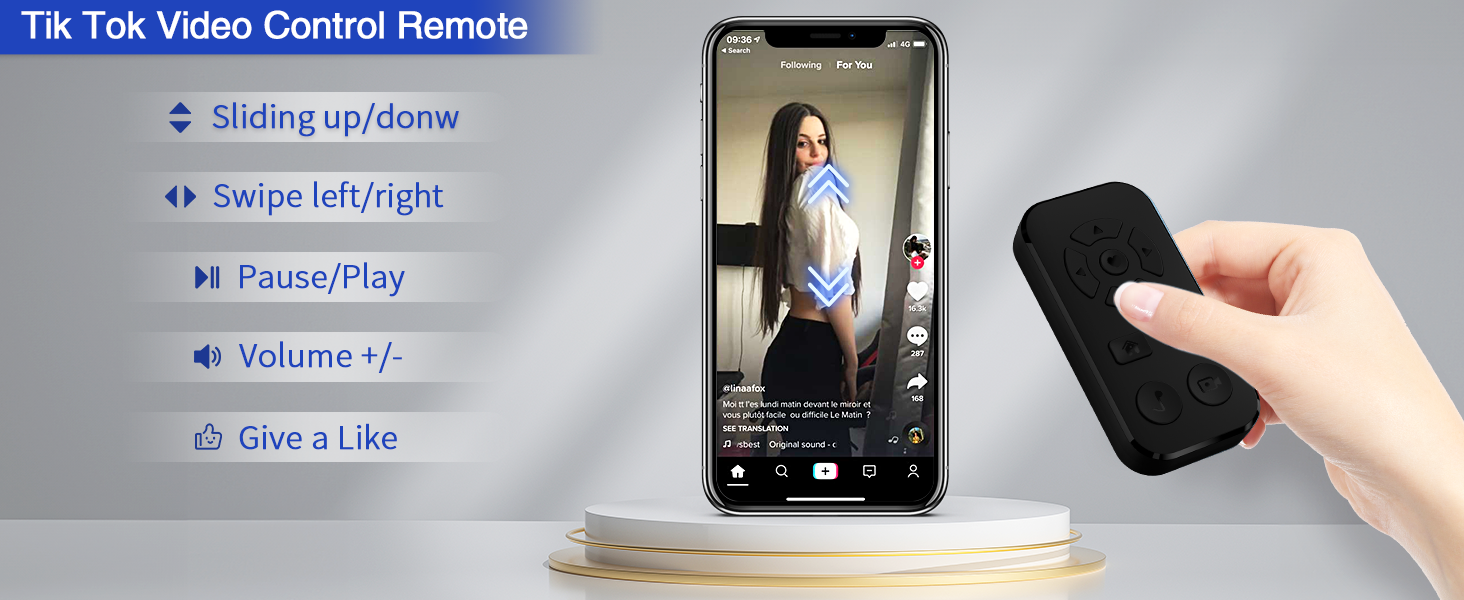
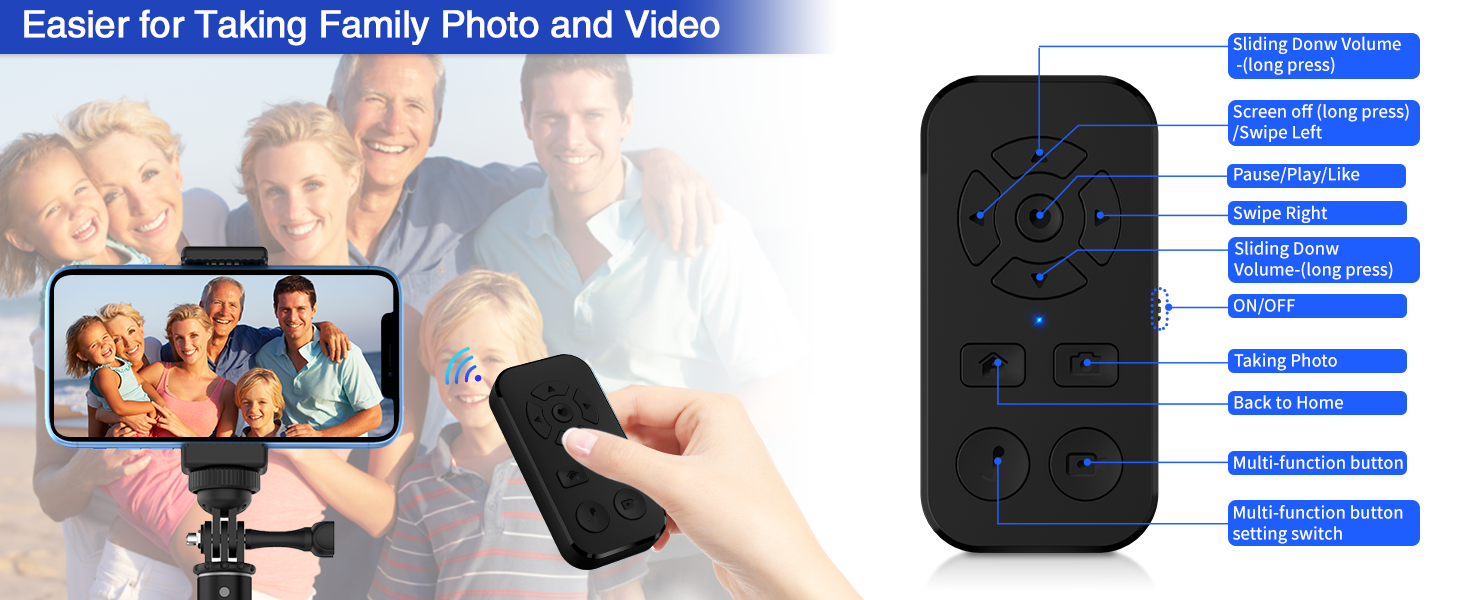
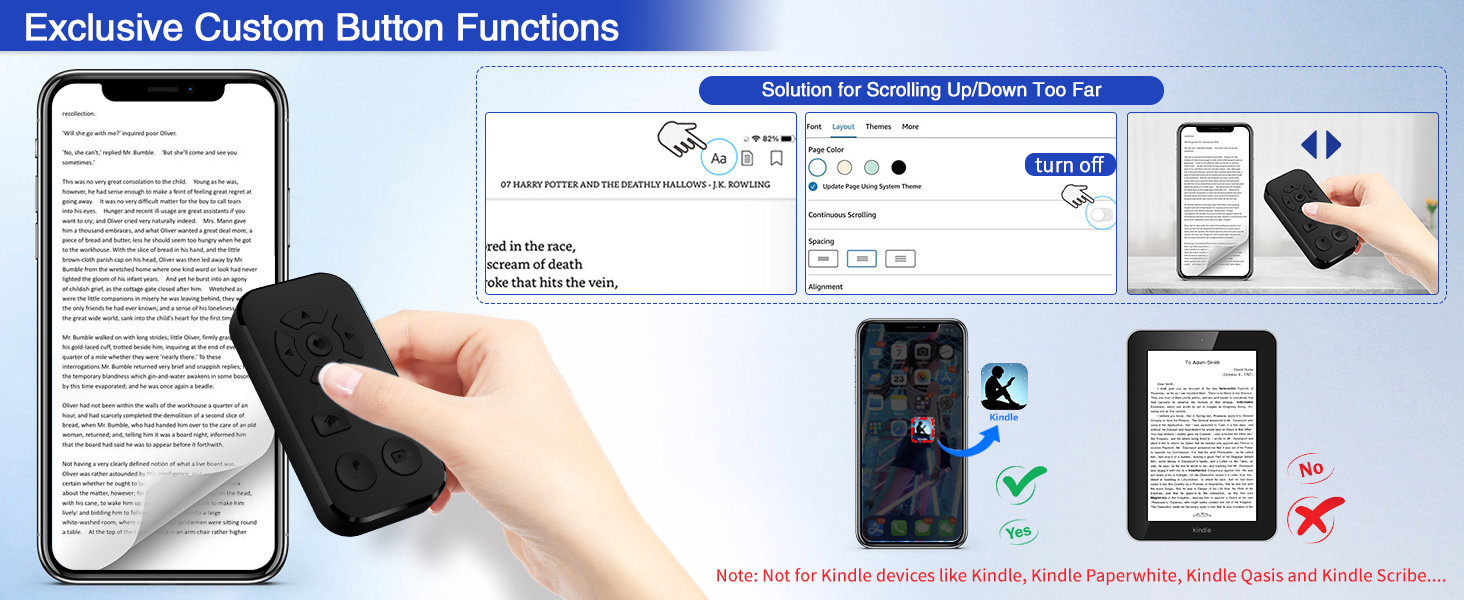
The TikTok Scrolling Remote Control (2 Pack) is a versatile Bluetooth device designed for iPhone and Android smartphones. It allows users to navigate TikTok videos, take photos, and control e-book page turning on the Kindle app, all from a distance of up to 33 feet. With customizable buttons and compatibility with various devices, this remote enhances your digital experience, making it perfect for content creators and avid readers alike.
L**Z
DO NOT BUY*UPDATED*
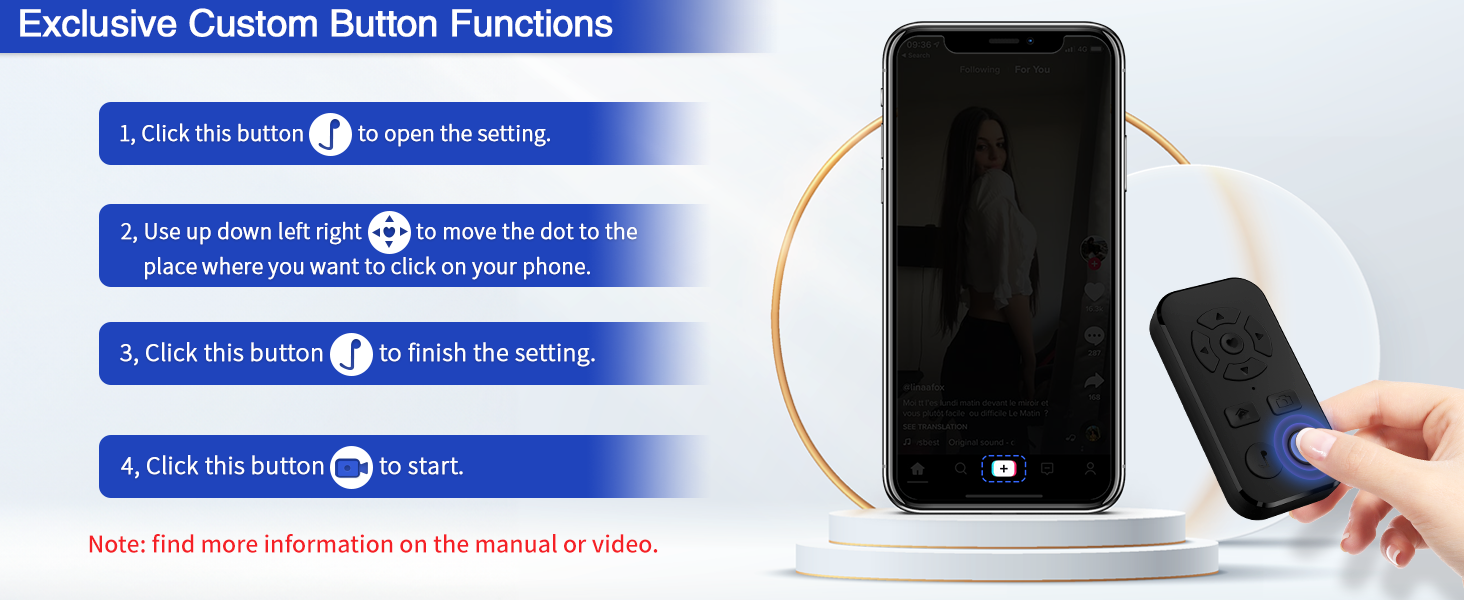
UPDATED 8-22-24I have just learned that this remote works works with TikTok! This is the main reason that I bought it, but I could not get it to work and I figured it out because I bought a ring remote and followed their directions and then I thought, what if I do this with this remote and it worked. You have to go into Accessibility make sure AssistiveTouch is on and after selecting Assistive Touch, go down towards the bottom and make sure “use game controller” is on. The manufacturer should update their instructions, but this is a good remote, so don’t hesitate to buy.First of all, this isn’t even the product that has the 7000+ reviews that has almost 5 stars. It specifically says in the description that you can use this remote for scrolling TikTok. You cannot, please read reviews that talk about this feature. It does not work and I’ve set this remote up exactly as instructed. This is why I bought it. WAIST OF MONEY.
M**S
Horrible. Connection and controls to not work correctly.
No idea how this is even rated close to good. The remote does not work well and all fictions as sold is not accurate.So bad. Most buttons do not work at all. Just look you out and log you in access but will not allow you to operate functions.
M**A
Works great for an android
We have an android tablet and it works great to scroll manga. It was a little harder to use on an iPhone. After multiple months it’s held up great and the battery life is good. It sits nicely in your hand and works quickly.
N**X
Good but not user friendly at setup.
I really like this concept and I think it might just be user error but it is a bit goofy. If I gave this to my mother she wouldn’t use it unless I set it up for her. I had to google it a bit and do a bunch of tweaking on my phone but it works decently once setup. I use it for reading apps mostly.
A**A
I recommend (:
I love this thing. I can’t completely tell you the configuration for an iPhone but it works well with it. The instructions are there and it’s easy to hook up. There is an option for the remote to move only in the middle of the screen. 3 out of 4 buttons from the bottom I haven’t configured. I haven’t charged the battery since I got it! Overall this one is worth it. It’s small, light weight, good battery, performs well.
D**E
Review for the "TikTok Scrolling Remote" not the "Wireless Phone Camera Remote"
This remote "control" is laughably inefficient (unless the unit I received is defective). It works sometimes, and not others. It mostly works to turn pages in the Kindle app, but can't turn any page in Apple's Books app (it merely tries to select text).The manual is not nearly as instructive as it needs to be if the device is supposed to work as the manufacturer thinks it's supposed to work. The buttons seems to work the same regardless of whether or not you activate the Assistive Touch functionality on the iPad/iPhone. For instance, the left and right buttons are supposed to be "Swipe Left" and "Swipe Right." They do this on the home screen... for a little while. Then things get wonky, and somehow the iPad thinks I want to edit the home screen (i.e., the icons jiggle around).I tried using it on both a 2nd-gen iPad Pro 12.9" and a 6th-gen iPad mini. No success either way. I would avoid any of these cheap devices on the site that state they need Assistive Touch to function (they all seem to use identical images for the instructions, so they're likely all using the same cheap tech). Using Switch Control is the ideal.The production quality is, as expected given the price, poor; plastic... everything, loud clicky buttons, and a difficult to switch on-switch. Also, the LED is on the front face, and it's extremely bright, so every time you press a button, this bright blue light shines up into your face/eyes.
S**E
Not for Samsung Galaxy or Android users
Disliked: The glitching, the constant clicking on different apps when I did not press any button, and the lack of scrolling.Used for: i used it for my cellphone so that I can scroll without having to touch my phone. That is the purpose of this product, but it does not work properly at all.
J**R
Page Turner, selfie photo clicker
I bought this as a page turner for my Kindle app on my Samsung tablet but realized I can also use it as a photo clicker to take pics on my tablet too! It's easy to use and multifunctional. I like the big lanyard that it comes with. I even used it to handless-ly scroll thru tik tok videos while walking on the treadmill!
Trustpilot
1 week ago
2 weeks ago