
DOWNLOAD THE APP


Customer Services
Copyright © 2025 Desertcart Holdings Limited
DOWNLOAD THE APP
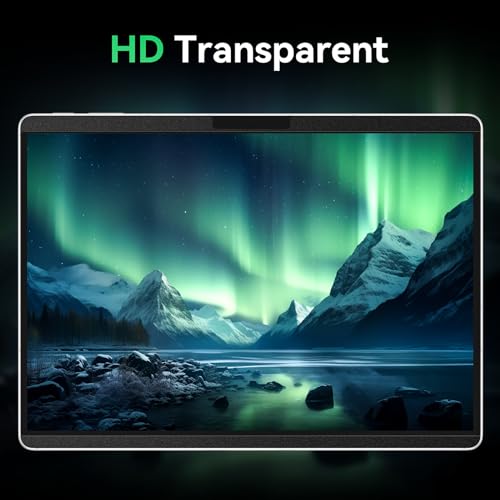
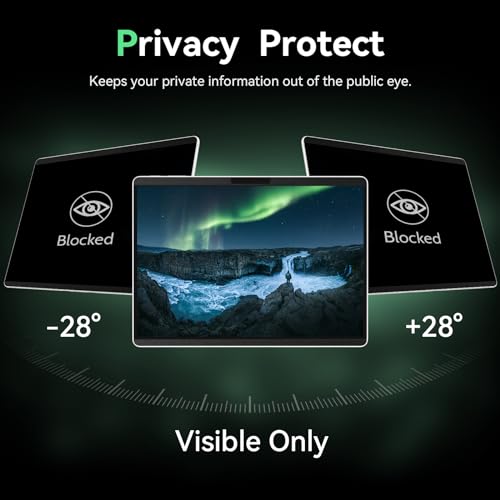
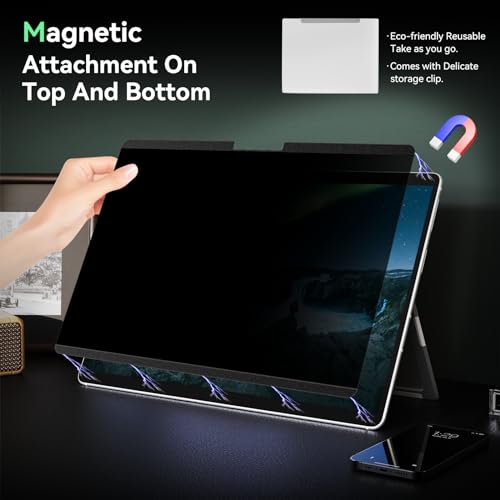
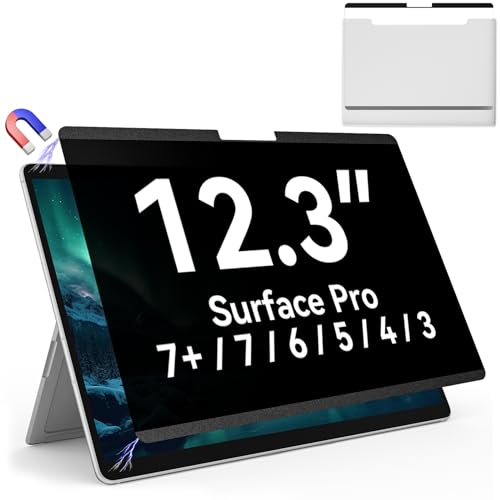
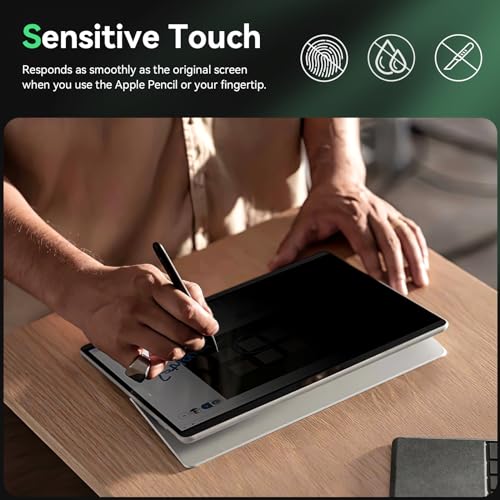
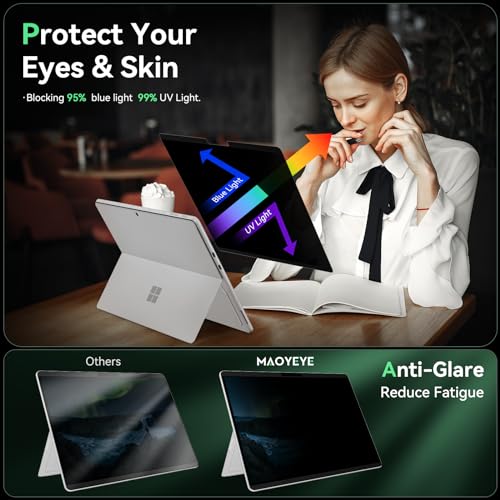


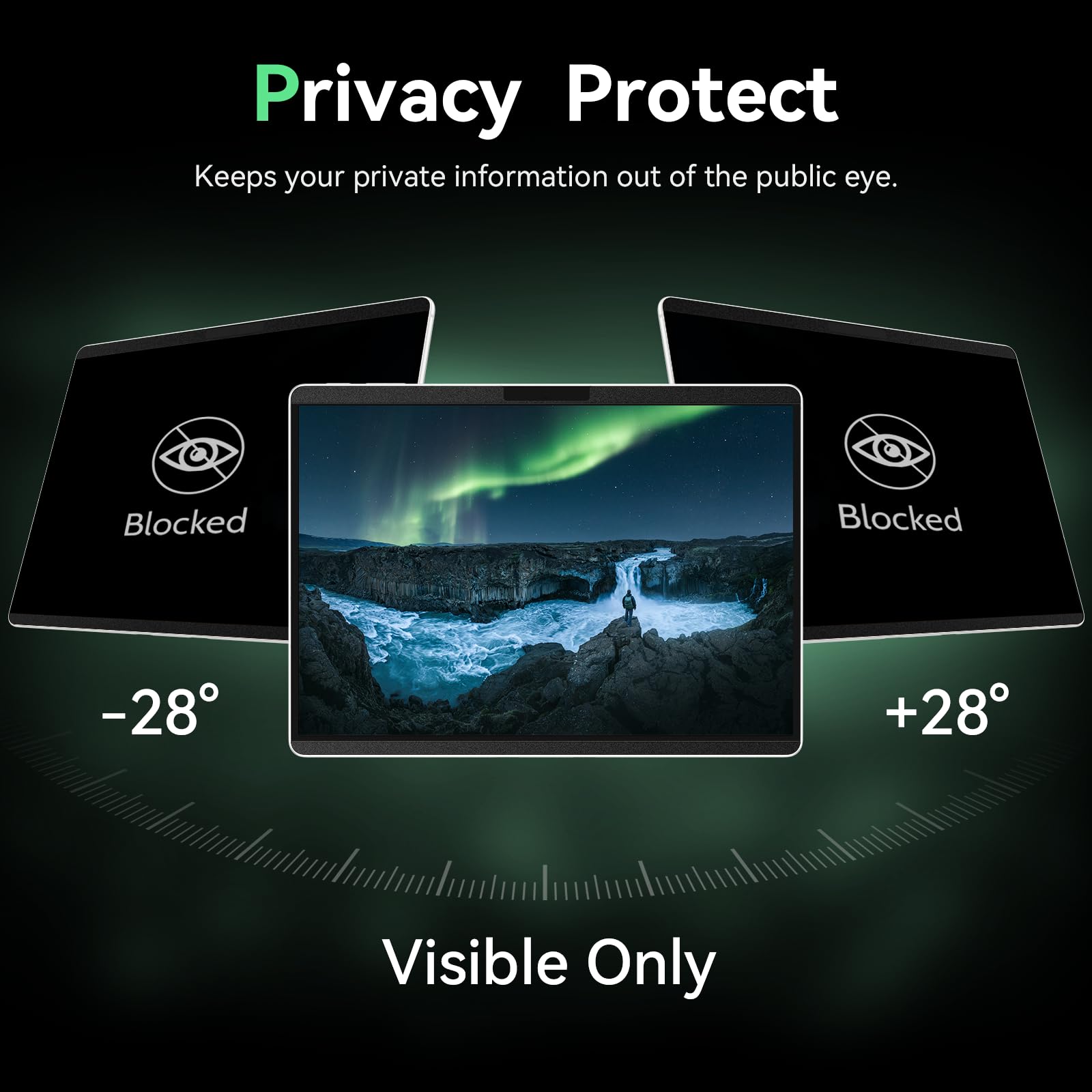

🔒 Keep your screen private, your eyes protected, and your style sharp.
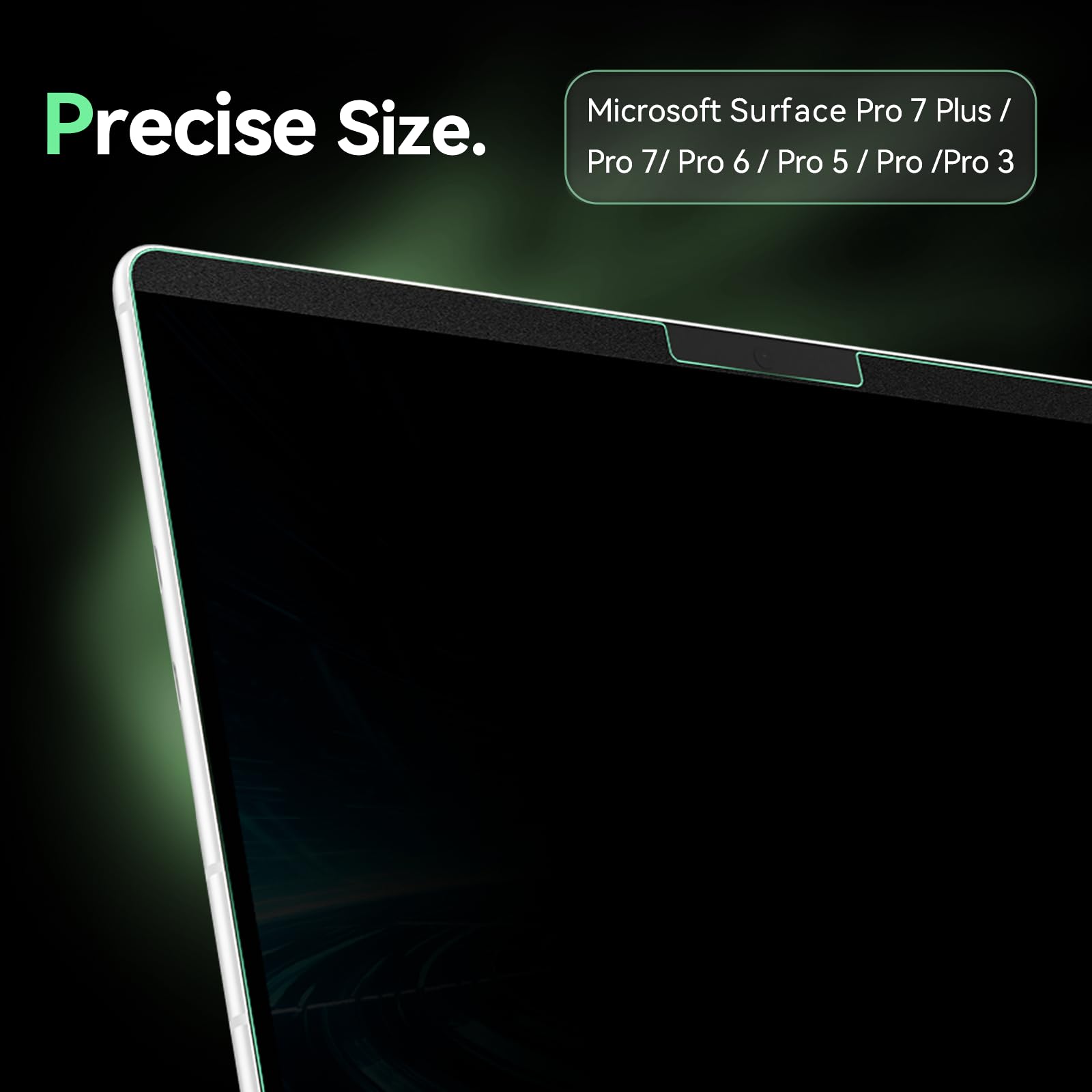
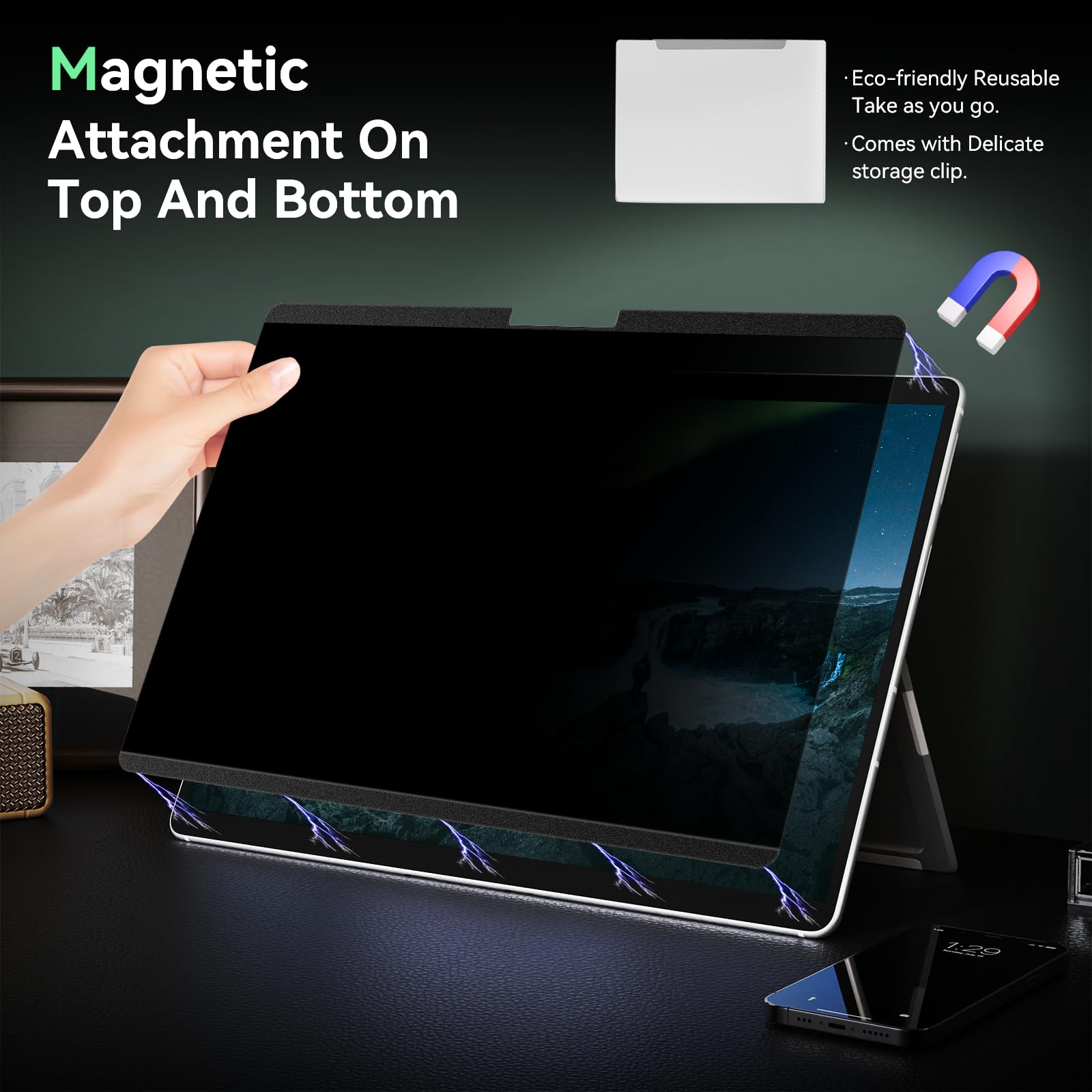
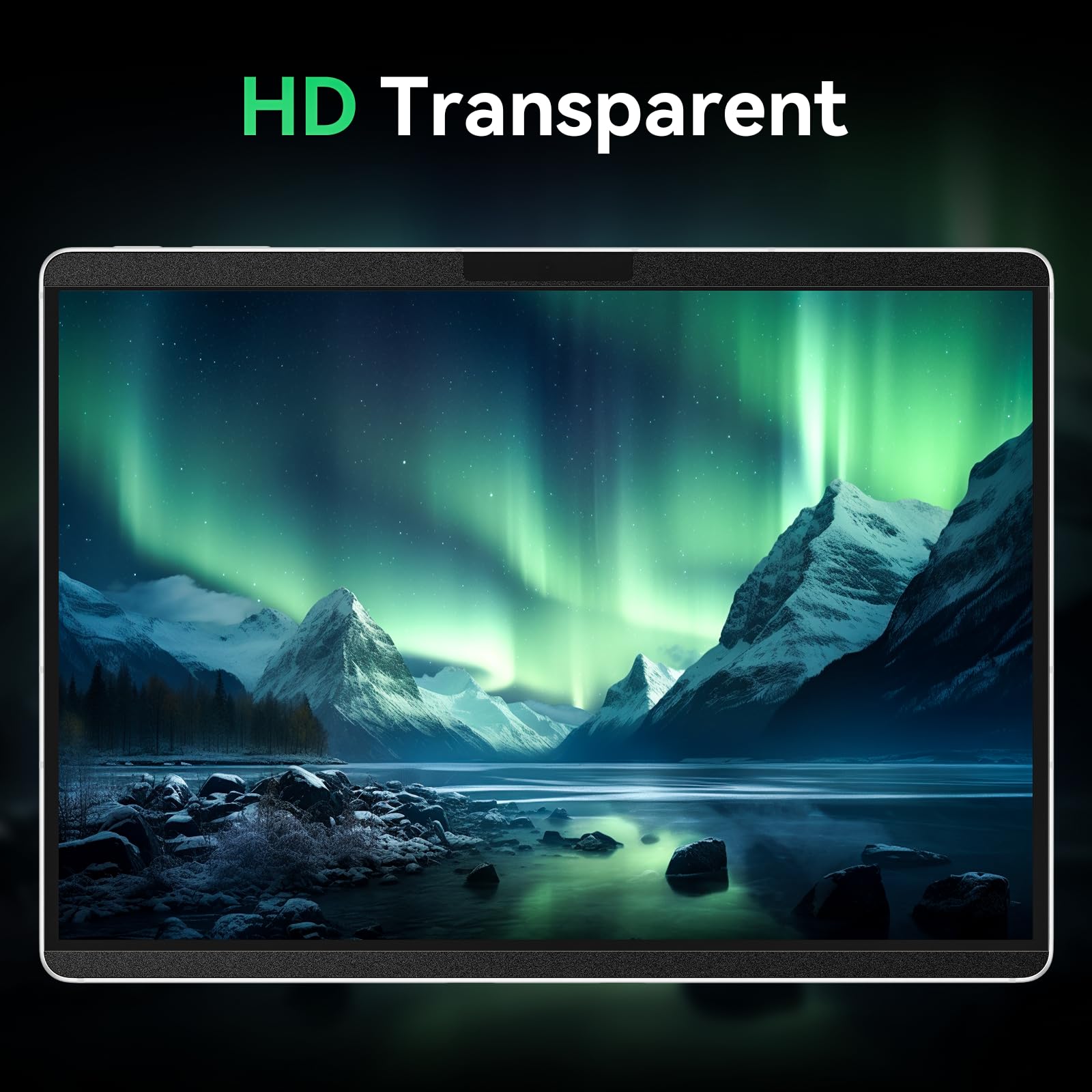
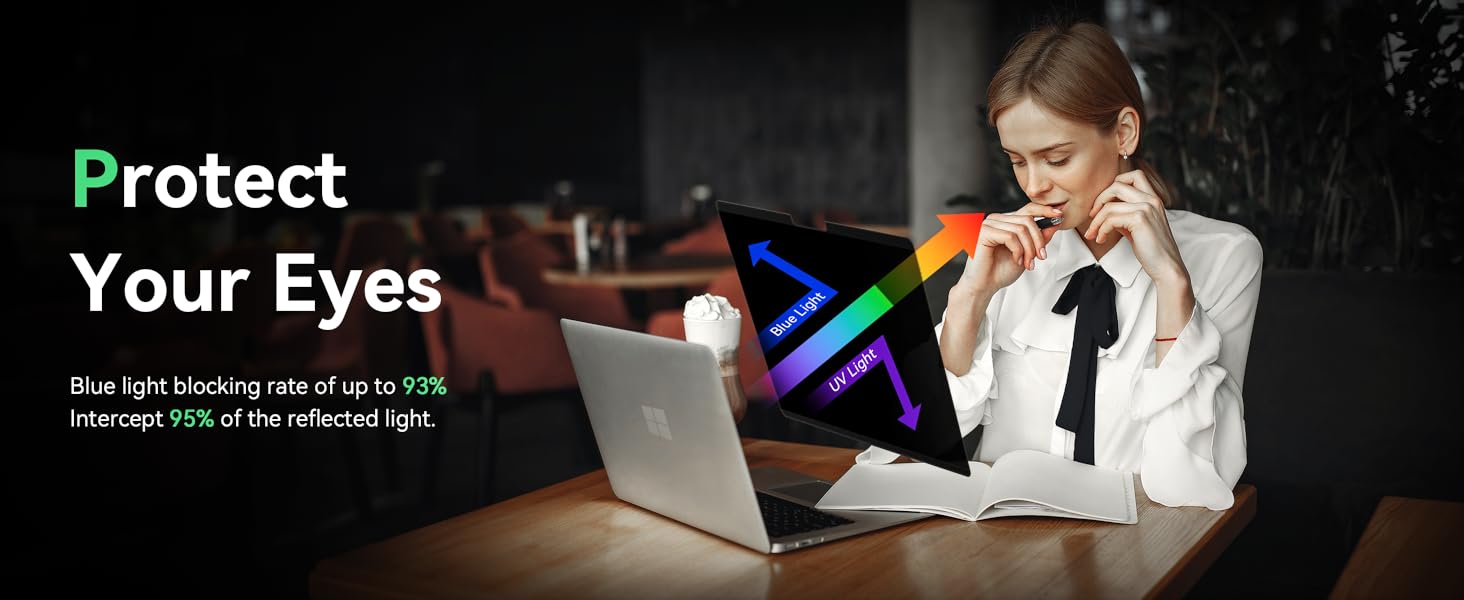
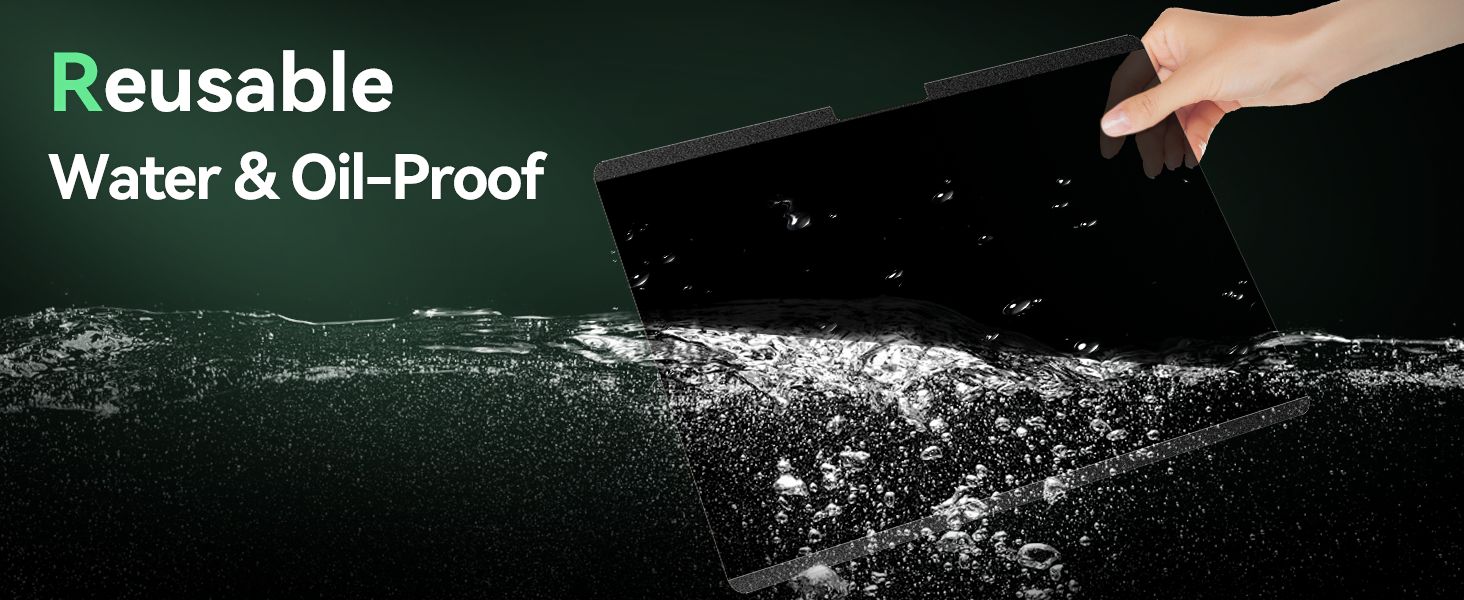
This premium Magnetic Privacy Screen Protector for Microsoft Surface Pro 3 through 7+ offers a perfect 12.3-inch fit with ultra-thin, 9H hardness PET material. It features a 28-degree privacy filter, anti-glare matte finish, and blocks 93% blue light and 99% UV rays. The strong magnetic attachment allows quick, bubble-free installation and removal, supported by a handy storage clip. Ideal for professionals seeking privacy, eye protection, and a sleek, reusable shield.


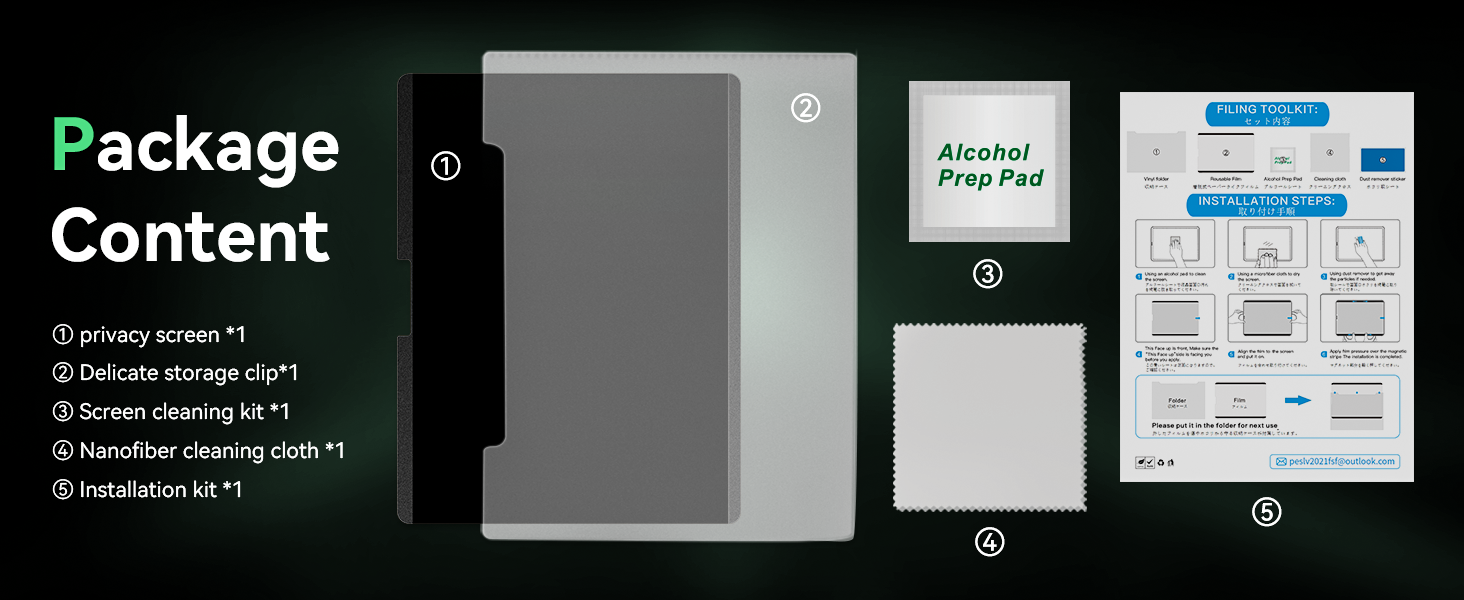


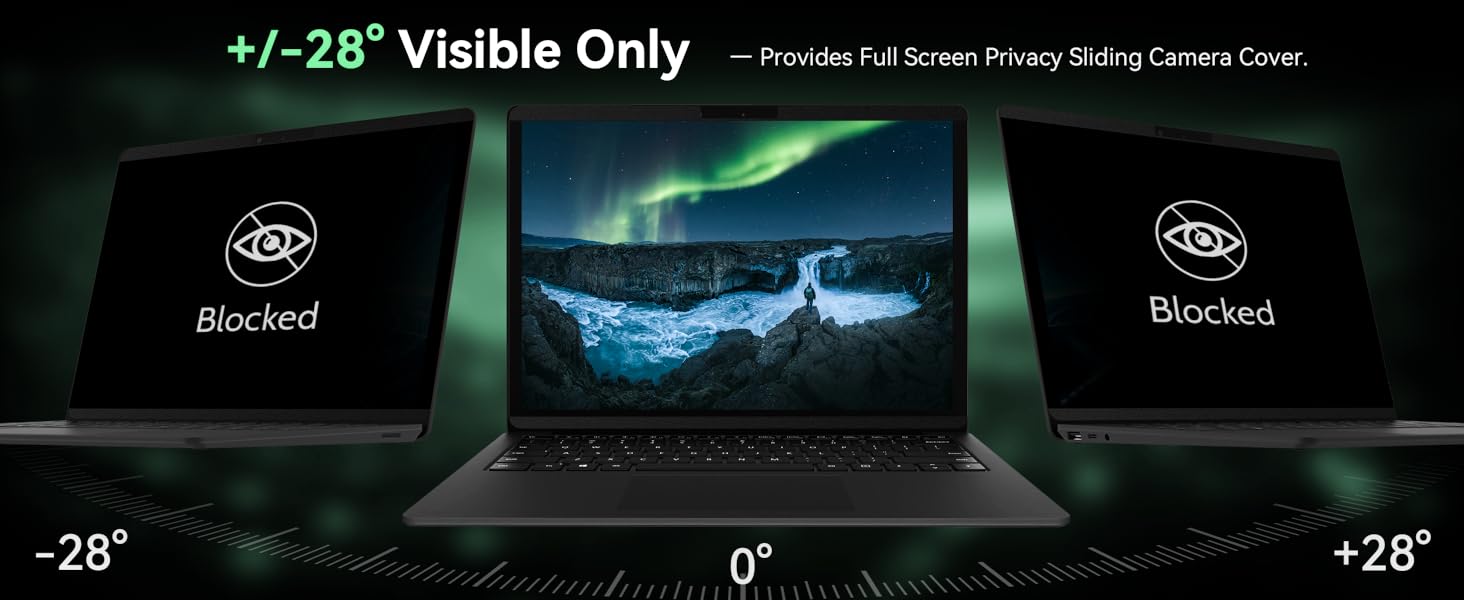


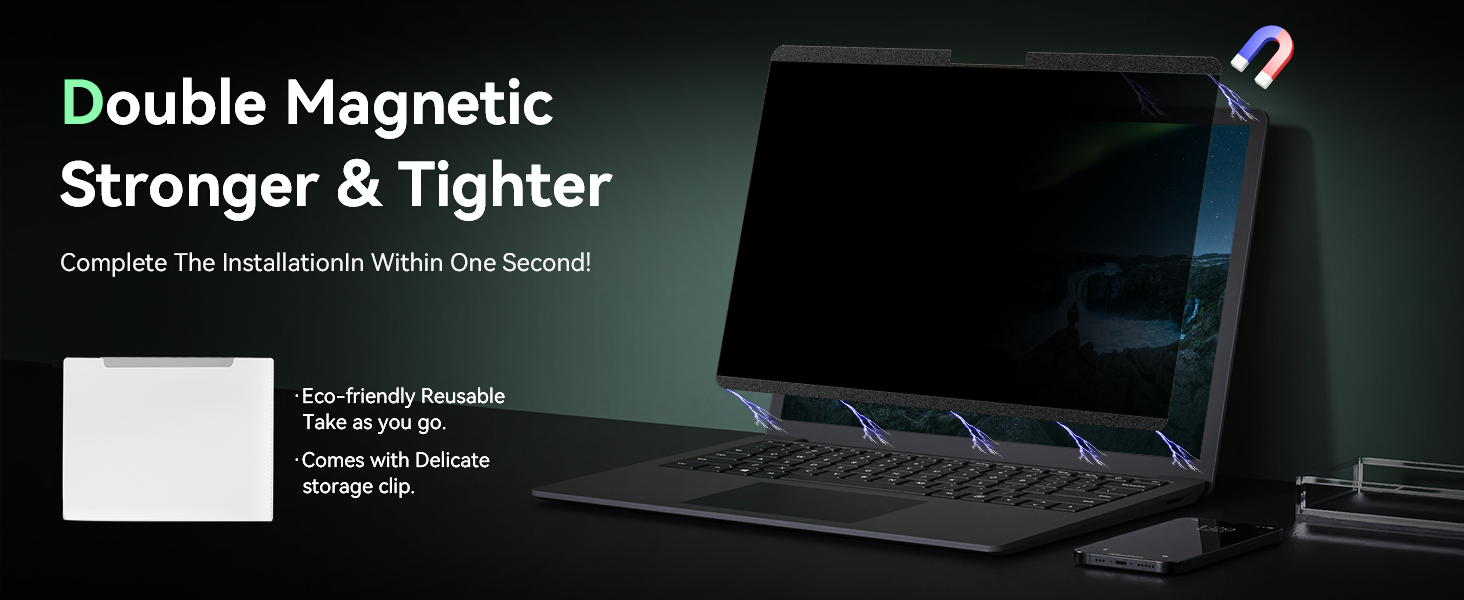
| ASIN | B0CXP9T62V |
| Best Sellers Rank | #615 in Tablet Screen Protectors |
| Color | Black |
| Customer Reviews | 4.0 4.0 out of 5 stars (134) |
| Date First Available | March 11, 2024 |
| Item Weight | 6.4 ounces |
| Item model number | [MAO-YEYE] |
| Manufacturer | Mao Yeye |
| Product Dimensions | 11.36 x 7.79 x 0.5 inches |
| Special features | Anti Glare, Anti-Fingerprint, Anti-Spy, Blue Light Block, Scratch Resistant |
| Whats in the box | 1 *Microsoft surface pro 7 screen protector Storage Clip, 1 *Surface pro 7 screen protector Cleaning Cloth, 1 *Surface screen protector Installation Instructions, 1 *surface pro 7 privacy screen protector, 1 *surface pro screen protector Cleaning Kit |
S**S
No glare, easy to install, looks great!
After installing the screen protector (which was very easy), I was skeptical of the view quality with the "paper like" texture. After a few uses, the screen quality has not been impacted. All the touch screen works great and that paper like coating removes almost all glare! It does have a touchy feel, not glossy like past protectors, but gives this tablet a better overall feel.
B**H
Magnetic 15 Inch Surface Laptop 5 Privacy Screen
The item was easy to install, fits perfectly, and provides the privacy intended.
I**R
it fits surface pro 11, but was not cut for it
it fits surface pro 11, but was not cut for it, cuts for speaker do not match speaker size. it does not stick to the screen, so on the sides sometimes there is space between film and screen which creates ghosting.. especially visible when keyboard is attached. other than that, I think it works. it is easy to install
D**O
Muy buen producto. No permite el reflejo de la luz y permite escribir con el lápiz de una forma fluida. Tener mucho cuidado al colocarlo porque las pelusas pueden pegarse y crear burbujas. Puedes quitar las pelusas con el papel que te envían junto al Kit de limpieza que tienen
D**.
Not Paper like, not even close
It says Paper screen protector which is clickbait. It is not paper like at all, it's just thick plastic. It muddies out the colors on the screen. Even if you're just looking for a generic screen protector, look elsewhere.
T**O
Great for feeling of writing on paper
The main reason I wanted to have this screen protector is to improve the writing feeling when using the Surface pen. This works great. The response to the pen remains the same, with additional friction that gets closer to writing on paper. Before that, the pen was just annoyingly too slippery. Meanwhile, there may be a some loss of touch sensitivity, but not to a point that annoys me. It is true though that this is not my main usage of the tablet. There is some normal loss of screen luminescence, but by a factor that I would consider negligible. Meanwhile, I'm discovering a huge advantage that I was not thinking about when buying this item: I'm no longer annoyed by the ceiling light reflections when using my tablet in an office or a library. Before, I had to choose where to sit in a library to avoid light reflection. But not any more now. Another effect is that the image of the screen looks softer to the eyes while still remaining of high resolution. It's a bit like closer to reading on paper (on top of the writing effect). Now, why did I remove 1 star ? It's because of the concern of leaving bubbles between the screen and the protector. I have two remaining mini-bubbles (micro?) that I couldn't get rid off (plus some others on the edges, not on the active parts of the screen, which I don't count) in spite of my rubbing. Meanwhile, I didn't get bubbles in other areas where I didn't apply any rubbing. This type of bubbles might be explained by the existence of some (micro) dust that escaped from my inspection. Now, my mini-bubbles are visible only when the screen is off. The screen looks "spoiled" in this case. But who cares ? As soon as the screen is on, they become invisible. The instructions imply the possibility to redo the protective screen application. But in my case, leaving the remaining bubbles as is has been worth saving the pain of redoing an operation that seems unpredictable. I end up with two spare screen protectors that I can use for other Surface tablets (I tend to duplicate my tablets for backup by buying them second-hand). Another concern was the alignment of the screen protector. The technique seemed like "home-made", based on a few paper stickers to hold the protector on one of the short edges, acting as a hinge. But somehow the end result is perfect: my screen protector is perfectly aligned. No complaint. I must say though that I have been very careful in my operations.
A**H
Exactly what you need.
Easy to apply and really nice to write on. Great product support from seller.
M**A
Smooth and Clean Look
Installation is a breeze and no need for tape or separate adhesive.
J**E
The quality is outstanding, and it fits my device perfectly. It effectively blocks prying eyes, allowing me to use my phone in public without worrying about anyone sneaking a peek at my screen.
Trustpilot
5 days ago
1 month ago