🎶 Compact control, colossal creativity — own your soundscape!
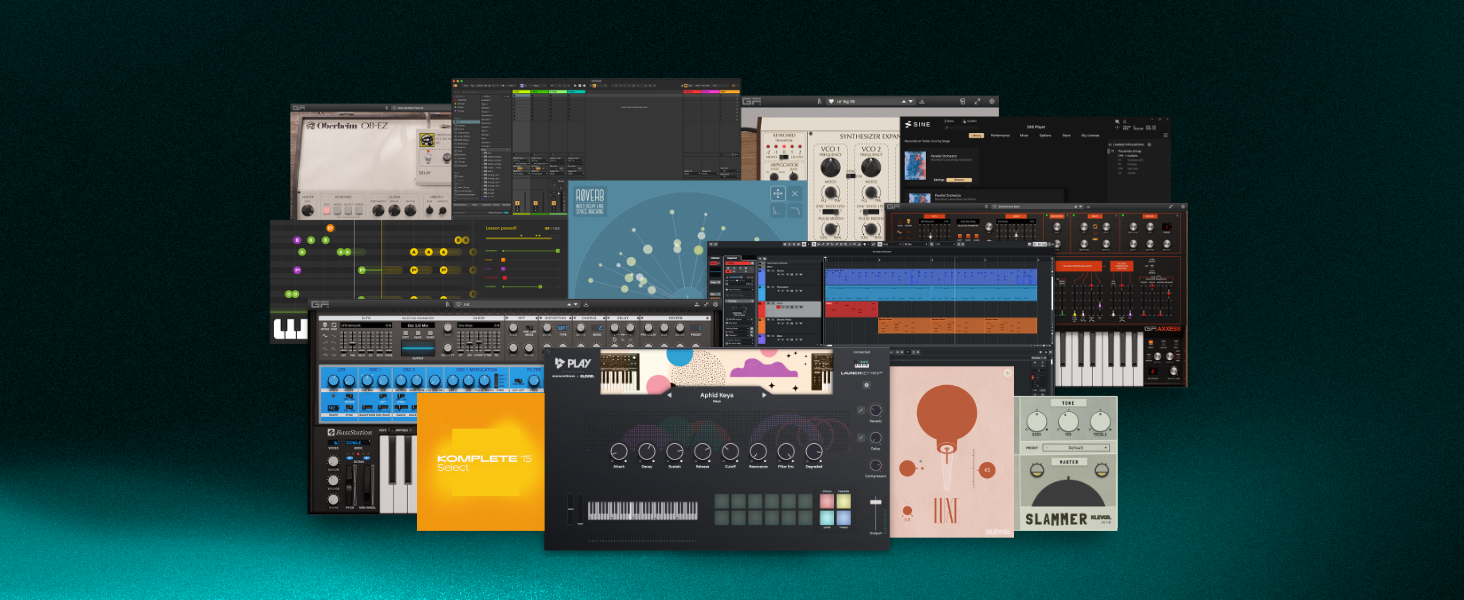
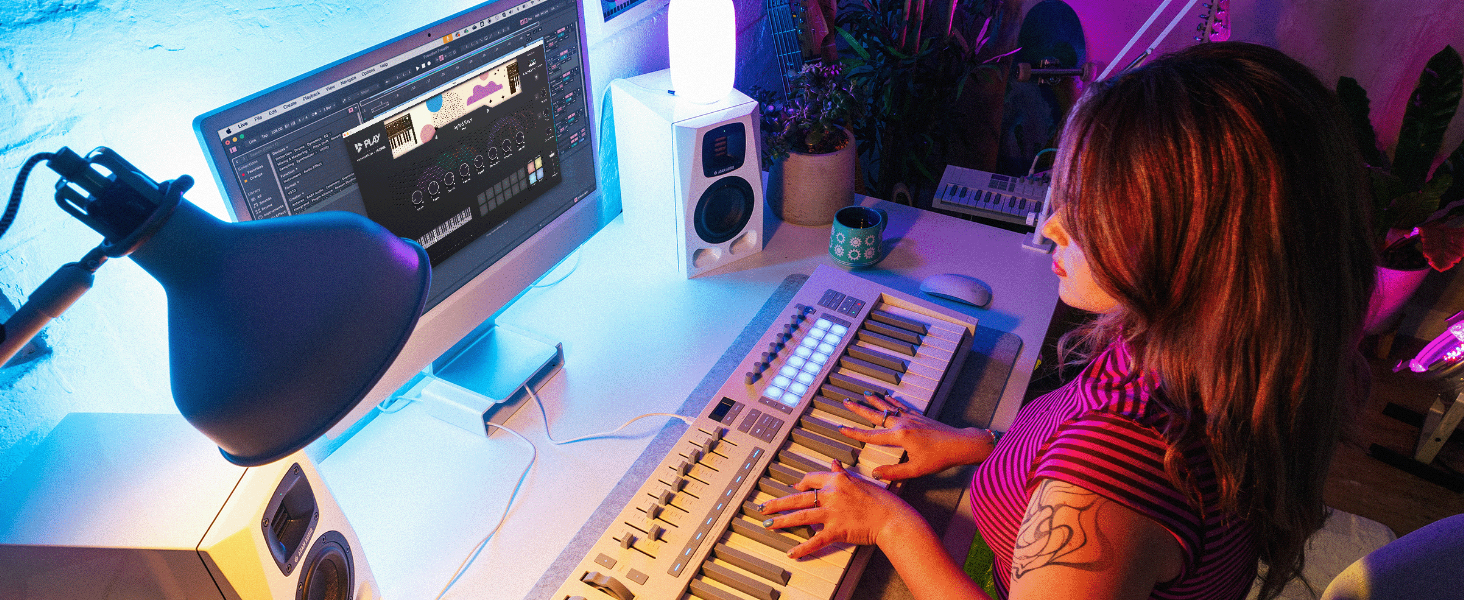
The Novation Launchkey 25 MK4 is a sleek, portable MIDI keyboard controller featuring 25 synth-action keys and 16 velocity-sensitive pads with polyphonic aftertouch. Designed for seamless USB and MIDI integration, it supports all major DAWs and includes powerful creative tools like Scale, Chord, and Arpeggiator modes. Bundled with premium software from Ableton, Cubase, and Native Instruments, it’s engineered to elevate music production workflows for professionals and aspiring producers alike.


| ASIN | B0D6YTPQZZ |
| Additional Features | Scale and Chord modes, Arp |
| Best Sellers Rank | #621 in Musical Instruments ( See Top 100 in Musical Instruments ) #3 in Computer Recording MIDI Controllers |
| Brand Name | Novation |
| Color | Black |
| Compatible Devices | PC, Synthesizer, Groovebox. |
| Connectivity Technology | USB |
| Connector Type | MIDI, USB |
| Control Method | App |
| Control Type | Keyboard Controller |
| Customer Reviews | 4.7 out of 5 stars 4,072 Reviews |
| Hardware Interface | USB |
| Hardware Platform | Mac/Windows |
| Human Interface Input | Keyboard |
| Included Components | USB cable, Safety information sheet |
| Instrument | Keyboard |
| Instrument Key | Any |
| Item Dimensions D x W x H | 14.17"D x 21.06"W x 5.31"H |
| Item Height | 3.1 inches |
| Item Weight | 4 Pounds |
| Keyboard Description | Ergonomic |
| Manufacturer | Novation |
| Material Type | Plastic |
| Model Name | Launchkey 25 [MK4] |
| Model Number | AMS-LAUNCHKEY-25-MK4 |
| Model Year | 2024 |
| Noise Control | None |
| Number of Keys | 25 |
| Outer Material | Plastic |
| Platform | Mac, Windows 10, Windows 7 |
| Product Style | 25 Keys |
| Size | 25 Key |
| Total USB Ports | 1 |
| UPC | 815301001652 |
| Warranty Description | 3 year. |
C**R
Favorite small space keyboard
This is the smallest keyboard with usable keys, and all the features I need. I had been using a keystep, but found it lacking for fast idea input. It's not terrible, the launchkey mini is just better. It typically costs a little more so that makes sense. I was mad that a regular 3.5mm cable wasn't enough to get it working with a polyend tracker+, but that's polyend's fault for using a dumb midi standard. I needed to make an adapter chain, but I'm good now. I like being able to assign midi channels from settings. I like having the separate pads. I typically dislike mini-keys, but accept them as a compromise to get more keys. These are pretty great. I'm mostly worried about velocity. I use it a lot. This does velocity great. Feels good to use. It's just heavy enough that it doesn't feel cheap, but just light enough it doesn't feel poorly designed. Seems to work with everything I use. The price is fair. Good job Novation. The MK4 mini is a win. If you want extra credit, add a midi mode slider beside the port on the MK5.
E**N
Small, light, easily portable
I did a lot of measurements before I bought this keyboard controller. All my estimates were off, it's actually smaller than I thought! Perfect for me. I'm trying to make my "mobile command center" fit inside the backpack (pictured above it's the Lenovo hardshell something). As you can see, it fits beautifully. I included pictures in front of a computer screen, next to a 17" laptop, and next to a standard computer keyboard for reference. With the app downloaded, it was plug and play into Waveform Pro, and I imagine any DAW that can read USB MIDI will find the keyboard no problem. In my opinion having played with it and the drum pads is the hardware itself is worth the price and is a great deal. For the negative, it's all to do with the "extras" they bundled with it. "Oh wow, Ableton lite! Multiple expensive instruments! (the Orchestral thing is 300 euro), all for free what a deal!" Every. Single. One of them. Requires you to sign up for a separate account, give full permissions for web tracking, give them your address and purchase info (bank, credit card, paypal), download a separate app because their expensive software doesn't have just a VST plugin. It has to have that software up and running on your computer to work with your DAW, which means potentially Meta (Facebook), Google, and several others I stopped reading in the agreement could be watching everything you do on your computer directly. I started with the Orchestra one and signed up through the whole process before realizing that every other one was a different company and required all the permissions. If you don't mind the EU spying on you along with Big Tech (Yes, the Orchestra instruments one is from Germany and require you to give EU permission to view your data even if you don't live in EU), then the extra software packages are a great deal. But I'm suspicious of anything that goes from 300 Euros to free just cause I bought a keyboard controller and has no VST, no way to download and delete the account. TL;DR It's a great deal, very small, good price, decent quality, but the addons spy on you and require a different account with a different company for every one, and probably a different desktop app as well.
J**O
Solid, compact MIDI controller
The Launchkey Mini is a solid, compact MIDI controller that I’ve really enjoyed using. It’s small, lightweight, and surprisingly versatile for its size. The 25 keys have a decent feel, and while they’re not as big as a full-sized keyboard, they’re still responsive and comfortable enough for playing melodies or chords. The velocity-sensitive keys work well, and there’s a nice balance between portability and functionality. The pads are responsive and great for triggering drum sounds or loops, and the sliders and knobs provide good tactile control when tweaking your DAW settings or mixing. I particularly like how easily it integrates with software like Ableton Live—once it’s plugged in, it’s ready to go, which saves time during setup. One of the best things about the Launchkey Mini is how portable it is. It’s small enough to toss into a bag, and I’ve found it super useful for mobile music production or when I don’t have a lot of space on my desk. It’s USB-powered, which is convenient since I don’t need an extra power supply or cables. Overall, it’s a great little MIDI controller for producers who want something compact but still capable. It doesn’t have the full range of a larger controller, but for what it’s meant to do, it does a great job. Would definitely recommend it if you need something portable and functional.
S**Y
Best midi controller I have
In case that you are new with midi controllers, this is an excellent choice. It has nice software included and the look and feel is awesome. I really love the pads and the configurations included. It makes easier to play and create music with it (The drums and chords configuration are a nice feature).
T**O
A fantastic budget-friendly controller with acceptable Linux and Bitwig compatibility
I previously owned the Launchkey 37 MK3, which was a great controller for producing music but not for playing most songs with two hands. After moving, I decided to upgrade to Launchkey 61 MK4 since I finally got big enough desk space for 61 keys. These semi-weighted keys are much better quality in comparison and a lot more pleasant to play. I love using the clip launcher in Bitwig Studio, which is my DAW of choice and has a great support for this controller, despite having some initial difficulties setting it up (see further). The knobs, sliders and DAW controls work great. I daily drive Linux, and it's mostly flawless except for one thing - sometimes the controller is not picked up by the system until I replug it. I use PipeWire and I'm not really sure whether it's a problem with my configuration, but I didn't ever have this issue with MK3. Also, the controller interfaces don't have MIDI and DAW in their names, they are just named "Launchkey MK4 61 Launchkey MK4" and "Launchkey MK4 61 Launchkey MK4 #2" respectively, and Bitwig didn't set them up correctly out of the box, so I had to do some trial-and-error to figure out which is which. In case anyone faces the same issue, the correct order in Bigwig is (see the attached screenshot): 1. Launchkey MK4 61 Launchkey MK4 #2 2. Launchkey MK4 61 Launchkey MK4 3. Launchkey MK4 61 Launchkey MK4 #2 4. Launchkey MK4 61 Launchkey MK4 That said, after performing this initial set up everything works great. Except for the occasional replugging issue that I mentioned above. For this reason, I took 1 star off. By the way, the first thing I did was updating the firmware version, which can be done surprisingly easy via a browser on the Novation Components website, which I didn't expect was even possible. One more minor gripe (though not a dealbreaker) is that this controller doesn’t have a dedicated button to switch between MIDI programs. The MK3 had a "..." button for this, which was useful for quickly changing programs in Qsynth. I should’ve caught this detail in the photos, though, so that’s on me. I'm just a hobbyist producer and piano player, and I'm still a beginner, so I can't yet review more advanced features that this controller supports. Nevertheless, I did a lot of research and this seems to be, at the moment, the best "neutral" controller on the market at this price range. By "neutral" I mean not married to a specific ecosystem like Native Instruments or Arturia, resulting in needless price markups for those who don't need those ecosystem features. So, if you don't mind the issues above (which shouldn't even be issues if you're on Mac or Windows), I'd say go for it!
S**H
Very impressive... WAY better than Akai MPK mini...
I had the Akai MPK mini mk2 for several years and it was ok but I was never fully satisfied with it. I hesitated to even consider the Launchkey because I wasn't really familiar with Novation and personally didn't know anyone with any of their gear. I decided to take a chance on this and WOW... I wish I had this years ago... Everything about this feels better than the MPK. The build quality is better and feels more like a premium product. The keys don't feel as cheap and toy-like. 16 pads instead of 8 like most of the boards of this size. Pitch and modulation touch sliders instead of wheels which I love. The knobs have a nice resistance to them and make small adjustments easy. And on top of all that this has top notch Ableton Live integration, something the MPK lacked entirely. I love Live's session mode and the Launchkey has made it easy to work in Ableton without having to jump back to my keyboard and mouse. I'm not at the level where I'm performing live but I can already see how the integration can make live performances possible and fairly easy. The layout is intuitive while retaining a ton of built in functions and settings. Overall I'm very impressed with this. At the same price as the MPK mini, this seems like the better buy, even if you're not an Ableton user and if you are then this is the obvious choice.
F**N
Nice Compact Controller at a Great Price
I'm pretty new to using DAW's (I was a Recording Engineer in the 1970's and 80's, we used Tape Machines, LOL). I'm building a new Music Workstation in my home and wanted a small, simple Controller with enough features for Drums as well as ARP and Sequencing to use with a DAW. (I already own a Arturia KeyStep 37 for my Modular Synths). I looked at quite a few YouTube Reviews and this LaunchKey Mini MK3 always stood out. It was designed to really work with Ableton but also integrates fairly well with Logic Pro which is what I thought I would use it with. After having it for a few weeks now I can say that yes it works pretty well with Logic Pro but really integrates even better with Ableton, so much so I have decided to make Ableton my DAW of choice. The learning curve for me was pretty easy being new to all of this and there are lots of good online tutorials. Overall this little beast is packed with a full range of great features. The build quality is ok, not great but not bad, it’s plastic but the Knobs Buttons and Pads have a solid feel. Just treat it well and it will be just fine! The Keyboard is not meant for a “virtuoso” but for me who is a hunt and peck keyboardist (I am a drummer) it works and I like the small size. Hey, you can’t beat the price for this much technical power. Setup was very easy using the Novation WebSite. The only thing I’m still confused about is setting up my own Custom Mode but I’ll figure it out. As for the person that complained about the lack of a MIDI Cable being included and then buying the wrong ones, that is just “USER” error. All he had to do is contact Novation/Focusrite Customer Support like I did, within an hour they got back to me and sent a Link to where to buy the correct cable. That says a lot about Novation Support! Bottom line, if you want a nice, compact Controller that’s full of features at a great price…. THIS IS IT
K**R
Wow. recommend getting an audio interface with this if you haven't already done so.
No brainer for Ableton users. I surveyed the land of midi controllers. I wanted something with decent pads and a usable keyboard. Not sure about the other controllers obviously because I didn't buy all of them, but this one's integration with Ableton is awesome. Don't really need to set anything up, pads sync to drum racks and you just press the record button on the midi controller to capture and play. Syncs with session view really well if you produce that way. Arp is fun and the buttons are laid out so that the most important functions are easy to see (octave, capture midi, scale, arp etc.). Knobs feel great and doing automation with them rather than drawing in curves makes it sound better. modwheel and pitchwheel feels good. First keyboard I have ever gotten, The keys feel great. I got full sized keys, and I think it is worth it. Keys dont feel too stiff or too loose. The drum pads are responsive enough for my needs. If you are looking for something to actually do serious full on finger drumming with, might not be what you need because its not a square 4X4 layout and the pads probably aren't as extreme touch responsive as like a push 2 or a Maschine, but they are what you need for getting timing, and measuing velocity enough so that your hits sound good and on point. They are not mushy which is what I want. I got a midi controller for timing and inspiration, and this really is so much better than producing with only a mouse and really fulfills all I'm looking for. arp is awesome. This thing is really easy to use. We will see if this holds up, (i've only had it for like 3 days) so hopefully, this controller is durable. and none of the keys or pads break in the near future. Do yourself a favor and if you haven't already done so, accompany this purchase with an audio interface like a Focusrite solo or 2i2, (if you are looking for best budget and interface with good drivers) the latency difference is astounding. I can actually play along with my track on time. what a difference.
Trustpilot
2 months ago
3 weeks ago