
DOWNLOAD THE APP


Customer Services
Copyright © 2025 Desertcart Holdings Limited
DOWNLOAD THE APP

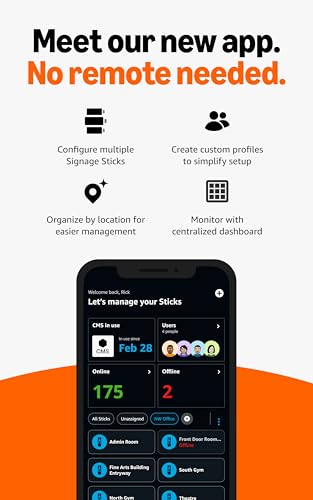
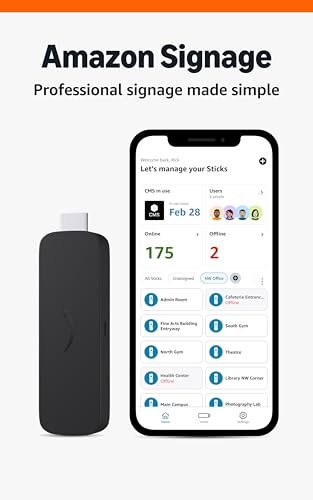
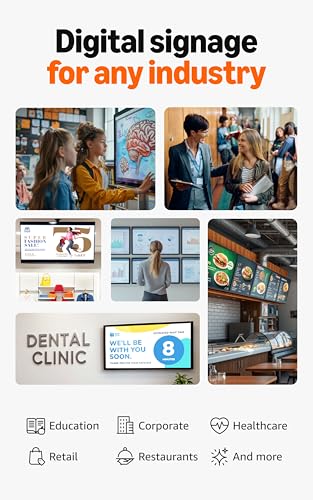
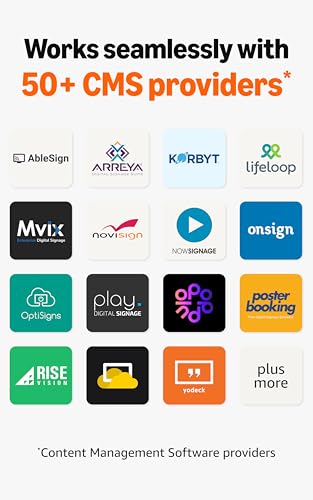
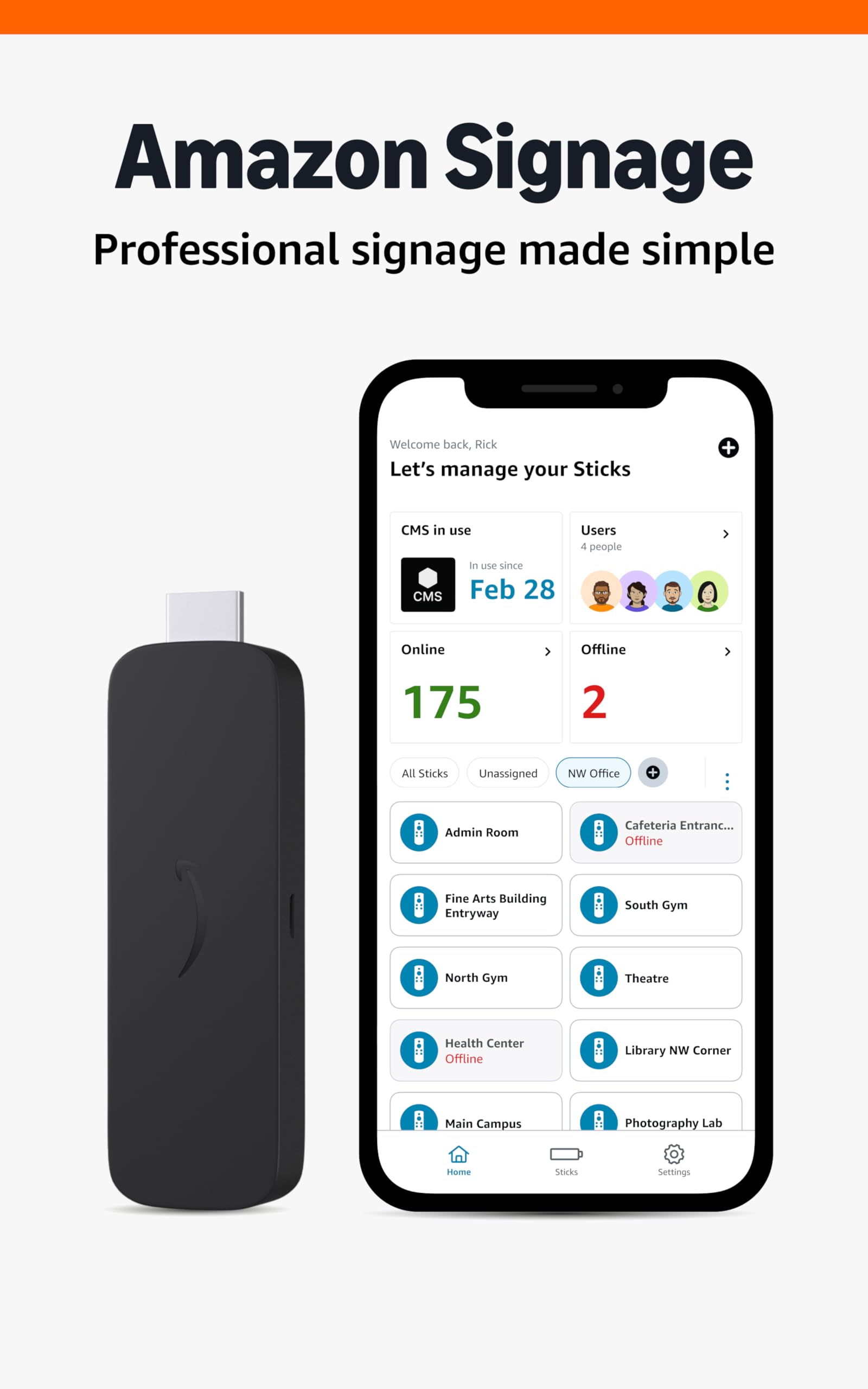
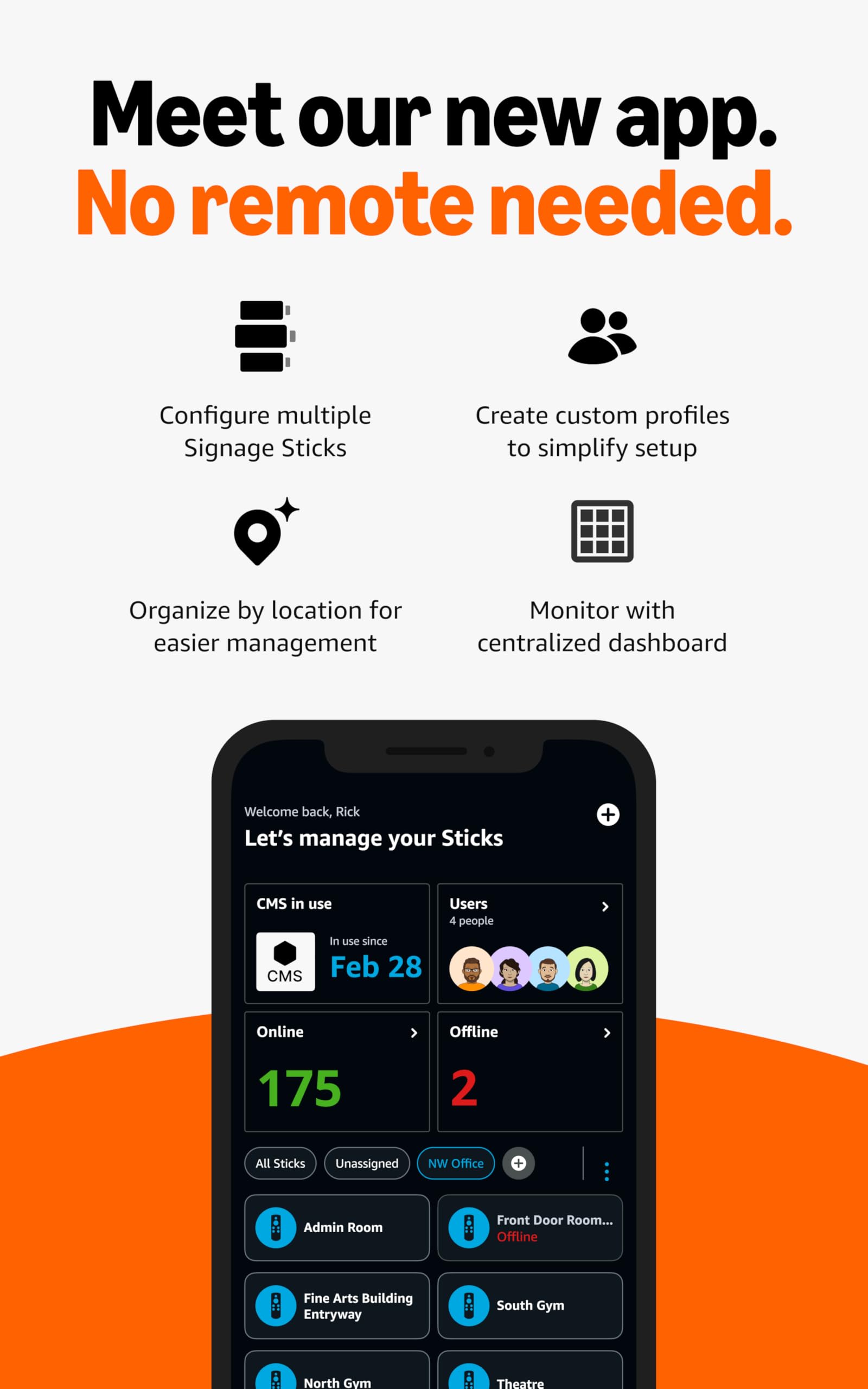

🚀 Transform your business walls into dynamic storytelling hubs with the Amazon Signage Stick!
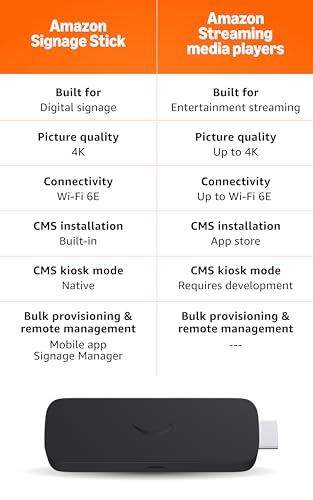
The Amazon Signage Stick is a compact, professional-grade digital signage media player featuring a quad-core 2.0GHz processor, 4K UHD video support, and tri-band Wi-Fi 6E connectivity. Designed for businesses of all sizes, it offers easy setup via a free mobile app, seamless CMS integration, and robust security features including secure boot and encrypted storage. Manage multiple devices remotely in real-time, ensuring your content stays fresh and your brand stays ahead.
| Size | 99 mm x 30 mm x 14 mm (only housing) 108 mm x 30 mm x 14 mm (including the connector) |
| Weight | 43.5g |
| Processor | Quad-core 2.0GHz |
| GPU | 850MHz |
| Storage | 16GB |
| Memory | 2GB LPDDR4 |
| WiFi | Wi-Fi 6E tri-band: 802.11 a/b/g/n/ac/ax (2.4GHz, 5GHz, and 6GHz) |
| Bluetooth | Bluetooth 5.2 + BLE |
| Audio Support | HDMI audio pass through up to 5.1 |
| 4K Support | To run video streaming and playback in 4K you need a compatible 4K-resolution display, a CMS that supports 4K, and 4K content. |
| Content Formats Supported | Video: HDR 10, HDR10+, HLG, H.265, H.264, VP9, AV1. Audio: xHE-AAC, AAC-LC, AAC+, eAAC+, AAC-ELD, MP3, AMR-NB, FLAC, PCM/WAV, Vorbis, MPEG-H pass-through, DTS passthrough, DTS-HD passthrough (basic profile). |
| Ports | HDMI 2.1 output with ARC input support, micro-USB |
| System Requirements | High-definition display with available high-speed HDMI input, high-speed internet connection via wifi. Wi-Fi 6E router needed for Wi-Fi 6E support. Auto-Low Latency Mode is included in the HDMI 2.1 standard. |
| Display Compatibility | Display must support minimum HDCP requirements for protected content playback. Compatible with 1) 4K UHD display with HDMI capable of 2160p at 24/25/30/50/60 Hz and HDCP 2.2 or 2) high-definition displays with HDMI capable of 1080p or 720p at 50/60 Hz. |
| Warranty and Service | 1-year limited warranty and service included. Use of Signage Stick is subject to the terms found here. |
| Content Availability | Certain apps and services are subject to change or withdrawal at any time, may not be available in all areas and languages, and may require separate subscriptions. |
| Software Security Updates | This device receives guaranteed software security updates until at least three years after the device is last available for purchase as a new unit on our websites. |
| Size | 38 mm x 157 mm x 17 mm |
| Weight | 51g (without batteries) |
| Batteries | 2 AAA (included) |
| Technology | Bluetooth and infrared |
J**.
Running Well and Tips for Installation
UPDATED REVIEW We originally wanted to purchase the Amazon Signage Sticks for the hallways in our community college because they had stronger internet connection, security (in that no other apps are installed so people can't take over the device) and we wanted an easier, consistent way to manage our content. We experienced installation issues at first mostly because we were early adopters (see review below) and I think Amazon hadn't quite figured out the customer service portion of this device. After leaving the review, the Amazon Signage Stick team reached out to us directly and worked with us to resolve our installation issues and now the sticks work exceptionally well and we are purchasing more tomorrow. We previously used Roku - and the devices would lose their connection all the time and have issues connecting to the remotes - we no longer experience any of those issues. A couple of things you should know: 1) Make sure you have a subscription to a content management system - we use QuickEsign 2) Normal Amazon support isn't very helpful for this...they just tell you to return the device after minimal help. Use the Amazon Signage Stick support page at https://signage.amazon.com/support for direct help. 3) Our remotes had trouble connecting at first - the Amazon Signage Team are working on this - but until then you can relink it to your device using this support page - https://signage.amazon.com/support/documents/remote-unresponsive ******** ORIGINAL REVIEW: We bought these for our community college hallway tvs, and it is so hard to get these set up. The remote loses its connection all the time and we have to pair them again...sometimes you can't get past the Amazon logo. These are just modified firesticks and they are too much of a pain to have to use them on a daily basis so we are returning all of them.
J**S
The easiest way I’ve found to get real digital signage running fast
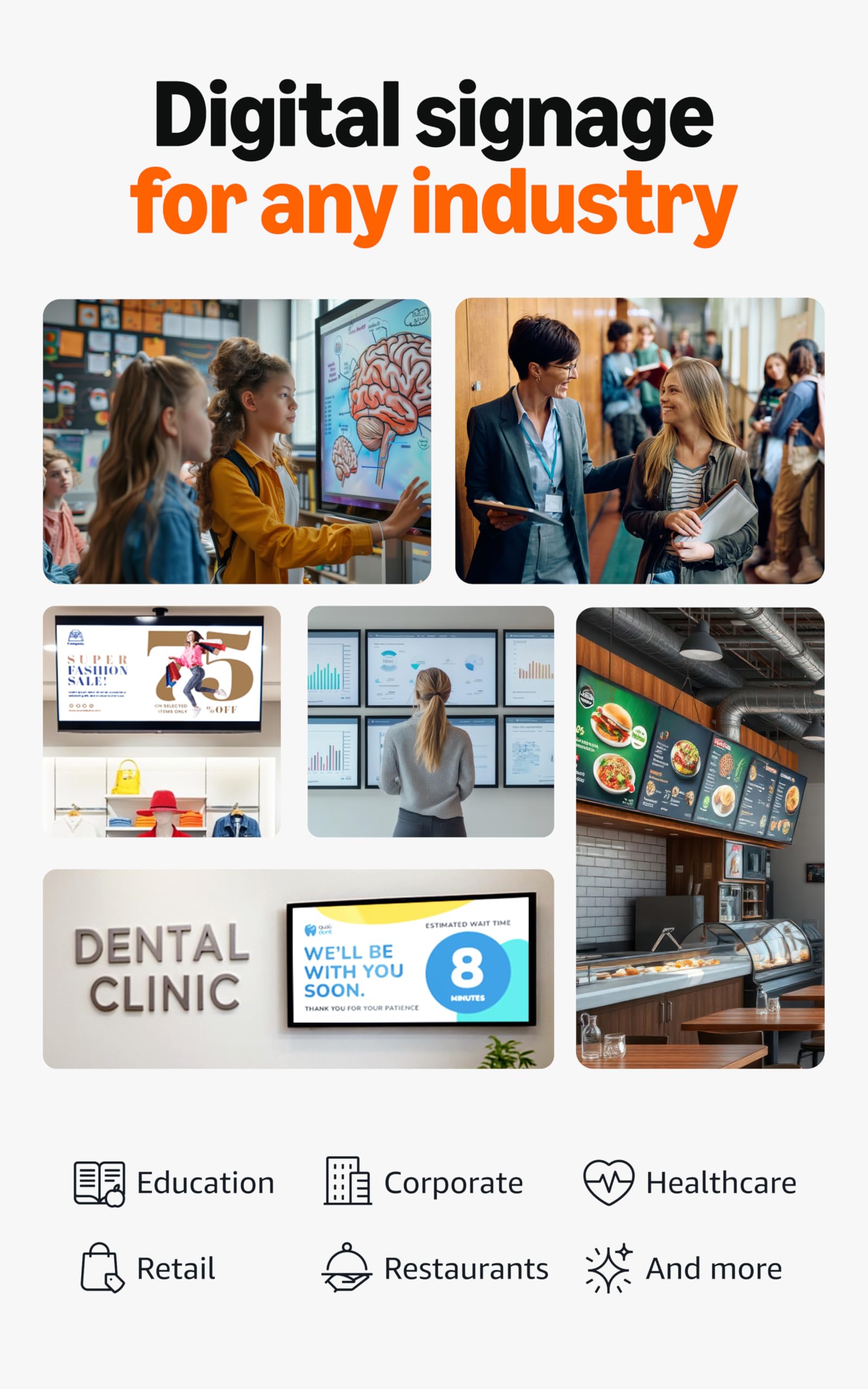
I picked up the Amazon Signage Stick to run a simple, professional digital signage setup and it delivers exactly what I wanted: reliable playback, clean setup, and hands-off operation. Pros: 1. True kiosk-style signage (set it and forget it): It auto-launches in kiosk mode, so it’s built for unattended screens instead of being a “consumer streaming stick pretending to be signage.” 2. Fast setup + easy device management: The app setup is straightforward and it’s nice being able to manage the device without digging through TV menus. 3. Great performance for the price: 4K playback looks crisp, runs smooth, and stays stable. So-so con: You’ll still need a compatible CMS/signage software subscription to create and schedule content, so there can be an extra monthly cost depending on what you use. Final thoughts: If you want professional signage without overcomplicating it, this is a great plug-and-play option. Perfect for small businesses, churches, lobbies, waiting rooms, and offices.
J**S
Poppulo software
Used with Poppulo digital signage software. I am not technical, but I had no problems getting it setup and content deployed. At 1/7th the price of a mini PC this will work well for most of our signage. Does not work for vertical screen content.
P**G
Works Great with Yodeck – Easy signage solution
I use this for Yodeck and setup was very easy. It supports 4K content and runs smoothly. As of July 2025, the latest software has a small bug during initial setup, but once it’s up and running, it works perfectly. Great value for digital signage!
T**E
Using with xibo signage.
Worked well with the xibo signage setup that we have in place. Setup was simple to connect to our setup. Xibo android license was needed.
A**N
QR code scan to register does not work and a reset is always needed
I bought 2 of these thinking it would make my life easier but I was disappointed. I plugged in the first of 2 signage sticks I received. Switched to HDMI input and waited for onboarding screen. After fiddling to get the remote recognized (which I don’t even know why a remote is needed), I scanned the QR code needed for registration. This took me to a web page with some oddly formatted text and a button to login to Amazon signage console. I clicked and waited. I was then asked to allow or cancel access for my Amazon account to the signage console. I clicked allow. And then I was shot back out to the initial page. Fail. That did t work. I tried several times to get this workflow to work on both sticks. Did not work at all. So I registered manually using the remote to click “play”. I got the code and entered it into the console. Registered! Now I waited for the stick to upgrade and give me a player registration code. After some waiting an overlay appeared stating it failed to complete setup and the only option was to reset the device. This happened for both sticks in different displays. After a reset you have to register with signage console again. Select and configure WiFi again. And wait for the player to install and show it’s activation page. On both sticks the workflow worked after the initial configuration and reset loop. I was really hopeful this thing would save me time but instead it cost me time. This is too expensive and untested to use. Buyer beware. update 11/4 - brought the stick with display to a customer site. Did the physical install in 30 minutes. I thought it would be easy to just switch the wireless network.... fail again. Click the gear button on the remote, add a wifi network (it was a hidden network) - you can enter the name of the network, the security protocol, and check 'show password' - but you can't select the actual password field. Tried this with both the remote it comes with and the firetv app for the iPhone - neither allowed selection of the password field. I was forced to reset the stick entirely, enter the network from the setup (which worked as it should), waited 15 minutes for update of the amazon software, wait 5 minutes for the download of the signage client, wait 5 more minutes to reload the media, re-register the stick with amazon signage, and re-register the device with my signage platform. Turned at 30 minute installation into a 60 minute one. Terrible customer experience. This must be fixed.
Trustpilot
5 days ago
1 month ago