We remain fully operational. Our teams are working around the clock to ensure your deliveries continue safely.

DOWNLOAD THE APP


Customer Services
Copyright © 2025 Desertcart Holdings Limited
DOWNLOAD THE APP
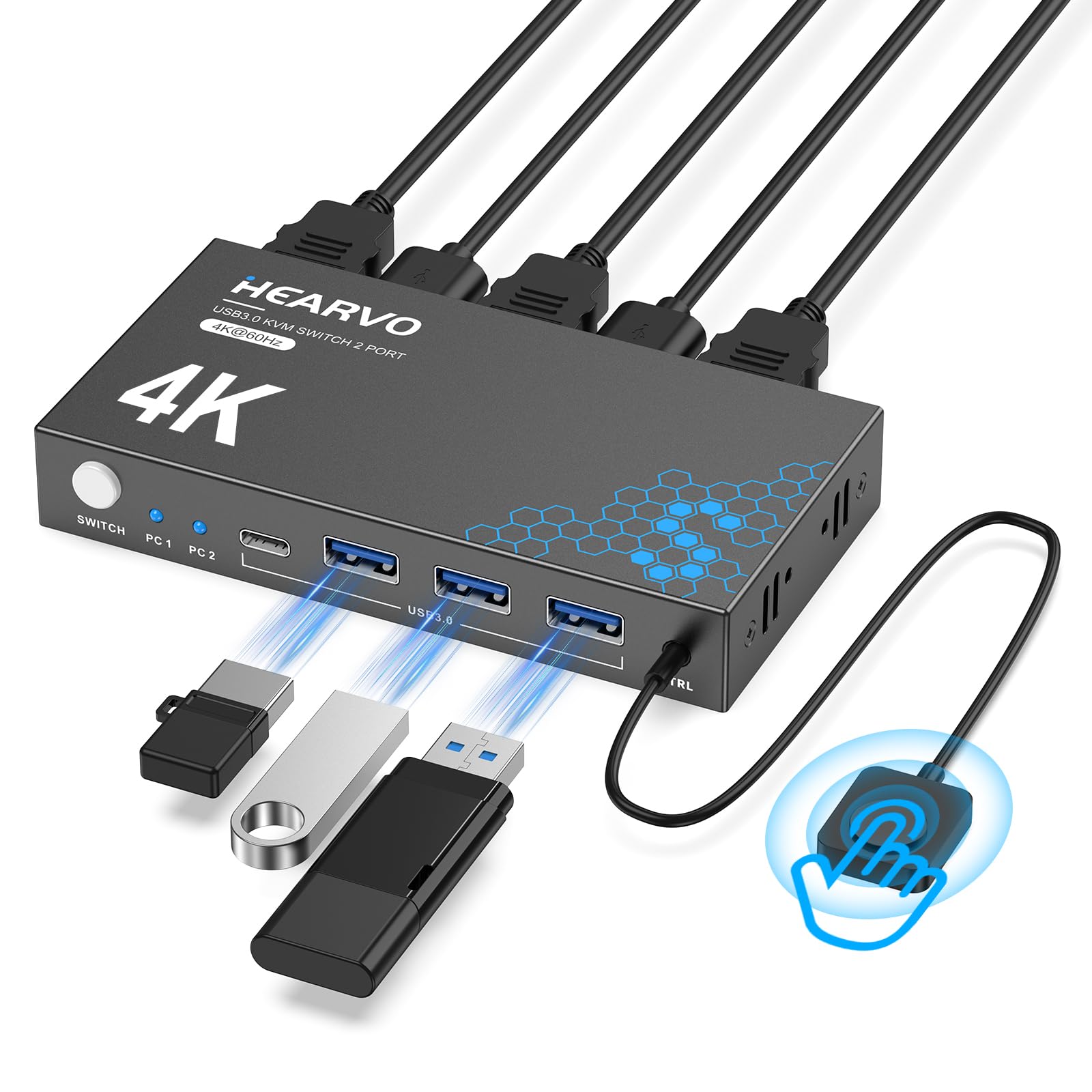
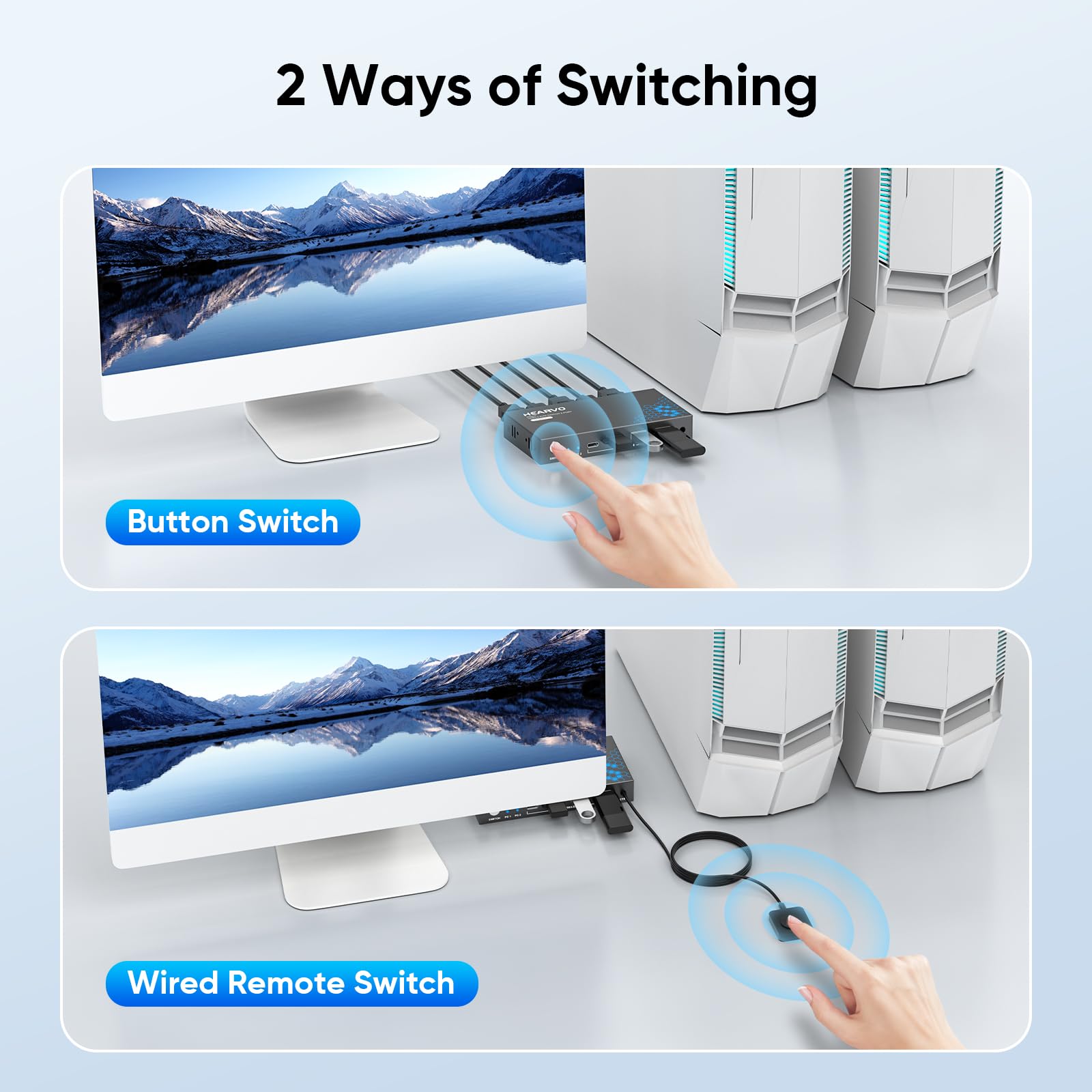
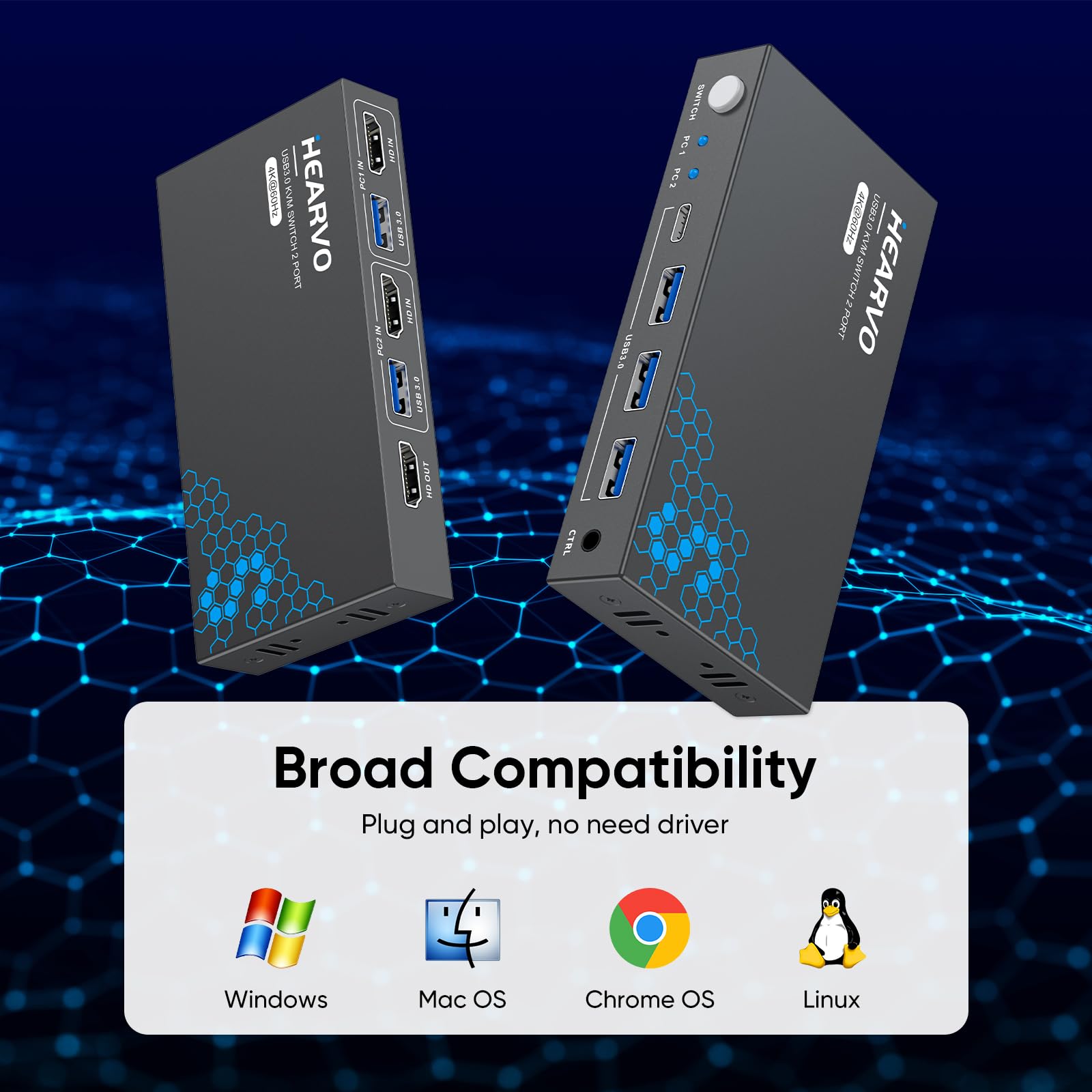
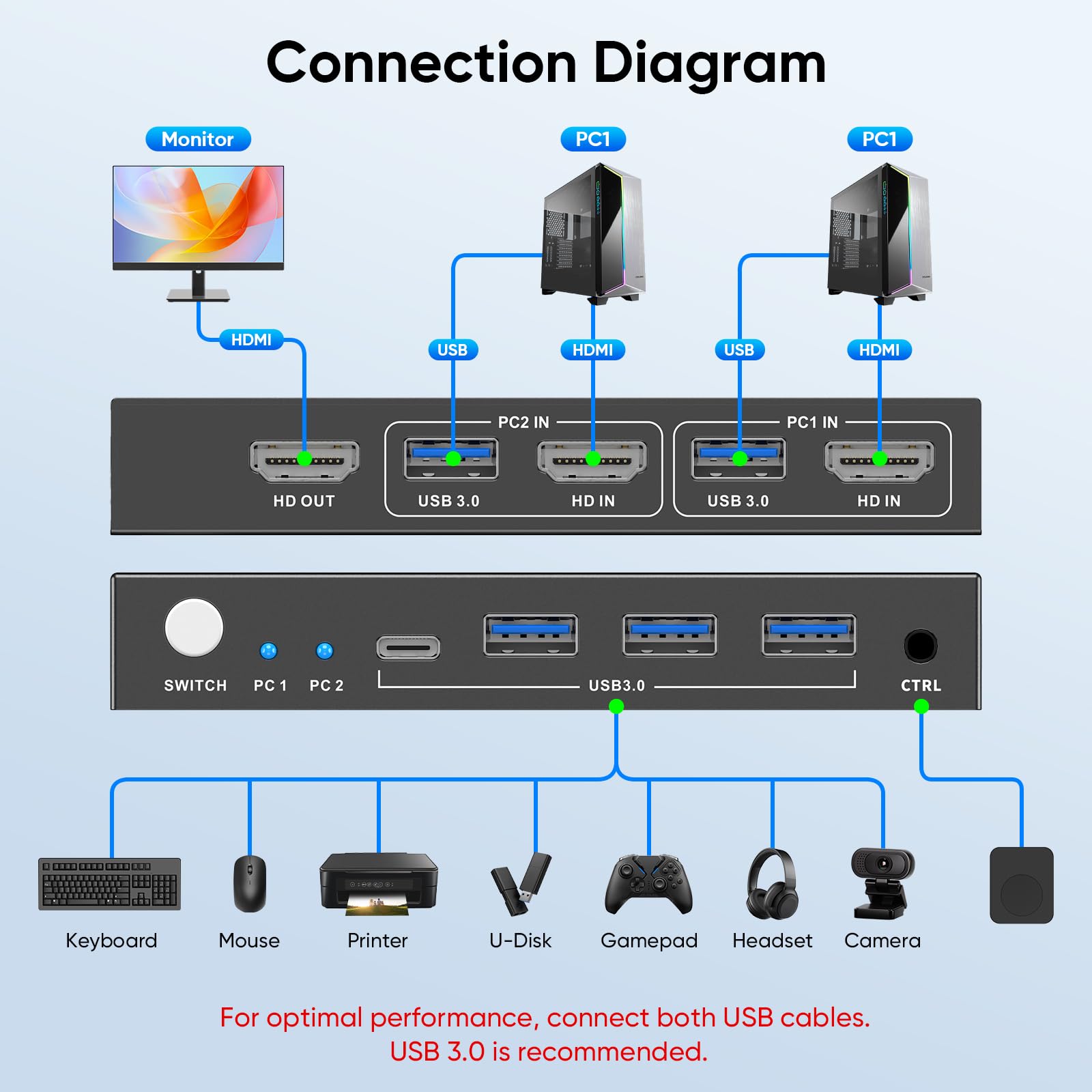
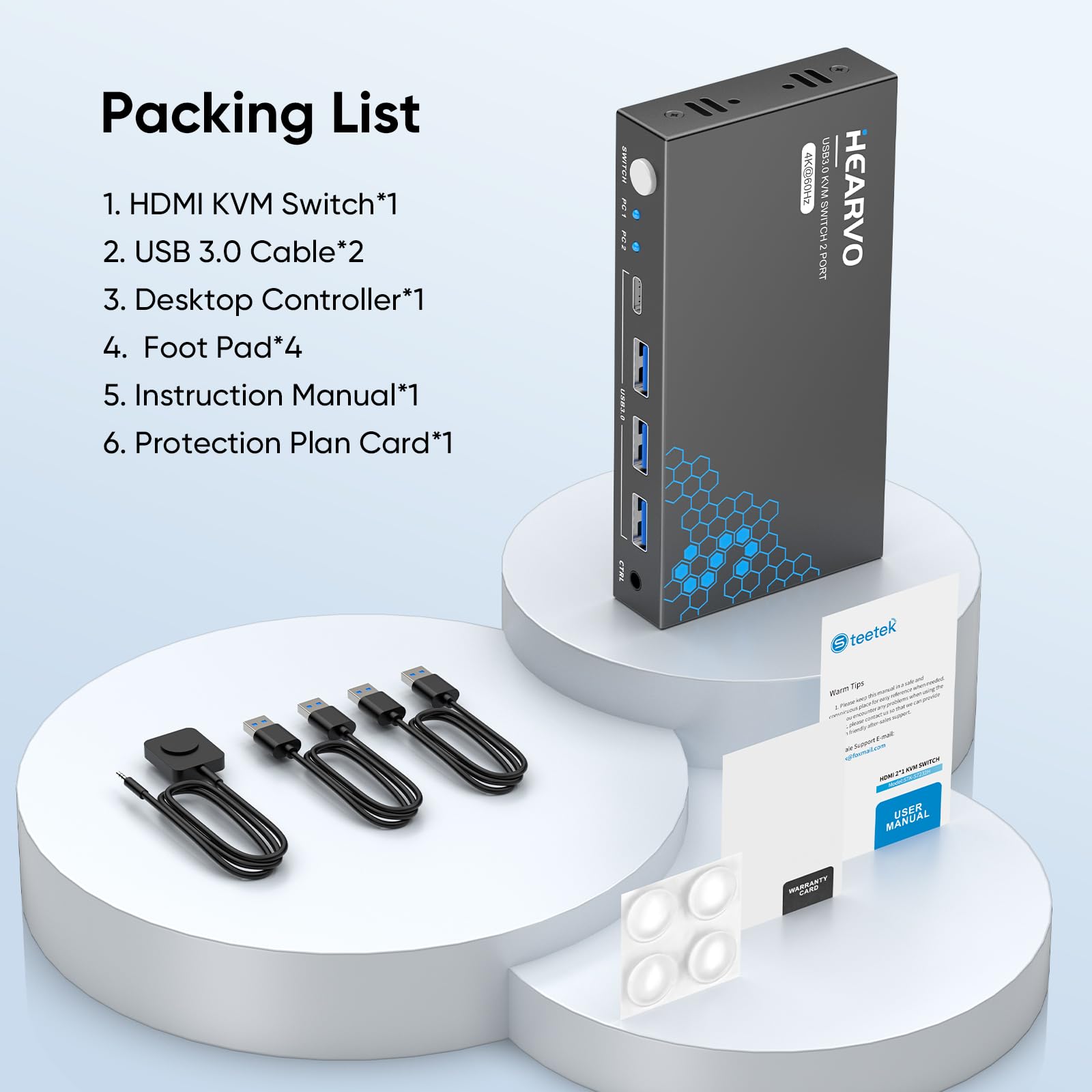
🎯 Master your multi-device workflow with crystal-clear 4K and lightning-fast switching!
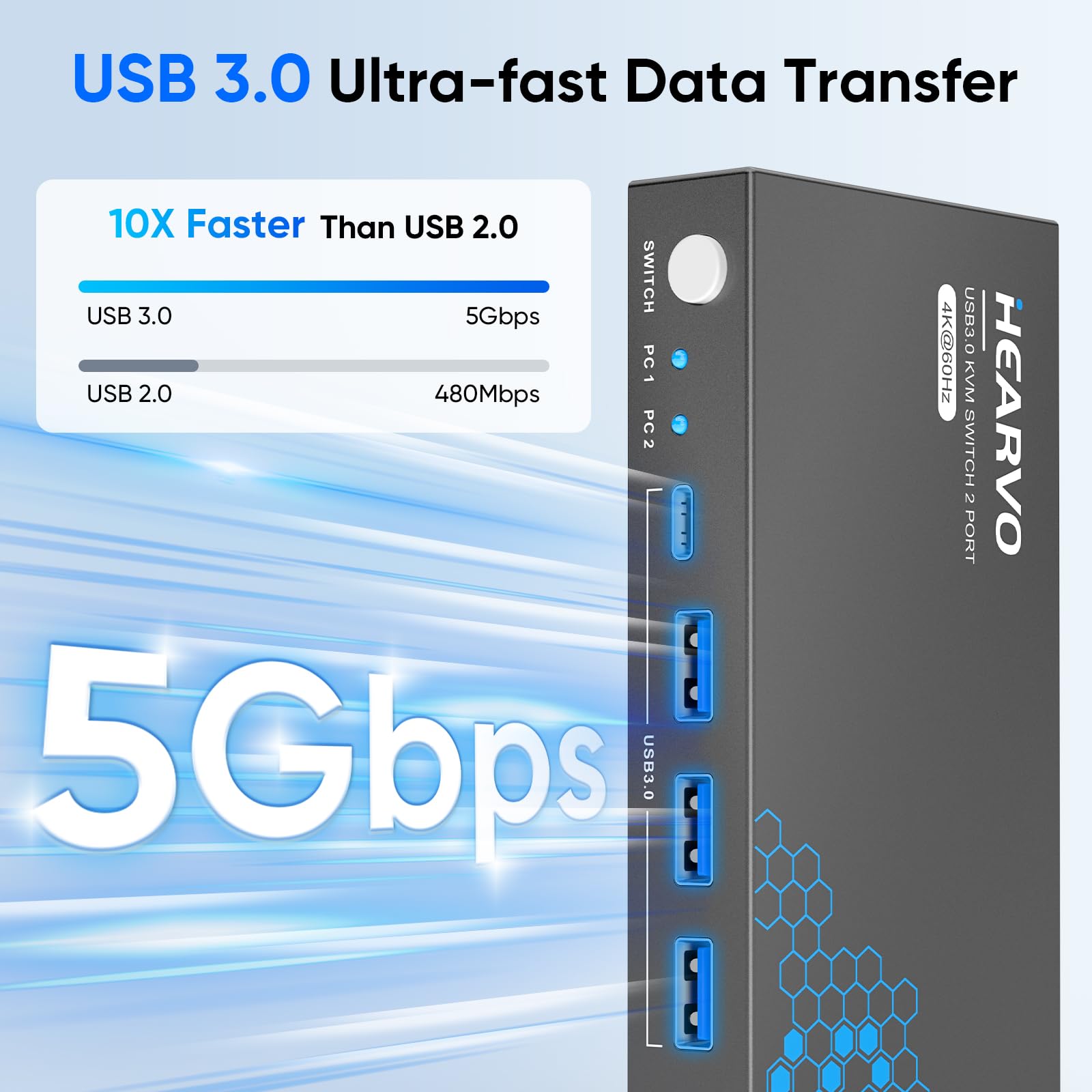
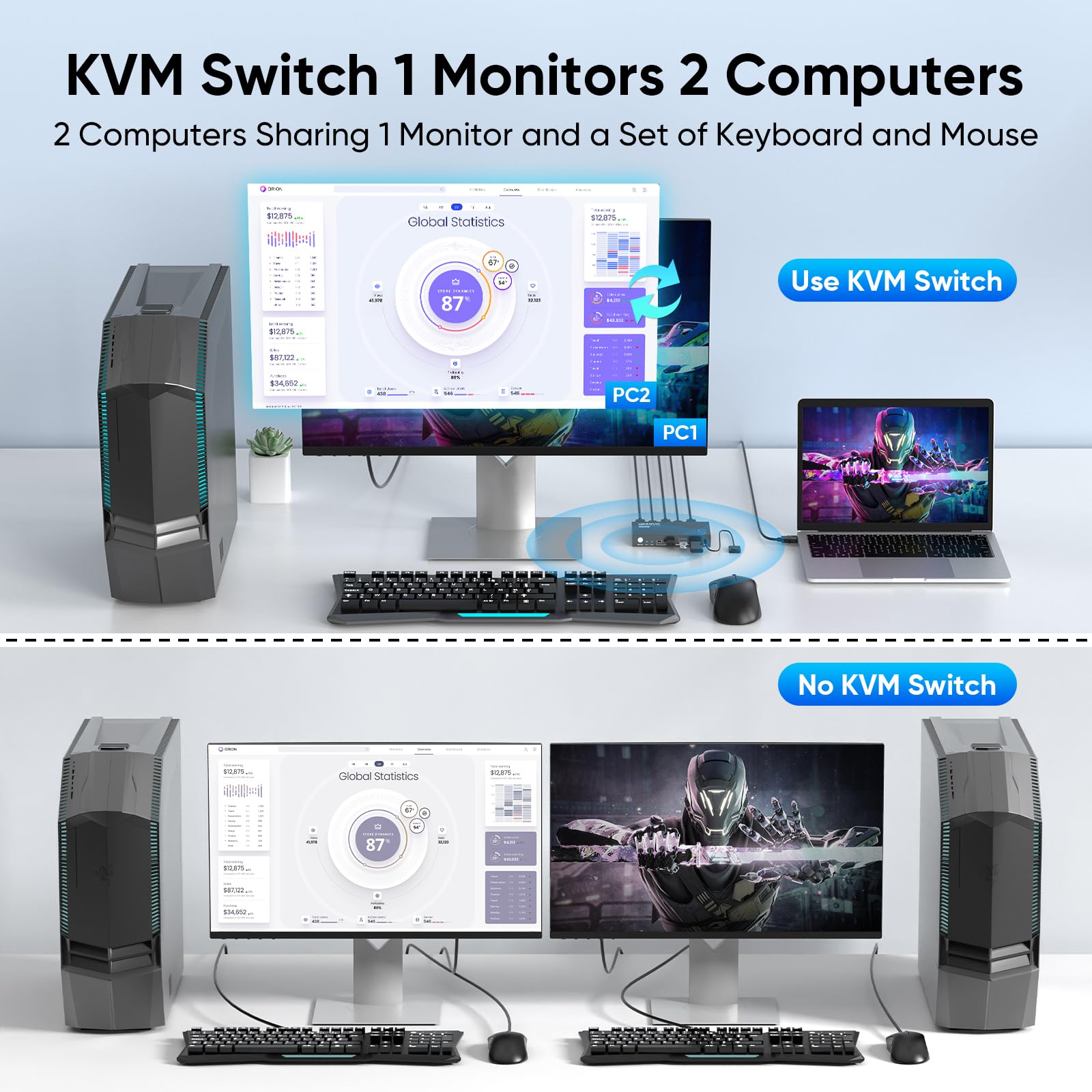
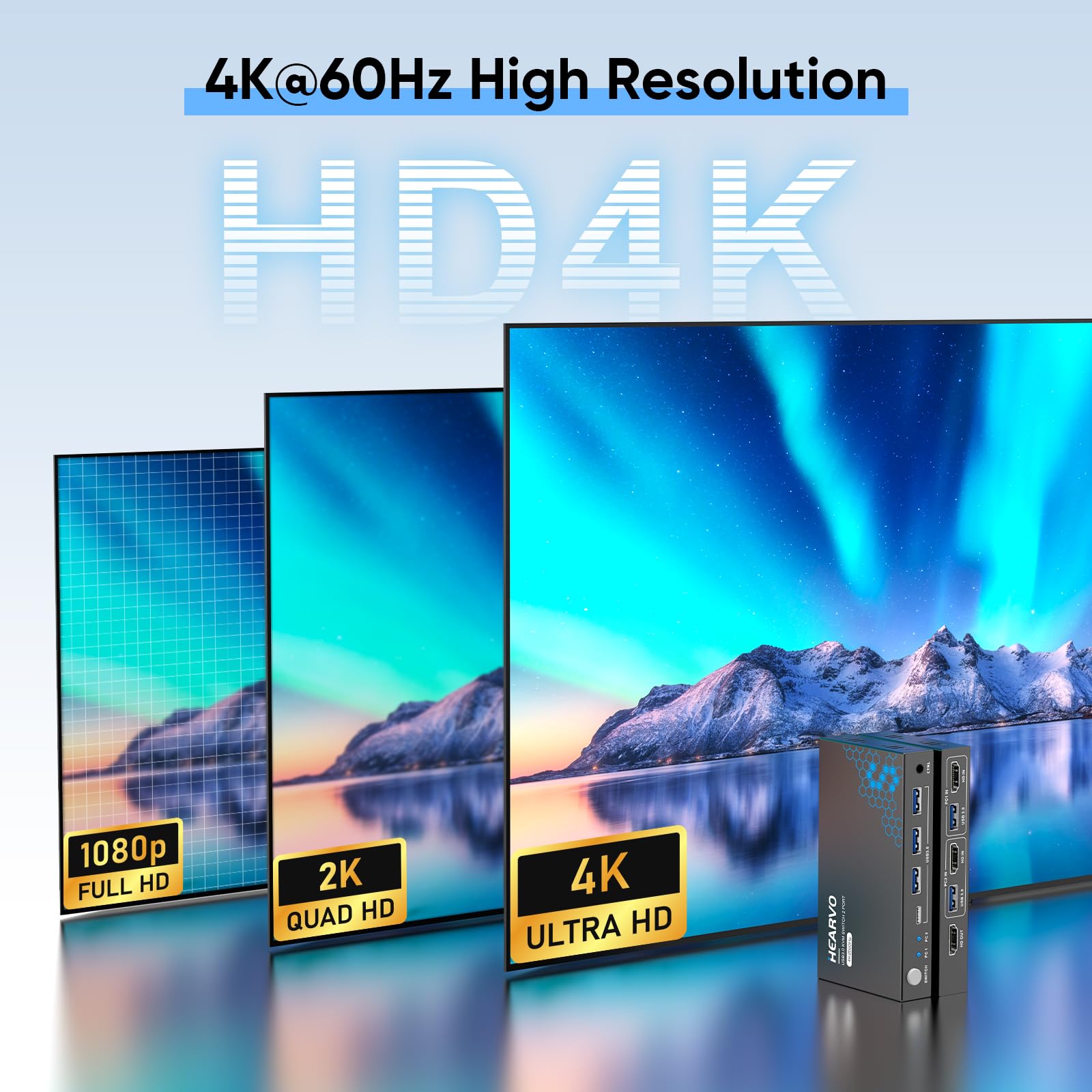
The Steetek USB 3.0 HDMI KVM Switch empowers professionals to control two computers using one 4K@60Hz monitor, keyboard, and mouse. Featuring three ultra-fast USB 3.0 ports for peripheral sharing, HDCP 2.2 support for protected content, and dual switching options including a wired remote, it offers a clutter-free, plug-and-play solution compatible with multiple OS platforms. Ideal for multitasking millennials seeking efficiency and seamless device integration.


| ASIN | B0D5D4FK1H |
| Item model number | S7232H |
| Manufacturer | Steetek |
| Product Dimensions | 15.24 x 10.16 x 2.54 cm; 272 g |
P**K
The product works well. I have an ultra-wide monitor, and am able to get good video from both my desktop & my laptop (connected thru a docking station). I like the rocker power switch, which lets me minimize my electricity usage when I'm not using my computers. Overall, works as advertized.
A**X
I had pretty low expectations for a dual monitor kvm, given comments I've seen online. This has worked excellently. First off, it was smaller than I had a realized, and it fits neatly on my desk. In terms of ports, all of them work without issue. It might be nice to have another USB slot but 3 is sufficient for my wired keyboard, mouse, and webcam. There's no audio output plug which I would have liked, though I'm not sure if that's something I could realistically ask this kind of device to do. Anyway, your computers can send audio to the monitors over HDMI. The button on the device to switch computers is physically robust. It takes a few seconds for my whole setup to switch, which I think is mostly on the end of the computer suddenly seeing new devices. Usually works without issue. There are some limitations to refresh rate and resolution. Both my monitors are 1440p, so I can run them both at a maximum of 100Hz, which is lower than what they're capable of. Overall, it's a worthwhile tradeoff for convenience, and I can run a secondary displayPort cable if I want, to switch to for gaming.
I**O
It works very well. The only drawback is that the monitor connected to the USB-C is not recognized when the notebook is turned on with everything connected. This is a problem that occurs frequently. Everything else is great! It switches quickly between devices, the USBs don't disconnect when switching, it looks good, seems to be of good quality, and includes cables that look very good. It does its job, but I'm not sure if I would recommend it considering the problem of having everything connected and the devices turned off, which when you turn them on, it doesn't recognize the monitor (This could be a problem with my notebook, I don't know). Otherwise, excellent.
S**R
Change over between the laptops is very slow.Most of the times it does not work.
C**R
I can finally write a review for this. If you were planning on using this exactly as intended it would be a super easy install. My setup is a little different on how I am wiring things and it is still working for what I need. It's and easy switch over between the 2 options and seems to switch rather quickly. Its pretty discrete so it can be hidden if needed, especially with the button that comes with it. If you have a WFH and gaming setup this is clutch for making everything connect smoothly.
Trustpilot
1 month ago
1 month ago