
DOWNLOAD THE APP


Customer Services
Copyright © 2025 Desertcart Holdings Limited
DOWNLOAD THE APP

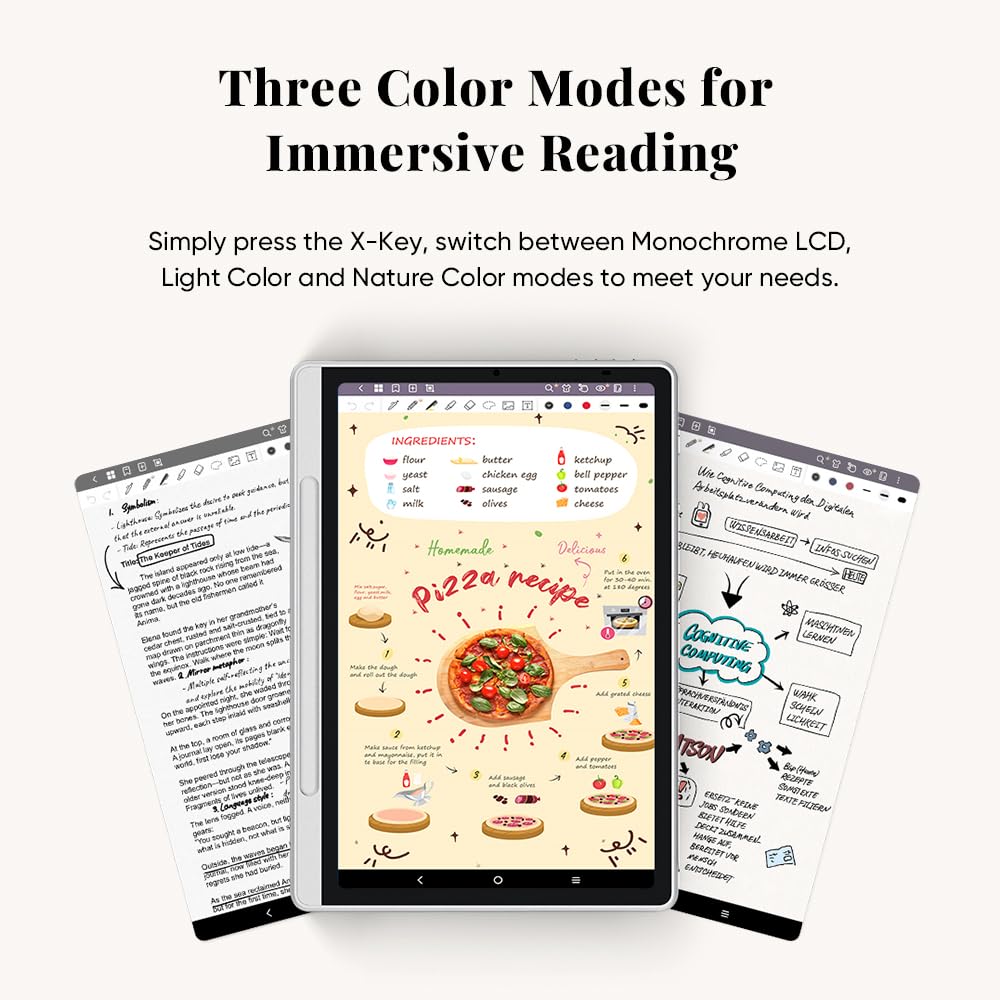




📝 Elevate your note game—where classic meets cutting-edge innovation!
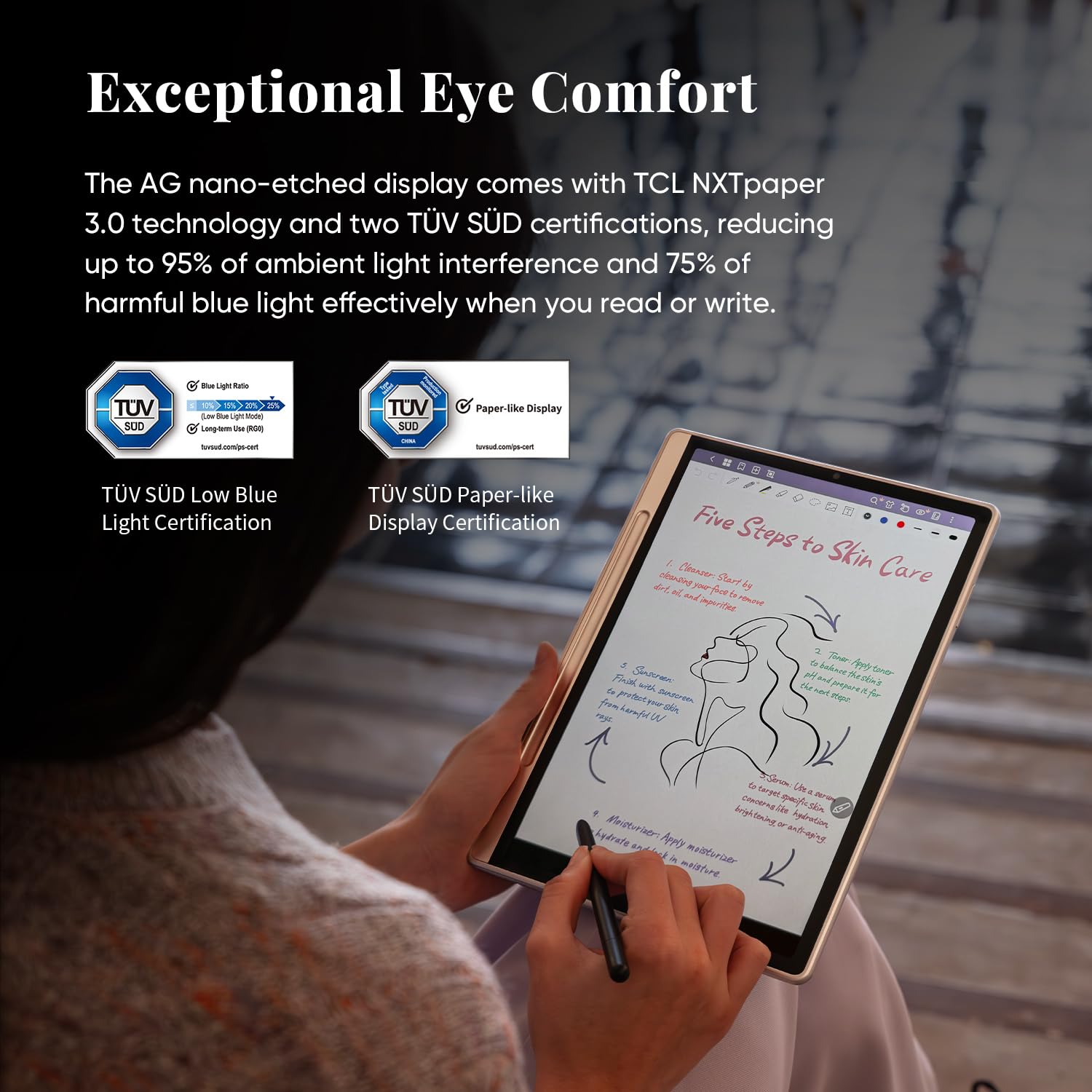
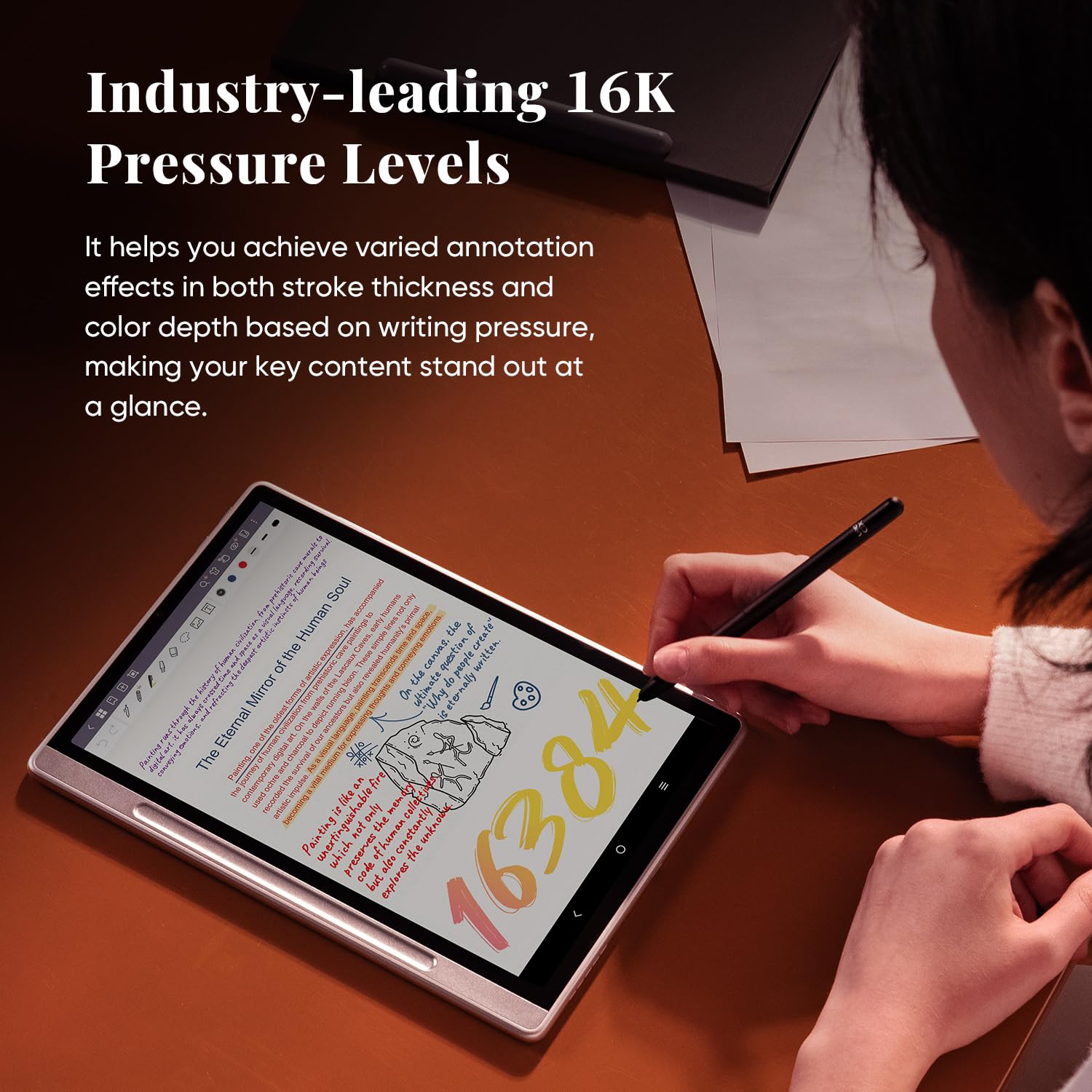
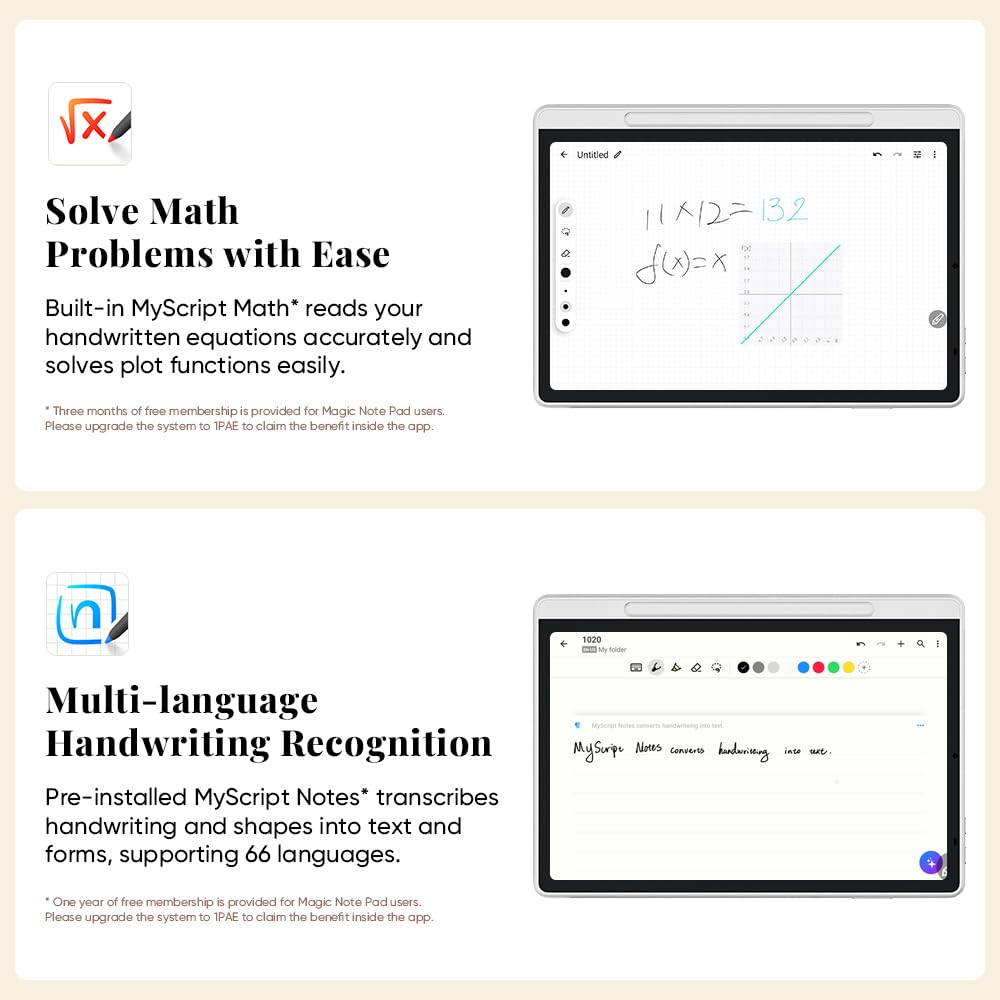
The XPPen Magic Note Pad is a sleek 10.95-inch Android 14 digital notebook featuring a high-res 1920x1200 transflective display optimized for eye comfort and outdoor readability. Equipped with a precise, battery-free pen, 6GB RAM, MediaTek processor, and a 7800mAh battery offering up to 4 hours of use, it combines natural writing with smart digital tools like handwriting-to-text conversion and instant note access. Perfect for professionals and students craving a stylish, efficient, and eco-friendly note-taking solution.














| ASIN | B0DX234NWP |
| Are Batteries Included | Yes |
| Average Battery Life (in hours) | 4 Hours |
| Batteries | 1 12V batteries required. (included) |
| Brand | XP-Pen |
| Connectivity Type | Wi-Fi |
| Customer Reviews | 4.3 4.3 out of 5 stars (218) |
| Date First Available | 27 Feb. 2025 |
| Graphics Card Description | Integrated |
| Guaranteed software updates until | unknown |
| Item Weight | 300 g |
| Item model number | B0dx234nwp |
| Lithium Battery Energy Content | 7800 Milliampere Hour (mAh) |
| Lithium Battery Packaging | Batteries contained in equipment |
| Manufacturer | XP-PEN |
| Number Of Lithium Ion Cells | 1 |
| Operating System | Android 14 |
| Processor Brand | MediaTek |
| Product Dimensions | 25.4 x 17.78 x 0.51 cm; 300 g |
| RAM Size | 6 GB |
| Resolution | 1920*1200 |
| Screen Resolution | 1920 x 1200 pixels |
| Series | Magic Note Pad |
| Standing screen display size | 10.95 Inches |
| Wireless Type | 802.11g |
D**R
I think that some people might be slightly surprised to find that this Notebook is really just an Android tablet - but perhaps a very good one - which has all its special note-taking and sketching capabilities rolled into one specific app named XPPen Notes. As a thank-you for buying a tablet from them, the manufacturer gives its users VIP status within this app. As such, I found the setup to be very easy and familiar. What I decided to do with this tablet was just to start with a clean setup, after which it only showed that 13GB were used by its preinstalled software, so that 99GB were displayed as available to me, to do with as I choose. I think that maybe, if some users find that after an initialization, 50-60GB of storage are already taken, maybe those users mistakenly imported the online profile which they already had from an earlier device with Google? This Notebook offers that because all Google-backed tablets do. Also, where some users complain that the display isn't easy to read, with me, this just seemed to be an issue with the auto-brightness being too dim. I found that I could make the display brighter in manual brightness mode. Now, the tablet offers a special feature - named NXTVISION - which will make text and graphics sharper even at low brightness. And this technology could be a way to extend the battery life, so that entire books could be read. Yet, I cannot weigh in just yet on how many hours or days a full charge of this battery lasts, because I just received the Notebook this evening. And I was just lucky again, I guess, that I don't seem to have any stuck pixels. So far, I'd say that this has the potential to be an above-average general-purpose tablet. I'm not disappointed in any way. Dirk Mittler P.S. I finally understand the importance of the Notebook's Monochrome and Light Colour modes. The LCD is, essentially, a transflective display that actually works, which is easy to read in direct sunlight in either of these modes, where the sunlight passes in through the white parts of the document and gets reflected back by the backlight - rather than to rely totally on the backlight being active as some designs do. I appreciate that the display is easy to read with these settings, which it wouldn't be in Natural (Full) Colour mode.
W**Y
As a student who takes tons of notes every day, I’ve tried several digital devices before, but the XPPen Magic Note Pad is by far the best one I’ve used. What initially sold me were the triple color modes (especially Light Color mode, which makes reading comics an absolute joy), but what blew me away was how well it works for note-taking in class. The writing experience is smooth with just the right amount of resistance—it feels like using a ballpoint pen on paper. And best of all? It’s silent. No annoying tapping noises during lectures! One of my favorite features is the ability to tap the locked screen and jump straight into the Notes app. It’s a small thing, but incredibly useful when you need to jot something down quickly. The pen doesn’t need charging either, which is another huge plus. There’s also a built-in audio recording feature, and the handwriting-to-text conversion is a game-changer. I’ve used it to turn class notes into typed-up assignments—no more retyping everything from scratch. If you’re a student or someone who takes extensive notes and reads frequently, I 100% recommend this device. It’s easy on the eyes, super responsive, and honestly just a joy to use.
S**A
Really happy with this purchase. The build quality is excellent and the stylus feels great to use, very precise and comfortable for drawing or writing. It arrived quickly and was well packaged. I also really like the paper-like screen texture, which makes reading and sketching feel natural. The different screen modes are handy too, it’s easy to switch between reading and note-taking. The companion app from the manufacturer works smoothly and adds useful features.
G**O
Delivers on what it promise, practical, good price, nothing to complain!
G**Y
Excellent
Trustpilot
2 months ago
3 days ago