
⚡ Power up your network with speed and silence!
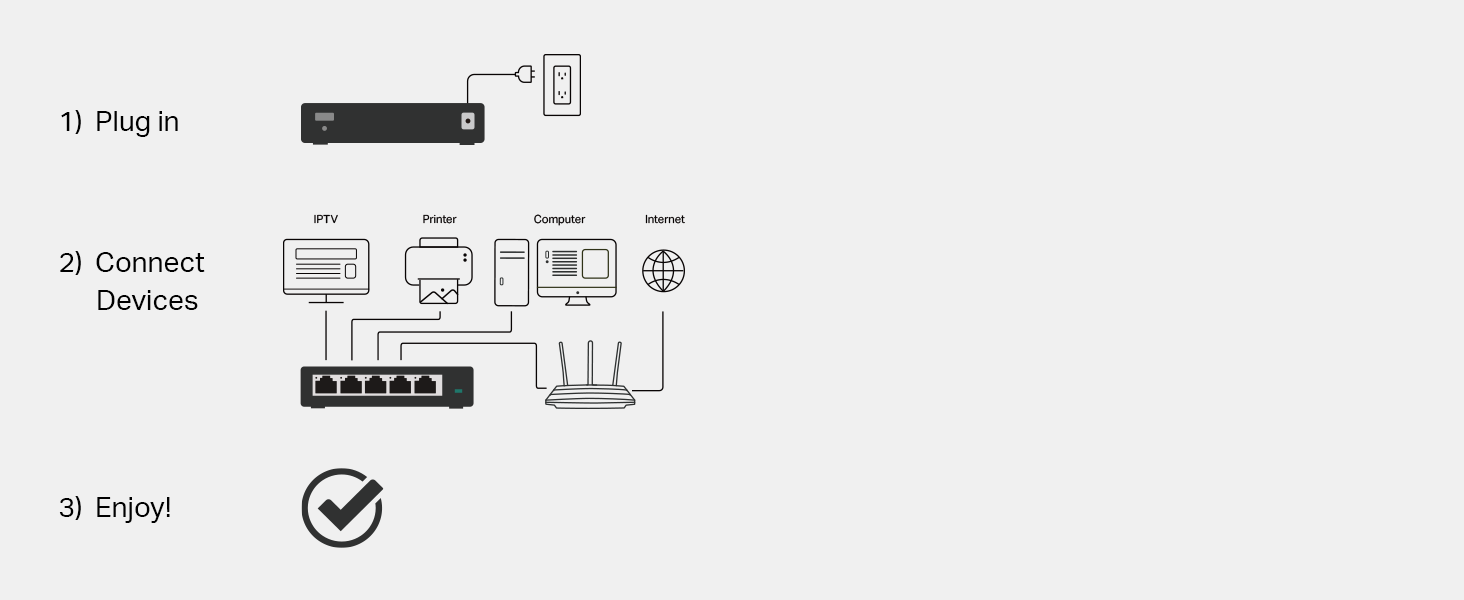
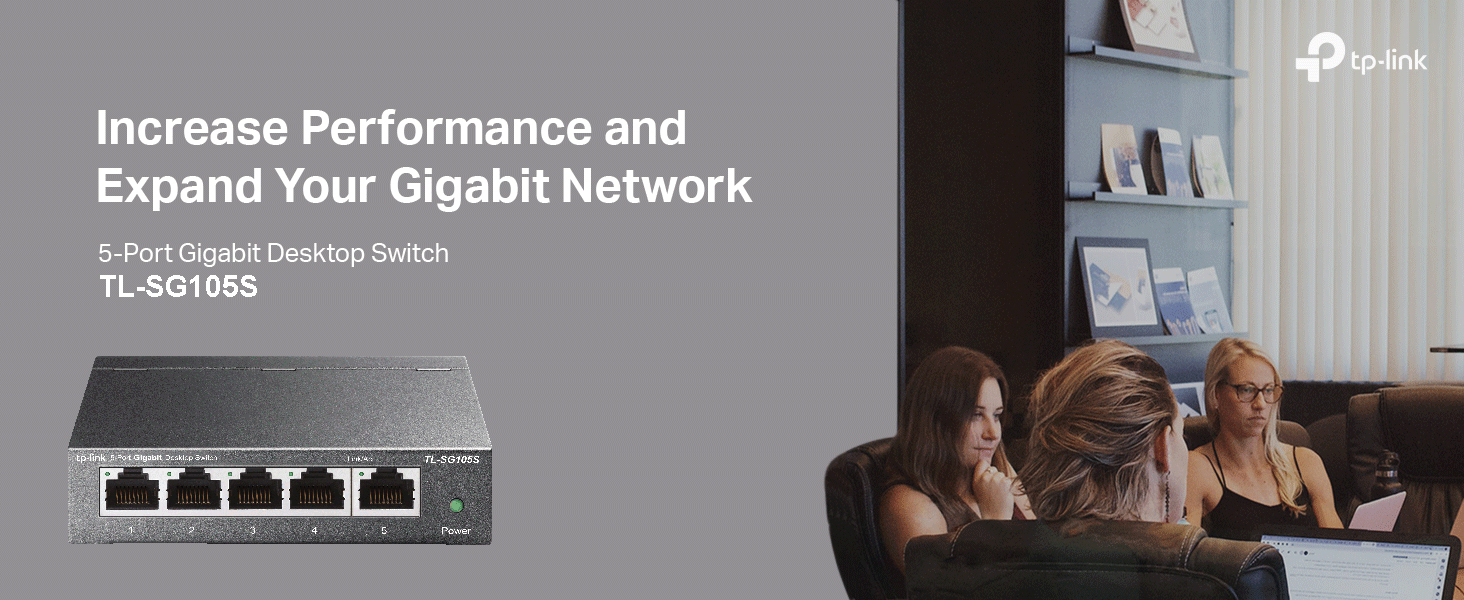
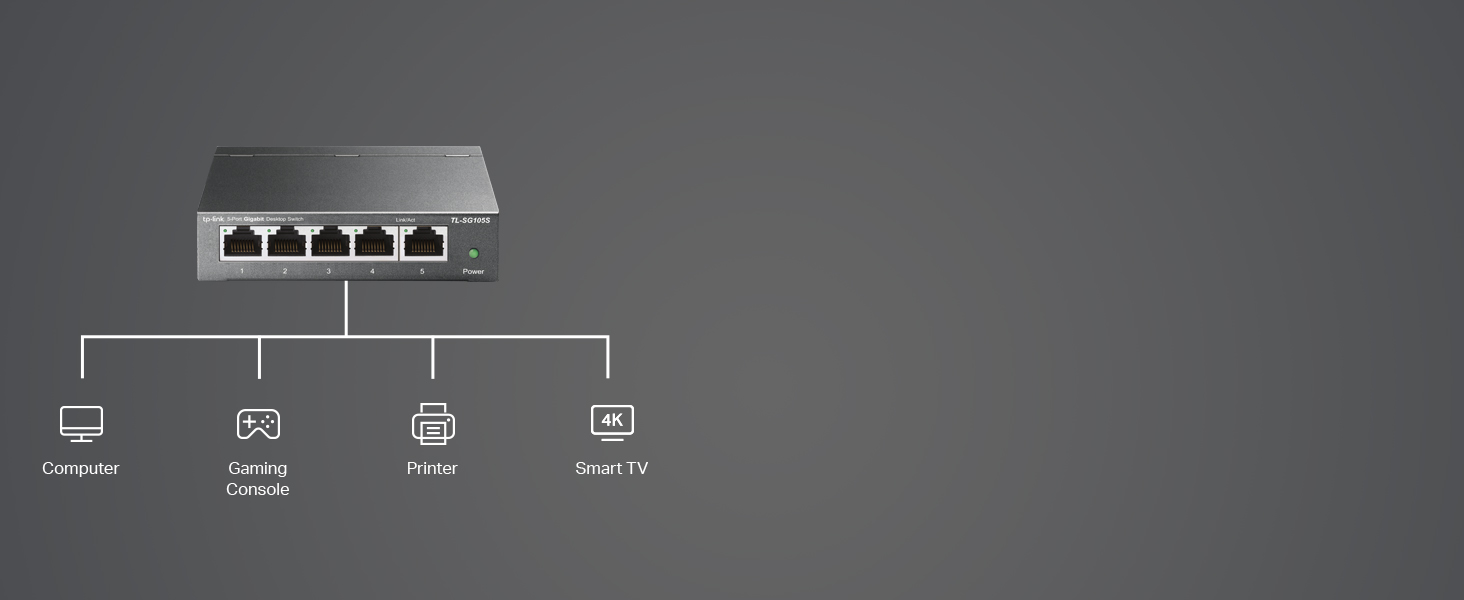
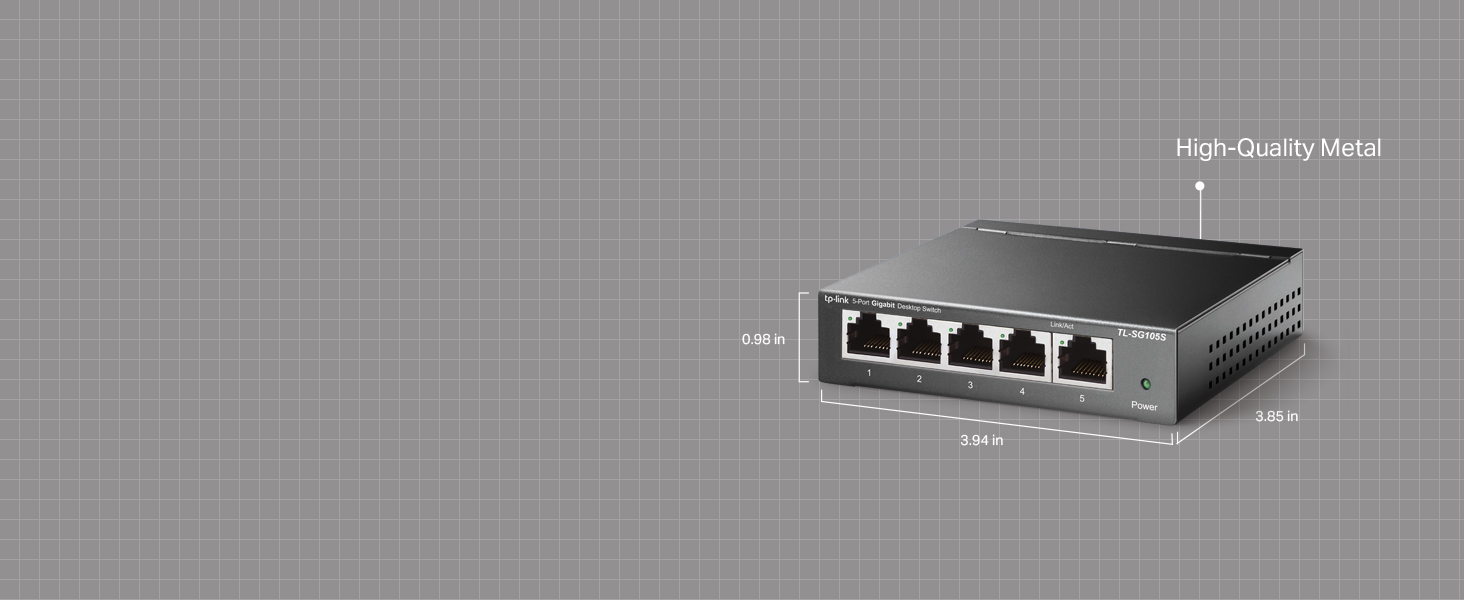
The TP-Link TL-SG105S is a compact 5-port Gigabit Ethernet switch designed for seamless network expansion. Featuring plug-and-play setup, fanless silent operation, and energy-efficient technology, it delivers reliable, high-speed wired connections for home and office environments. Its sturdy metal case and lifetime support make it a durable, hassle-free choice for professionals seeking fast, stable networking without the noise or complexity.


| ASIN | B07HP5TN4S |
| Are Batteries Included | No |
| Best Sellers Rank | 120 in Computers & Accessories ( See Top 100 in Computers & Accessories ) 1 in Network Switches |
| Case material type | Metal |
| Current rating | 0.6 Amps |
| Customer Reviews | 4.7 4.7 out of 5 stars (12,693) |
| Data transfer rate | 1000 Megabits Per Second |
| Date First Available | 19 Sept. 2018 |
| Guaranteed software updates until | unknown |
| Hardware Platform | PC |
| Interface type | RJ45 |
| Item Weight | 280 g |
| Item model number | TL-SG105S |
| Item weight | 9.88 Ounces |
| Manufacturer | TP-Link |
| Product dimensions | 9.9L x 9.9W x 2.5H centimetres |
| Series | TL-SG105S(UK) |
| Upper temperature rating | 40 Degrees Celsius |
| Voltage | 9 Volts (DC) |
| Wattage | 2.43 watts |
D**D
Reliable and easy to manage
The TL-SG605E is a solid smart switch for small networks. Plug-and-play setup, with simple web interface for VLANs, QoS, and monitoring. Speeds are consistent, and it runs cool and quiet. Great value for home or small office use.
M**Q
Great value and super easy to set up
The TP-Link TL-SG105S is incredibly easy to set up it’s truly plug and play. I had it up and running in minutes with no configuration needed at all. Just connect the cables and it works straight away. The price is really good for a 5 port Gigabit switch, especially considering the solid build quality and reliable performance. It’s perfect for home or small office use, and anyone can set it up easily, even with no technical knowledge. Highly recommended if you want a simple, affordable, and dependable network switch.
H**N
Super Useful Ethernet Switch for Home Office Setup
I recently picked up the TP-Link 5 Port Gigabit Ethernet Network Switch and I gotta say it’s been a game changer for my home office. I was struggling with weak Wi-Fi connections and constant buffering while trying to work from home, especially during video calls. I decided to go for a wired connection instead and this little switch has made such a difference. Setting it up was super simple since it's basically plug and play. I just plugged in my modem and a couple of devices like my laptop and gaming console and it worked right away. The best part is that it’s fanless which means it’s completely silent – no annoying humming in the background while I’m trying to focus. It’s really sturdy too. The metal casing feels durable and it doesn’t take up much space on my desk. I love how I can also wall-mount it if I need more room. I also noticed it seems to save energy which is a nice bonus, especially since I'm trying to be more eco-friendly. Overall, if you're looking for a reliable way to connect multiple devices with speed and stability, I definitely recommend the TP-Link switch. It’s been a solid addition to my tech setup and I’m really pleased with how it’s performing. It’s made everything from working to gaming so much smoother.
N**H
The switch wotks really well when correctly set up
I needed a small switch to extend one port from a TP-Link Wi-Fi extender to several devices; a 3D Printer, a laptop [used for gaming and not always plugged in here] and an existing switch that handles other devices. I bought this switch as I often use TP-Link products when setting up, adding to or upgrading network systems - something I have done as a hobbyist and semi-professionally for some years. Furthermore, I tell family, friends and some business contacts to use TP-Link as they are reliable and well priced. Sorry! I need to make a bit of a long post. It is relevant! I include some work around info for larger networks / experienced users. I will list some points about this switch; All in all, this is a very good, well priced and easy to use switch. Likes - Very sturdy metal boxing, very good speeds when properly set up, easy to use web based configuration tool, well priced and small footprint - less space used is good. The switch also works 'out of the box' on smaller networks [see below]. Dislikes - It is hard to dislike this switch, but I will say that the bigger, more complex your network, the more likely you are to need to do some configuration work [see below]. I have to praise TP-Link customer services. The first switch I initially bought was defective. This was confirmed by me doing some tests at the request of TP-Link customer services - all of which were very well documented / pointed out by TP-Link customer services and, for me, easy to follow. After a couple of days and a few e-mails, we concluded that the initial switch was defective. I was advised to get a replacement from the retailer as this would be quicker - the new switch arrived the next day. When I got the new replacement switch [via Amazon returns] it worked much better than the previous one. When I set up the switch between my router and one laptop, it worked 'out of the box' - this is excellent for smaller networks! My home network is a bit more complex though as it has router > power-line, Wi-Fi and standard network cabling [won't bore you with ratings etc]. My network has power-line adapters, two Wi-Fi extenders and a few switches. ** For smaller networks - you need read no further, as the switch will likely work for you 'out of the box'. ** This next part I include for those with larger networks and show two fairly easy work-rounds that got the switch working as needed, and excellently at that. I say fairly easy, but both are not for beginners [unless you want to learn as you go] and I recommend you at least have an entry level in networking to proceed or get help from someone with such experience. When set up from router > Wi-Fi extender [wireless] > this switch [wired] > laptop [wired] problems happened. I must stress that the replacement switch worked much better from the get-go than the returned one. The main issues were; Note: Wi-Fi extender > switch uses [physical] port one [1] of switch - this works best. Note: Remember to save changes as you go. 1; Possible conflict relating to DCHP on router and on switch with solution: - Go into router configuration and find the switch [connected devices] and make a note of its given IP address - this may be useful later - Disable DCHP in the switch and set a static IP address [can be one you took note of] for the switch to use - via the switch web based configuration tool. - In the router web based configuration tool [will vary per router] set the chosen static IP for the switch, so the switch always uses that IP address. - Turn off all network switches / extenders and router, then restart all network equipment - starting with router and progressing in order, allowing time as needed for each device to start up. This ensures router and switch do not conflict. [experienced users may disagree with this approach- but it works]. 2; Possible shut down of in use [physical] port by switch 'Loop Prevention Setting' with solution; Note: This was preventing some websites from loading and preventing any speed test sites from proper operation - they would get to a couple of percent marks, then 'hang'. Also, some games would 'hang' before this was altered. - In switch web based configuration tool, DISABLE 'Loop Prevention'. [I can hear some of the professionals screaming already]. I'm not even going to try to explain loop prevention and why it should or should not be used - web browsing is your friend [or fiend]. All I will say is that on my network, in the configuration needed there were problems as noted already, and it seemed like a loop was effectively closing a port [physical - to laptop] down then the port was re-opened some minutes later. By setting loop prevention to disabled, all the issues went away, and my network is working very well now. My education [and some work experiences] was largely in computing, but I did not specialise in networking. I include these steps only as an indication of how I got my network to perform as expected. Your results may vary. Change settings at your own risk. Get in a professional if needed.
D**X
Small and discreet way to expand you network.
Having just upgraded to gigabit fibre I wanted an easy way to hookup a games console and Tapo homehub next to the TV and avoid using increasingly crowded wireless channels and benefit from the extra speed. This TP-Link 5 port Gigabit is perfect as it is small and unobtrusive (it is sat under the PlayStation dual control charger) and worked flawlessly when everything was plugged in. It was on an offer price when I bought it so was great value. I would happily recommend it to anyone who needs some extra connections but wants a simple unmanaged setup with a single cable to the router.
D**X
Great quality Ethernet Port
Easy to setup for those extra components, used for Doorbell camera and HD recorder.
C**N
Excellent value for money
Improved internet speed, simple to get it working and it looks robust. What more can you say? Bought to connect 4 devices to WiFi extender (temporary solution to lack of Ethernet ports in rented flat). Even though it’s connecting to extender the speed seems to have improved and connection feels more stable than on WiFi (obviously). Comes with 4 attachable feet and screw holes on the back. Very compact and could out anywhere. Excellent for a home lab or office setup where reliable wired internet is needed.
J**K
Perfect for the job.
Very please with this switch box does the job well, good quality from TP-Link, no alteration in speed. I would recommend it.
J**.
it died only after 3 months are used in it shut down a whole internet from it try to get warranty but they just ignored me just do not buy it
F**E
branchement impossible adaptateur avec fiche anglaise
J**N
Works a treat, simple, good value, effective.
K**E
Deutsche Produktbeschreibung, Preis, alles passt, leider nicht nutzbar, UK Netzstecker! Leider erst viel zu spät bemerkt... Amazon hat mir nach meiner Beschwerde das Geld zurück gezahlt…Danke Amazon!
A**O
Prodotto di ottima qualità
Trustpilot
2 weeks ago
4 days ago



